

Sunrise Sunset Times Api
Pricing
from $2.99 / 1,000 results
Sunrise Sunset Times Api
Extract precise sunrise, sunset, solar noon, and twilight times for multiple coordinates and date ranges. Input your locations and dates, then export clean results as JSON, CSV, or Excel for travel planning, photography shoots, outdoor events, or scheduling.
Pricing
from $2.99 / 1,000 results
Rating
0.0
(0)
Developer

Kawsar
Maintained by CommunityActor stats
0
Bookmarked
2
Total users
1
Monthly active users
3 days ago
Last modified
Categories
Share
Sunrise & Sunset Time Extractor
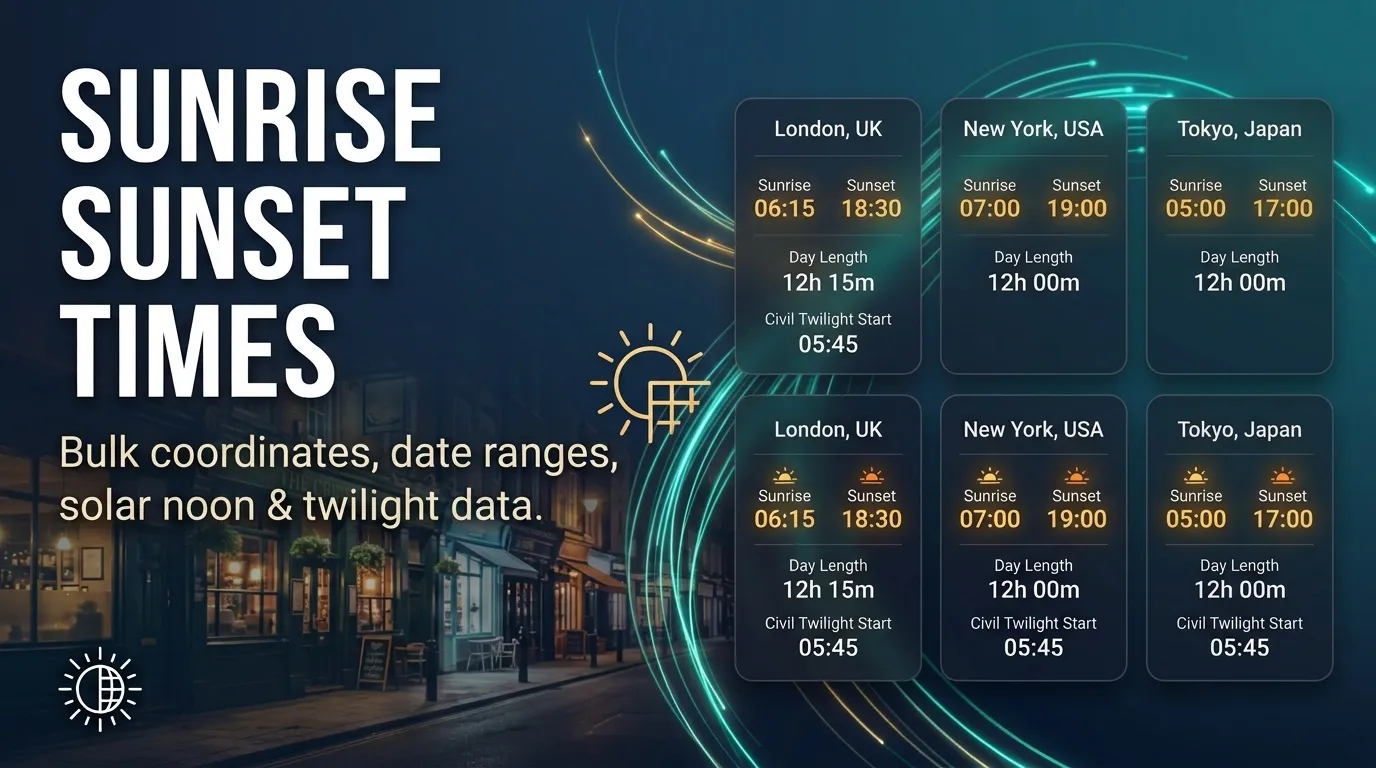
Need to calculate exact daylight hours, twilight phases, and solar noon for multiple coordinates across a specific date range? This actor makes it super simple to pull comprehensive daylight and twilight datasets in bulk without any complex setup. Just feed it a list of coordinates and your date range, and it handles the rest, outputting clean rows ready for export as JSON, CSV, or Excel.
Use Cases
- Travel planning: Double-check sunrise and sunset times for every stop on an upcoming trip before finalizing your itinerary.
- Photo & film shoots: Accurately track civil twilight beginnings and ends across multiple days for outdoor production locations.
- Outdoor events: Quickly check sunset times and day length for venues without having to manually look up dates one by one.
- Field work: Batch coordinate checks so field crews know precisely when nautical twilight starts.
- Regular schedules: Set up a scheduled run to keep a fresh, dated log of daylight metrics over time.
What Data Does This Actor Extract?
Each row in your dataset represents a single location for a specific date, packed with precise solar metrics:
| Field | Meaning |
|---|---|
latitude, longitude, queryDate | The specific coordinates and date requested |
sunrise, sunset, solar_noon | Key daily solar timestamps |
day_length | Total daylight duration in seconds |
civil_twilight_begin, civil_twilight_end | Civil twilight window |
nautical_twilight_begin, nautical_twilight_end | Nautical twilight window |
astronomical_twilight_begin, astronomical_twilight_end | Astronomical twilight window |
tzid | Timezone identifier |
scrapedAt | Timestamp of when the data was captured |
error | Populated only if a specific request encountered an issue |
Input Configuration
Here is an example input configuration to get you started:
Parameter Reference
mode: Currently set to"times"for day length and solar schedules.locations: An array of latitude and longitude coordinate objects you want to query.startDate: Starting date inYYYY-MM-DDformat (or"today").days: Number of consecutive days to check per location (up to 366).maxItems: The maximum number of rows to collect (defaults to 100, capped at 1,000).timeoutSecs: Overall run timeout limit in seconds.requestTimeoutSecs: Timeout limit for individual requests.proxyConfiguration: Optional proxy settings (defaults to no proxy).
How It Runs & Limits
The actor processes requests systematically—one location and date at a time—with a steady pacing to keep things smooth and reliable. If a temporary network glitch or timeout occurs, it automatically retries a few times before logging an error row and moving forward so your entire run doesn't fail over a single bad coordinate.
Duplicate location-date pairs are automatically filtered out, and your resulting datasets can easily be exported to JSON, CSV, or Excel directly from your Apify console.
Frequently Asked Questions
How many rows can a single run save?
The default cap is 100 rows, with a hard maximum of 1,000 rows per run. Each location-date combination counts as one individual row.
What happens if a coordinate or date is invalid?
The actor handles it gracefully by creating an error row containing details about the failure, allowing the rest of your batch to finish running smoothly.
Can I export the results to CSV or Excel?
Yes! Apify datasets support native exports to JSON, CSV, and Excel formats.
Trademark Notice
Sunrise Sunset Times and related names, logos, and trademarks belong to their respective owners. Their use in this documentation is solely to identify the source of the data and does not imply affiliation, sponsorship, endorsement, or partnership.
Disclaimer
Disclaimer: This Actor is an independent tool and is not affiliated with, endorsed by, sponsored by, or otherwise officially associated with Sunrise Sunset Times or its owners. All data is collected from publicly available sources. Users are responsible for complying with the source's terms of use, rate limits, and attribution or licensing requirements.
Is web scraping legal?
This Actor only collects publicly available data from Sunrise Sunset Times, mostly through its public API or feed, without logging in or bypassing any access controls. Scraping public data is generally legal, but how you use it matters:
- Personal data: If the results include personal data (for example names, emails, or profile details), laws such as the GDPR in the EU and the CCPA in California may apply. Only collect and store personal data when you have a legitimate reason.
- Copyright: Some content (articles, images, descriptions) may be protected by copyright. Do not republish full copyrighted content without permission.
- Terms of use: Respect the source's terms, stated rate limits, and any attribution or non-commercial-use requirements listed in the Limits and terms section above.
- Legal advice: This is general information, not legal advice. If you're unsure, consult a lawyer.
To learn more, read Apify's guide: Is web scraping legal?


