

LinkedIn Company Posts Scraper
Pricing
from $2.50 / 1,000 results
LinkedIn Company Posts Scraper
Extract the recent posts of public LinkedIn company pages without logging in: post text, publish date, reactions, comments, images, video, article links, reposts with their original author, and the company's name, logo and follower count on every post.
Pricing
from $2.50 / 1,000 results
Rating
5.0
(1)
Developer

Goldmine
Maintained by CommunityActor stats
0
Bookmarked
10
Total users
6
Monthly active users
23 days ago
Last modified
Categories
Share
🏢 LinkedIn Company Posts Scraper — Scrape LinkedIn Company Posts Without Logging In
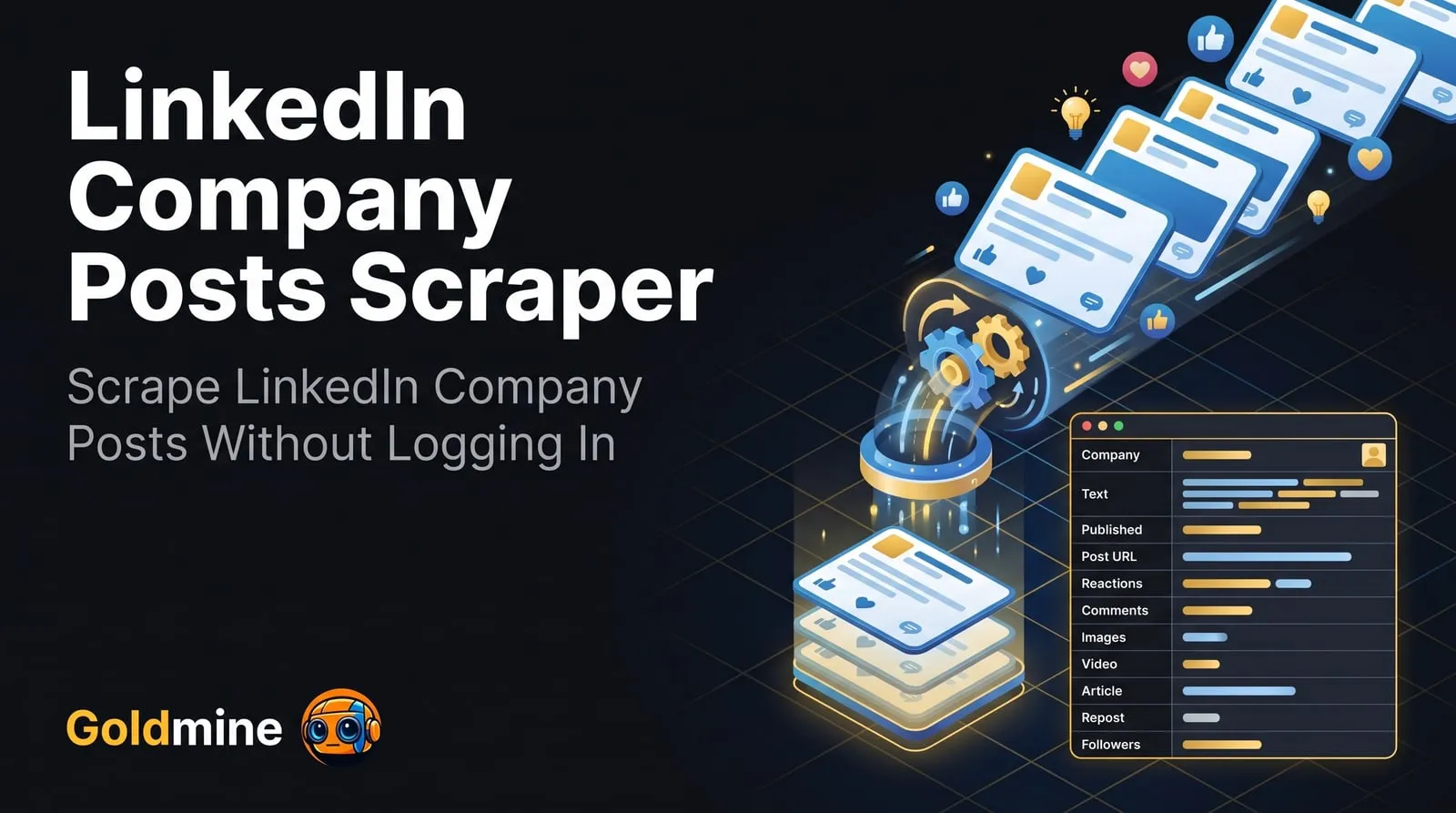
This LinkedIn company posts scraper turns the public page of any company on LinkedIn into structured data. Give it company page URLs or company names and it returns the company's recent LinkedIn company posts, newest first, each with its full text and hashtags, publish date, reaction and comment counts, images, video, link previews, reposts with their original author, and the company's name, logo and follower count. Teams use it to monitor what competitors announce, track which posts earn engagement, collect employer-branding content, and feed company news into CRMs and AI pipelines.
Paste as many companies as you like, choose how many posts you want from each and how far back to go, and get one dataset item per post, ready to export to JSON, CSV or Excel. No LinkedIn account, cookies or API key is needed.
🚀 Key Features
- 🔎 Company URLs or names —
microsoft,https://www.linkedin.com/company/microsoft/, its/posts/tab, country versions such asde.linkedin.com, and showcase pages - 🧾 Post data — full text, hashtags, publish date (exact to the second), the relative age LinkedIn shows, and an edited flag
- 📈 Engagement on every post — reaction count and comment count
- 🖼️ Attachments — image URLs, video file and thumbnail URLs, documents and carousels (title, page count, preview pages), link previews (URL, title, source site) and LinkedIn Live events
- 🔁 Reposts — flagged, with the original author, and the quoted post's text and media when the company added its own comment
- 🏷️ Company details on every post — name, page URL, slug, company id, logo and follower count
- 📑 Newest first, per company —
maxItemslimits posts per company, anduntilDatestops at posts older than a date - 🛡️ No login — reads only what LinkedIn shows logged-out visitors; each company gets its own proxy session and blocked requests are retried from a new one
- 📤 Multiple export formats — JSON, CSV, Excel, XML via the Apify dataset
- 🔁 Schedulable runs — run it daily with
untilDateto collect each new post as it is published
👥 Who Is This Actor For?
- 🕵️ Competitive and market analysts — tracking product launches, hiring pushes and announcements across a list of companies
- 📣 Marketing and social media teams — benchmarking which company posts earn reactions and comments, and how often competitors post
- 💼 Sales and account teams — watching target accounts for news that opens a conversation
- 🧑💼 Recruiters and employer-branding teams — collecting how companies present their culture and open roles
- 🧠 Researchers and journalists — building datasets of corporate communication over time
- 🤖 AI builders — feeding company posts into summaries, alerts, sentiment analysis or a RAG index
💡 Common Use Cases
- Scrape LinkedIn company posts from a list of competitors every morning
- Export a company's last 50 LinkedIn posts with reactions and comments to a spreadsheet
- Get new posts since a date for 100 target accounts and push them to a CRM
- Compare posting frequency and engagement across companies in one industry
- Collect the images, videos and article links companies share
🔗 Supported URL Types
| URL Type | Example |
|---|---|
| Company page | https://www.linkedin.com/company/microsoft/ |
| Posts tab | https://www.linkedin.com/company/microsoft/posts/?feedView=all |
| Country or mobile domain | https://de.linkedin.com/company/siemens/about/ |
| Company name from the URL | openai |
| Showcase page | https://www.linkedin.com/showcase/microsoft-cloud-platform/ |
📥 Input
| Field | Type | Description | Default |
|---|---|---|---|
startUrls | Array | LinkedIn company pages whose posts to scrape: a company page URL, its posts tab, the name from the URL (such as microsoft), or a showcase page. One entry per company. | Required |
maxItems | Integer | Maximum number of posts to extract per company (start URL), newest first. LinkedIn shows logged-out visitors about the latest 70 posts of a company. | 10 |
untilDate | String | Skip posts older than this date (YYYY-MM-DD) and stop scraping a company once its posts are older. Leave empty to scrape until maxItems is reached. | — |
proxyConfiguration | Object | Proxy settings. Apify datacenter proxies are used by default; switch to residential proxies if companies come back blocked. | { "useApifyProxy": true } |
Example Input
📤 Output
Each dataset item is one post:
| Field | Type | Description |
|---|---|---|
postId | String | The post's activity id |
postUrn | String | The post's URN, e.g. urn:li:activity:7508925724787941376 |
shareUrn | String | URN of the shared content behind the post (urn:li:ugcPost:… or urn:li:share:…) |
postUrl | String | Link to the post |
text | String | Full text of the post, with its line breaks, or null when it has none |
hashtags | Array | Hashtags in the text, without # |
publishedAt | String | Publish time (ISO 8601, UTC). For a repost without a comment, the time the original was published |
timeAgo | String | The relative age LinkedIn shows, e.g. 5d, 2w, 3mo |
isEdited | Boolean | Whether LinkedIn marks the post as edited |
reactionCount | Number | Reactions (likes and other reactions) |
commentCount | Number | Comments |
mediaType | String | image, video, article, live, document, text, or repost for a repost with no comment of its own |
images | Array | Image URLs shown on the post |
imageCount | Number | Number of images in the post, including ones LinkedIn hides behind a +N tile |
videoUrl | String | Video file URL (highest quality offered), or null |
videoThumbnailUrl | String | Video thumbnail URL, or null |
article | Object | Link preview: url, title, source and imageUrl, or null |
document | Object | Shared document or carousel: title, pageCount and previewImageUrls (the first pages LinkedIn previews), or null |
liveEvent | Object | LinkedIn Live or event: url, title and imageUrl, or null |
authorName | String | Who wrote the post shown: the company, or for a repost without a comment the original author |
authorUrl | String | LinkedIn URL of that author |
authorType | String | company or person |
isRepost | Boolean | Whether the company shared someone else's post, with or without its own comment |
repostedAt | String | For a repost without a comment, when the company reposted it; otherwise null |
originalAuthorName | String | For a repost, the name of the original post's author |
originalAuthorUrl | String | For a repost, the LinkedIn URL of the original author |
originalPost | Object | For a post that quotes another one: the quoted post's postId, postUrn, postUrl, publishedAt, timeAgo, author, text, hashtags, mediaType, images, videoUrl, article and document |
companyName | String | Name of the company |
companySlug | String | The company's name in its LinkedIn URL |
companyId | String | LinkedIn's numeric id for the company |
companyUrl | String | The company's LinkedIn page |
companyLogoUrl | String | The company's logo |
companyFollowers | Number | The company's follower count |
inputUrl | String | The start URL or company name this post was found from |
Image and video URLs are signed by LinkedIn, so download the files you need soon after the run.
Example Output
A real item from a run on https://www.linkedin.com/company/microsoft/posts/?feedView=all, with the image list shortened to one of its three URLs:
You can export the dataset as JSON, CSV, Excel, XML, RSS, or HTML from the Apify Console or via the Apify API.
💰 Pricing
This Actor is pay per event (you pay per result): each post saved costs $0.00349 on the free plan, so 1,000 posts cost $3.49, falling to $0.0025 per post ($2.50 per 1,000) on Gold and higher Apify plans. Each run also has a $0.00005 start fee per GB of memory. Companies that are not found or have no public posts produce no items, so they cost nothing. A free Apify account is enough to try it.
❓ FAQ
What is the LinkedIn Company Posts Scraper?
It is a LinkedIn company posts scraper that takes company page URLs or names and returns each company's recent posts as structured data, with engagement counts, attachments and the company's details on every post. You can run it from the Apify Console, the API, or on a schedule.
Do I need a LinkedIn account, cookies or an API key?
No. The Actor reads only what LinkedIn shows to visitors who are not logged in, so your own account is never involved.
How many posts can I get per company?
Up to maxItems per company, newest first. LinkedIn shows logged-out visitors about the latest 70 posts of a company: in our tests, large companies such as McKinsey & Company, OpenAI and Ethiopian Airlines returned 67 to 70 posts each, and smaller companies returned every post LinkedIn showed (25 for ScrapingBee, 6 for a small agency). Posts older than that cannot be reached without logging in.
Do I need a proxy?
The default uses Apify datacenter proxies, and each company gets its own proxy session. LinkedIn limits how many pages one visitor can open in a row, so a blocked request is retried from a new session. If many companies come back blocked, switch the proxy setting to residential proxies.
Does it handle pagination automatically?
Yes. It keeps loading older posts until it reaches maxItems, the untilDate, or the last post LinkedIn shows logged-out visitors.
Why does a company return no posts?
Some companies have never posted, and a few large pages show logged-out visitors no posts at all. The run status names how many companies had no public posts and how many were not found, so a misspelled company name is easy to spot.
Does it return repost counts or the comments themselves?
No. LinkedIn does not show repost counts to logged-out visitors, and this Actor returns the comment count, not the comments. For the comments on a post, use the LinkedIn Post Scraper from the suite below.
How are reposts handled?
When a company reposts someone else's post without a comment, isRepost is true, the text, media and author are the original post's, and repostedAt says when the company reposted it. When the company adds its own comment, text is the company's comment and originalPost holds the post it quoted. In both cases originalAuthorName names the original author.
Can I schedule it or integrate it with my app?
Yes. Every Apify Actor exposes a REST API, webhooks, and integrations with Zapier, Make, Google Sheets and Slack, and can be called from an AI agent via the Apify MCP server.
Is it legal to scrape LinkedIn?
This Actor accesses only publicly available pages. You are responsible for making sure your use complies with LinkedIn's terms of service and the laws in your jurisdiction.
What if LinkedIn changes and the Actor breaks?
Open an issue on the Actor's Issues tab with a company URL that fails, so the problem can be reproduced.
🧩 Part of the LinkedIn Scraper Suite
Posts, profiles, companies, jobs and ads from LinkedIn. Also try:
- LinkedIn Company Scraper — company pages: about, size, headquarters, followers
- LinkedIn Company Scraper Bulk (No Cookies) — company profiles in bulk without logging in
- LinkedIn Post Scraper — single posts by URL with engagement, author and comments
- LinkedIn Jobs Scraper — job postings with title, company, location and description
- LinkedIn Ads Scraper — ads from the LinkedIn Ad Library by keyword or advertiser
- LinkedIn Profile Scraper No Cookies — public profiles without logging in
- LinkedIn Company Details Scraper — detailed company data such as industry, size, headquarters, phone and employee count, with your own login cookies
- LinkedIn People Search Scraper — people search results as leads
See every Goldmine Actor at apify.com/logical_scrapers.
📬 Contact & Support
- Issues & feature requests: use the Issues tab on this Actor's page. Include a company URL that fails so it can be reproduced.
- Email:
coredev.dan@gmail.com - If this Actor saved you time, please leave a ⭐ rating on the Apify Store. It helps us keep it maintained.
![LinkedIn Company Posts Scraper - Bulk Export [NO LOGIN] ✅ avatar](https://images.apifyusercontent.com/SSzP5Ji3xrwlQ6Ax8KFs7dJJuEKYu6i7sw7vn0YJ-Bs/rs:fill:76:76/cb:1/aHR0cHM6Ly9hcGlmeS1pbWFnZS11cGxvYWRzLXByb2QuczMudXMtZWFzdC0xLmFtYXpvbmF3cy5jb20vc0NDU2R3bm1LTUoxUTJzVG4tYWN0b3ItdVI0QmpoODNqcFNjZTRKNWQtMW9wMU1ucmI2TS1TcGFyc2VfaW5zdHJ1bWVudGF0aW9uX19kaXJlY3RfbHlyaWNzX191cmJhbl9yZWFsaXNtX195b3V0aGZ1bF9y.webp)


