
Kaggle Dataset Discovery – License, Size & Version Changes
Pricing
from $1.20 / 1,000 saved observations
Kaggle Dataset Discovery – License, Size & Version Changes
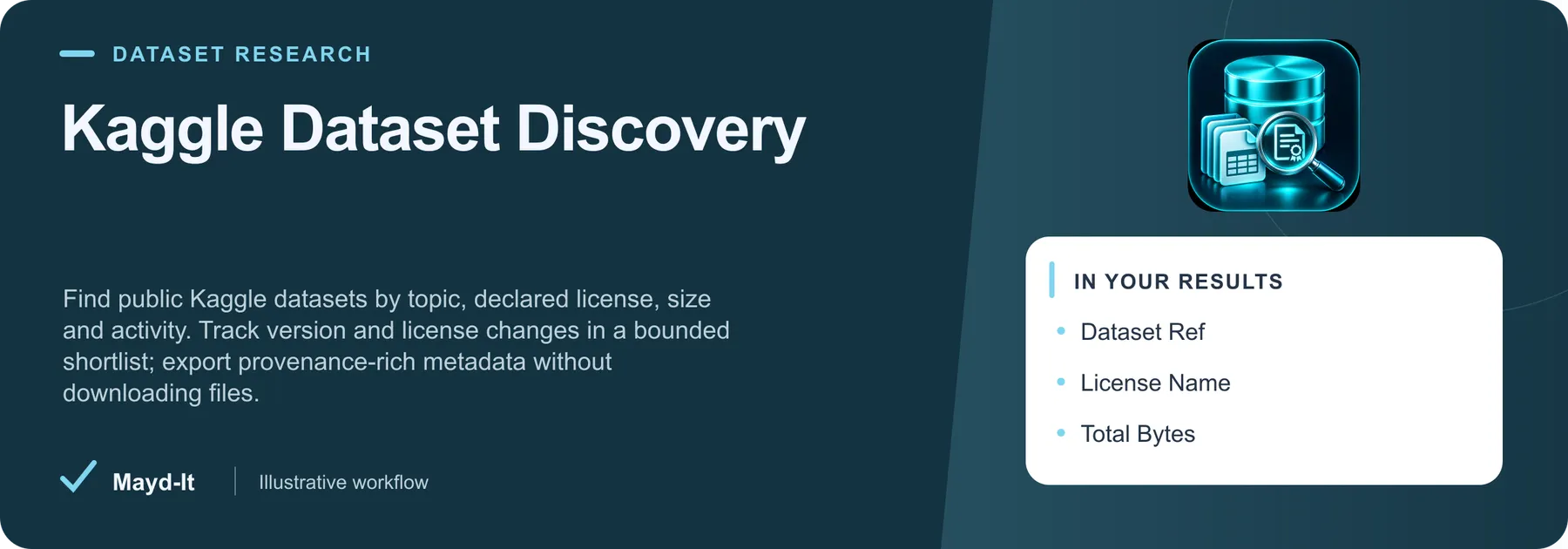
Find public Kaggle datasets by topic, declared license, size and activity. Track version and license changes in a bounded shortlist; export provenance-rich metadata without downloading files.
Pricing
from $1.20 / 1,000 saved observations
Rating
0.0
(0)
Developer

Brandt May
Maintained by CommunityActor stats
0
Bookmarked
2
Total users
1
Monthly active users
4 days ago
Last modified
Categories
Features
Share
Kaggle Dataset Discovery — License, Size & Version Changes
Build a reviewable shortlist before downloading a dataset. Search public Kaggle metadata, filter by declared license text and published size, and record versions and license changes for later review.
Start in one minute
Paste this small input into Apify, run it, then open Dataset and SUMMARY. No Kaggle login or API key is required for these public metadata requests.
The default selects the first three matching entries from one source page. Export JSON to keep nested previous values, or CSV for flat review columns. Search rankings can change between runs.
What you get
Each saved observation includes datasetRef, title, licenseName, totalBytes, currentVersion, sourceUpdatedAt, downloadCount, voteCount, usabilityRating, sourceUrl and observedAt. Missing source values remain null. Every row sets licenseReviewRequired: true.
A declared license label is not permission to use a dataset commercially. Review the original license, provenance and applicable restrictions before downloading or using the data. Popularity is not evidence of data quality, ownership or lawful reuse.
Useful inputs
| Option | Use |
|---|---|
query | A literal topic phrase, up to 120 characters. |
sortBy | Source order: votes, hottest, updated, active or published. |
licenseIncludes | Case-insensitive literal text within the source's declared license. Empty disables it. |
maxTotalBytes | Exclude unknown or larger sizes; 0 disables the filter. |
minDownloads | A minimum activity count, not a quality score. |
maxPages | One to three bounded metadata pages. |
maxResults | First matching records, up to 50. Default three. |
comparePrevious | Save and compare observations within the same search scope. |
onlyChanges | Emit only new or changed observations; implies history. |
snapshotName | Separate named history; run each scope sequentially. |
For compact computer-vision candidates:
For repeat license/version review:
Run again with the same scope and onlyChanges: true to keep changed observations. comparisonStatus, changedFields, previousObservedAt, versionChanged, licenseChanged and previous explain the comparison. A dataset missing from a bounded search window is never called removed.
Combine with other Actors
- Hugging Face Dataset Discovery: compare a separately selected AI dataset catalog alongside these results. Set the Hugging Face Actor’s
queriesto an array containing this Actor’squery, keep source-specific identifiers, and manually review licenses. A KaggledatasetRefis not a Hugging Face repository ID. - Website Content Change Monitor: after reviewing a dataset, supply its public documentation URL as an item in that Actor's
startUrls. Monitor only pages it can access; this tool does not download datasets or bypass logins.
Coverage and failure behavior
This Actor reads the official public Kaggle listing API. It does not download files, read private datasets, train models, validate dataset contents or enumerate the complete catalog. sourceUniverseComplete is always false. selectionComplete describes only the requested bounded window. Empty matches are valid and distinct from a failed source.
Authentication challenges and rate limits stop work without bypass. A repeated page, malformed source record, exhausted time budget, source error or billing cap produces explicit incomplete coverage in SUMMARY. History advances only after a complete selected window and confirmed dataset saves. Concurrent writers are detected before committing; use distinct history names or sequential schedules.
Pricing and automation
Prepared pricing is $2 per 1,000 saved observations, plus $0.00005 per Actor Start event at the base tier. Check the current Apify pricing tab before running. Errors and reports are not dataset rows. maxResults limits result volume; Apify's maximum run charge is a separate spending control.
Use a saved Apify Task with the same input for repeat checks, schedule it, and read SUMMARY before using the dataset downstream. Integrations and webhooks can route successful results into a review sheet or data catalog. Keep history tasks private and use separate history names for separate workflows.
Support and source
For an issue, share the run ID, non-secret input and expected result through this Actor's Issues tab. Source reference: official Kaggle API. Mayd It LLC is an independent publisher and is not affiliated with Kaggle.


