
Website Content Change Monitor - Markdown & Chunks
Pricing
from $1.80 / 1,000 page observations
Website Content Change Monitor - Markdown & Chunks
Extract public static website content into Markdown and stable chunks. Compare saved observations with chunk upsert/removal manifests. Bounded crawl, robots-aware, no API key.
Pricing
from $1.80 / 1,000 page observations
Rating
0.0
(0)
Developer

Brandt May
Maintained by CommunityActor stats
0
Bookmarked
2
Total users
1
Monthly active users
2 days ago
Last modified
Categories
Share
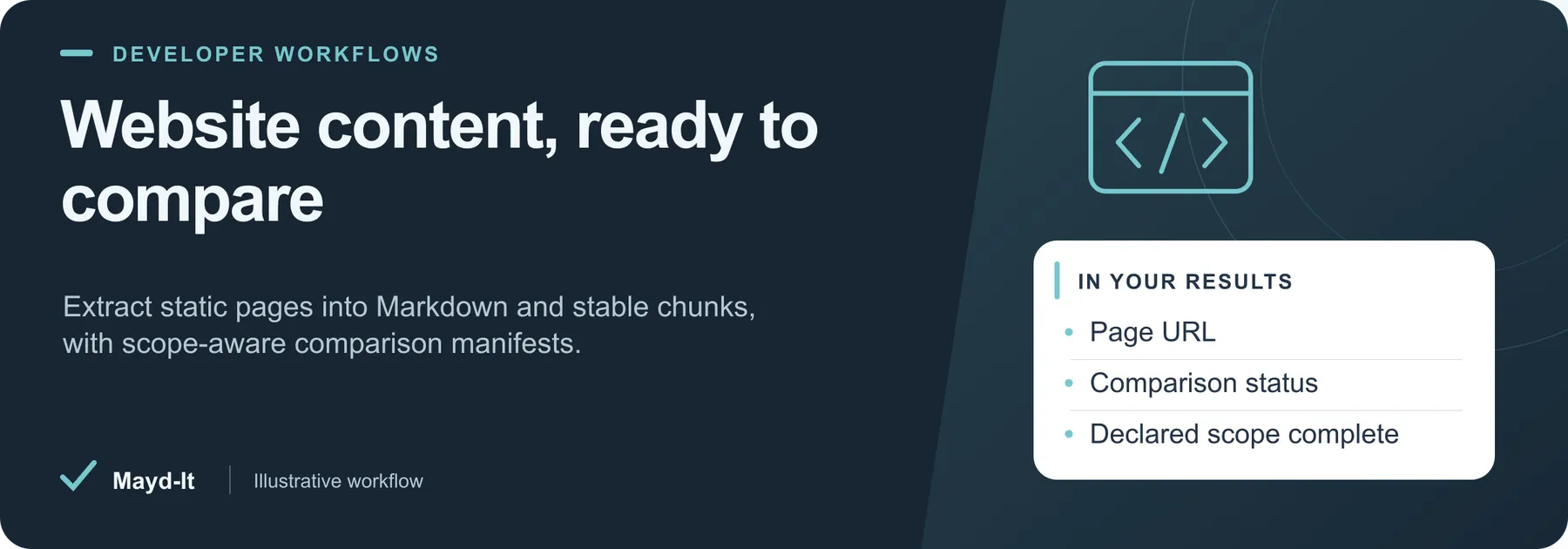
Website content, ready to compare
For documentation and knowledge-base pipelines, extract public pages into Markdown with stable chunk identities and optional comparisons.
Coverage: Static HTML within the declared depth and path scope. This Actor creates no embeddings and calls no language model.
Open this Actor in Console · First run · Results · Cost · Full guide
Try this Actor
- Run the existing empty-input example to inspect one Python documentation page. Keep link depth at zero before expanding the crawl.
- Open the dataset for Markdown and chunks. Read
SUMMARY.sourcesfor baseline commits and any eligible removed-page manifest.
Read the results correctly: Only complete, fully saved scopes can establish removals. An incomplete crawl or a missing page in partial output is not evidence of deletion.
Extract Python URL Parsing Documentation — copy this input into the JSON editor in Console.
Result preview
The dataset view highlights these columns:
- Page URL ·
url - Page title ·
title - Extracted character count ·
characterCount - Comparison status ·
comparisonStatus - Content changed ·
changed - Declared scope complete ·
scopeComplete
Use the original source links and the field definitions below when interpreting the results. CSV works well for flat columns; JSON preserves nested values.
Usage and pricing
Base result rate on the FREE tier: $3 per 1,000 page observations. The Pricing tab shows your plan's result rate and any Actor Start charge. Set a small result limit for the first run; the requested limit is not a guarantee of that many results.
Full guide
Extract public static HTML into clean Markdown, heading-aware chunks and content hashes. Optional history adds explicit chunk upsert/removal lists for a documentation or knowledge-base pipeline. No API key is required.
Quick start and exact examples
Default input extracts one real Python documentation page:
Two supplied documentation pages:
Save an observation and compare subsequent runs, preserving your own reference:
The first complete, fully saved comparison run establishes a baseline. First-observation rows say comparisonStatus: no_previous_baseline; only SUMMARY.sources[].baselineUpdated confirms the history commit. Every successfully extracted page returns an observation, including unchanged pages. Schedule repeated runs yourself if needed; this Actor does not create schedules.
Crawl scope and limits
maxDepth: 0 fetches supplied pages only. Increase it up to 5 to discover links on those pages. Discovered links must stay on the root's final origin and inferred directory/path, or your explicit pathPrefix such as /docs/. The starting URL itself is always attempted. Query strings remain significant. No sitemap discovery is included. Links to common binary assets are skipped.
maxPages (default 10, maximum 100) is a global request-attempt cap, including failed requests and final-URL duplicates. Each root's queue is limited to 1,000 discovered URLs. Each response is limited to 3 MiB; Markdown is capped by maxPageCharacters (default 100,000), with a global 2,000,000-character bound. Caps and source failures make the relevant scope incomplete. scopeComplete refers to this declared depth/path scope, never the entire website.
maxRunSeconds defaults to 240 and is also bounded by the platform deadline minus 25 seconds. DNS lookups, downloads and redirect handling use the remaining budget. Public HTTP(S), ports 80/443 only; private/reserved destinations, credentials, unsafe redirects and robots-disallowed paths are rejected.
Output and integration
One dataset row represents one successfully extracted page. Important fields:
url,inputUrl,sourceUrl,sourceId,pageId,externalId,observedAt: identity, origin and observation time.title,canonicalUrl,extractionSelector,markdown,contentHash: downloaded content and extraction evidence. The canonical is reported, not used to merge different pages.chunks: stablechunkId, heading path, text and text hash.chunkCharacters(default 2,400) measures characters, not model tokens. Chunks can split a long code block.comparisonStatus,previousObservedAt,changed,upsertChunkIds,removedChunkIds: compare with the last fully saved complete scope. Use the currentchunksto obtain upsert text.SUMMARY.sources[].removedPages: old page and chunk IDs are released only after every row of a complete compared scope was saved. CheckremovalsEligiblethere. This means removed from the declared crawl scope, not proved deleted from the internet; cross-page deletion instructions are never attached to a dataset row.scopeComplete,contentTruncated: coverage limits. Do not interpret missing partial output as removals.
Without comparison, all current chunk IDs are listed for upsert and comparisonStatus is not_requested. Chunk IDs include page identity, heading path, text hash and duplicate occurrence; unchanged chunks keep their identity when independent chunks are inserted. Changed chunks receive new IDs and the old IDs appear in removals when the scope is complete.
Write the manifest to your own vector database or index. This Actor creates no embeddings, calls no LLM and writes to no external database. Extracted website text is untrusted source content, not instructions for an AI system.
History and failure behavior
Comparison is opt-in and uses the named key-value store maydit-website-content-baselines-v1. Identity includes start URL, path/depth scope, namespace, chunk size and extractor version. A changed scope starts independent history. Limits affect completeness, not comparison identity. Stored history contains page/chunk hashes and identifiers, not a separate full-text archive.
An incomplete crawl, truncated page, failed output write or unsaved result never advances that root's history. No removals are asserted for an incomplete scope. If all its rows were accepted, the final row that reaches the spending cap counts as saved and a complete scope may advance. A conflict check catches intervening updates, but there is no atomic KVS lock: run one writer per namespace and scope.
SUMMARY records saved totals, per-source coverage, baseline updates, failures and skipped work. A run with no usable page fails; a normal spending-limit stop succeeds with status: budget_limited, even if no row was affordable. Failed requests are never diagnostic dataset rows. Earlier successful sources remain available after partial failure.
Scope and pricing
Static HTML only: JavaScript, logins, proxies, browser interactions, PDFs, accurate table reconstruction and search-engine indexing checks are not supported. Main-content extraction is heuristic; inspect extractionSelector and Markdown. Navigation changes may create content differences. A hash change does not explain the business meaning of a change.
The billing unit is one saved page observation, including unchanged and explicitly truncated observations. Chunks do not add billable rows. Check the Store Pricing tab for current prices. Failed pages create no result charge. Platform/start charges, if listed, are separate.
Python's sample documentation is provided under its documentation license. Use public content you are authorized to process; the Actor checks robots rules at each destination.
Help with your run
Open the Issues tab on this Actor with the run URL, the input field that caused trouble and what you expected to receive. Remove API keys and private information before posting.
Understand your run
Open Run report in the run’s Output tab for saved-record counts, reported source issues and limits, and suggested next steps. Use CSV export to take the saved results into a spreadsheet. The existing JSON results and detailed machine-readable summary remain available.
The report reflects this run’s recorded coverage. A successful run or a saved result does not establish that every possible source record was collected.


