
Zenodo Dataset Monitor - Research Releases & Downloads
Pricing
from $0.60 / 1,000 saved observations
Zenodo Dataset Monitor - Research Releases & Downloads
Search Zenodo datasets and monitor releases, metadata and source-reported downloads. Compare saved repository records with source links. Does not download dataset files.
Pricing
from $0.60 / 1,000 saved observations
Rating
0.0
(0)
Developer
Brandt May
Maintained by CommunityActor stats
0
Bookmarked
2
Total users
1
Monthly active users
6 days ago
Last modified
Categories
Features
Share
Zenodo Dataset Monitor - Research Releases & Downloads
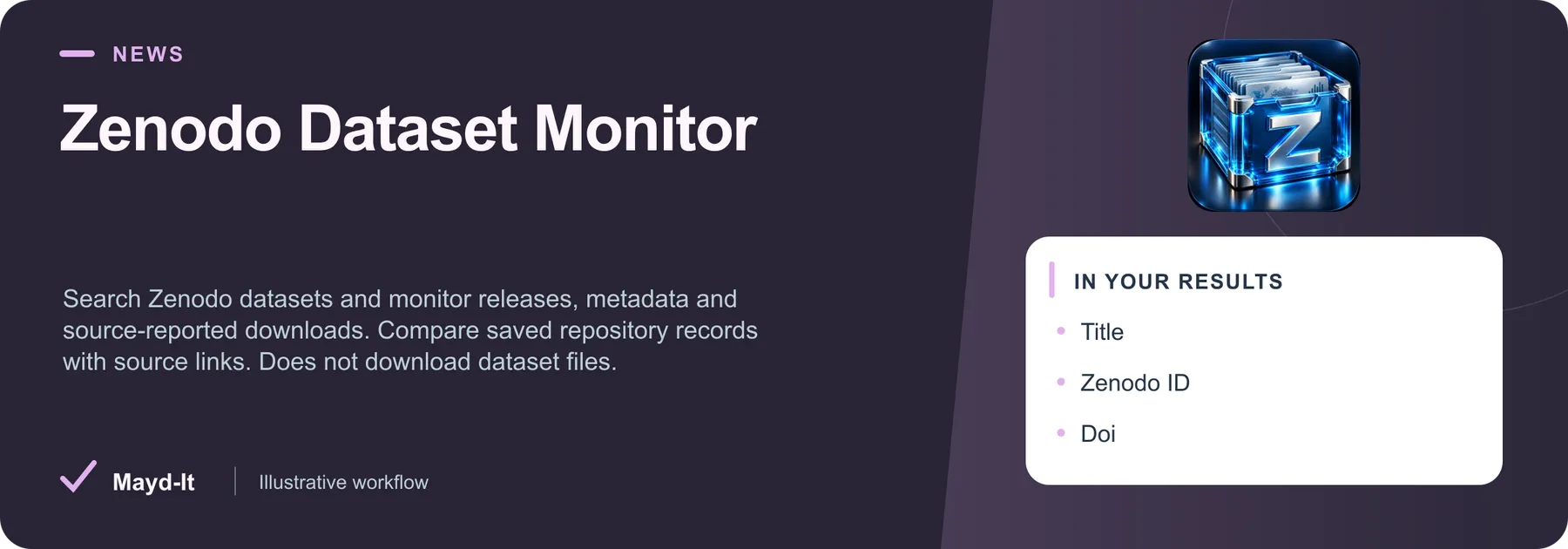
Search Zenodo datasets and monitor releases, metadata and source-reported downloads. Compare saved repository records with source links. Does not download dataset files.
Open in Apify Console · First run · Output · Pairings · Price
First run and source setup
- Review the source targets and filters before starting. Apify account authorization is required to run the Actor.
- Open the JSON input editor and start with the bounded configuration below. Review dates and targets for your intended use.
- Review the current Pricing tab and set a maximum run charge and timeout in Run options. A result limit does not set a spending limit or promise that many rows.
- After completion, inspect the dataset and the run's diagnostics/Storage records described in the full guide. A successful process alone does not establish complete source coverage.
Historical evidence for this exact input was recorded 2026-10-18 UTC on build ID CPVw2tLc9fYBgnxJC. It is not a fresh source-availability test.
Output worth checking
The published default dataset view includes these fields. Missing values and source-specific coverage are explained in the full guide.
- title ·
title - zenodo Id ·
zenodoId - doi ·
doi - creators ·
creators - published At ·
publishedAt - version ·
version
Keep original source links and observation dates when interpreting records. JSON preserves nested values; CSV is useful for flat columns.
Use this with other Mayd It Actors
These are separate tools for a reviewed workflow. Each run uses its own input, authorization and pricing; this guide does not configure automatic execution.
Hugging Face Dataset Monitor - Discovery & License Tags
Find Hugging Face datasets and monitor revisions, license tags, gating, downloads and likes. Compare saved metadata for training-data research. No dataset downloads. Keep this Hugging Face Dataset Monitor evidence alongside the original source in a reviewed research discovery workflow.
Parallel research context: Choose the corresponding source target in this second Actor’s own input form; no automatic field transfer is configured. Keep both original source URLs and observation dates in your review sheet; reconcile identities manually.
Keep the distinction: Publication records, preprints and datasets are distinct objects. Match persistent identifiers and versions when available; topical similarity is not evidence that two records describe the same work.
Google Patent Documents - Claims, Assignees & Changes
Extract known Google Patents documents: numbered claims, abstracts, inventors, assignees, dates, CPC codes and source links. Compare saved observations. Publication IDs only, no keyword search. Keep this Google Patent Documents evidence alongside the original source in a reviewed research discovery workflow.
Parallel research context: Choose the corresponding source target in this second Actor’s own input form; no automatic field transfer is configured. Keep both original source URLs and observation dates in your review sheet; reconcile identities manually.
Keep the distinction: Publication records, preprints and datasets are distinct objects. Match persistent identifiers and versions when available; topical similarity is not evidence that two records describe the same work.
Price and run limits
At the captured FREE-tier rate (2026-11-16 UTC), $0.001 per saved observation. Actor Start is $0.00005 per event; the number of startup events depends on memory. Plan rates and future changes may differ; check the current Pricing tab before starting.
A capped or interrupted run can save useful rows without covering its intended scope. Review the source-specific completeness and comparison rules below before treating missing rows as removals.
Documentation and support
Product guide, source limits and saved output · API and MCP setup · Input schema
Open this Actor's Issues tab with a run URL, the relevant input field and the result you expected. Remove API keys and private information before sharing.
Complete source guide
Zenodo Dataset Monitor - Research Releases & Downloads
Follow dataset releases and source-reported download changes with saved comparisons.
Zenodo Dataset Monitor with saved field comparisons, source URLs and CSV/JSON exports. Simple inputs, bounded results and readable reports. No source API key.
Start in under a minute
- Paste research dataset searches into the first input field, or use the included sample.
- Keep the five-result limit for your first run and choose Start.
- Open Observations, Scope and diagnostics, or the Readable run report in Output. Export CSV or JSON from the dataset.
No source account, API key, paid proxy or extra subscription is required for these public endpoints. Source availability and rate limits still apply.
Who this helps
AI builders and research teams locating reusable datasets.
A real output sample
Captured in a successful bounded Apify run; arrays and long text are shortened for readability. Values are snapshots, not live guarantees.
What you receive
One row per unique confirmed observation. Every row includes a stable recordId, title, source URL and observation time.
| Field | Meaning |
|---|---|
zenodoId | Source-reported zenodo id; missing optional values remain null. |
doi | Source-reported doi; missing optional values remain null. |
creators | Source-reported creators; missing optional values remain null. |
publishedAt | Source-reported published at; missing optional values remain null. |
version | Source-reported version; missing optional values remain null. |
license | Source-reported license; missing optional values remain null. |
downloads | Source-reported downloads; missing optional values remain null. |
comparisonStatus | not_requested, new, changed or unchanged |
changedFields | Fields different from your last saved observation |
previous | Previous saved source values when comparison is enabled |
Saved comparisons
Enable Compare with saved observations, choose a snapshot name, and reuse the same input scope. The first run establishes history; it cannot report changes before that point. Enable Save only new or changed observations for later runs if you want a change-only export. An unchanged run can correctly save zero rows.
Only confirmed saved rows advance history. A bounded or failed run never establishes that a missing record was deleted. History is stored in a named key-value store in the running user's account. Use one writer per snapshot: do not overlap runs against the same snapshot. Change the snapshot name when starting a new independent workflow.
Scope and limitations
Public Zenodo dataset search, one page in source order. Metadata only; no file downloads or private deposits. Check each record license before reuse.
At most ten input values and five hundred saved rows per run. Results requested per query controls a single source page (1–50, default five); there is no pagination. Each input performs one bounded public source request. Requests are paced. Responses are capped at 8 MiB and share the run deadline. No authentication bypass or code execution is performed. HTTP 429 stops further requests. Source failures appear in SUMMARY and the HTML report, never as paid data rows.
Pricing
The configured base price is $0.001 per saved observation, plus $0.00005 per start at the default memory. Five observations cost $0.00505 at that base rate. Applicable plan discounts and the Store pricing panel govern actual charges. Set a maximum charge in Run options. Diagnostics, reports and unchanged skipped rows are not dataset result events.
A practical workflow
AI builders and research teams locating reusable datasets. Follow dataset releases and source-reported download changes with saved comparisons. Start with the included five-result sample, review source links, then save your own scope as an Actor task. Use a named snapshot for repeat runs and keep source metadata with downstream exports.
Make it recurring
Save an Actor task with your inputs, then attach an Apify Schedule. For change detection, keep the same snapshot and avoid overlapping runs. Add an integration to deliver results to your own spreadsheet or workflow. No external delivery is enabled automatically.
Frequently asked questions
Why did a repeat run return zero rows? With change-only mode enabled, unchanged records are skipped. Check SUMMARY to distinguish this from empty matches, limits, or an upstream error.
Does a missing record mean it was deleted? No. Searches cover a bounded source window; a record can move outside it. Missing records never become deletion claims.
Can I export or integrate the data? Yes. Use Apify dataset exports for CSV/JSON, or the Actor API and your own integrations. No external message or delivery is enabled by default.
Examples
- Research dataset searches: machine learning — A bounded machine learning observation sample. Review source evidence and export rows or compare them in a later run.
- Research dataset searches: robotics — A bounded robotics observation sample. Review source evidence and export rows or compare them in a later run.
- Research dataset searches: climate — A bounded climate observation sample. Review source evidence and export rows or compare them in a later run.
Source and support
Official source documentation. This independent Mayd IT tool is not affiliated with the source platform. Open an Actor issue with the run ID and expected result, or contact bmay@mayd-it.com. Never include credentials.


