

Vendor Incident Monitor - Public Outage Feeds
Pricing
from $1.20 / 1,000 incident observations
Vendor Incident Monitor - Public Outage Feeds
Track official Apify, Reddit and Cloudflare incident feeds. Publisher updates, source dates and links, keyword filters and saved changes. Recent feed windows; no key or proxy required.
Pricing
from $1.20 / 1,000 incident observations
Rating
0.0
(0)
Developer

Brandt May
Maintained by CommunityActor stats
0
Bookmarked
2
Total users
1
Monthly active users
2 days ago
Last modified
Categories
Share
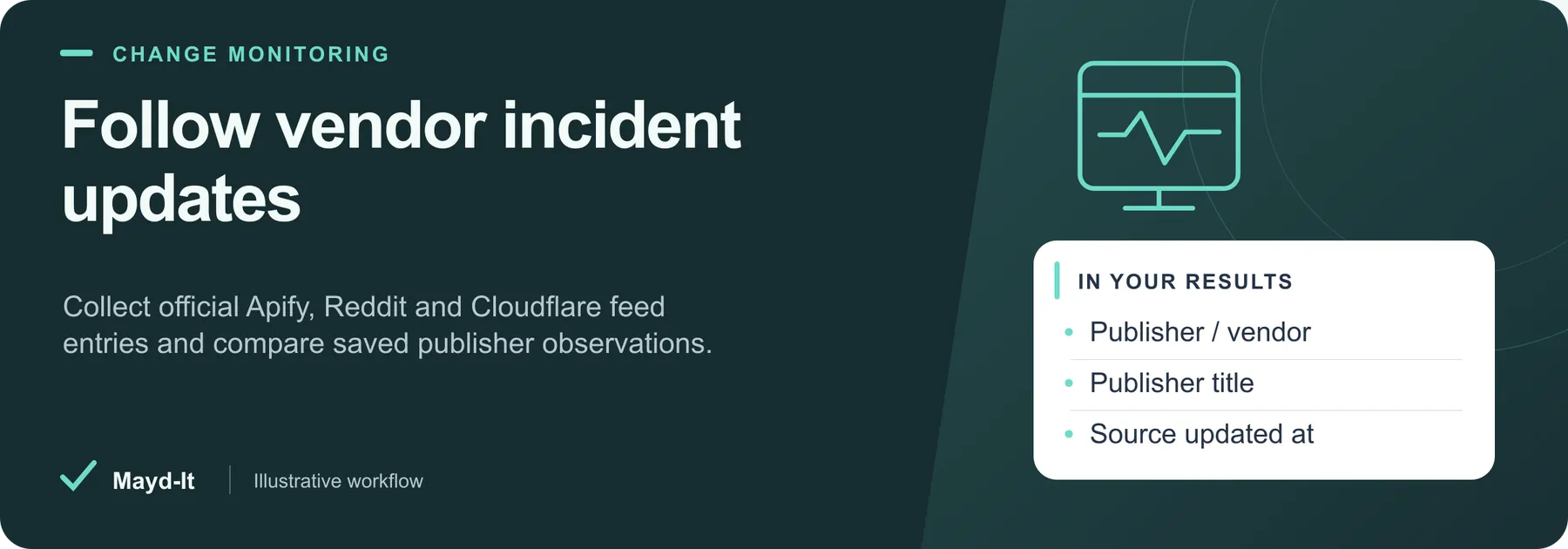
Follow vendor incident updates
For vendor watchlists and operational reporting, collect publisher-written incident updates and optionally compare later observations.
Coverage: The current official Atom feeds for Apify, Reddit and Cloudflare. Feed windows include scheduled maintenance and are not full archives.
Open this Actor in Console · First run · Results · Cost · Full guide
Try this Actor
- Use the existing Apify and Reddit watchlist example below: up to five selected entries per feed and ten saved observations.
- Review the dataset's source text and timestamps, then inspect the key-value store's
SUMMARYfor feed limits, failures and history updates.
Read the results correctly: Publisher dates can describe future maintenance. This Actor does not measure uptime, infer current health or send notifications, and missing entries do not prove resolution.
Monitor Apify and Reddit Incident Feeds — copy this input into the JSON editor in Console.
Result preview
The dataset view highlights these columns:
- Publisher / vendor ·
vendorName - Canonical incident ID ·
incidentId - Publisher title ·
title - Published update label ·
latestUpdateLabel - Published source date ·
sourcePublishedAt - Source updated at ·
sourceUpdatedAt
Use the original source links and the field definitions below when interpreting the results. CSV works well for flat columns; JSON preserves nested values.
Usage and pricing
Base result rate on the FREE tier: $2 per 1,000 incident observations. The Pricing tab shows your plan's result rate and any Actor Start charge. Set a small result limit for the first run; the requested limit is not a guarantee of that many results.
Full guide
Collect official incident-feed observations from Apify, Reddit and Cloudflare for vendor watchlists, agency reporting and recurring incident-update workflows. The Actor reads the publishers' public Atom feeds without an API key, login or proxy. It preserves source text and timestamps and can compare new observations with saved history.
Start with a small watchlist
Run with {} to collect up to ten entries each from Apify and Reddit. The feeds are processed in the requested vendor order, and entries retain publisher order. The Actor supports the three listed vendors; arbitrary status websites and private pages are not supported.
| Vendor input | Official feed |
|---|---|
apify | Apify incident feed |
reddit | Reddit incident feed |
cloudflare | Cloudflare incident feed |
Output and source meaning
Each saved row contains vendor, vendorName, incidentId from the canonical incident URL, the exact Atom sourceEntryId, title, readable updateText, sourcePublishedAt, sourceUpdatedAt, source/feed URLs and observedAt. latestUpdateLabel is included when the first publisher update paragraph contains a label; it is copied from the markup, not inferred from the prose.
Feed content can include multiple updates for an incident and scheduled maintenance. A publisher's published date can be a future maintenance time and is not guaranteed to be the date the announcement was created. Dates and offsets are preserved. The Actor does not calculate outage duration, estimate severity, certify uptime, infer current service health or guarantee that a publisher reported every disruption. Feed metadata may lag the underlying event.
HTML markup is converted to readable text; scripts and styles are removed. Incident pages and linked resources are not fetched. Empty text, malformed timestamps, duplicate incident IDs and links outside the selected vendor's incident path are treated as unusable source data rather than paid error rows.
Feed windows and filters
maxItemsPerSource chooses the first entries in the publisher's current feed before keyword filtering or history comparison. During validation each feed exposed 25 entries, but publishers control that size and ordering. There is no pagination, archive traversal or claim of full history. A missing entry can simply have fallen outside the window; no deletion or resolution is inferred from absence.
keywords performs case-insensitive substring matching against title and update text; any listed keyword matches. Empty keywords allow all selected entries. It does not search older feed history. maxResults limits confirmed saved rows across sources. SUMMARY distinguishes these selected caps from operational incomplete coverage.
Saved comparisons
Enable comparePrevious and choose a snapshotName. Each incident's title, readable update text, publisher dates and optional update label are watched. The first saved observation is new; repeats are changed or unchanged. Rows expose changedFields, previous and previousObservedAt; without comparison the status is not_requested.
onlyChanges: true implies comparison. The first run still saves baseline observations; an unchanged repeat succeeds with zero rows. Only confirmed saved output advances history. Failed requests, spending-limit rejected rows and unchanged skipped rows preserve previous observations. The result limit cannot advance history past unsaved entries.
History is scoped by vendor and incident ID within a named store. A reread detects known overlapping writes, but storage does not offer atomic compare-and-swap: use the same snapshotName sequentially. A deadline or concurrent change can leave a saved row without its history commit; SUMMARY reports this so repeated output is understandable. Corrupt history is preserved and reported as a failed source.
Inputs
| Input | Default | Range / meaning |
|---|---|---|
vendors | Empty, using Apify + Reddit | apify, reddit, cloudflare |
maxItemsPerSource | 10 | 1–100 entries in current publisher order |
keywords | [] | Up to 20 plain substring filters |
maxResults | 25 | 1–300 saved rows |
comparePrevious, onlyChanges | false | Optional named history |
snapshotName | default | 1–40 letters, digits, underscores or hyphens |
maxRunSeconds | 240 | 30–3600 seconds, also bounded by the platform deadline |
Three exact examples
Apify and Reddit watchlist
Use the copyable first-run input above.
Cloudflare incidents and maintenance
Persistent comparison
Repeat the last input with onlyChanges: true to omit unchanged entries. Use a separate namespace for production monitoring.
Reliability and pricing
Requests are bounded by a shared deadline, public-address validation, robots rules and 3 MiB response/decompression limits. Only fixed official feed endpoints are requested; redirects are rejected. HTTP 429/5xx retries honor Retry-After within the remaining budget. Partial failures and time/spending stops appear in SUMMARY. All-source failures fail the run. Empty feeds, unmatched filters and clean unchanged repeats can legitimately return zero rows with an explanation.
The price is $0.002 per saved incident observation ($2 per 1,000), plus the listed Actor-start event. Repeated unchanged observations cost a result when saved; onlyChanges suppresses them. Failed sources and SUMMARY are not paid dataset rows. This provides structured feed observations and saved comparisons; it does not send notifications itself. Connect scheduling and downstream notifications through your Apify workflow.
Node.js 20.19+; pinned Apify SDK 3.7.2. Run npm ci and npm test for local tests.
Help with your run
Open the Issues tab on this Actor with the run URL, the input field that caused trouble and what you expected to receive. Remove API keys and private information before posting.
Understand your run
Open Run report in the run’s Output tab for saved-record counts, reported source issues and limits, and suggested next steps. Use CSV export to take the saved results into a spreadsheet. The existing JSON results and detailed machine-readable summary remain available.
The report reflects this run’s recorded coverage. A successful run or a saved result does not establish that every possible source record was collected.


