
Website Content Crawler — Markdown for LLM & RAG
Pricing
from $20.00 / 1,000 results
Website Content Crawler — Markdown for LLM & RAG
Deep-crawl websites and extract LLM-ready Markdown with OG tags, JSON-LD, author, dates, token estimates, native RAG chunking, language filtering, content-hash dedup, and per-page error reporting. Enforced timeouts. Zero silent failures.
Pricing
from $20.00 / 1,000 results
Rating
0.0
(0)
Developer

Yuliia Kulakova
Maintained by CommunityActor stats
0
Bookmarked
25
Total users
2
Monthly active users
2 months ago
Last modified
Categories
Share
AI-Ready Web Content Crawler
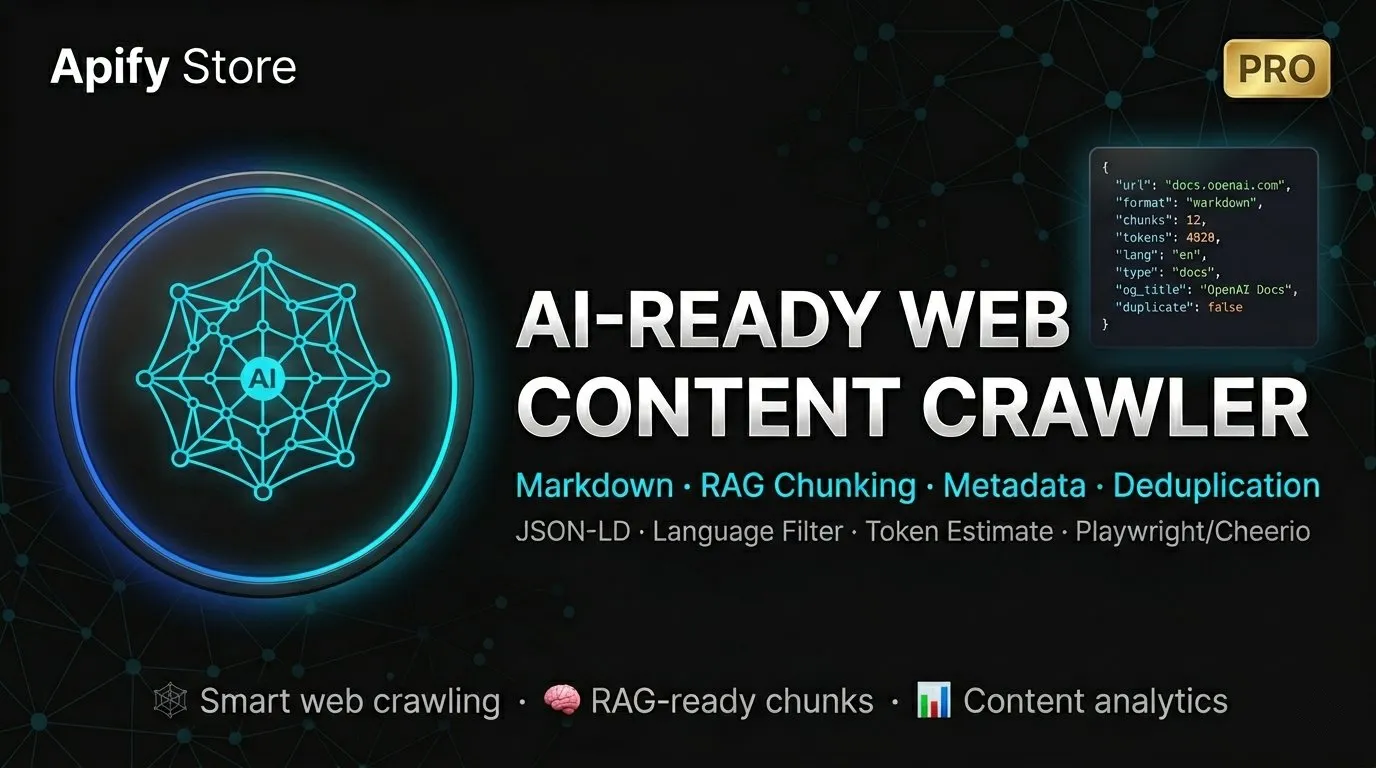
Crawl any website and get clean, structured Markdown ready for your AI pipeline. Built for developers building RAG applications, fine-tuning datasets, and AI-powered content workflows.
What you get
Every page you crawl is returned as a clean, structured record with:
- Clean Markdown — nav, ads, footers, cookie banners automatically removed
- Plain text — stripped version for embeddings and search indexes
- Rich metadata — title, author, publish date, Open Graph, Twitter Card, JSON-LD structured data, language, canonical URL, hreflang
- Token estimate — per-page token count so you know your LLM costs upfront
- Content type — automatically classified as article, documentation, product, or landing page
- RAG-ready chunks — split at semantic boundaries (headings, paragraphs) with configurable overlap
- Link graph — internal links, external links, and PDF links per page
- Crawl analytics — word counts, token totals, language distribution, depth distribution
Quick start
Just paste a URL and click Run. That's it.
The crawler will crawl up to 100 pages at depth 5, extract clean Markdown with full metadata, and return everything as structured JSON.
Use cases
Build a RAG knowledge base
Crawl your documentation site and get chunks ready to embed — no post-processing needed.
Each page comes with a chunks array. Each chunk includes text, position, and token estimate. Feed directly to OpenAI, Pinecone, Weaviate, or any vector database.
Monitor competitor content
Track what your competitors publish, when they update it, and how they structure it.
Get author names, publish dates, content types, and full link graphs for every article.
Scrape a static site fast
Don't need JavaScript rendering? Switch to Cheerio mode for 3-5x faster crawling at lower cost.
Crawl behind authentication
Pass session cookies and crawl pages that require login.
Why this crawler?
Built-in proxy with automatic fallback
Every request goes through a residential proxy. If it gets blocked, the crawler automatically switches to a backup proxy and retries. You don't configure anything — it just works.
Filtered pages don't burn your budget
Language filter, content length filter, and deduplication all run before counting against your page limit. If you set maxCrawlPages: 100 and 30 pages get filtered, you still get 100 real pages.
No silent failures
Other crawlers show "SUCCEEDED" with an empty dataset. This crawler tracks every failed URL with a reason (CAPTCHA, 403, timeout, proxy error) and stores them in the key-value store. You always know what happened.
Graceful timeout handling
Apify hard-kills actors after 1 hour. This crawler monitors the remaining time and stops gracefully 90 seconds before the limit — no partial records, no data loss.
Smart content extraction
Uses Mozilla Readability (the same engine behind Firefox Reader View) to extract article content. Automatically removes navigation, ads, sidebars, cookie banners, and other noise. Falls back to raw HTML extraction when Readability can't parse the page.
Output example
Free analytics with every run
The last record in your dataset is a crawl summary — total words, tokens, pages by language, pages by content type, pages by depth. Use it to estimate LLM costs or monitor content changes over time.
Crawler engines
| Engine | Best for | Speed |
|---|---|---|
| Playwright Chrome (default) | JavaScript-heavy sites, SPAs, bot-protected pages | Standard |
| Playwright Firefox | Sites that block Chrome specifically | Standard |
| Cheerio | Static HTML sites, blogs, documentation | 3-5x faster |
Key features at a glance
| Feature | Details |
|---|---|
| Output format | Markdown + plain text + metadata JSON |
| RAG chunking | Semantic splits with configurable size and overlap |
| Metadata | OG tags, JSON-LD, author, dates, Twitter Card, hreflang |
| Token estimate | Per page and total across the crawl |
| Content type | Auto-classified: article, documentation, product, landing |
| Language filter | Filter by ISO 639-1 codes without wasting page budget |
| Deduplication | URL + canonical + optional content-hash (MD5) |
| Link extraction | Internal, external, and PDF links per page |
| Error tracking | Every failed URL logged with reason in KV store |
| Proxy | Built-in residential with automatic fallback |
| Timeout safety | Graceful stop 90s before Apify hard-kill |
| Cookie banners | Auto-dismissed before extraction |
| Authentication | Cookie injection for logged-in crawling |
Pricing
Pay per page crawled. No monthly fees. No hidden costs.
| What you pay for | Price |
|---|---|
| Page crawled | $0.02 per page |
| Apify platform usage | Standard compute costs |
Crawl 100 pages = $2. Crawl 1,000 pages = $20.
Input reference
| Field | Type | Default | Description |
|---|---|---|---|
startUrls | array | required | One or more seed URLs |
maxCrawlDepth | integer | 5 | Max link depth from seed (0 = seed only) |
maxCrawlPages | integer | 100 | Max pages saved (filtered pages don't count) |
crawlerType | select | playwright:chrome | Rendering engine |
globs | string[] | — | Only crawl matching URL patterns |
excludeGlobs | string[] | — | Skip matching URL patterns |
useSitemaps | boolean | false | Auto-discover URLs from sitemap.xml |
htmlTransformer | select | readability | Content extraction method |
languageFilter | string[] | — | Only save pages in these languages |
contentMinLength | integer | 100 | Skip pages with fewer characters |
deduplicateByContent | boolean | false | Skip duplicate content (MD5 hash) |
chunkContent | boolean | false | Enable RAG chunking |
chunkSize | integer | 2000 | Target chunk size in characters |
chunkOverlap | integer | 200 | Overlap between chunks |
extractMetadata | boolean | true | Extract rich metadata |
extractLinks | boolean | false | Extract page links |
saveMarkdown | boolean | true | Include Markdown in output |
saveText | boolean | true | Include plain text in output |
saveHtml | boolean | false | Save cleaned HTML to KV store |
aggressivePrune | boolean | false | Remove sidebars, comments, widgets |
dismissCookieBanners | boolean | true | Auto-click cookie consent dialogs |
maxConcurrency | integer | 3 | Parallel requests |
requestTimeoutSecs | integer | 60 | Hard timeout per page |
FAQ
Is this compatible with apify/website-content-crawler?
Yes. Same output format (url, crawl, metadata, markdown, text). You can switch without changing your pipeline.
Can I crawl JavaScript-rendered pages? Yes. The default Playwright Chrome engine renders JavaScript, handles SPAs, and bypasses basic bot protection.
How do I crawl only specific sections of a site?
Use globs to include patterns (e.g. https://example.com/blog/**) and excludeGlobs to exclude patterns (e.g. **/tag/**).
What happens if a page is blocked? The crawler detects CAPTCHA and bot-wall pages, retries with a fresh session, and logs the failure. Blocked pages don't count against your page limit.
Can I use this for multiple languages?
Yes. Set languageFilter to ["en", "de", "fr"] to keep only those languages. Pages in other languages are skipped but don't waste your budget.
How does chunking work?
Content is split at semantic boundaries (headings, paragraph breaks, code blocks). Each chunk includes position data and a token estimate. Configure chunkSize and chunkOverlap to match your embedding model's context window.


