
Website Screenshot API — URL & HTML to PNG, JPEG, WebP, PDF
Pricing
from $4.00 / 1,000 results
Website Screenshot API — URL & HTML to PNG, JPEG, WebP, PDF
Turn any URL or raw HTML into a screenshot, PDF, or Open Graph card. Full-page & device capture, dark mode, ad/tracker/cookie-banner blocking, visual diffing, base64-to-image conversion, and DOM + console-error extraction — all through one fast API.
Pricing
from $4.00 / 1,000 results
Rating
0.0
(0)
Developer

Aleksandr Jelohhin
Maintained by CommunityActor stats
0
Bookmarked
294
Total users
147
Monthly active users
a month ago
Last modified
Categories
Share
Website Screenshot API 📸
Turn any URL or raw HTML into a pixel-perfect screenshot, PDF, or Open Graph card. Full-page & device capture, dark mode, ad/tracker/cookie-banner blocking, PII redaction, visual diffing, base64-to-image conversion, and DOM + console-error extraction — all in a single run.
Four tools in one Actor
Pick a Mode and get exactly one result per run — every mode is billed the same (one result = one charge):
| Mode | What you get | Key inputs |
|---|---|---|
screenshot (default) | PNG / JPEG / WebP / Chrome-rendered PDF of any URL or raw HTML | url or html, format, fullPage, device |
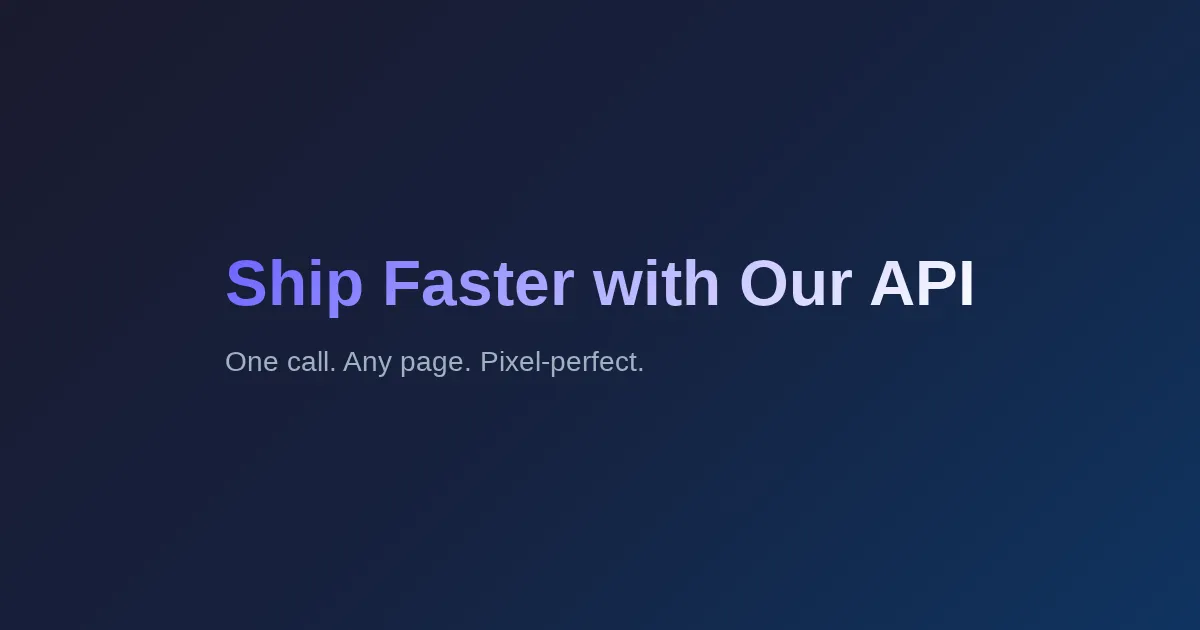
og | Branded 1200×630 Open Graph / social-share card — no URL needed | ogTitle, ogSubtitle, ogTheme, ogLogoUrl |
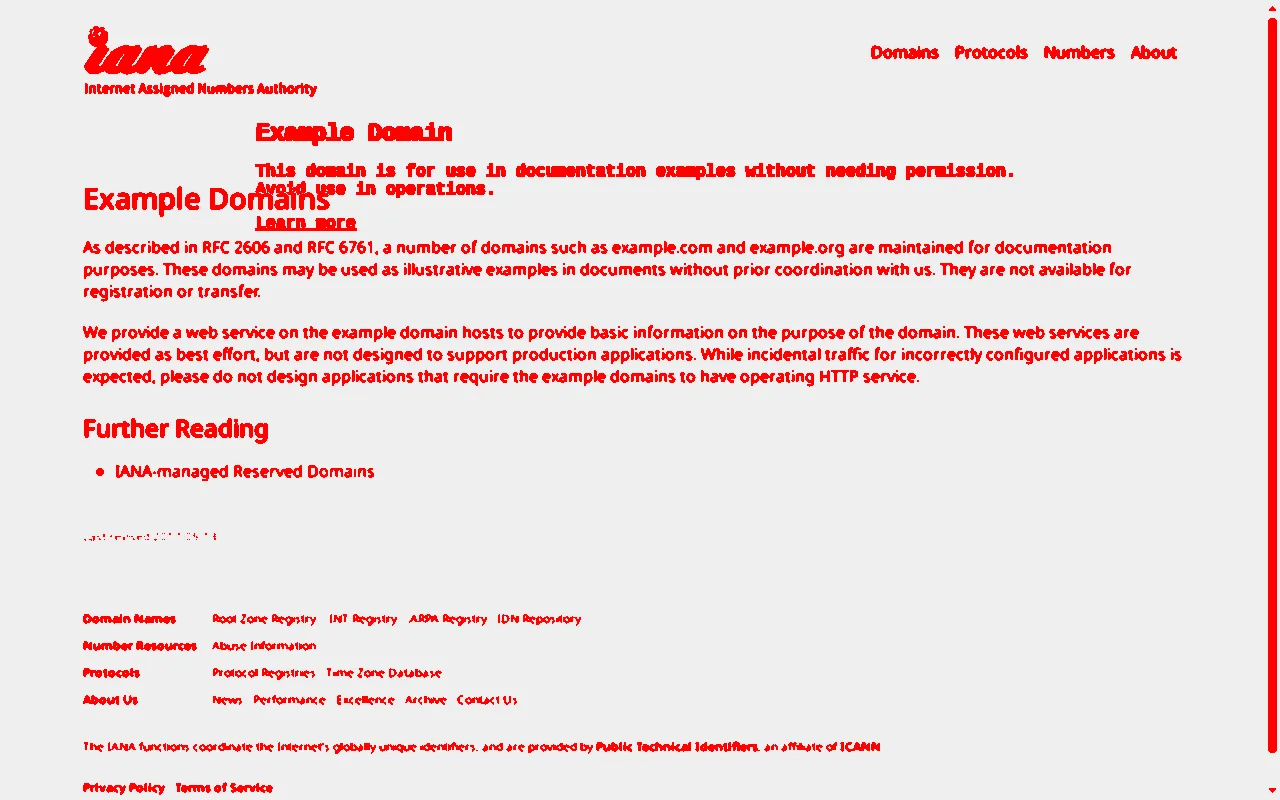
diff | Highlighted pixel-diff image of two URLs + percentChanged score | url, compareUrl, diffThreshold |
decode | A base64 image string converted back to a downloadable file | base64Image |
Screenshot mode features:
- Full page or viewport — capture the whole scrollable page or just the fold
- Device emulation — iPhone 14, iPhone SE, Pixel 7, iPad Pro, desktop, or a custom viewport
- Dark mode, timezone, and locale emulation
- Blocking — strip ads, trackers, and cookie-consent banners before capture
- Redaction — hide or blur any CSS selector (e.g. account numbers, emails)
- Wait strategies — wait for a selector, network idle, or fonts + images to finish
- DOM extraction — return page text, links, and metadata alongside the image
- Console capture — collect JavaScript errors and warnings for QA / page-health checks
Input
Screenshot (default mode)
Provide at least a url (or raw html). All other fields are optional:
Open Graph card
The input above produces this card:
Visual diff
Changed pixels are highlighted, unchanged areas are greyed out (example.com vs iana.org — 7.09% changed):
Decode base64
See the Input tab for the full, documented list of fields with defaults and bounds.
Output
- Key-value store — the produced image is stored under
screenshot.<ext>,og-card.<ext>,diff.png, ordecoded.<ext>depending on the mode. - Dataset — one record per run:
Diff runs additionally include percentChanged, changedPixels, and totalPixels.
screenshotUrl is a direct public link to the stored image — embed it, download it, or pass it downstream.
Memory & performance
The default 1 GB handles typical captures (most runs finish in 5–15 s). For very long, media-heavy pages captured with Full page + Scroll to load (e.g. news home pages), run with 2 GB memory — at 1 GB the browser can run short of memory and the capture may time out. If a capture fails, the run's status message explains why and no result is charged.
Common uses
- Website thumbnails and preview images
- URL-to-PDF archiving and reporting
- Visual QA and page-health monitoring (console errors)
- Visual regression checks between two deployments or page versions
- Open Graph / social-share card generation
- Scraping page metadata and links together with a visual snapshot


