

Tradera Scraper
Pricing
from $0.80 / 1,000 results
Tradera Scraper
Scrape Tradera listings and auction data from Sweden’s leading second-hand marketplace. Extract product titles, prices, bids, auction end times, condition, sellers, shipping, images and item details from search, category and item URLs.
Pricing
from $0.80 / 1,000 results
Rating
5.0
(1)
Developer

MrDoe
Maintained by CommunityActor stats
0
Bookmarked
9
Total users
4
Monthly active users
12 days ago
Last modified
Categories
Security
Limited permissionsShare
What does Tradera Scraper do?
Tradera Scraper extracts listing and item data from Tradera.com - Sweden's largest online auction and second-hand marketplace - anonymously, no login, no Tradera account, no API key. Two operations live in one Actor:
- Search / category listings - crawl any Tradera search or category results page and get one structured row per listing, paginating automatically.
- Item details - look up one or many item pages by URL and get the full record: description, all photos, seller rating, location, shipping options, payment methods, and live bid state.
It returns titles, current bid / buy-now prices in SEK, bid counts, auction end times, item condition, seller name and rating, location, shipping cost, and image URLs.
Why use this Actor?
- Price and auction monitoring - schedule a run on a cron and diff consecutive datasets to track bids, price changes, and which lots have ended.
- Market and resale research - measure what comparable second-hand items sell for, by category or keyword, with condition and bid history attached.
- Sourcing and inventory - pull fresh listings for the categories you buy in, filtered exactly the way Tradera's own search filters them.
- Batch, one start fee - pass a list of search URLs or item URLs and one run covers all of them.
What makes this Actor different?
- Reads Tradera's own server-rendered data - fields come straight from the structured payload the page ships with, so prices, bid counts, and end times match what a visitor sees, with no brittle guesswork.
- Two modes, one Actor - lightweight listing rows when you just need price and bids, or full item pages when you need description, seller rating, and every photo. A search run can do both in one pass.
- Auction-aware - distinguishes pure auctions, buy-now, and auction-with-buy-now, and reports opening bid, current bid, next valid bid, and reserve-price status.
- Honest nulls - a missing field is
null, never a fabricated value. A price of 0 (contact-only listings) is reported asnull.
What data does it extract?
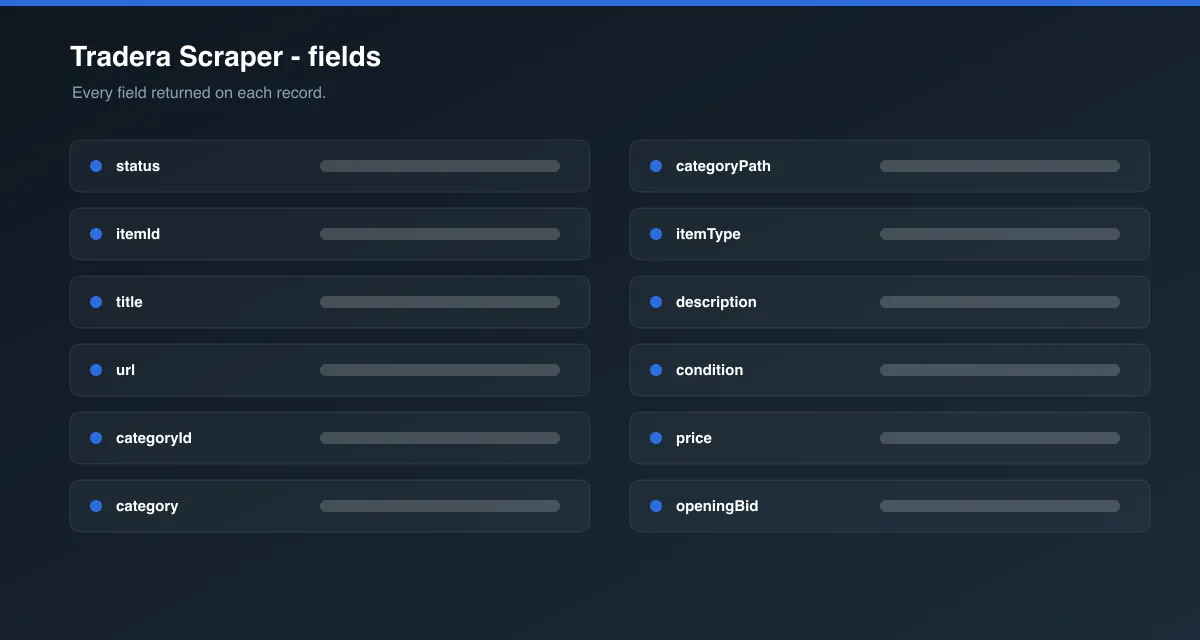
| Field | Description |
|---|---|
itemId | Tradera's numeric item ID |
title | Listing title |
url | Canonical item URL |
category / categoryId / categoryPath | Category name, ID, and full breadcrumb (detail rows) |
itemType | auction, buy_now, auction_with_buy_now, shop_item, contact_seller |
description | Full item description (detail rows) |
condition | Item condition as shown on Tradera (e.g. Begagnad, Ny, Gott skick) |
price | Current bid, or buy-now price for fixed-price listings (SEK) |
openingBid / buyNowPrice / nextValidBidAmount | Auction price points (SEK) |
currency | Always SEK |
bidCount | Number of bids placed |
reservePriceReached | Whether the reserve price has been met |
startDate / endDate / secondsLeft | Auction start, end, and time remaining |
isActive / hasEnded / quantity / visits | Listing status and view count (detail rows) |
sellerAlias / sellerId / sellerRating | Seller username, ID, and net feedback score |
sellerIsCompany / sellerIsVerified / sellerHasShop | Seller flags |
location / sellerCountry | Seller city and ISO-2 country code |
hasFreeShipping / shippingCost / shippingOptions | Cheapest shipping cost and all carrier options |
paymentOptions | Accepted payment methods (detail rows) |
attributes | Category-specific attributes (format, brand, size, ...) |
image / images | Primary image URL and all image URLs |
status | success or error |
How to use Tradera Scraper
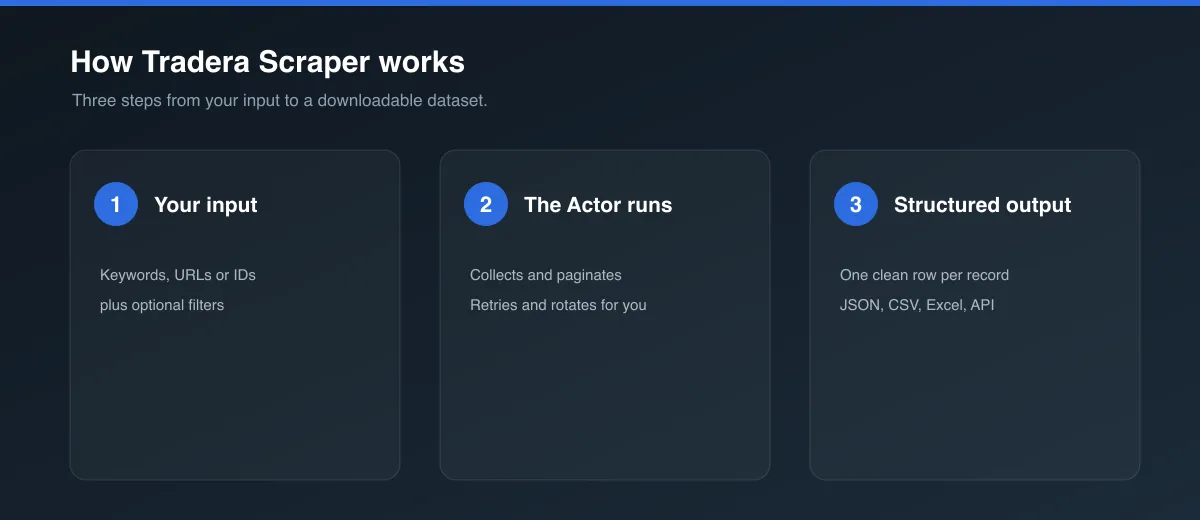
- Sign up for a free Apify account.
- Open this Actor and click Try for free (or Start).
- Pick an Operation:
- Search / category listings → set a Search keyword (e.g.
vinyl) or paste one or more Start URLs (Tradera search or category pages). Leave both blank to scrape the whole marketplace feed. - Item details → paste Item URLs (one per line). Leave blank to pull current items from the marketplace feed instead.
- Search / category listings → set a Search keyword (e.g.
- Set Max items per start URL (default
5) and leave Proxy configuration on. - Click Start, then export results as JSON, CSV, Excel, or via API.
A search run paginates through each start URL until it hits maxItems, runs out of results, or reaches Tradera's last page - whichever comes first. When Fetch full item detail pages is on (the default), each listing is opened for its description, seller rating, location, and all photos; turn it off for faster, lighter listing-card rows only.
Input parameters
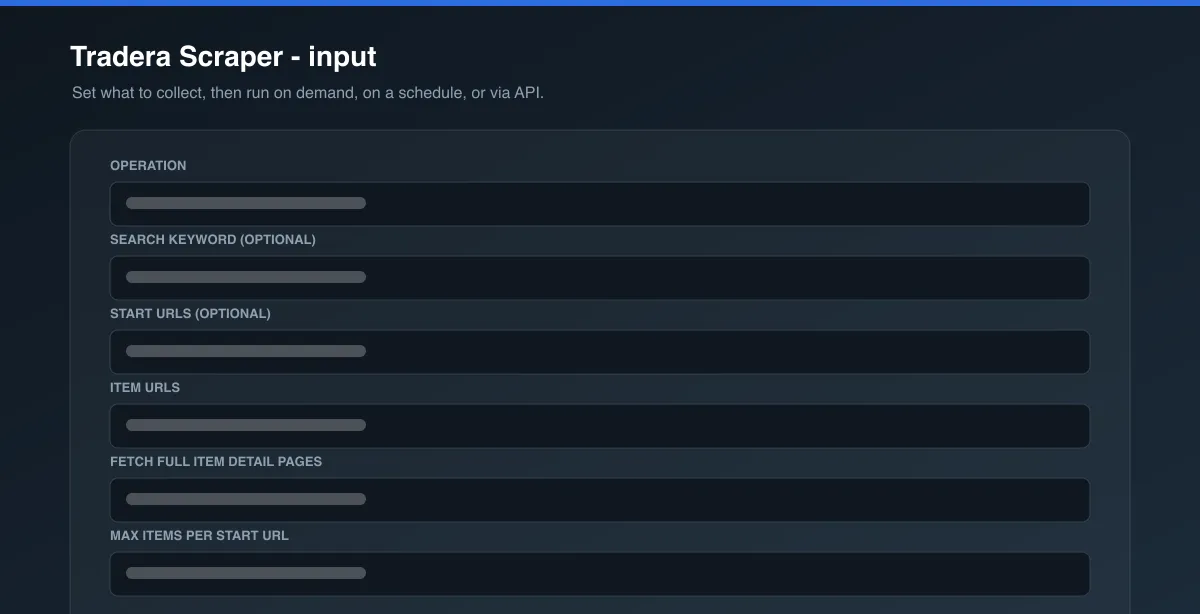
| Field | Type | Required | Default | Description |
|---|---|---|---|---|
operation | string | Yes | search | search (search / category listings) or itemDetails (item pages by URL). |
search | string | No | - | Keyword to search Tradera for. Used by search. |
startUrls | array | No | https://www.tradera.com/search | Tradera search or category results pages. Used by search. This is also how you apply category/filter/sort - there is no separate filter input. |
itemUrls | array | No | - | Tradera item page URLs. Used by itemDetails. Leave blank to detail current marketplace items. |
scrapeItemDetails | boolean | No | true | search only. On: open each listing for full detail. Off: listing-card fields only. |
maxItems | integer | No | 5 | Maximum items to scrape per start URL. Paginates automatically until reached. |
proxyConfiguration | object | Yes | { "useApifyProxy": true } | Proxy settings. Apify Proxy (datacenter) is sufficient for Tradera. |
Output data
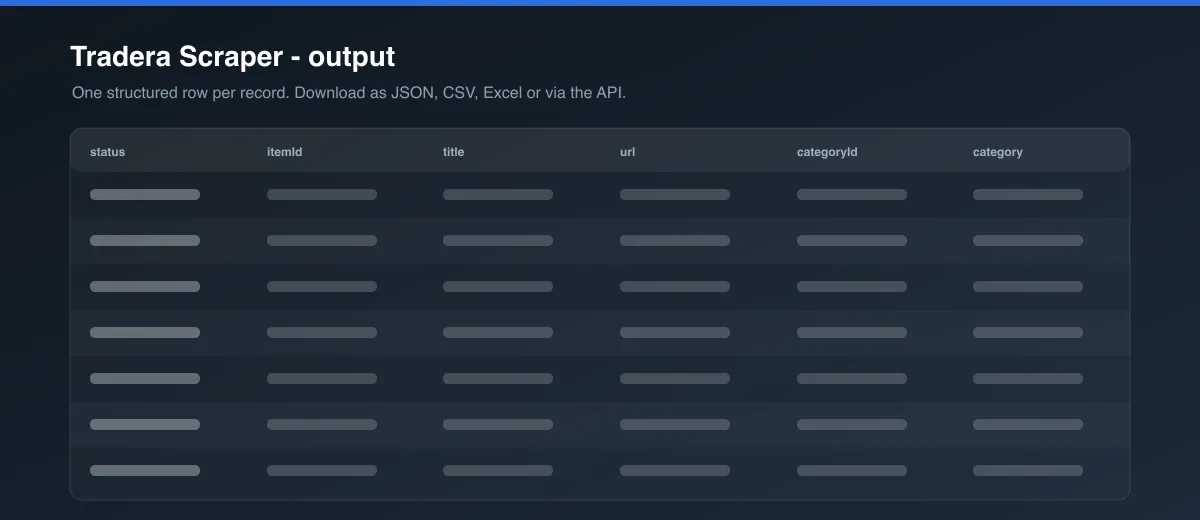
One flat row per item. Search rows carry listing-card fields; item-detail rows carry the full page. Every row has _type (listing or item) and status (success or error) so you can split or filter a mixed export.
Item-detail row example (trimmed):
Listing row example (trimmed):
Usage examples
- Track a keyword - Operation
search, Searchiittala,maxItems50. Schedule daily; diffprice/bidCountperitemId. - Scrape a category - Operation
search, Start URLhttps://www.tradera.com/category/302352(or any filtered/sorted category URL copied from your browser). - Watch specific lots - Operation
itemDetails, Item URLs = the auctions you're bidding on; run every hour near close. - Fast price sweep - Operation
search,scrapeItemDetailsoff - listing-card fields only, one request per results page.
Tips
- Copy a Tradera URL straight from your browser after applying filters and sorting - every filter, category, and sort order rides in the URL and is respected as-is.
maxItemsis per start URL, so ten start URLs withmaxItems20 can return up to 200 rows.- Turn
scrapeItemDetailsoff when you only need price, bids, and end time - it is far faster and cheaper. secondsLeftis captured at scrape time; combine it withendDatefor an absolute deadline.
Known limitations
- Only data Tradera serves to a logged-out visitor is available. A seller's full percentage rating and individual feedback comments load behind a separate authenticated call and are not included;
sellerRatingis the net feedback score. - Ended or removed listings return a
status: "error"row. descriptionandattributeslabels are in Swedish, as Tradera publishes them.- Tradera's page structure can change over time; extraction targets the stable server-rendered payload but a major redesign may require an update.
Integrations
Connect this Actor to Make, Zapier, Google Sheets, Slack, or your own backend via the Apify API and webhooks. Every run's dataset is available as JSON, CSV, Excel, XML, or RSS through the Apify API.
Export formats
JSON, CSV, Excel, XML, HTML table, and RSS - from the Apify Console or the dataset/items API endpoint.
Pricing
This Actor uses pay-per-event pricing: one small run-start charge, then a per-row charge for each result - a lower rate for listing-card rows and a slightly higher rate for full item-detail rows. See the Pricing tab for current rates. status: "error" rows are not charged. maxItems bounds spend per run.
FAQ
Does Tradera have a public API? Tradera has a legacy SOAP API that requires an approved developer key and application. This Actor needs no key and works against Tradera's public web pages.
Do I need a Tradera account? No - it runs entirely against public, logged-out pages.
Can I scrape a specific category or apply filters? Yes - filter and sort on Tradera itself, then paste the resulting URL as a start URL. There is no separate filter input by design.
A run returned 0 results with no error - why? A very narrow keyword or filter combination can legitimately return nothing. Check the URL in a browser.
Personal data and GDPR
Tradera listings include personal data - seller usernames (sellerAlias), seller IDs, city (location), and feedback scores. Under the GDPR and similar laws you need a lawful basis to collect and process personal data. Collecting it for use in scam, spam, or harassment, or in any way the data subjects would not reasonably expect, is not permitted. Only scrape what you have a legitimate need for, store it no longer than necessary, and honour data-subject requests. If you are unsure whether your use case is compliant, consult a lawyer. See the Apify blog on ethical web scraping and Apify's personal-data policy.
Support
Found a bug or need a field added? Use the Issues tab on this Actor's page.
Legal
This Actor is an independent tool and is not affiliated with, endorsed by, or sponsored by Tradera Sweden AB. It accesses only data Tradera serves publicly to anonymous visitors and performs no login, CAPTCHA bypass, or access-control circumvention. Use it in compliance with Tradera's Terms of Use and applicable law in your jurisdiction.


