

Douban Groups Discussion Scraper
Pricing
from $0.50 / 1,000 topic returneds
Douban Groups Discussion Scraper
Pricing
from $0.50 / 1,000 topic returneds
Rating
0.0
(0)
Developer

MrDoe
Maintained by CommunityActor stats
0
Bookmarked
2
Total users
1
Monthly active users
a day ago
Last modified
Categories
Share
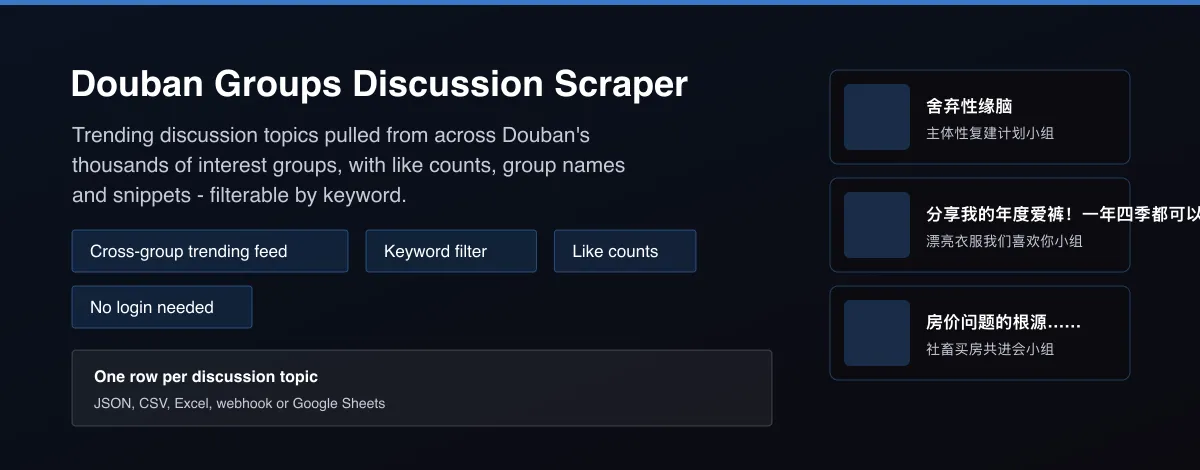
What does Douban Groups Discussion Scraper do?
Douban Groups Discussion Scraper reads Douban's cross-group discussion-highlights feed - the trending topics surfaced from across its thousands of interest groups - and returns each topic's title, like count, the group it came from, a text snippet, an image when the post has one, and a direct link, optionally filtered down to only topics matching keywords you give it.
Why use Douban Groups Discussion Scraper?
- One feed covers trending discussion across thousands of separate Douban groups - no need to monitor each group individually.
- Like counts let you rank topics by actual engagement, not just recency.
- Keyword filtering narrows a broad trending feed to only the topics relevant to you.
- Snippets and images give enough context to judge relevance without opening every link.
- No account or API key.
What makes this different
Douban's interest groups are a major source of organic Chinese consumer opinion, but there's no single search across all of them. This Actor reads the one feed Douban itself uses to surface what's trending across every group, so you get breadth without picking groups yourself.
Who can use the Douban Groups Scraper and how?
- Social listening teams: Track what's trending in Chinese interest communities without monitoring dozens of groups by hand.
- Market researchers: Spot emerging consumer topics and sentiment shifts early.
- Content creators: Find trending discussion topics worth covering or responding to.
- Brand monitoring: Filter the feed by brand or product keywords to catch organic mentions.
- Trend-tracking apps: Feed a trending-topics widget from a reliable cross-group source.
How it works
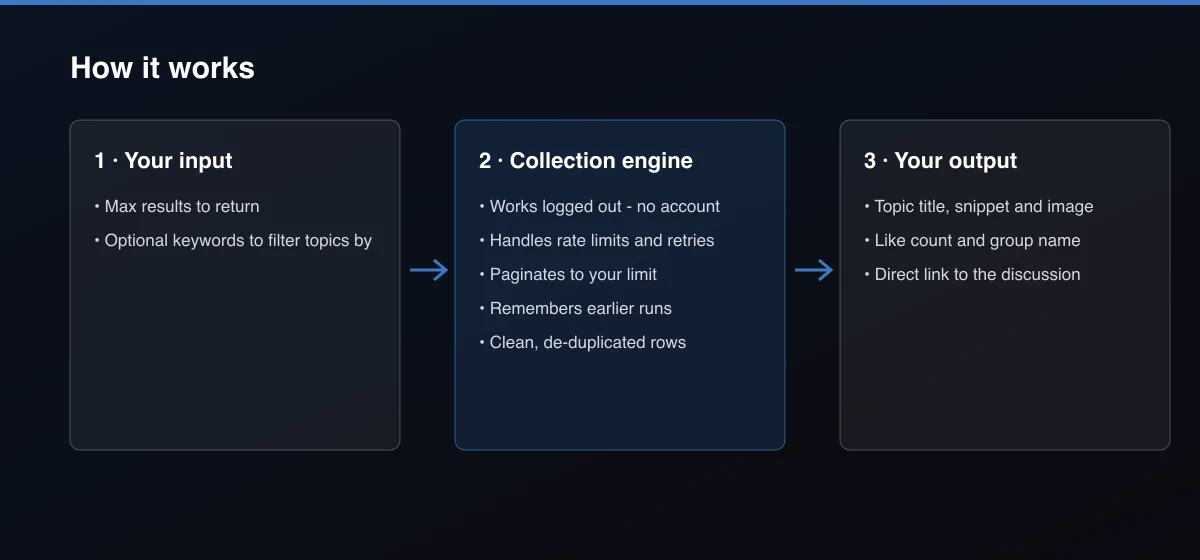
- Your input — set how many topics you want and, optionally, keywords to filter by
- The Actor collects it — the Actor reads Douban's cross-group discussion-highlights feed, paginating until it has enough matching topics
- Your output — you get one row per topic, newest and most prominent first
What data can you extract?
The dataset has 9 fields per row:
| Field | Type | Description |
|---|---|---|
topicId | string | Douban's internal topic ID. |
title | string | Topic title. |
url | string | Direct link to the discussion. |
likes | number | Number of likes on the topic. |
groupName | string | Name of the Douban group the topic came from. |
groupUrl | string | Link to the source group. |
snippet | string | Text preview of the topic's content. |
imageUrl | string | Image URL, when the topic has one. |
publishedAtText | string | Publish time as shown on Douban (relative or absolute). |
How to use Douban Groups Discussion Scraper
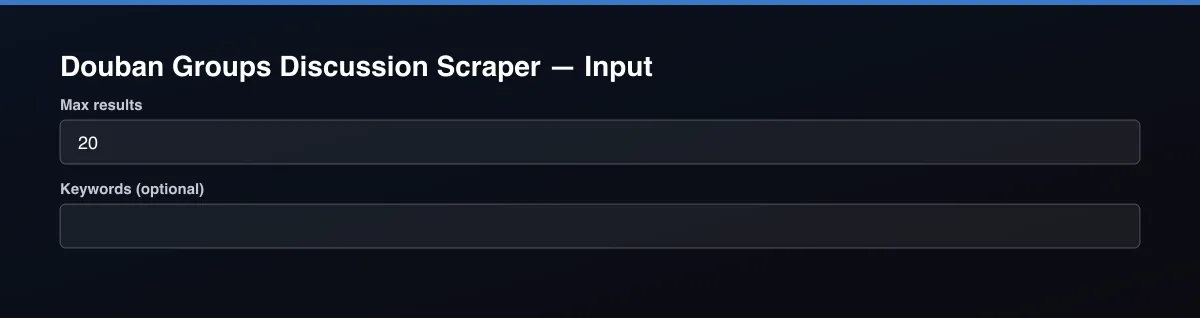
- Open the Actor and go to the Input tab.
- Set Max Results, and optionally add Keywords to only keep matching topics.
- Optionally set filters and a Max results limit.
- Click Start. A default run finishes in under a minute.
- Open the Output tab, then download the dataset or connect it to your tools.
Input Parameters
| Parameter | Type | Required | Default | Description |
|---|---|---|---|---|
maxResults | integer | No | 20 | Maximum number of discussion topics to return, newest/most-featured first. Set to 0 for everything available in the feed. |
keywords | array | No | [] | Only topics whose title or snippet mentions one of these words. |
proxyConfiguration | object | No | {"useApifyProxy":false} | Optional. The data is public and works without a proxy. |
Output Data
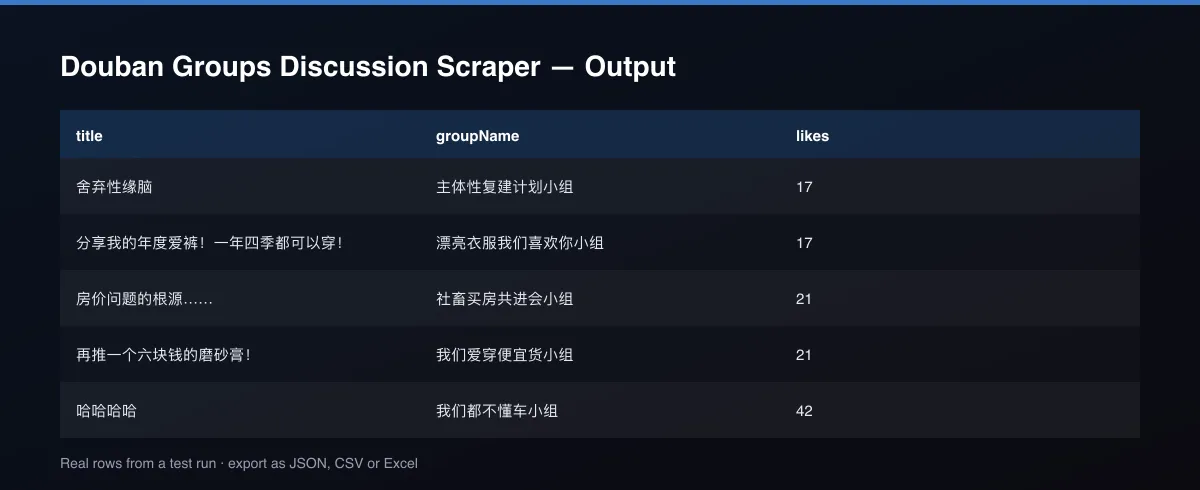
Each row is one trending discussion topic: its title, like count, source group, a text snippet, an image URL when available, and a direct link.
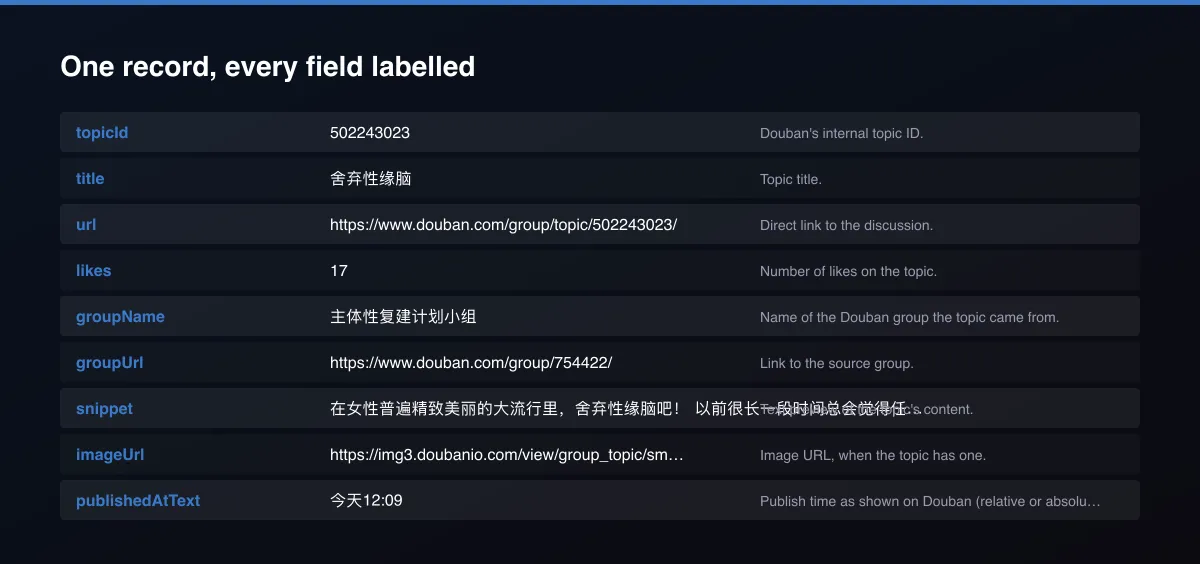
A real dataset item:
Usage Examples
Top 20 trending topics
Filter by keyword
Tips for Best Results
- Use specific keywords (brand names, product terms) rather than broad ones to keep results relevant.
- Run it on a schedule to build a trend history over time, since the feed itself only shows what's currently trending.
- Default is 5 results for a fast test. Set the max to 0 to return everything available.
Known Limitations
- The feed reflects what Douban currently surfaces as trending, not an exhaustive list of all group posts.
- Keyword filtering only matches against the title and snippet text actually shown in the feed.
Integrations
Run it from the Apify API, on a schedule, or from a webhook. Send results straight to Google Sheets, Make, Zapier, Slack or your own database with Apify's built-in integrations.
Export Formats
Download the dataset as JSON, CSV, Excel, XML, HTML table or RSS from the Output tab or the API.
Frequently Asked Questions
Does it need a Douban login?
No. The Actor reads Douban's public discussion-highlights feed and needs no account or key.
Can I search for a specific group?
This Actor reads the cross-group trending feed and filters it by keyword; it doesn't target one specific group by name.
How far back does the feed go?
Douban's highlights feed is a rolling window of a few hundred recent trending topics, not a full historical archive.
Do I need an account or login?
No. The Actor reads public data and needs no account or key.
Am I charged for failed runs or empty results?
You are only charged for results that are actually written to the dataset.
Can I run it on a schedule?
Yes. Create a Task with your input and add a schedule in Apify Console. With monitor mode on, each scheduled run returns only what changed since the previous one.
Enterprise and custom work
Need higher volumes, a custom output schema, dedicated scheduling or a no-breaking-changes commitment for a production pipeline? Open an issue on the Actor page and describe your use case. Bulk terms and custom builds are available.
Support
Questions or a missing field? Open an issue from the Issues tab on this Actor's page and it will be looked at.
Legal / Responsible Use
You are responsible for using the data in line with the source's terms and applicable law. The Actor collects publicly available data only and is not affiliated with the source.


