

Facebook Marketplace Deal Alert
Pricing
from $1.00 / 1,000 results
Facebook Marketplace Deal Alert
Monitor Facebook Marketplace for new listings and price drops. Track keywords or categories by location, radius, and price, and get only the deals that are new or cheaper.
Pricing
from $1.00 / 1,000 results
Rating
0.0
(0)
Developer

MrDoe
Maintained by CommunityActor stats
0
Bookmarked
2
Total users
1
Monthly active users
a month ago
Last modified
Categories
Share
What does Facebook Marketplace Deal & Price-Drop Alert do?
Facebook Marketplace Deal & Price-Drop Alert monitors one saved Facebook Marketplace search — a keyword or category, a location and radius, and an optional price range — and returns only the listings that are new or that dropped in price since the previous run. It runs fully logged out, with no Facebook account or cookies, and writes one clean row per listing with title, price, currency, price-drop amount, location, category, condition, seller type, posted date, listing URL, image URLs, and description. Turn on monitor mode, put it on an hourly or daily schedule, and each run's dataset is a ready-to-act list of what just appeared or got cheaper in your local market.
Why use Facebook Marketplace Deal & Price-Drop Alert?
- Only what changed. In monitor mode the Actor compares the search against what earlier runs already saw and returns just the new and price-dropped listings — not a full re-scrape every time.
- Price-drop detection. Every listing's lowest seen price is remembered, so a later markdown is reported with an exact
priceDropAmount. - Schedule-friendly. Designed for recurring runs: the monitoring memory persists between runs, so a scheduled task stays fast and quiet until something actually happens.
- Clean, structured output. 12 normalised fields per listing, ready for JSON, CSV, Excel, XML, a webhook, or Google Sheets.
- No login, no account. Works entirely against the public, logged-out Marketplace view.
- Deal sourcing. Resellers, flippers, and bargain hunters get a continuous feed of fresh inventory and reduced prices for their exact search.
What makes this different
Most Marketplace scrapers re-download the entire result set on every run and hand you a big list you have to diff yourself. This Actor keeps a per-search memory of every listing it has seen and the lowest price recorded for each, so a scheduled run returns a short, meaningful batch: listings posted since last time, plus listings whose price fell, each with the drop amount already calculated. That turns a one-off export into a recurring monitoring product you can wire straight into alerts or a sourcing workflow.
If a listing's price history can't be established yet (for example on the very first run of a new saved search), priceDropAmount is null rather than a guessed value — but Facebook's own struck-through "original price" is used when it is shown, so genuine markdowns are still caught on first sighting.
How it works
- Describe one saved search — a keyword (e.g.
bicycle) or a category slug, alocationandradius, and optionallyminPrice/maxPrice. - The Actor checks it — it reads the current public listings for that search in two orderings (newest first, and lowest price first) for wider coverage, then compares them to what previous runs recorded.
- You get back only the changes — one row per new listing and per price drop, with the drop amount already worked out. Nothing that stayed the same is returned again.
On the first run, leave monitor mode off: the Actor returns every current match and stores today's prices as the baseline. On every run after that, turn monitor mode on.
What data can you extract?
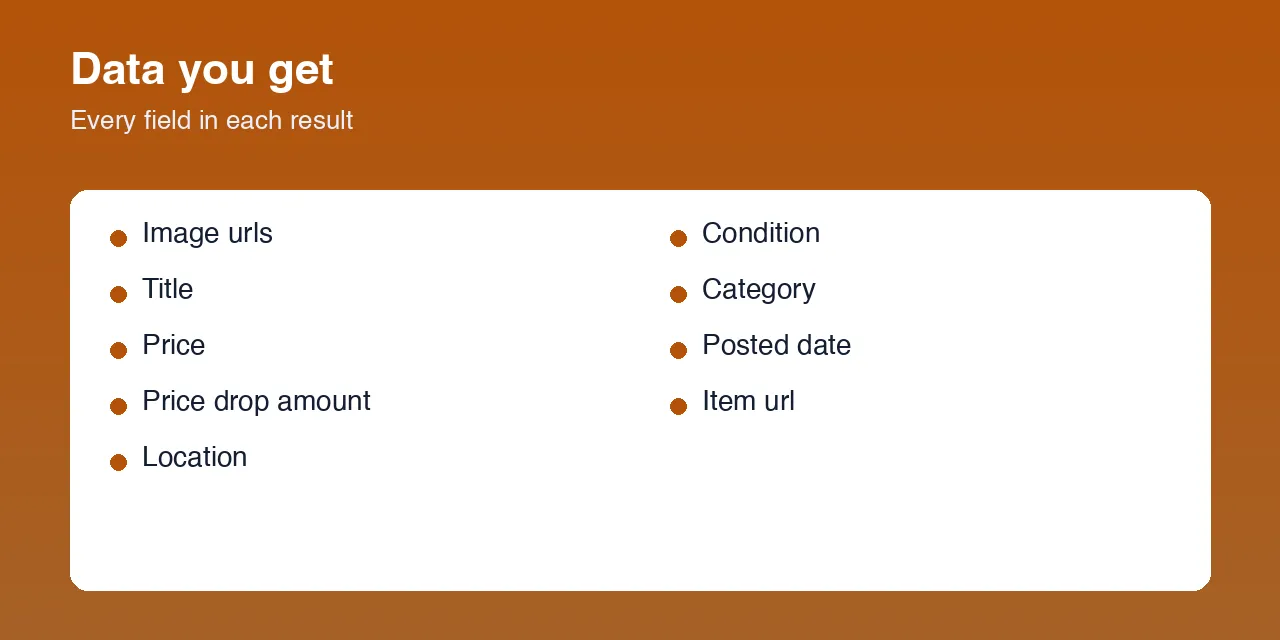
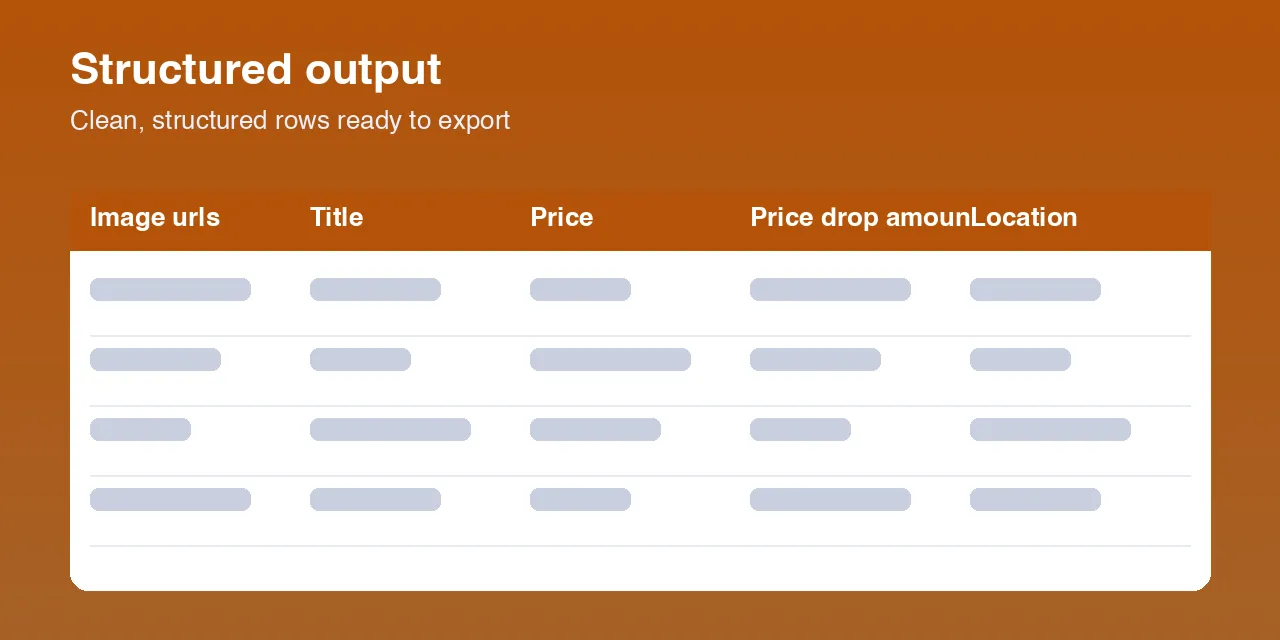
| Field | Description |
|---|---|
title | Listing title. |
price | Current price as shown, formatted (e.g. "$600"). |
currency | ISO currency code (e.g. "USD"). Available when full listing details are included. |
priceDropAmount | How much the price fell, as a number, versus the lowest price earlier runs recorded (or Facebook's own struck-through original price on first sighting). null when there is no drop. |
location | Listing location — city and region, or the listing's own location text. |
category | Marketplace category name (e.g. "Home Goods"). Available when full listing details are included. |
condition | Seller-stated condition (e.g. "Used - like new"). Available when full listing details are included. |
sellerType | "dealership" for Marketplace shop / dealer listings; null for private sellers, which are the majority (Facebook does not reveal seller identity to logged-out visitors). |
postedDate | When the listing was posted, ISO 8601. |
itemUrl | Canonical listing URL. |
imageUrls | Array of listing photo URLs (full gallery when details are included, otherwise the cover photo). |
description | Full listing description. Available when full listing details are included. |
Any field Facebook does not show a logged-out visitor is returned as null — never guessed.
How to use Facebook Marketplace Deal & Price-Drop Alert
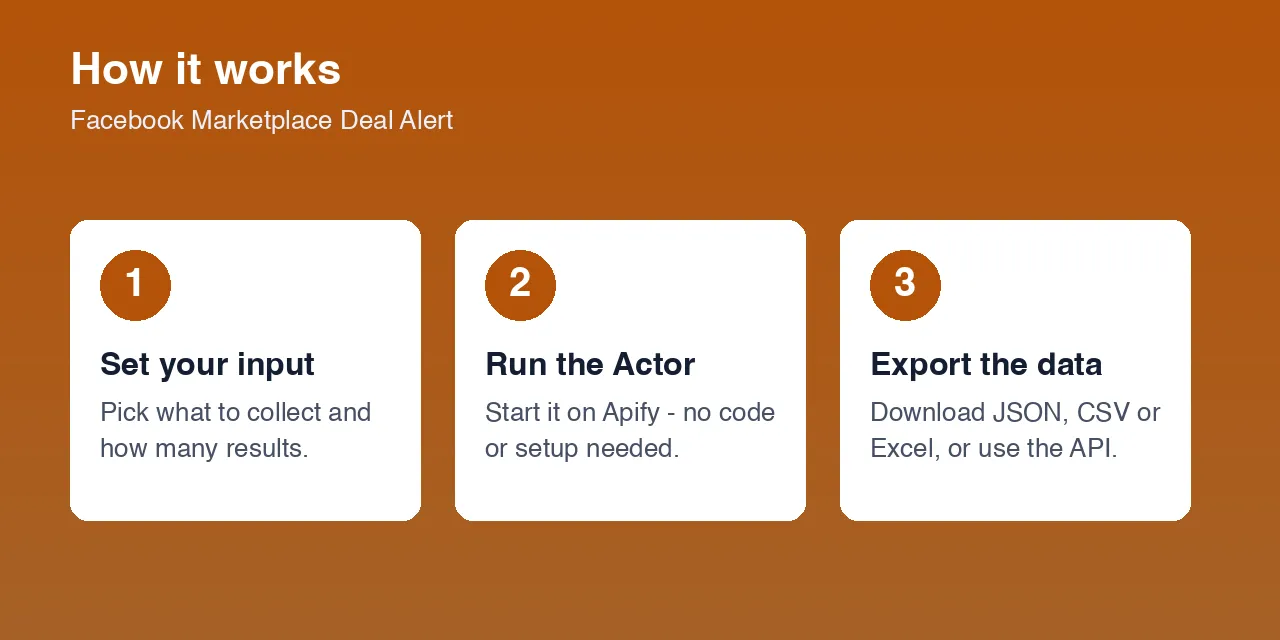
- Open the Actor and click Start to try it with the built-in example (
bicyclenearaustin, 65 km). - Set your own Search keyword or Category slug, the Location slug (from a Marketplace URL, e.g.
los-angeles), and the Search radius. - Optionally add Minimum price / Maximum price and lower Max items for a quick test.
- Run once with Monitor mode off to build the baseline, then open the Dataset tab to see every current match.
- Turn Monitor mode on, save the input as a Task, and put it on a Schedule (hourly or daily). Each scheduled run's dataset now contains only new listings and price drops.
Input parameters
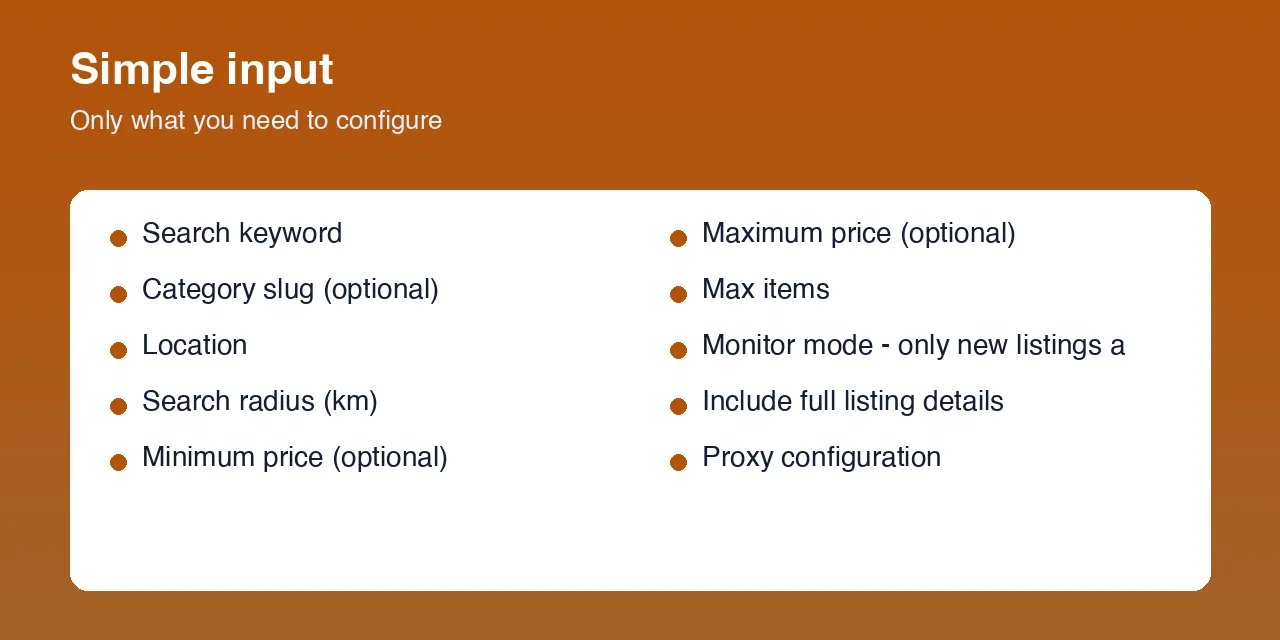
| Parameter | Type | Required | Default | Description |
|---|---|---|---|---|
searchQuery | string | one of searchQuery / category | bicycle | Keyword to search Marketplace for. |
category | string | one of searchQuery / category | — | Category slug from a Marketplace category URL (e.g. bikes, furniture, vehicles). |
location | string | yes | austin | Marketplace location slug, taken from a Marketplace URL (facebook.com/marketplace/<location>/). |
radius | integer | yes | 65 | Search radius in kilometres around the location. |
minPrice | integer | no | — | Only return listings at or above this price. |
maxPrice | integer | no | — | Only return listings at or below this price. |
maxItems | integer | no | 10 | Stop after this many listings are written to the dataset. |
monitorMode | boolean | no | false | When true, return only listings that are new or that dropped in price since the previous run. |
fetchDetails | boolean | no | true | Also open each listing for its description, currency, condition, category, and full photo set. |
proxyConfiguration | object | yes | Apify residential, US | A residential proxy is required — Facebook Marketplace does not serve results to datacenter traffic. |
Output data
One row per listing. In monitor mode a row means the listing is either new or cheaper than before; priceDropAmount tells you which.
A real example row (a listing first recorded at $700, now $600):
A newly posted listing looks the same, with "priceDropAmount": null.
Usage examples
Watch a keyword in one city
Watch a whole category for price drops
First full snapshot before scheduling
Tips for best results
- Run once with
monitorMode: false(a highermaxItems, e.g. 60) to seed the baseline, then switch it on for every scheduled run. - Keep the same
searchQuery,category,location,radiusand price band between runs — the monitoring memory is tied to that exact combination. Change any of them and it starts a fresh baseline. - A tighter search (specific keyword, sensible radius, a
maxPrice) gives a cleaner, more relevant feed and fewer loosely-matched results. - Schedule frequency to how fast your market moves — hourly for hot categories, daily for slower ones.
- Leave
fetchDetailson if you want description, condition, category and the full photo gallery; turn it off for a faster, lighter run.
Known limitations
- Logged-out view only. Fields Facebook hides from anonymous visitors — seller name and profile, exact seller type for private sellers, listing videos — are returned as
null.sellerTypeis only populated for shop / dealer listings. - Bounded result window. The public Marketplace view returns roughly 24 listings per ordering with no deep pagination. The Actor reads two orderings to widen coverage, but a very large market is not fully enumerable in one run; monitor mode is designed around this by tracking the listings it does see over time.
- Occasional re-notification. Because the result window rotates slightly between runs, a listing that dropped out of the window and came back can be reported as new again.
- Region support. Prices, currency and locations are returned as Facebook presents them for the chosen location; the built-in defaults and proxy target the United States.
- Category slugs.
categorymust be the slug used in Facebook's own Marketplace URLs; an unknown slug returns no results. - First run. With no price history yet,
priceDropAmountisnullunless Facebook itself shows a struck-through original price.
Integrations
Connect this Actor to the rest of your stack with Apify's built-in integrations: Webhooks (fire on each run so new listings and drops push straight into Slack, email, or your own endpoint), Google Sheets, Make, Zapier, Airbyte, the Apify API, and scheduled tasks for hands-off recurring runs.
Export formats
Download the dataset as JSON, CSV, Excel, or XML from the Dataset tab, or pull it from the Apify API.
Frequently asked questions
Do I need a Facebook account or login?
No. The Actor only reads Facebook Marketplace's public, logged-out view. No account, password, or cookies are used or required.
How does monitor mode know what it saw last time?
It keeps a small memory for each saved search — the listings seen and the lowest price recorded for each — and reuses it on the next run. The memory persists between runs, including scheduled ones, so you don't have to diff anything yourself.
Why is priceDropAmount null on some rows?
That row is a new listing, not a price drop — or it's the first run for that search and there's no earlier price to compare against.
Can I monitor a category instead of a keyword?
Yes. Set category to the slug from a Marketplace category URL (e.g. furniture). You can combine it with searchQuery to narrow further.
How many listings will one run return?
As many as match, up to maxItems (default 10). Facebook's public view caps a single search at roughly 24 listings per ordering; the Actor reads two orderings for wider coverage.
Can I schedule it?
Yes — this is the intended use. Save your input as a Task and add a Schedule (hourly or daily). Each run returns only the new and price-dropped listings since the run before.
Does it download the listing photos?
No. It collects photo URLs in the imageUrls field. You can fetch the images yourself from those URLs.
How fresh is the data?
Each run reads Facebook Marketplace live at the moment it runs, so results reflect what's on the site right then.
Am I charged for failed results?
No. You're only charged for listings actually written to the dataset. Turning Include full listing details off returns fewer fields per listing for a lighter run; turning it on adds the description, condition, category and full photo set.
Why do I sometimes see a listing reported as new twice?
Facebook's public result window rotates a little between runs, so a listing can briefly drop out and reappear. Tightening the search reduces this.
Support
Found a bug or want a feature? Open an issue on the Issues tab of this Actor's page. Include your input and the run ID.
Legal and responsible use
You are responsible for how you use this Actor and the data it returns, including compliance with Facebook's Terms of Service, applicable law, and data-protection rules (such as GDPR or CCPA) for any personal data contained in listings or descriptions. This Actor is not affiliated with or endorsed by Facebook or Meta. It accesses only data shown publicly to logged-out visitors.


