
FamilyMart Japan Product Scraper
Pricing
from $0.70 / 1,000 results
FamilyMart Japan Product Scraper
Extract FamilyMart Japan's full product catalogue rice balls, bento, sandwiches, sweets, hot snacks and drinks. Get name, pre-tax and tax included price, release date, regional availability, description, category and photo for every item. Browse by category/pull specific product details. No login.
Pricing
from $0.70 / 1,000 results
Rating
0.0
(0)
Developer

MrDoe
Maintained by CommunityActor stats
0
Bookmarked
2
Total users
1
Monthly active users
4 days ago
Last modified
Categories
Share
What does FamilyMart Japan Product Scraper do?
FamilyMart Japan Product Scraper extracts FamilyMart's product catalogue - rice balls, bento, sandwiches, bread, sweets, hot snacks, drinks, and more - straight from family.co.jp. For each product you get the name, pre-tax and tax-included price, release date, region-availability note, description, category, and photo. No login, no API key.
Run it on Apify for scheduled runs, a REST API, and integrations with Google Sheets, Make, Zapier and more.
Two operations
| Operation | What it does | Key input |
|---|---|---|
| Browse a category | Lists every product currently shown in one FamilyMart category (or all of them) | category / categories |
| Product details | Full detail for specific products | productUrl / productUrls |
Why use it?
- New-product tracking - FamilyMart's line-up changes weekly; the
newgoodscategory plusreleaseDateand the "予告" (upcoming) flag surface what's about to launch. - Price monitoring - both the pre-tax and tax-included "FamilyMart standard price" per product.
- Regional planning - the
region/notesfields carry FamilyMart's own availability caveats (e.g. limited to Kyushu, or Kagoshima/Miyazaki only). - Menu / competitive research - a clean nationwide snapshot of a major Japanese convenience-store chain's range.
Data it extracts
| Field | Description |
|---|---|
productId | FamilyMart's numeric product id |
name | Product name (Japanese) |
price | Pre-tax price (JPY) when shown |
priceWithTax | Tax-included FamilyMart standard price (JPY) |
currency | Always JPY |
description | Product blurb - details only |
releaseDate, releaseLabel | Parsed release date (YYYY-MM-DD) + the original Japanese label |
badge, isUpcoming | "予告" badge for not-yet-released items |
region / notes | FamilyMart's regional-availability caveats |
category, categoryLabel, breadcrumbs | Category slug + Japanese label + breadcrumb trail |
image | Product photo URL |
productUrl | Canonical family.co.jp detail URL |
How to use it
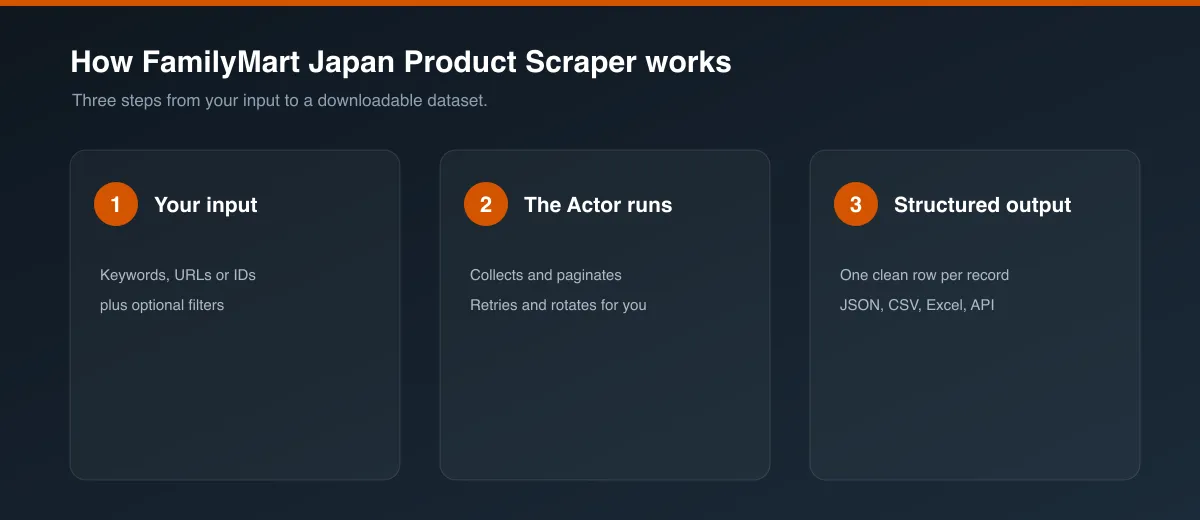
- Pick an Operation: Browse a category or Product details.
- For browsing, choose a Category (or All categories, or list several under Categories - batch). Optionally add a Product name filter.
- For details, paste one or more product detail URLs (or the
category/idshorthand, e.g.obento/0616195). A bare id alone won't work - FamilyMart URLs need the category segment. - Set Max items to cap a browse run.
- Click Start. Download as JSON, CSV, Excel or HTML, or pull from the API.
Input
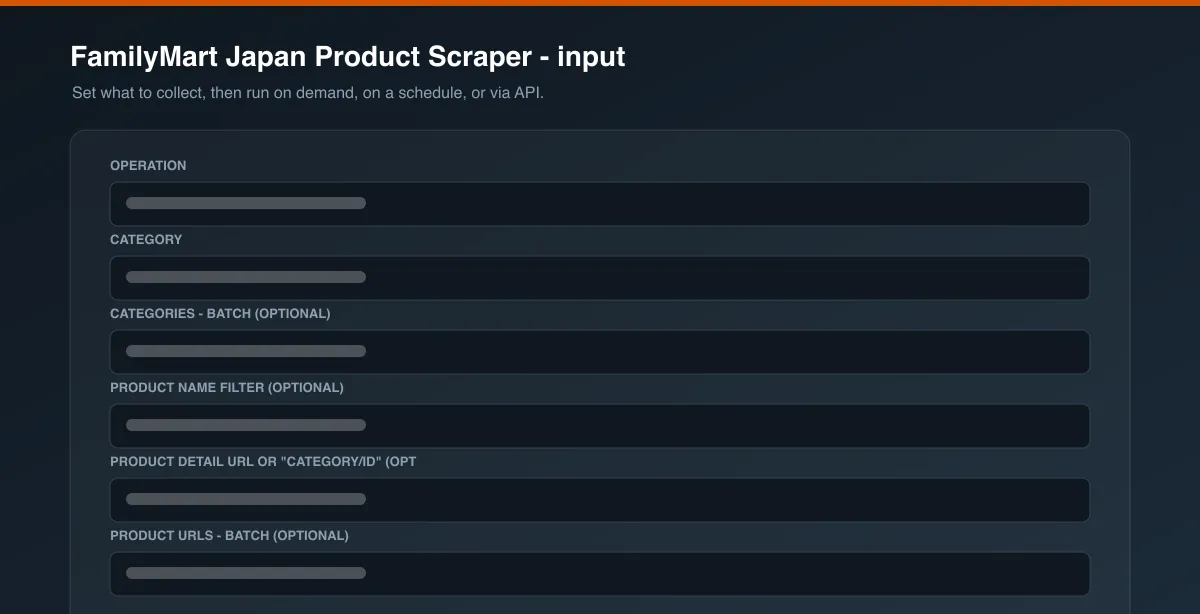
| Field | Type | Description |
|---|---|---|
operation | string | search or productDetails (required) |
category | string | One category slug or all |
categories | array | Several slugs; include all to sweep everything |
productName | string | Case-insensitive name filter (search) |
productUrl / productUrls | string / array | Detail URL(s) or category/id shorthand(s) |
maxItems | integer | Row cap for search (default 20) |
proxyConfiguration | object | Proxy settings (default Apify proxy is enough) |
Output
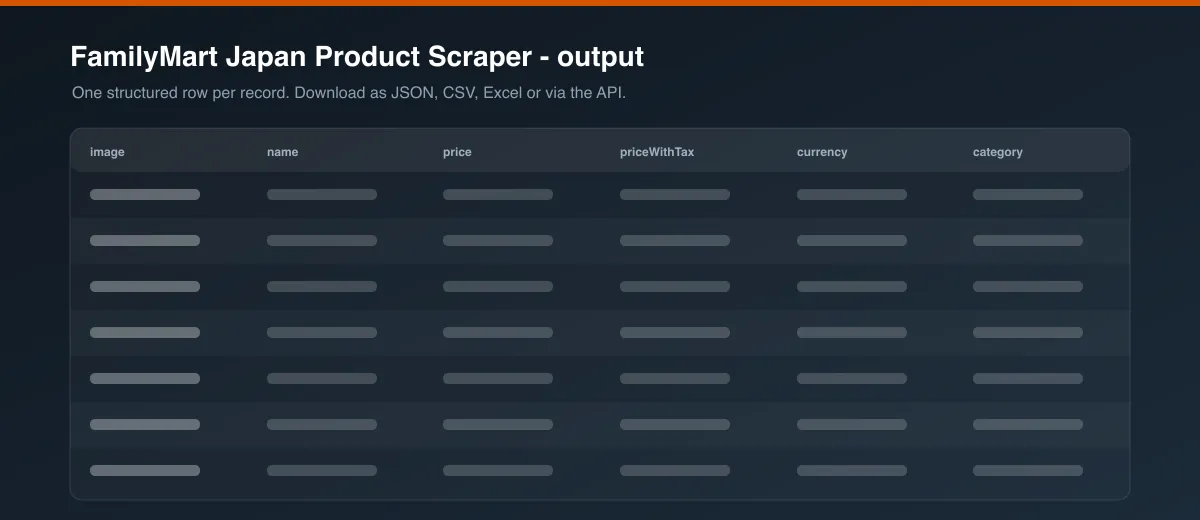
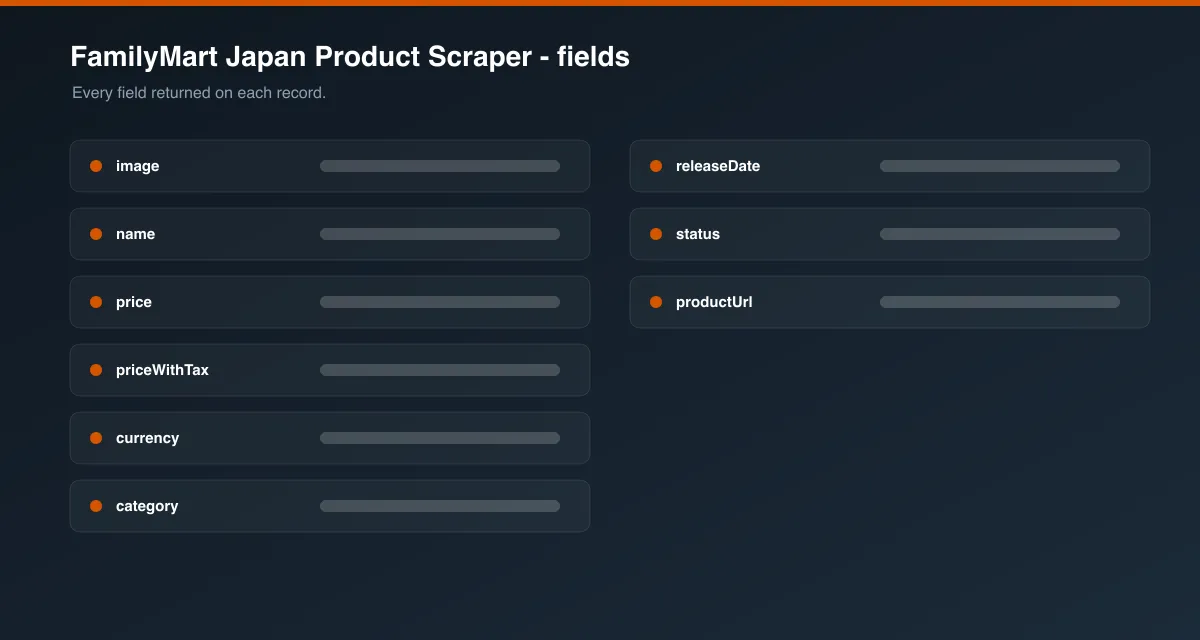
Each dataset row is one product. Download in JSON, HTML, CSV or Excel.
Known limitations
- Product catalogue only. This scrapes family.co.jp's 商品情報 pages - not the FamiPay app, the ファミマオンライン shop, or the Wolt/Uber Eats delivery menus.
- No nutrition or allergen tables. FamilyMart does not publish per-product nutrition/allergen data on the product page (it lives in a separate site section), so those fields are not available here.
- Nationwide info, not per-store. Regional caveats are in
region/notes; there is no per-store stock signal. - Prices are the "FamilyMart standard price"; individual stores may differ.
- Product ids rotate as the line-up refreshes - an unknown URL returns a single
status: "error"row.
FAQ
Do I need an account or key? No.
Is scraping this legal? It collects only public product-catalogue data, no personal data. You are responsible for complying with FamilyMart's site terms and applicable law.
Can it get store locations? Not this Actor - it's product data only.


