

Funda Property Scraper Netherlands
Pricing
from $3.70 / 1,000 results
Funda Property Scraper Netherlands
Scrape Funda.nl property listings across the Netherlands. Extract prices, addresses, bedrooms, property types, sizes, energy ratings, descriptions, images, agents, coordinates, and listing URLs for real estate research and analysis.
Pricing
from $3.70 / 1,000 results
Rating
0.0
(0)
Developer

MrDoe
Maintained by CommunityActor stats
0
Bookmarked
3
Total users
3
Monthly active users
20 hours ago
Last modified
Categories
Share
Turn Funda.nl listings into structured data in minutes - no coding, no manual copy-pasting. Get price, address, living area, energy label, agent contact, photos, and dozens of other fields for any property listed on Funda.nl, the Netherlands' largest real-estate portal.
What does Funda Property Scraper Netherlands do?
Funda Property Scraper Netherlands collects property listings from Funda.nl - both koop (for sale) and huur (for rent). Give it one or more Funda search-result URLs (built using Funda's own filters for area, price, property type, and more) and it pages through every result, then visits each listing's own page to pull the full description, floor area, energy label, construction year, floor plans, photos, and the selling/renting agent's contact details.
Why use Funda Property Scraper Netherlands?
- Market research - track asking prices, price-per-m², and days-on-market trends across a city, province, or postcode.
- Lead generation - build a list of listing agents and agencies active in a specific area.
- Investment analysis - pull structured data on yield-relevant fields (rent, service charges, energy label) into your own model.
- Data enrichment - feed your CRM, valuation tool, or dashboard with structured listing data instead of manual copy-paste.
How to use Funda Property Scraper Netherlands
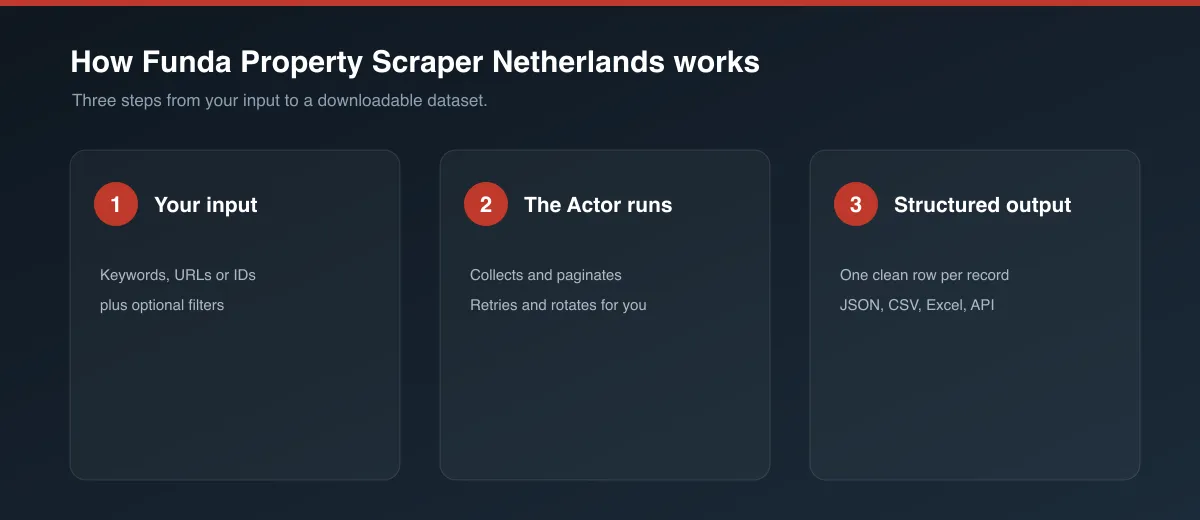
- On Funda.nl, set up a search with the filters you want (area, price range, property type, etc.) and copy the resulting URL.
- Paste that URL into Start URLs in the Input tab. Add as many search URLs as you like, or paste direct listing URLs (
funda.nl/detail/...) to scrape specific properties. - Leave Enrich with detail pages on to collect full data per listing (recommended), or turn it off for a faster search-only run.
- Set Max items / Max pages if you want to cap the run, or leave empty to collect everything the search returns.
- Click Start and wait for the run to finish.
- Open the Dataset tab to preview, filter, and export your results.
Input
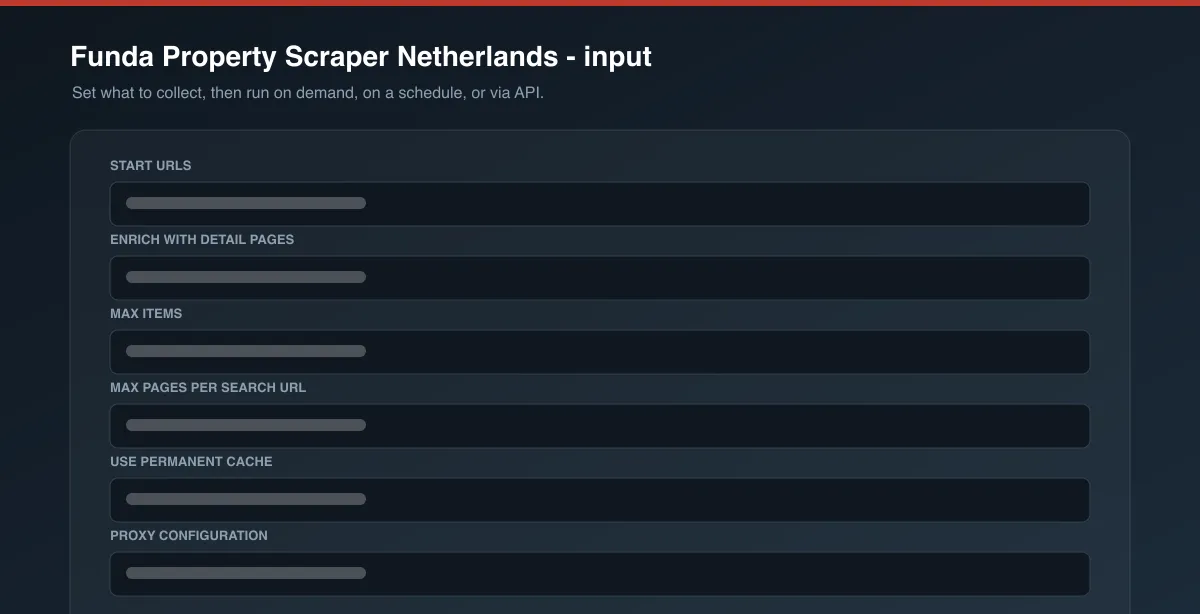
| Field | Type | Description |
|---|---|---|
startUrls | Array | Funda search-result URLs or direct listing URLs. Required. |
includeDetails | Boolean | Visit each listing's own page for full data (default: true). |
maxItems | Integer | Maximum listings to collect across all start URLs (default: unlimited). |
maxPages | Integer | Safety cap on result pages per start URL (default: unlimited). |
useCache | Boolean | Skip listings already collected by a previous run (default: true). |
proxyConfiguration | Object | Proxy settings. Residential proxy is used by default - Funda blocks datacenter IPs. |
Example input:
Output
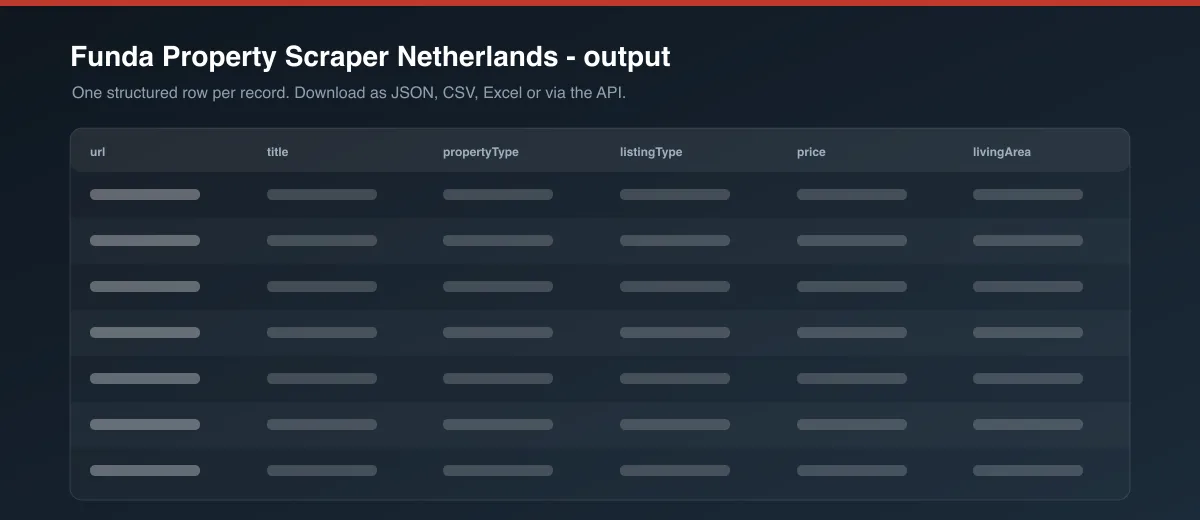
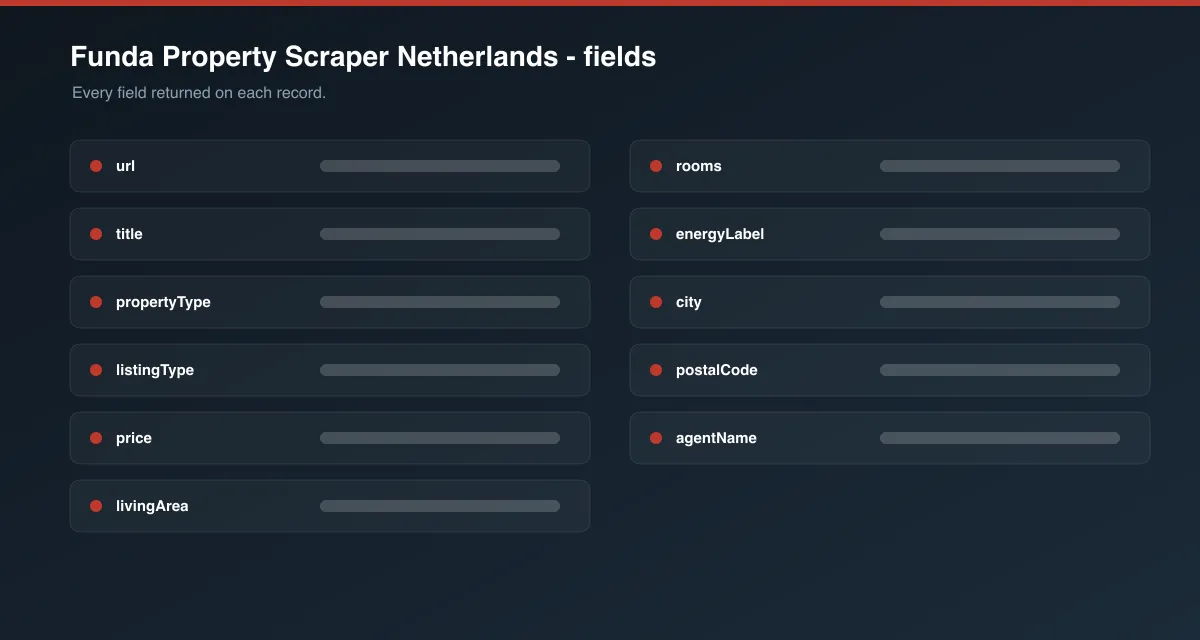
Each listing is saved as one item in the dataset, for example:
Field reference
| Field | Description |
|---|---|
propertyId / id | Funda's internal listing ID |
url, canonicalUrl | The listing's own page (canonical URL comes from the detail page) |
propertyType, propertySubtype, listingType | e.g. Apartment, Portiekflat (appartement), Sale/Rent |
price, pricePerM2, priceType, priceDisplay | Asking price and Funda's own formatted price text |
rent, monthlyRent, serviceCharges | Populated for rental listings |
address, postalCode, city, neighborhood, province, country | Location |
latitude, longitude | Coordinates (detail pages only) |
rooms, bedrooms, bathrooms, livingArea, plotArea, volume | Layout and size |
constructionYear, energyLabel, heating, insulation | Building characteristics |
balcony, terrace, garden, parking, storage | Outdoor space and facilities, where stated |
agentName, agentId, agentUrl, agencyName | Listing (selling/renting) agent |
images, floorPlans, videoUrl, virtualTourUrl | Media (detail pages only) |
description | Full listing text (detail pages only) |
attributes | Every other site-specific key fact Funda publishes for the listing, as key/value pairs |
listingStatus, listingDate, availability | Status and publication date |
source, sourceUrl, scrapedAt | Provenance |
Fields with no public data for a given listing are returned as null (or []/{} for arrays/objects) - never fabricated or guessed.
Detail-page enrichment
Search-result pages only carry a subset of fields (price, address, room count, energy label). Description, full features, floor plans, photos, coordinates, and agent contact details only exist on the listing's own page. With Enrich with detail pages on (default), the Actor visits each new listing's page once to fill these in. Turn it off for a cheaper, faster run if you only need search-result-level data.
Pagination
The Actor pages through each start URL's search results (15 listings per page) until it reaches the last page, maxPages, or maxItems - whichever comes first.
Cache behavior
With useCache on (default), every successfully collected listing's ID is stored permanently in the Actor's key-value store - no expiration, no TTL. Re-running the Actor with the same or overlapping start URLs will skip listings already collected and only return new ones. Disable useCache to re-collect everything.
Cost / performance
The Actor makes one lightweight HTTP request per search page and per enriched listing - no browser is launched. Combined with the permanent cache (which skips already-collected listings on repeat runs), this keeps cost close to Apify's per-request compute baseline.
Troubleshooting
A run returns 0 listings. Funda blocks non-residential IPs; make sure the default residential proxyConfiguration is enabled. Also double check the start URL is a valid funda.nl/zoeken/... search or funda.nl/detail/... listing URL copied directly from the site.
Some fields are null. Not every listing publishes every field (e.g. plot area for apartments, or an exact construction year vs. a construction period). The Actor never invents data - it returns what Funda publishes for that specific listing.
FAQ / Disclaimer
Is this legal? This Actor only collects publicly visible listing data. You are responsible for using the data in accordance with Funda.nl's Terms of Service and applicable law in your jurisdiction.
Found a bug or have a feature request? Please use the Issues tab on this Actor's page - feedback directly shapes future updates.


