Google Maps Business Leads + Verified Emails
Pricing
from $1.50 / 1,000 results
Google Maps Business Leads + Verified Emails
Scrapes business leads from Google Maps search results and enriches them with verified contact emails.
Pricing
from $1.50 / 1,000 results
Rating
5.0
(1)
Developer

MrDoe
Maintained by CommunityActor stats
0
Bookmarked
2
Total users
1
Monthly active users
2 days ago
Last modified
Categories
Share
Google Maps Business Leads + Verified Emails - Scrape Local Businesses & Find Emails
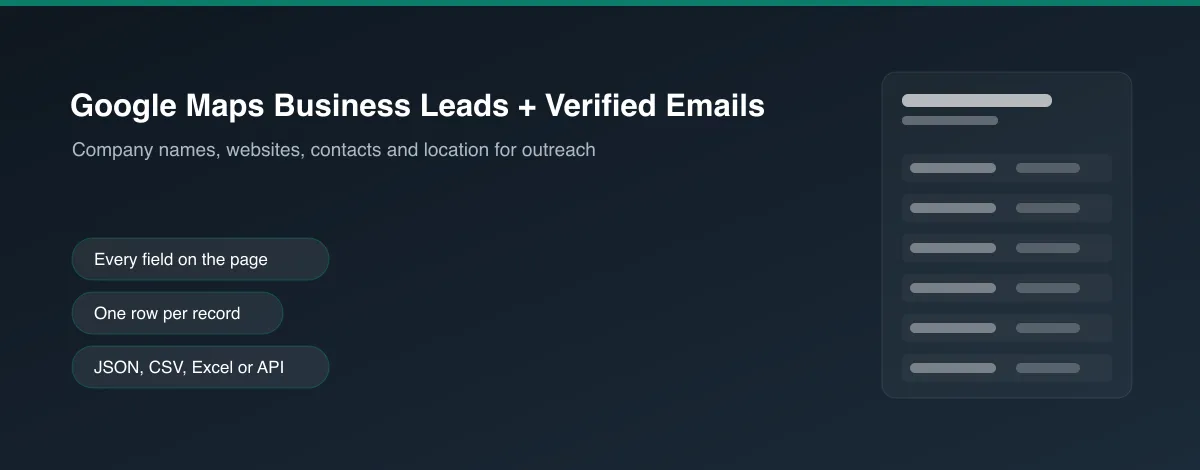
Scrape business leads directly from Google Maps search results - name, category, address, phone, website, and rating - then automatically enrich each result with a verified contact email.
What does this Actor do?
Give it one or more Google Maps search queries (e.g. "dentists in Austin, TX") and it returns one structured lead per business, including:
- Business details - name, category, address (parsed into city/state/zip/country), phone, rating, website
- Contact email - found from the business's own website domain, with confidence score, email type, and source URLs
- Optional email verification - deliverability check
Only businesses with a discoverable website are looked up for an email - if no site is listed on Google Maps, the lead is still returned with all other fields, just without email data (nothing is guessed or invented).
Not affiliated with or endorsed by Google. Only publicly visible listing data is collected.
How it works
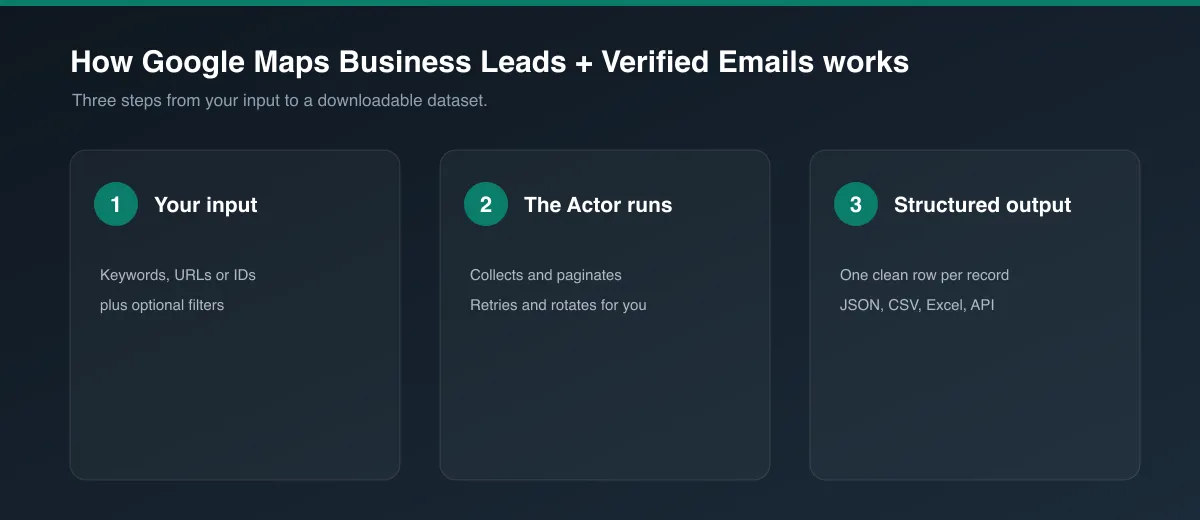
- Loads each search query's Google Maps results and scrolls the results feed to collect up to Max leads per search query businesses.
- Visits each business's own Maps listing page to read its address, phone, website, and category.
- If a website is found and enrichment is enabled, looks up the domain for a contact email (deduplicated per unique domain - businesses sharing a domain, e.g. chain locations, are enriched once and reused).
- Optionally verifies the found email's deliverability.
Google Maps renders results client-side with no static HTML API, so this Actor uses a headless browser (Playwright) rather than a plain HTTP crawler - a Residential proxy is strongly recommended to avoid Google's consent/CAPTCHA wall.
How to use
- Sign up for a free Apify account.
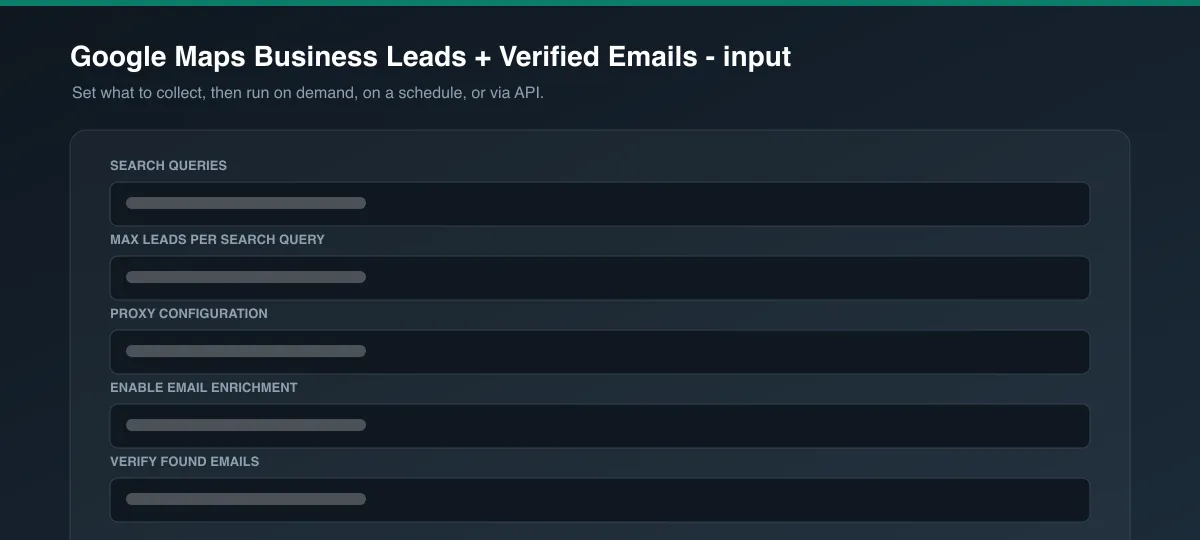
- Open this Actor and enter one or more Search queries, e.g.
"coffee shops in Dublin". - Set Max leads per search query and leave Proxy configuration on Residential.
- Click Start and export results as JSON, CSV, Excel, or via API.
Output
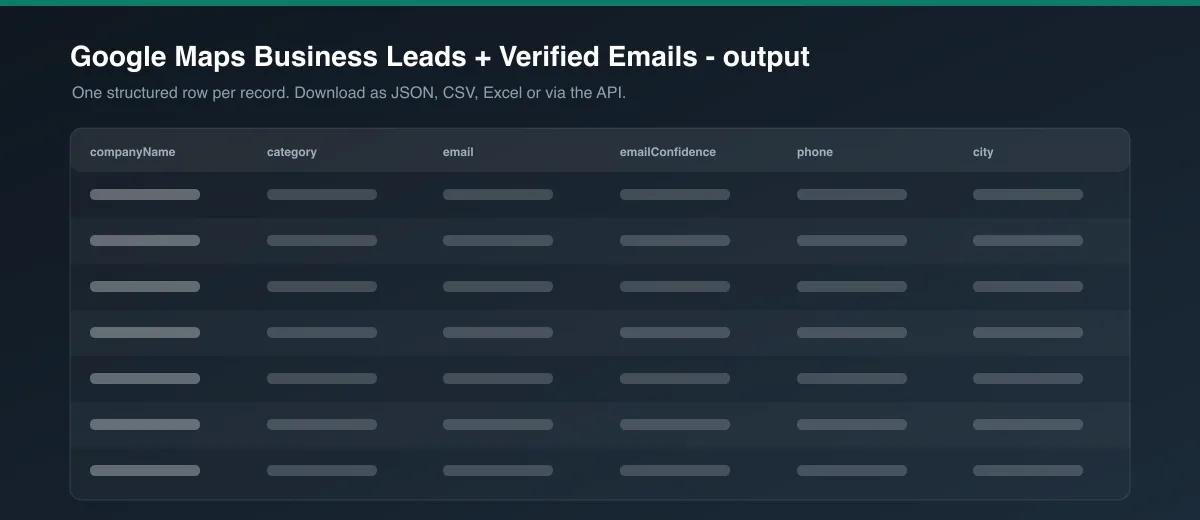
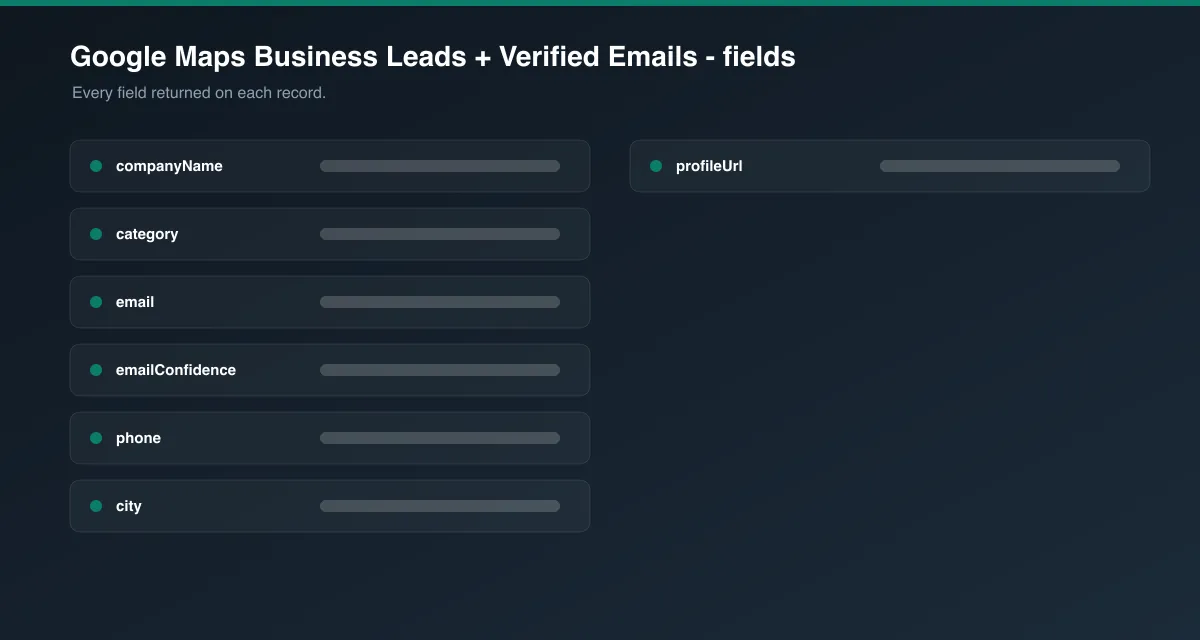
Each dataset item follows a standard lead shape shared across this Actor family:
| Field | Description |
|---|---|
companyName, companyUrl, domain, companyWebsite | Business identity and website |
category | Google Maps business category |
email, emailType, emailConfidence, emailVerificationStatus, emailSources | Contact email data (null if unavailable) |
phone | Business phone number, from Google Maps |
address, city, state, zipCode, country | Parsed business address |
rating | Google Maps star rating |
source, sourceUrl, profileUrl, scrapedAt | Provenance metadata |
Fields with no available data are returned as null rather than omitted or guessed.
More lead-generation Actors
Part of a family of lead-gen Actors sharing the same enrichment engine and output shape - mix and match depending on where your leads live:
- B2B Company Leads + Verified Emails - finds B2B decision-makers at any company, filtered by department and seniority, with optional firmographics.
- Website Contact Leads + Verified Emails - crawls any company website's contact/about pages for named contacts, emails, and phone numbers.
- E-commerce Store Leads + Verified Emails - scrapes online stores for platform, product count, social links, and contact info.
- Real Estate Agent Leads + Verified Emails - scrapes brokerage/agency sites for agent rosters and verified contact emails.
Cost & performance notes
- Runs on a headless browser, so it's heavier per-item than an HTTP-only Actor - keep Max leads per search query reasonable for your use case.
- Email lookups are deduplicated by domain and skipped entirely for businesses with no website, minimizing overhead.
- Concurrency is kept conservative to stay reliable at scale.
Preview