Hyatt Hotel Scraper
Pricing
from $0.50 / 1,000 results
Hyatt Hotel Scraper
Scrape Hyatt hotel availability and room rates according to the certain date. Get information about the rate, room types, cancellation policies, meal plans, rating, and other hotel information from Booking.com and Hyatt official page.
Pricing
from $0.50 / 1,000 results
Rating
0.0
(0)
Developer

MrDoe
Maintained by CommunityActor stats
0
Bookmarked
3
Total users
1
Monthly active users
a month ago
Last modified
Categories
Share
What does Hyatt Hotel Scraper do?
Hyatt Hotel Scraper collects structured hotel data straight from Hyatt's official website — property details, location, guest ratings, and live room rates for the dates you choose. Enter a city, a ZIP code, or a specific hotel name, press Start, and download a clean table of Hyatt-family hotels. It is built for travel price research, rate monitoring, competitive analysis, and hospitality data pipelines.
The scraper covers the full Hyatt portfolio: Hyatt Hotels & Resorts, Park Hyatt, Grand Hyatt, Hyatt Regency, Andaz, Miraval, Alila, Thompson Hotels, Dream Hotels, Joie de Vivre, Destination by Hyatt, Caption by Hyatt, and more. Hotels from other chains are never mixed in.
Why use Hyatt Hotel Scraper?
- Official-source data — rates and property details come from Hyatt's own website, not a third-party travel agency.
- Whole-portfolio coverage — every Hyatt sub-brand in one dataset, filtered so no non-Hyatt hotels slip in.
- Date-specific rates — set any check-in and check-out and get the nightly and total price for that stay.
- Clean, normalized output — consistent fields, no raw HTML, no duplicate rows; missing values are returned as
null. - Flexible input — search by hotel name, city, or postal code.
- Automation-ready — schedule runs, connect to Google Sheets, or pull results through the Apify API.
What makes this different
Most hotel scrapers read prices from online travel agencies. This one reads Hyatt's own website, so the rates match what a guest sees when booking directly. It also always returns results: if live availability cannot be reached during a run, the Actor falls back to public map data and still returns the matching Hyatt properties with their address and location.
What data can you extract?
| Field | Description |
|---|---|
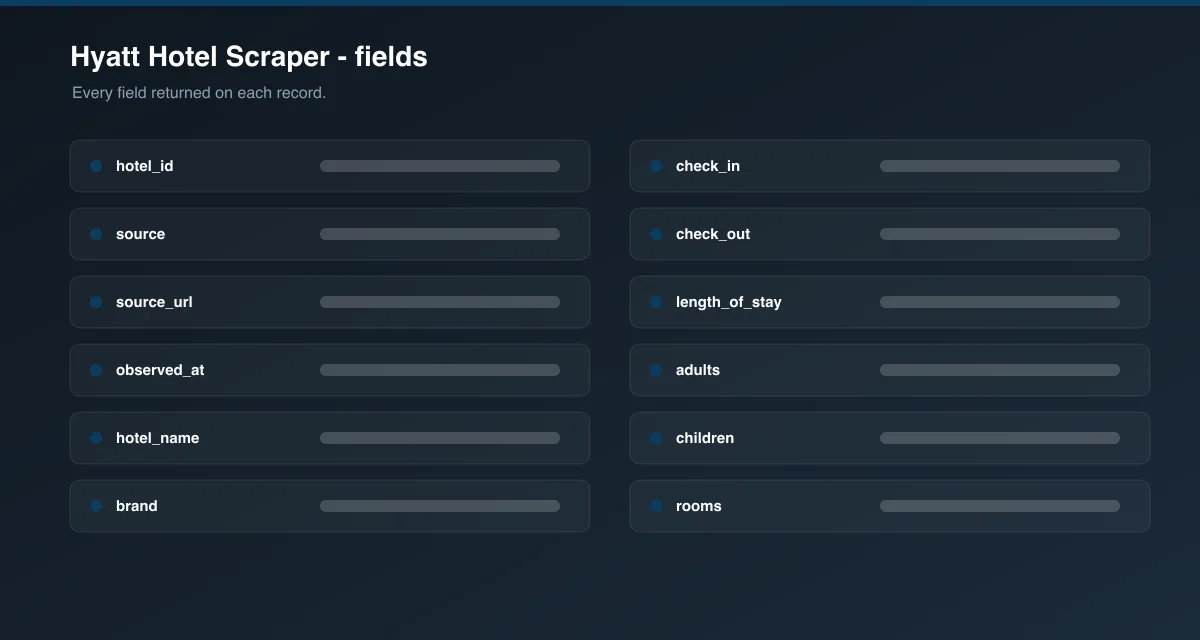
hotel_id | Hyatt property identifier |
hotel_name | Hotel name |
brand | Always Hyatt |
source | Always official |
source_url | Link to the hotel page |
observed_at | Timestamp when the data was collected |
check_in, check_out | Stay dates used for pricing |
length_of_stay | Number of nights |
adults, children, rooms | Occupancy used for the search |
room_type, room_category, bed_type, max_occupancy | Room details when a rate is available |
rate_plan, meal_plan | Rate plan and board type when shown |
cancellation_policy, refundable | Cancellation terms when shown |
price, taxes, fees, total_price, currency | Nightly price, charges, and stay total |
availability | Whether rooms are available for the dates |
address, city, country, postal_code | Property location |
latitude, longitude | Coordinates |
star_rating | Hotel class |
review_score, review_count | Guest rating and number of reviews |
image_url | Main property image |
metadata | Extra source-specific details |
How to use Hyatt Hotel Scraper
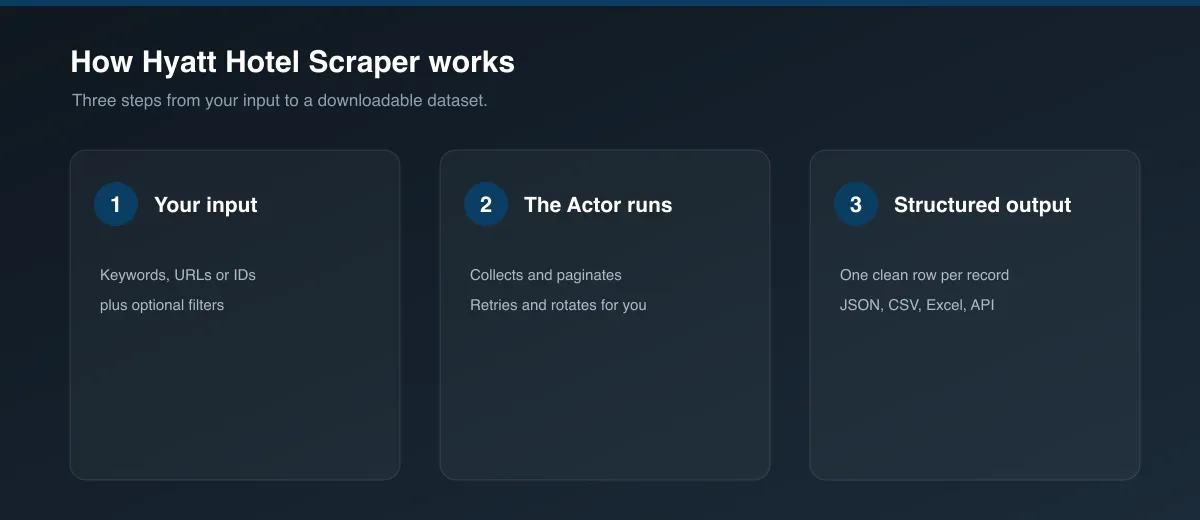
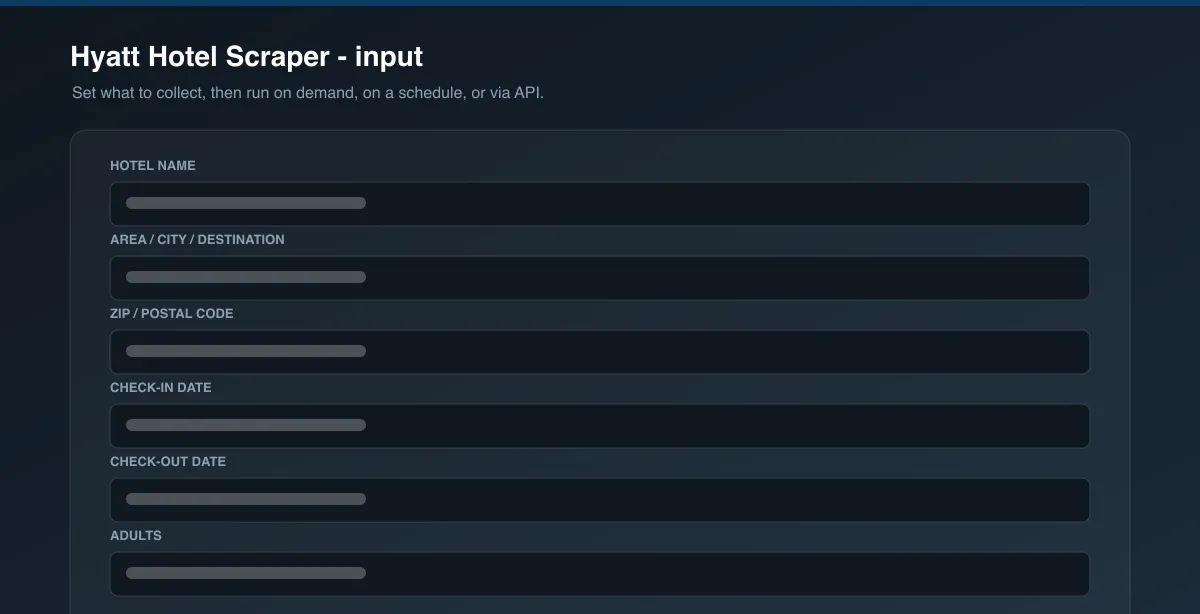
- Open the Actor and go to the Input tab.
- Enter a hotel name, an area / city, or a ZIP / postal code.
- Optionally set check-in and check-out dates, guests, rooms, and currency.
- Set the output limit (start small to test, increase for wider searches).
- Press Start.
- When the run finishes, open the Dataset tab and export to JSON, CSV, or Excel — or connect via API.
Input parameters
| Parameter | Type | Required | Default | Description |
|---|---|---|---|---|
hotel | string | No | — | Exact or partial name of a specific Hyatt-family hotel. |
area | string | No | New York (prefilled) | City or destination to discover hotels in. |
zip_code | string | No | 10001 when nothing else is set | Postal code to discover hotels near. |
check_in | string | No | 2 days from run date | Check-in date, YYYY-MM-DD. |
check_out | string | No | 2 nights after check-in | Check-out date, YYYY-MM-DD. |
adults | integer | No | 2 | Adult guests. |
children | integer | No | 0 | Child guests. |
rooms | integer | No | 1 | Number of rooms. |
currency | string | No | USD | 3-letter currency code for rates. |
limit | integer | No | 5 | Maximum hotels to return. |
Output data
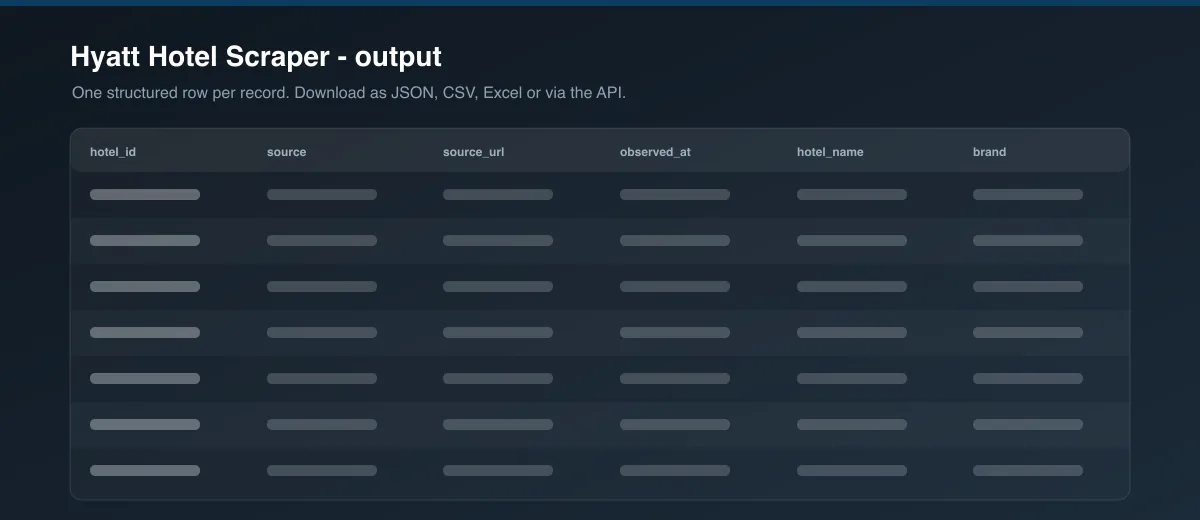
Each dataset item is one hotel for the requested dates. Fields that a hotel or a given search does not expose are returned as null rather than guessed.
Example output item
Usage examples
Look up one hotel for specific dates
Discover Hyatt hotels in a city
Find Hyatt hotels near a postal code
Tips for best results
- Use a specific hotel name when you want one property; use an area or ZIP to compare several.
- Increase
limitfor broader area searches — the default is tuned for a quick test. - Book-ahead dates return more availability than same-week dates.
- Prices are shown in the hotel's own currency when the requested currency is unavailable.
Known limitations
- Live rate fields (
price,taxes,total_price,room_type) depend on real-time availability and can benullfor sold-out or far-future dates. - Area and ZIP searches return the hotels Hyatt's site lists for that location, subject to its own result cap.
- When live availability cannot be reached, the fallback returns property identity and location only — no rates for that run.
- Coverage is strongest for United States destinations.
Integrations
Connect Hyatt Hotel Scraper to Google Sheets, Make, Zapier, Slack, or your own systems through the Apify API and webhooks. Schedule recurring runs to track rates over time.
Export formats
Download results as JSON, CSV, Excel, or XML from the Dataset tab, or fetch them through the Apify API.
Frequently asked questions
How many hotels can I get per run?
As many as you set with limit. Area and ZIP searches are also bounded by how many hotels Hyatt's site returns for that location.
Can I search by my own list of hotels or URLs?
You can run the Actor once per hotel name, or schedule a batch of runs. Direct URL input is not required — a hotel name is enough.
Why are some fields null?
The Actor never fabricates data. If a hotel or a given date range does not expose a rate, room type, or review score, that field is returned as null.
Can I schedule this to run automatically?
Yes. Use Apify Schedules to run it hourly, daily, or weekly and send results to your storage or a connected app.
How fresh is the data?
Rates and availability are read live at run time for the dates you request. Re-run the Actor whenever you need current numbers.
Does it include hotels from other chains?
No. Results are filtered to Hyatt-family brands only.
Support
If a run fails or output looks wrong, open the Issues tab on the Actor's page with your input and the run ID. Fixes and questions are handled there.
Legal and responsible use
You are responsible for how you use the collected data, including compliance with Hyatt's website terms, applicable laws, and data-protection rules such as GDPR where personal data (for example, guest review text) is involved. Use this Actor for research, price comparison, and analytics — not to disrupt the target site.
Preview