Kick.com Scraper: Live Streams, Streamers, Clips & Rankings
Pricing
from $1.80 / 1,000 results
Kick.com Scraper: Live Streams, Streamers, Clips & Rankings
Kick.com data without an API key: who is live right now with viewers, category and language, streamer profiles and followers, VODs, clips and channel rankings.
Pricing
from $1.80 / 1,000 results
Rating
0.0
(0)
Developer

MrDoe
Maintained by CommunityActor stats
1
Bookmarked
2
Total users
1
Monthly active users
a month ago
Last modified
Categories
Share
What does Kick.com Scraper: Live Streams, Streamers, Clips & Rankings do?
Kick.com Scraper returns live and profile data from Kick.com, the streaming platform that competes with Twitch, with no API key and no login: who is live right now (viewers, category, language, title), channel rankings, streamer profiles (followers, verification, social links, subscriber badges), VODs, clips and the category list. Filter live streams by category, language and minimum viewers.
Quick start (3 steps)
- Open the Actor on Apify and click Try for free.
- Choose what you want in the input form. The default returns the top live channels right now. Press Start.
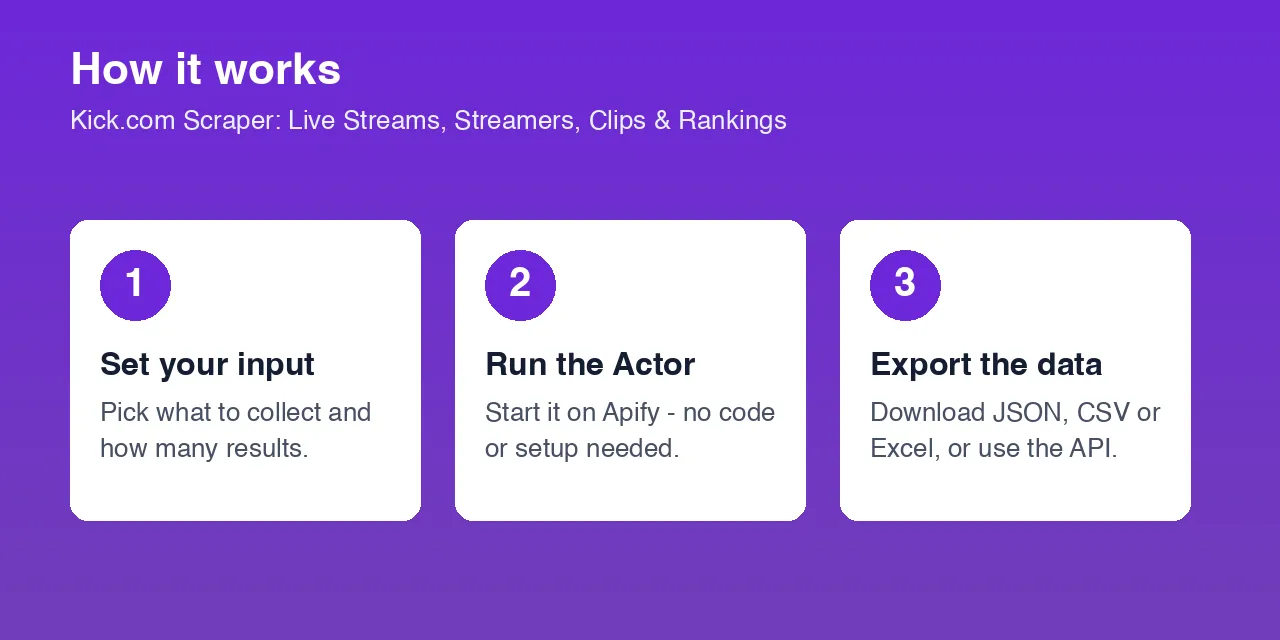
- Download the results as JSON, CSV or Excel, connect them to Google Sheets, or call the Actor as a live API (see below).
Where and how can you use it?
| Use case | Who it is for | How to do it |
|---|---|---|
| Influencer and sponsorship scouting | Brands and agencies | Find live streamers in a category with enough viewers, then pull their profiles and follower counts. |
| Live viewership tracking | Analysts and esports teams | Schedule the live ranking every 5-15 minutes to chart audience per category. |
| Streamer monitoring | Managers and networks | Check followers, live status and current category for a list of channels. |
| Clip and VOD research | Content teams and editors | Collect the most viewed clips of a channel by time range. |
| Discord and Telegram alerts | Community admins | Post when a favourite streamer goes live or a category spikes. |
| AI agents and chatbots | Developers using LLMs | Answer "who is the biggest Just Chatting streamer on Kick right now?" with live data. |
Works with: Google Sheets, Excel, Make, Zapier, n8n, Airtable, Slack, Discord, Telegram, webhooks, Python, JavaScript, cURL and any AI agent that can call an HTTP API.
What data do you get?
| Field | Meaning |
|---|---|
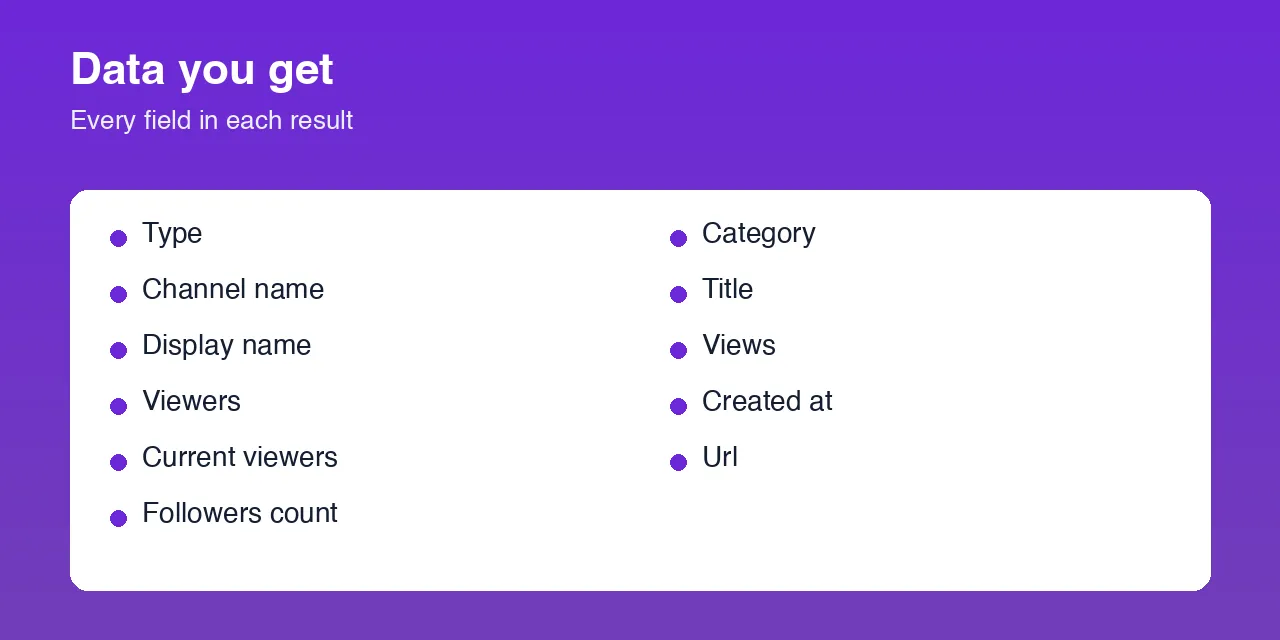
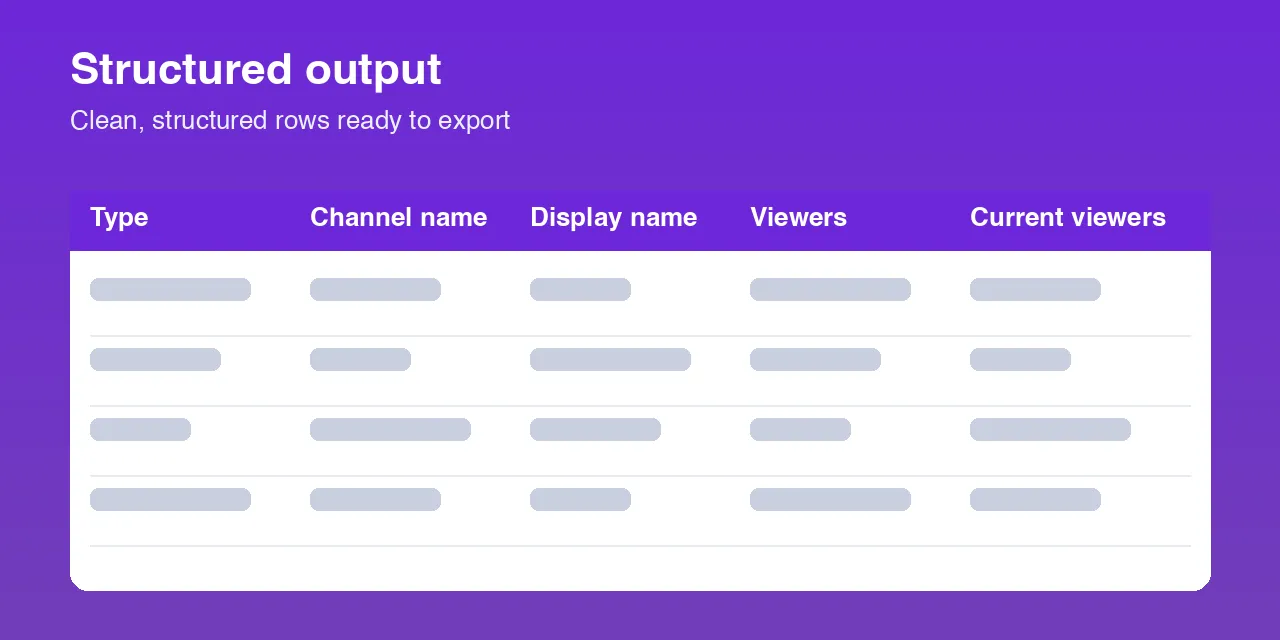
type | channel, live_stream, top_channel, video, clip or category |
channelName, channelUrl, displayName, bio, avatarUrl | Streamer identity |
followersCount, verified, isAffiliate, hasSubscriptions | Channel status |
isLive, currentViewers, currentCategory, currentStreamTitle | What the channel is doing now |
viewers, title, category, language, startedAt, tags | Live stream details |
rank | Position in the live ranking |
socialLinks, subscriberBadges | Social accounts and badges |
views, likes, duration, videoUrl, thumbnailUrl | VOD and clip data |
Example result
Input parameters
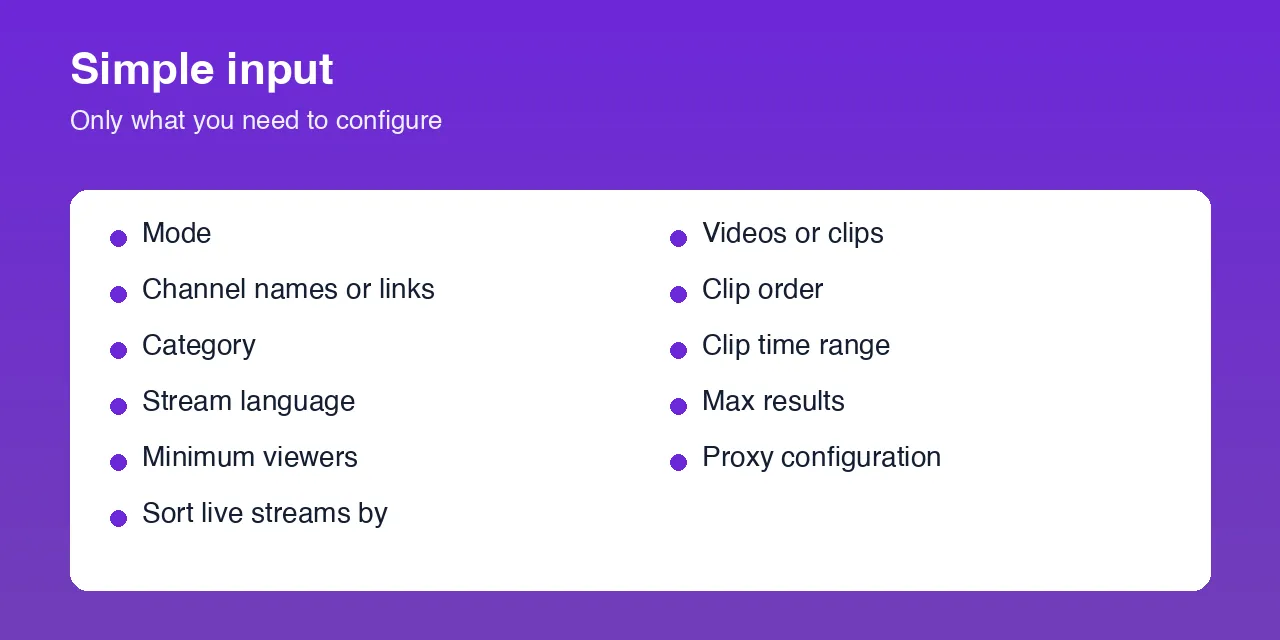
| Parameter | Type | Default | What it does |
|---|---|---|---|
mode | string | top_channels | top_channels, live_streams, channel_details, channel_videos or categories |
channelNames | array | [] | Streamer names or kick.com links |
category | string | - | Category slug, for example just-chatting |
language | string | en | Stream language code |
minViewers | integer | 0 | Minimum viewers for live streams and rankings |
sortBy | string | viewers | viewers or recent (live_streams) |
videoType | string | videos | videos (VODs) or clips |
clipSort / clipTime | string | view / all | Clip order and time range |
maxResults | integer | 20 | Records to return (1 to 1000) |
Input examples
Top live channels right now
Live Just Chatting streams with 100+ viewers
Streamer profiles
Most viewed clips of a channel
Recent VODs
Use it as a live API (Actor Standby)
Need an answer right now instead of starting a run? This Actor also works as an always-on HTTP endpoint (Apify Actor Standby). Send a request, get JSON back in seconds.
You can also POST a JSON body with the same fields as the Actor input. The response is { "count": 1, "items": [ ... ] }; if something is wrong with your request you get a clear error message.
| Standby API | Normal run | |
|---|---|---|
| Best for | Apps, bots, chat assistants, quick lookups | Scheduled jobs, bigger exports, datasets |
| Output | JSON in the response | Dataset (JSON, CSV, Excel, XML) |
| Scheduling | Call it whenever you like | Apify Schedules and Tasks |
Ready-made Tasks
Open the Tasks tab, pick a ready-made Task and press Start. Clone any Task to change the input and add a schedule.
Tips for best results
- Use
top_channelson a schedule to build a viewership history per category. - Use the category slug from the
categoriesmode (for examplegrand-theft-auto-v-gta). - Set
languageto see streams in other languages, for exampleesorpt. - Use
minViewersto skip tiny channels when scouting.
Known limitations
- Live data is a snapshot at run time; viewer counts change every minute.
- Channels that are offline show
isLive: falseand no current stream fields. - Private or banned channels return no row.
Frequently Asked Questions
Do I need an API key or a Kick account?
No. It works without any login or key.
Can I see who is live right now?
Yes. Use live_streams or top_channels, optionally filtered by category, language and minimum viewers.
Can I get clips and past broadcasts?
Yes. Use channel_videos with videoType set to clips or videos.
How often can I run it?
As often as you like. Schedule it every few minutes for live tracking.
Can I use this Actor as an API?
Yes. Call the endpoint shown in Use it as a live API with your Apify token and read the JSON in the response.
Can I connect it to Google Sheets, Make, Zapier or n8n?
Yes. Use the Apify integrations for each tool, or call the endpoint from any HTTP module. Scheduled Tasks can push fresh data to your sheet or workflow.
Can I run it on a schedule?
Yes. Create a Task with your input and add a schedule in Apify Console.
Am I charged for failed runs or empty results?
You are charged only for records actually returned.
Support
Questions or a missing field? Open an issue from the Issues tab on this Actor's page.
Legal / Responsible Use
Data is collected from publicly available Kick.com pages for research and analytics. You are responsible for using it in line with applicable law and the platform's terms.
Preview