

LoopNet Listings Scraper
Pricing
from $1.50 / 1,000 results
LoopNet Listings Scraper
Scrapes commercial real estate listings from LoopNet search result pages: price, size, property type, address and listing URL, with automatic pagination.
Pricing
from $1.50 / 1,000 results
Rating
0.0
(0)
Developer

MrDoe
Maintained by CommunityActor stats
0
Bookmarked
2
Total users
1
Monthly active users
24 days ago
Last modified
Categories
Features
Share
What does LoopNet Listings Scraper do?
LoopNet Listings Scraper extracts commercial real estate listings from LoopNet search result pages - price, size, property type, address, coordinates, and more. Give it a for-sale or for-lease search URL and it paginates through result pages automatically. Running it on the Apify platform gets you scheduling, API access to results, proxy rotation, and monitoring out of the box.
Why use LoopNet Listings Scraper?
- Track commercial listings and pricing trends in a market without manually browsing LoopNet.
- Feed commercial real estate data into research, investment analysis, or market-comparison tools.
- Monitor new listings or price changes over time by scheduling recurring runs.
How to use LoopNet Listings Scraper
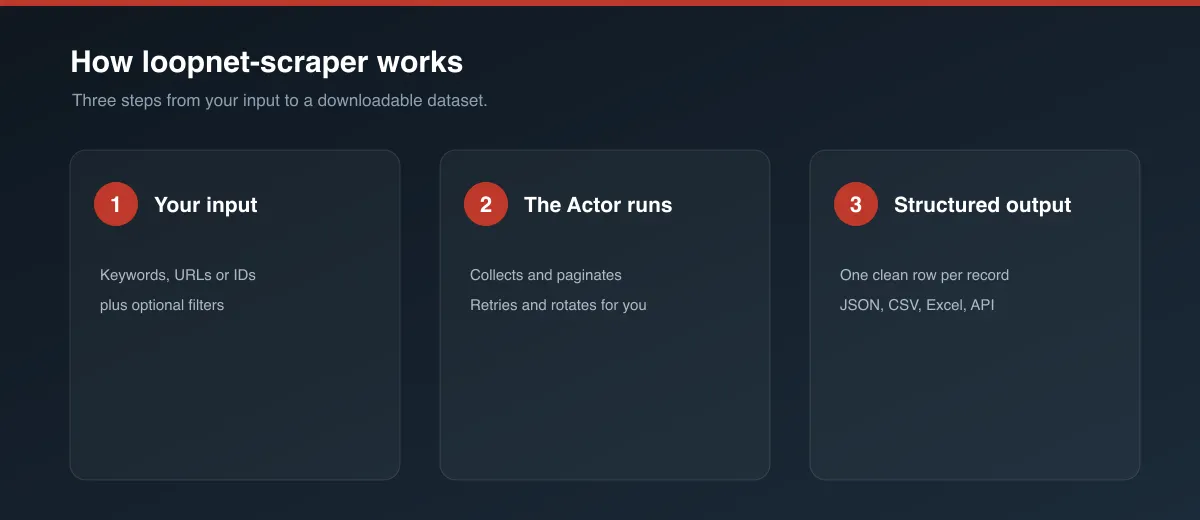
- Click Try for free (or Start) to open the Actor.
- Paste one or more LoopNet search result page URLs into Start URLs, e.g.
https://www.loopnet.com/search/commercial-real-estate/austin-tx/for-lease/. - Make sure Proxy configuration uses a residential proxy (enabled by default) - LoopNet blocks requests that don't come through one.
- Optionally adjust Max items to cap how many listings are scraped (defaults to 5, and the first 5 listings are free).
- Click Start and wait for the run to finish, then open the Dataset tab to view, filter, and export the results.
Input
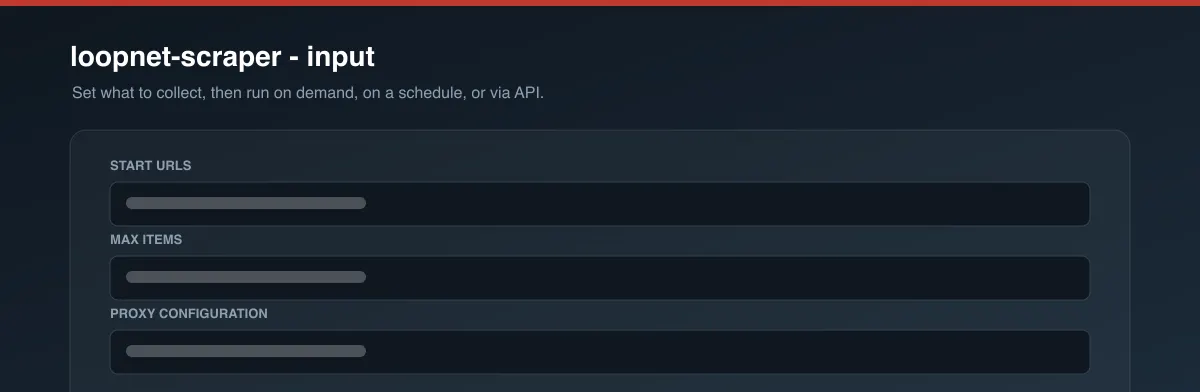
| Field | Type | Description |
|---|---|---|
startUrls | array (required) | LoopNet search result page URLs to scrape. |
maxItems | integer (optional) | Stop the run after this many listings have been scraped. Defaults to 5. |
proxyConfiguration | object (optional) | Proxy settings. A residential proxy is required - see Tips below. |
See the Input tab for the full schema.
Output
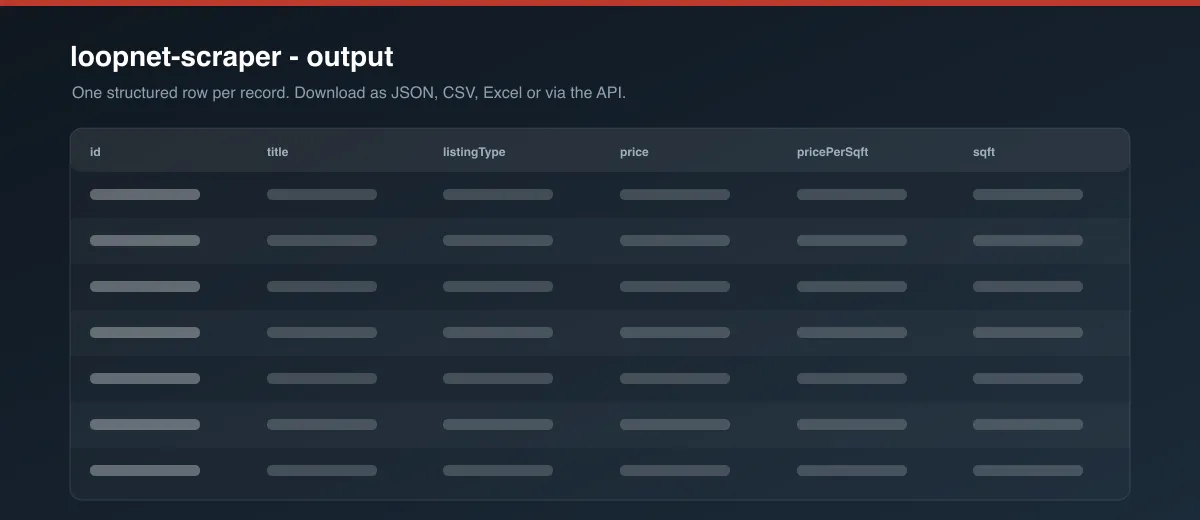
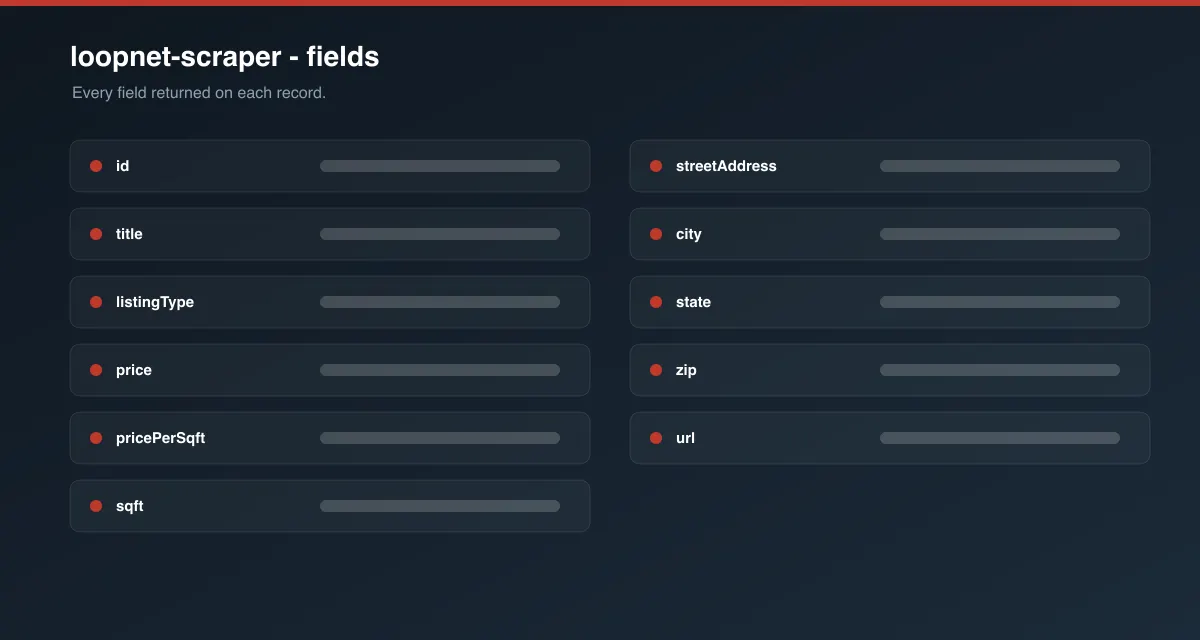
Each dataset item looks like this:
You can download the dataset in various formats such as JSON, HTML, CSV, or Excel.
Data table
| Field | Description |
|---|---|
id | Listing identifier, when available |
title | Listing headline |
listingType | For Sale or For Lease, when available |
price, pricePerSqft, sqft | Core listing details (not every field is always published for every listing) |
streetAddress, city, state, zip, latitude, longitude | Location |
propertyType, photoUrl | Extra metadata, when available |
url | Link to the listing's LoopNet page |
Cost estimation
This Actor uses pay-per-result pricing: the first 5 listings scraped are free, and usage beyond that is billed per listing. See the Pricing tab for current rates. Use Max items to scope smaller, cheaper runs.
Tips
- A residential proxy is required, not just recommended. LoopNet blocks non-residential IPs and automated requests, so runs without a residential proxy are likely to fail.
- Scope
startUrlsto smaller areas or narrower property-type filters instead of large metro-wide searches to reduce run time and cost.
FAQ, disclaimers, and support
This Actor only collects publicly listed LoopNet data. It is not affiliated with or endorsed by LoopNet. Respect LoopNet's Terms of Service when using the scraped data. Found a bug or have a feature request? Use the Issues tab on this Actor's page.


