
7-Eleven Philippines Store Scraper 🇵🇭
Pricing
from $1.00 / 1,000 results
7-Eleven Philippines Store Scraper 🇵🇭
Scrape 7-Eleven Philippines store locations and available business details, including store names, addresses, contact information, coordinates, opening hours, and other location data. Useful for retail research, location analysis, market research, mapping, and business data collection.
Pricing
from $1.00 / 1,000 results
Rating
0.0
(0)
Developer

MrDoe
Maintained by CommunityActor stats
1
Bookmarked
2
Total users
1
Monthly active users
25 days ago
Last modified
Categories
Share
7-Eleven Philippines CLIQQ Shop Product Scraper
Scrape real 7-Eleven Philippines CLIQQ Shop delivery product prices - no coding, no manual copy-pasting, no browser to babysit. Get every product's name, price, sale price, size, brand, category, and stock status, exactly as a customer browsing CLIQQ Shop delivery would see them, for any 7-Eleven Philippines store.
What does this 7-Eleven Philippines scraper do?
This Actor scrapes CLIQQ Shop - 7-Eleven Philippines' official delivery storefront - directly from its own product API, store by store. Give it a store, and it returns every product CLIQQ Shop sells there: snacks, drinks, personal care, household goods, and everything else in the catalog, with real live prices and stock status.
Point it at a store by ID or by location, and choose whether you want the entire catalog (a single store can carry thousands of SKUs) or just products matching a name you search for (e.g. coffee or chips). Run it on-demand, on a schedule, or trigger it via the Apify API - full run monitoring built in.
Why scrape 7-Eleven Philippines CLIQQ Shop prices?
- Price monitoring - track how CLIQQ Shop prices and promos change over time, per store or across regions.
- Competitive & market research - see exactly what a convenience-store delivery catalog looks like in the Philippines, and how pricing/assortment varies by store.
- Catalog analysis - build a structured dataset of product names, brands, categories, and photos.
- Data enrichment - feed real product and pricing data into your own database, app, or price-comparison tool.
How to use this 7-Eleven Philippines scraper
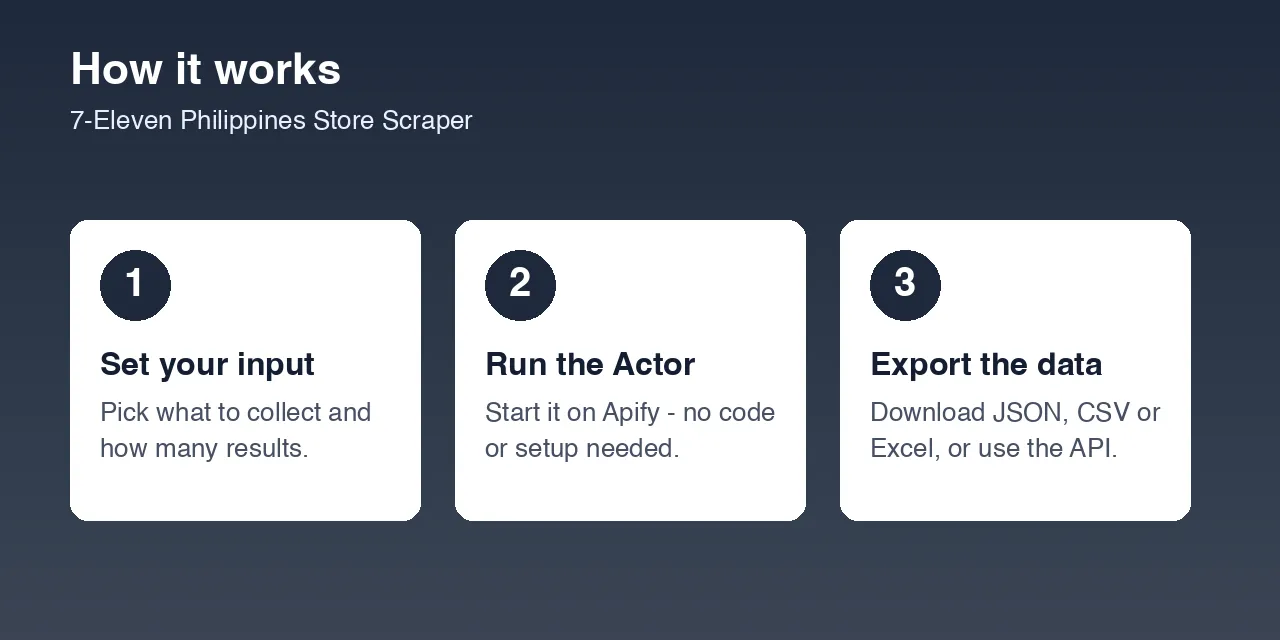
- Go to the Input tab.
- Tell it which store to scrape - Store IDs (see below for how to find one) is the default and simplest option. It comes pre-filled with a real Manila store, so clicking Start with no changes gives you a working preview immediately.
- Leave Product name filter empty to get the store's entire catalog, or fill it in (e.g.
coffee,chips,shampoo) to get only matching products. - Click Start, then open the Dataset tab for your results.
7-Eleven Philippines has no public per-store web page to copy a store ID from, so if you don't already know one:
- Run this Actor once with a Location filter set (e.g.
Quezon CityorNCR), or leave everything empty for nationwide - it discovers matching stores automatically and scrapes their catalogs. - Note the
storeIdfield on any products you care about. - For future runs (e.g. a Schedule that checks prices daily), set Store IDs to just those values - faster, cheaper, and repeatable.
Input
| Field | Type | Description |
|---|---|---|
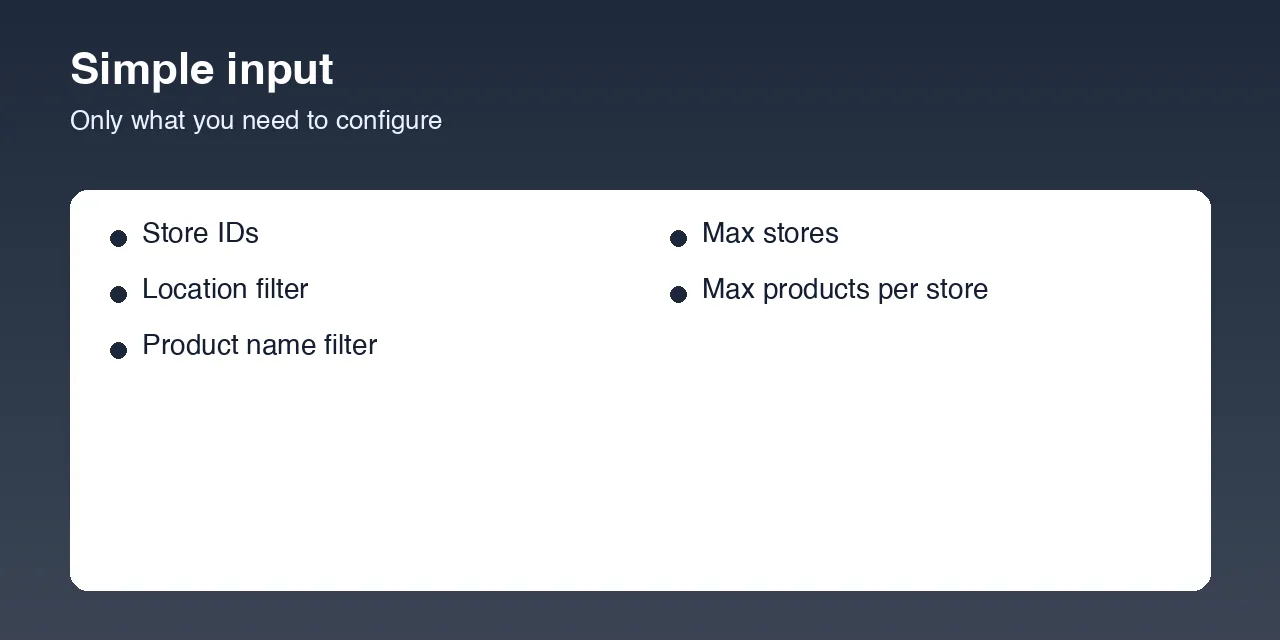
storeIds | Array | One or more store IDs to scrape. Defaults to one real Manila store. Clear it to discover stores by location instead. |
locationQuery | String | Only used when storeIds is empty. Matches region, province, city, or address text, e.g. Quezon City or NCR. Leave empty for nationwide. |
productName | String | Only return products whose name contains this text (case-insensitive). Leave empty for the full catalog. |
maxStores | Integer | Maximum number of stores to scrape products from (default: 0 = unlimited). |
maxProductsPerStore | Integer | Only used when productName is empty. Caps products saved per store (default: 0 = unlimited - a single store can run into the thousands). |
Example input - full catalog for one store:
Example input - just coffee products, across every store in Quezon City:
Example input - a quick capped preview of a store's catalog:
Output
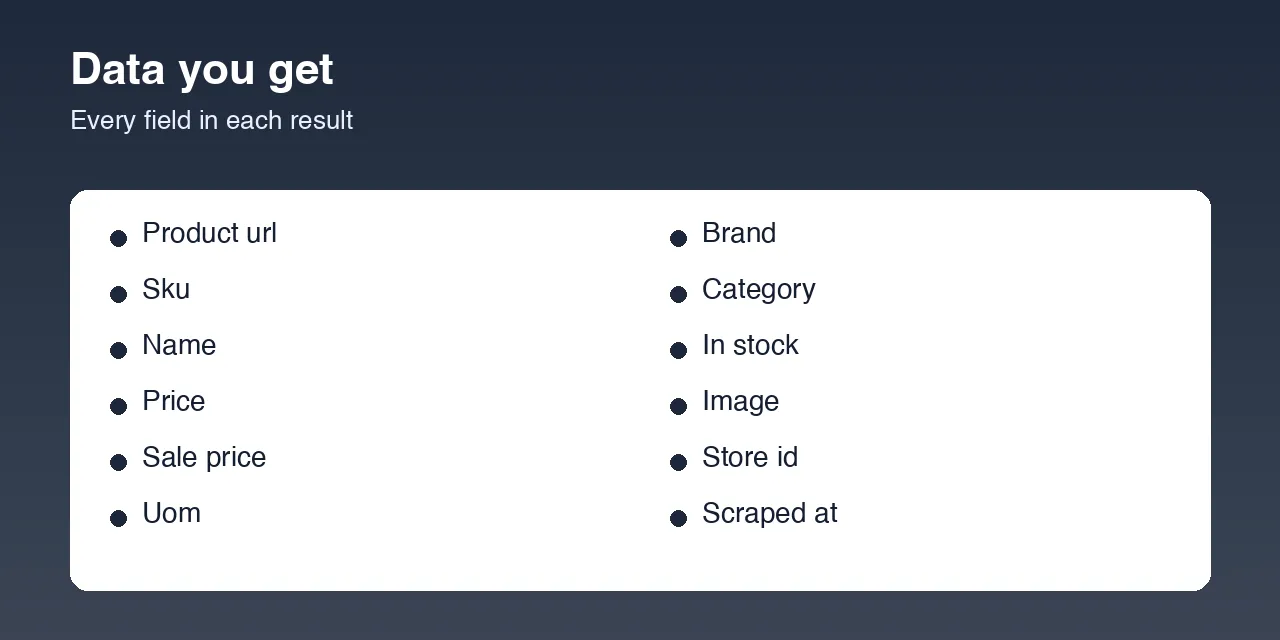
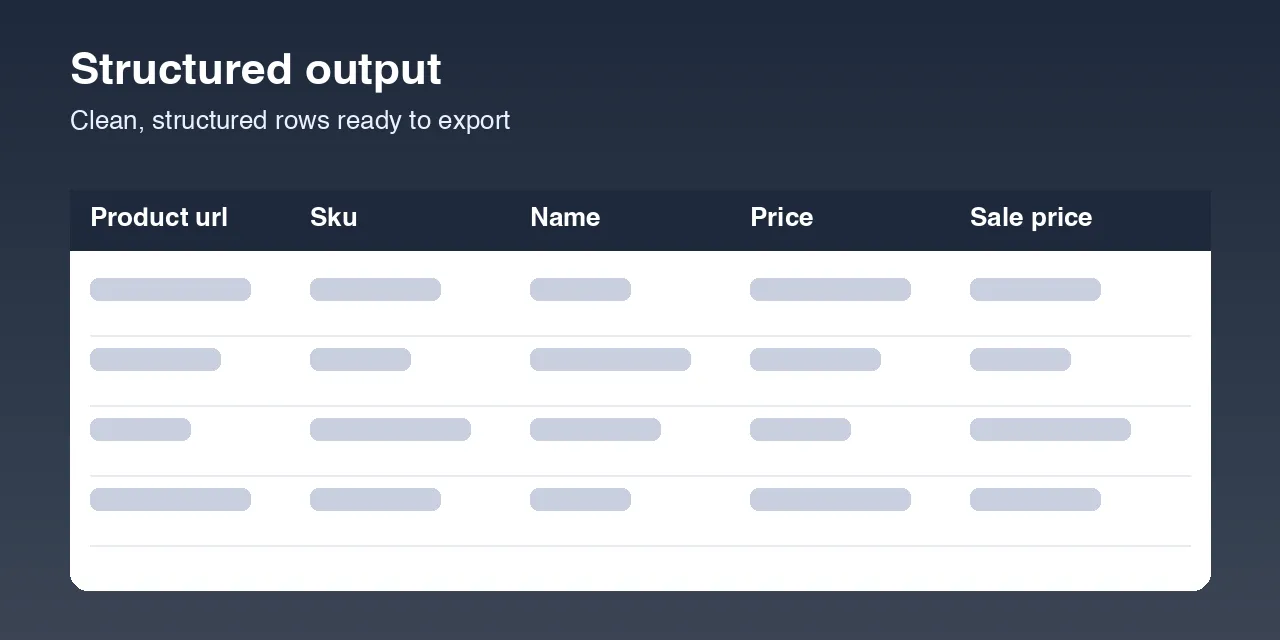
Each product is saved as one dataset item:
You can download the dataset in various formats such as JSON, HTML, CSV, or Excel.
Data table
| Field | Description |
|---|---|
productUrl | Link to the product's page on CLIQQ Shop's consumer website (cliqqshop.com). |
sku | The product's SKU/barcode. |
name | Product name. |
price | Regular price (PHP). |
salePrice | Discounted price, only set when the product is actually on sale (null otherwise). |
uom | Unit of measure / pack size (e.g. 43g, 330ml). |
brand, category | Product brand and category, as published by CLIQQ Shop. |
inStock | Real-time stock availability at the store. |
image | Product photo. |
storeId | Which store this product's price and stock came from. |
scrapedAt | Date (YYYY-MM-DD) this Actor captured the item. |
Pricing / Cost estimation
This Actor talks directly to CLIQQ Shop's own product API - no browser, no proxy, no login. That API isn't behind any bot protection (verified live: even a completely cold request with no cookies returns full data), so this is a fast, low-cost scrape even for a store's entire multi-thousand-item catalog. Use Product name filter or Max products per store to keep test runs quick; scale up once you know what you need.
Tips for better runs
- Start with Product name filter set to something specific if you only care about one item or category - CLIQQ Shop's own search does the filtering server-side, so this is fast even across many stores.
- Use Store IDs for repeat/scheduled price checks on stores you already know - it's the cheapest, most predictable option.
- Use Location filter for broad discovery across one region without listing individual store IDs.
- Use the Apify Schedule feature to re-run this Actor periodically and track price or promo changes over time.
FAQ
Is this legal? This Actor only collects publicly visible product and pricing data. You are responsible for using the data in accordance with 7-Eleven's Terms of Service and any applicable laws in your jurisdiction.
Why is salePrice null for most products? It's only set when CLIQQ Shop is actually running a discount on that item at that store - full-price products report null rather than repeating the regular price.
Does this scrape store location details (address, hours, phone)? No - this Actor is focused entirely on CLIQQ Shop delivery products and pricing. storeId on each product is the only store-level field in the output.
Found a bug or have a feature request? Please use the Issues tab on this Actor's page - feedback directly shapes future updates.


