

UK Greyhound Race Results: SP, Times, Going & Forecasts
Pricing
from $1.00 / 1,000 row returneds
UK Greyhound Race Results: SP, Times, Going & Forecasts
Official UK greyhound results for every race and runner: winners, starting prices, run and sectional times, going, forecast and tricast dividends, trainers, sires and running comments, for any date range and track.
Pricing
from $1.00 / 1,000 row returneds
Rating
0.0
(0)
Developer

MrDoe
Maintained by CommunityActor stats
0
Bookmarked
2
Total users
1
Monthly active users
2 days ago
Last modified
Categories
Share
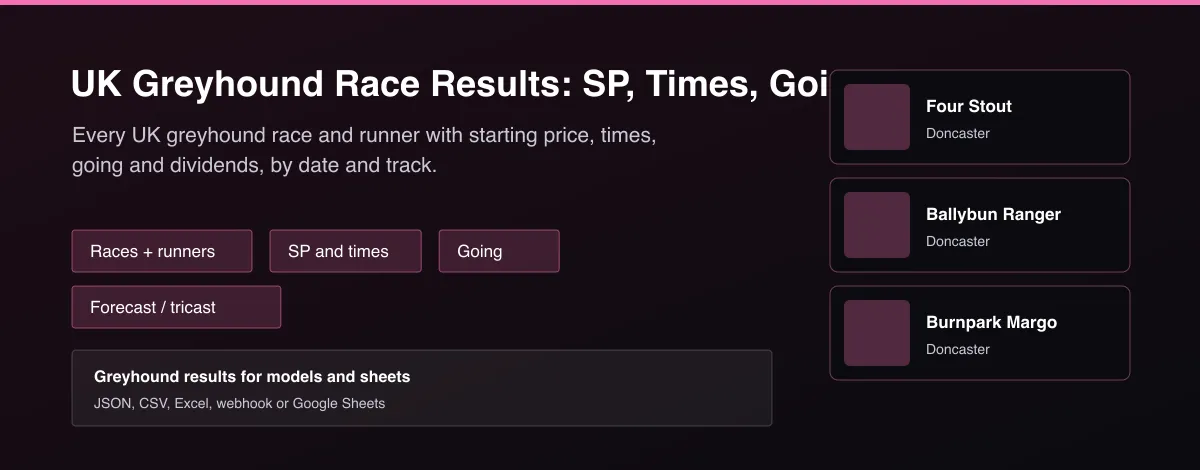
What does UK Greyhound Race Results: SP, Times, Going & Forecasts do?
UK Greyhound Race Results returns official results from UK greyhound tracks. Choose Races for one row per race with the track, time, grade, distance, going, winner, winning time and starting price, second place, and forecast and tricast dividends, or Runners for one row per dog with finishing position, starting price in fractional and decimal form, run, adjusted and sectional times, beaten distance, weight, trainer, sire, dam and the running comment. Pick any date range and filter by track, with no login.
Why use UK Greyhound Race Results: SP, Times, Going & Forecasts?
- Official UK results, races or runners.
- Starting price in fractional and decimal.
- Run, adjusted and first-section times.
- Forecast and tricast dividends per race.
- Any date range and track filter.
What makes this different
Most greyhound data sits on a results page you read race by race. This Actor returns whole days as flat tables with the times, going and starting prices side by side, so you can build speed ratings, trainer form and bias analysis directly.
How it works
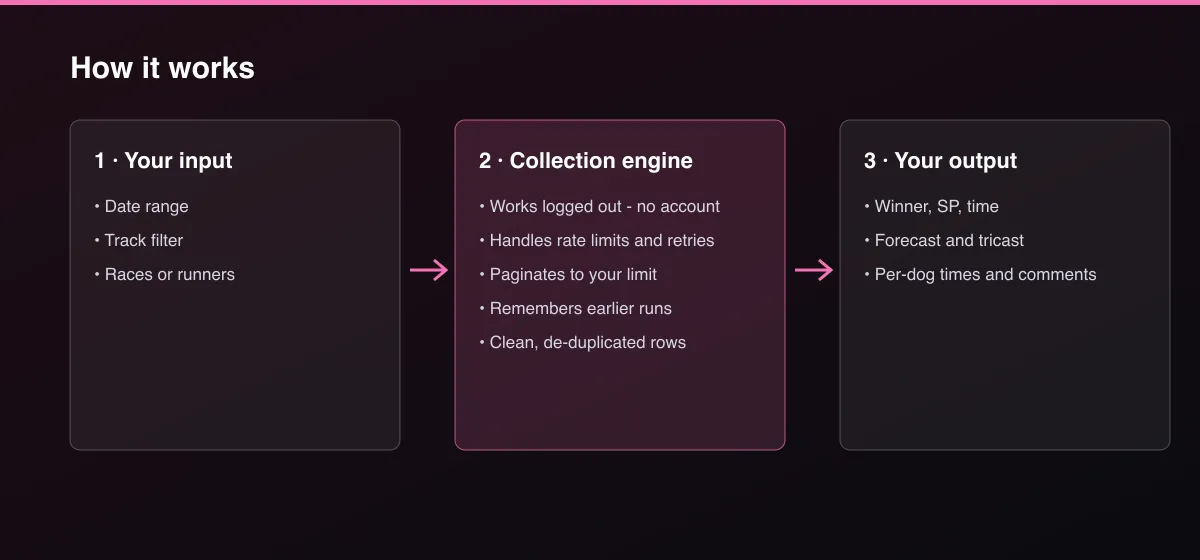
- Your input — choose a date range, tracks and Races or Runners.
- The Actor collects it — the Actor reads each day's meetings and every race.
- Your output — you get one row per race or per runner.
What data can you extract?
The dataset has 44 fields per row:
| Field | Type | Description |
|---|---|---|
meetingId | integer | Meeting ID. |
raceId | integer | Race ID. |
track | string | Track. |
date | string | Race date (YYYY-MM-DD). |
time | string | Race time (HH:MM, UK). |
raceNumber | integer | Race number on the card. |
raceTitle | string | Race title. |
raceClass | string | Grade, for example A4. |
distanceMetres | number | Race distance in metres. |
raceType | string | Flat or hurdles. |
isHandicap | boolean | True for handicap races. |
going | number | Going allowance. |
prizes | string | Prize money. |
runners | integer | Number of runners. |
winner | string | Winning dog. |
winnerTrap | integer | Winner's trap. |
winnerTrainer | string | Winner's trainer. |
winnerSp | string | Winner's starting price, fractional. |
winnerSpDecimal | number | Winner's starting price, decimal. |
winningTime | number | Winning time in seconds. |
second | string | Second place. |
forecast | string | Forecast finish and dividend. |
tricast | string | Tricast finish and dividend. |
favouriteWon | boolean | True when the market favourite won. |
trap | integer | Trap number. |
dogId | integer | Dog ID. |
dog | string | Dog name. |
sire | string | Sire. |
dam | string | Dam. |
trainer | string | Trainer. |
owner | string | Owner. |
position | integer | Finishing position. |
sp | string | Starting price, fractional. |
spDecimal | number | Starting price, decimal. |
marketPosition | integer | Position in the betting market. |
runTime | number | Run time in seconds. |
adjustedTime | number | Going-adjusted time in seconds. |
sectionalTime | number | First-section time in seconds. |
beatenDistance | string | Distance beaten. |
weightKg | number | Weight in kilograms. |
comment | string | Running comment. |
born | string | Month and year of birth. |
sex | string | Sex. |
colour | string | Colour. |
How to use UK Greyhound Race Results: SP, Times, Going & Forecasts
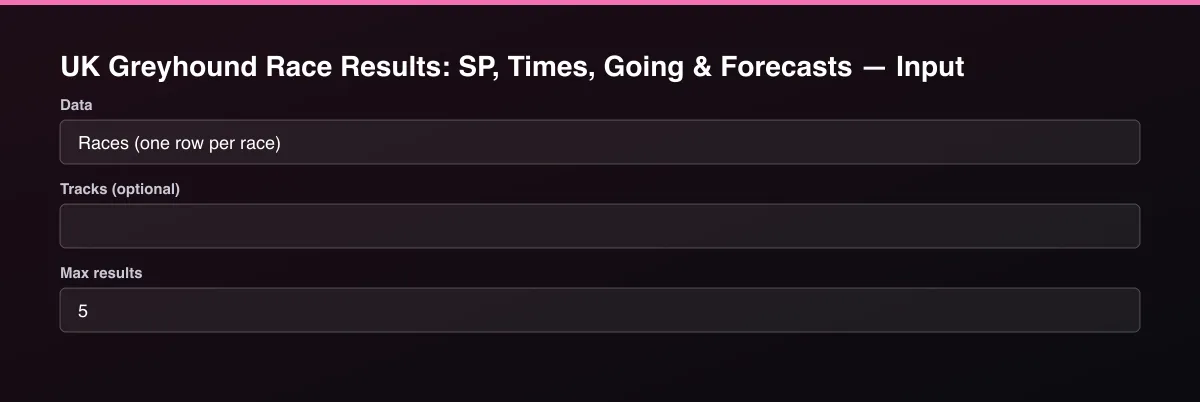
- Open the Actor and go to the Input tab.
- Press Start for yesterday's results, or set From date and To date. Filter by Tracks, and set Max results to 0 for everything in the range.
- Optionally set filters and a Max results limit.
- Click Start. A default run finishes in under a minute.
- Open the Output tab, then download the dataset or connect it to your tools.
Input Parameters
| Parameter | Type | Required | Default | Description |
|---|---|---|---|---|
dataType | string | No | "races" | One row per race with winner, time and forecast, or one row per runner with position, price, times and comments. |
startDate | string | No | — | First day, YYYY-MM-DD. Leave empty for yesterday only. |
endDate | string | No | — | Last day, YYYY-MM-DD. Leave empty to end at yesterday. |
tracks | array | No | [] | Only these tracks, for example Romford, Towcester, Sunderland. Leave empty for all. |
maxResults | integer | No | 5 | Maximum number of rows returned. Default is 5 for a quick test; set 0 to return everything available. |
proxyConfiguration | object | No | {"useApifyProxy":false} | Optional. The data is public and works without a proxy. |
Output Data
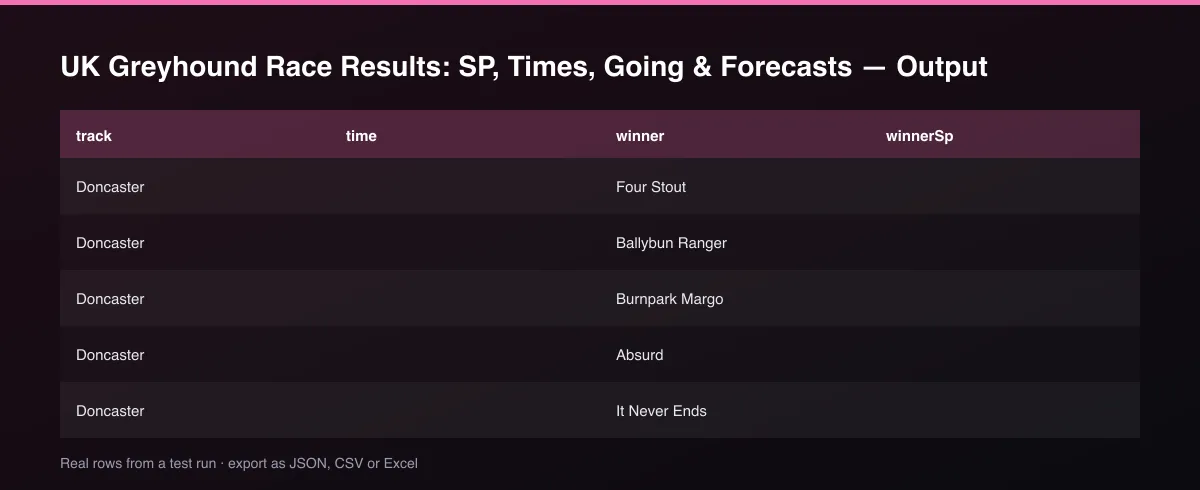
Races rows carry winner, winnerSp, winningTime, going, forecast and favouriteWon. Runners rows carry position, sp, spDecimal, runTime, adjustedTime, sectionalTime, trainer and comment for each dog.
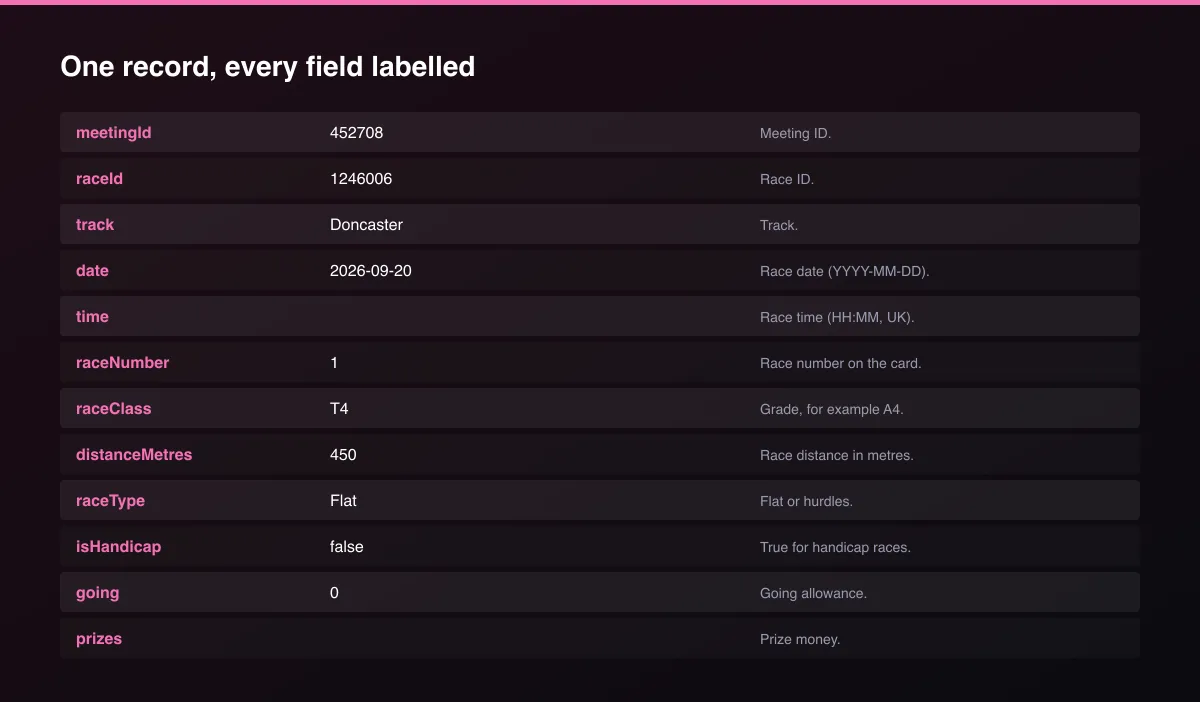
A real dataset item:
Usage Examples
Yesterday's races
Romford runners, one week
A month of Towcester races
Tips for Best Results
- Default is 5 results for a fast test. Set the max to 0 to return everything available.
Known Limitations
- Results only: race cards for future meetings are not included.
- UK licensed (GBGB) tracks only.
- Long date ranges make many requests, so use a track filter when you can.
- Times of some races are missing when the track did not record them.
Integrations
Run it from the Apify API, on a schedule, or from a webhook. Send results straight to Google Sheets, Make, Zapier, Slack or your own database with Apify's built-in integrations.
Export Formats
Download the dataset as JSON, CSV, Excel, XML, HTML table or RSS from the Output tab or the API.
Frequently Asked Questions
Does it need an account or API key?
No. The Actor reads public data and needs no account or key.
Am I charged for failed results?
No. You are only charged for results that are written to the dataset.
Do I need an account or login?
No. The Actor reads public data and needs no account or key.
Am I charged for failed runs or empty results?
You are only charged for results that are actually written to the dataset.
Can I run it on a schedule?
Yes. Create a Task with your input and add a schedule in Apify Console. With monitor mode on, each scheduled run returns only what changed since the previous one.
Support
Questions or a missing field? Open an issue from the Issues tab on this Actor's page and it will be looked at.
Legal / Responsible Use
You are responsible for using the data in line with the source's terms and applicable law. The Actor collects publicly available data only and is not affiliated with the source.


