

Uniqlo Product Scraper US
Pricing
from $1.50 / 1,000 results
Uniqlo Product Scraper US
Extracts fashion product listings from Uniqlo.com (US) - price, ratings, colors, sizes, and photos - for any category page URL, in one fast request.
Pricing
from $1.50 / 1,000 results
Rating
0.0
(0)
Developer

MrDoe
Maintained by CommunityActor stats
0
Bookmarked
2
Total users
1
Monthly active users
3 days ago
Last modified
Categories
Share
Turn Uniqlo's product catalog into structured data in minutes - no coding, no manual copy-pasting. Get product name, price, customer ratings, colors, sizes, and photos for any Uniqlo.com (US) category, in one fast request.
What does Uniqlo Product Scraper US do?
Uniqlo Product Scraper US collects fashion product listings from Uniqlo.com (US). Point it at any category or subcategory page URL and it fetches every product in that category, along with pricing, star ratings, available colors and sizes, and photos.
Why use Uniqlo Product Scraper US?
- Price monitoring - track how Uniqlo prices specific categories or products over time, including promotional pricing.
- Customer sentiment at a glance - Uniqlo shows a star rating and review count for most products directly on category pages, included here without needing a separate request per product.
- Trend and assortment research - see exactly what's in a category, which colors and sizes are offered, and which items are flagged as best sellers.
- Data enrichment - pull structured product data into your own spreadsheet, PIM, or price-comparison tool.
How to use Uniqlo Product Scraper US
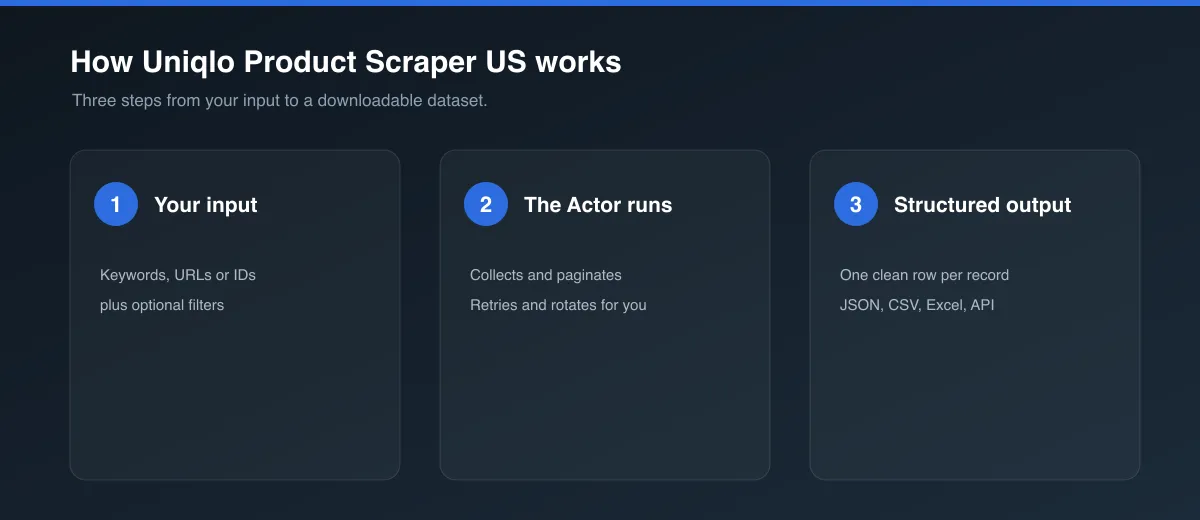
- Go to the Input tab.
- Set Category URL to any Uniqlo.com (US) category page (copy it straight from your browser), e.g.
https://www.uniqlo.com/us/en/women/topsor a narrower subcategory likehttps://www.uniqlo.com/us/en/women/tops/t-shirts. - Set Max items to control how much to collect.
- Click Start and wait for the run to finish.
- Open the Dataset tab to preview, filter, and export your results.
Input
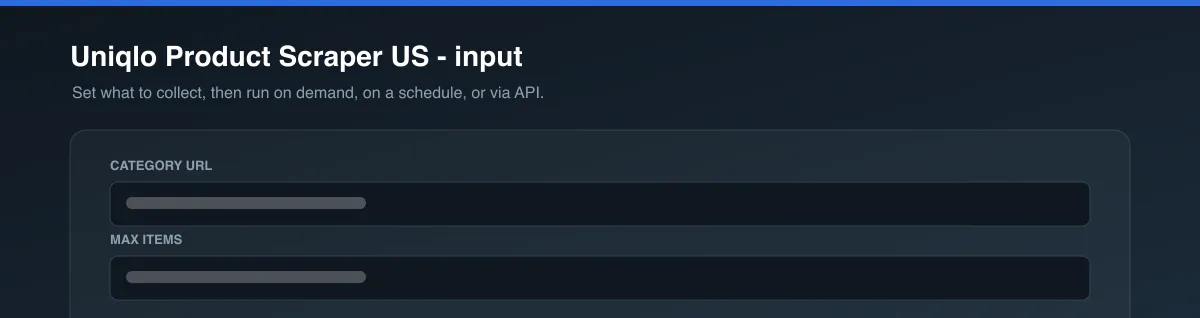
| Field | Type | Description |
|---|---|---|
startUrl | String | A Uniqlo.com (US) category or subcategory page URL. |
maxItems | Integer | Maximum number of products to scrape (default: 100). |
Example input:
Output
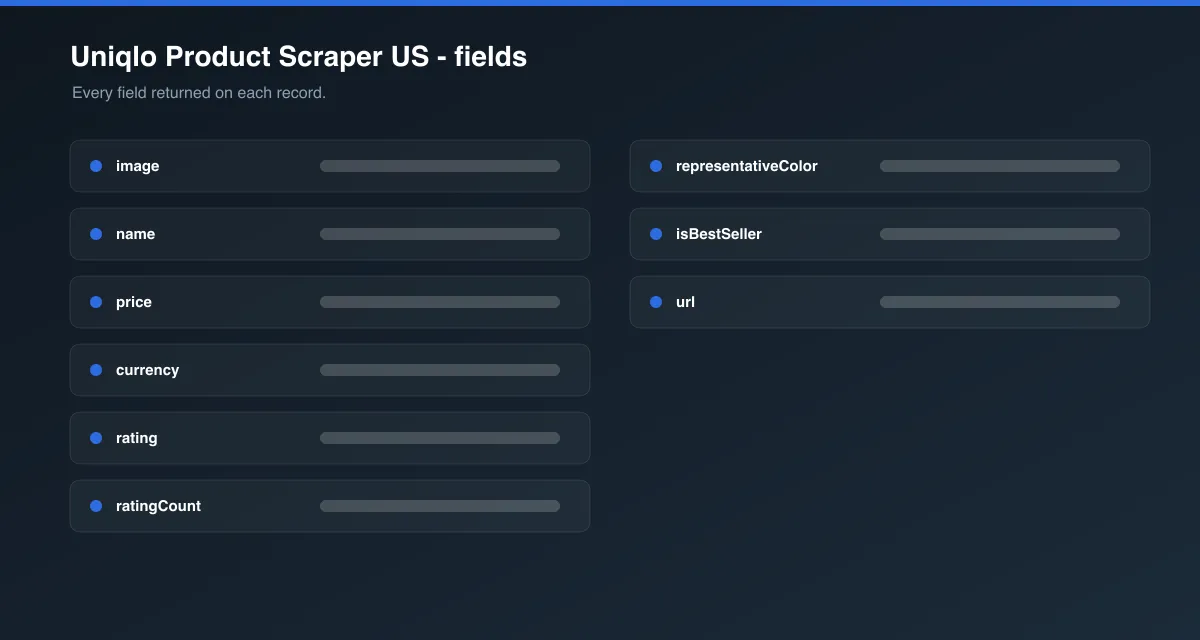
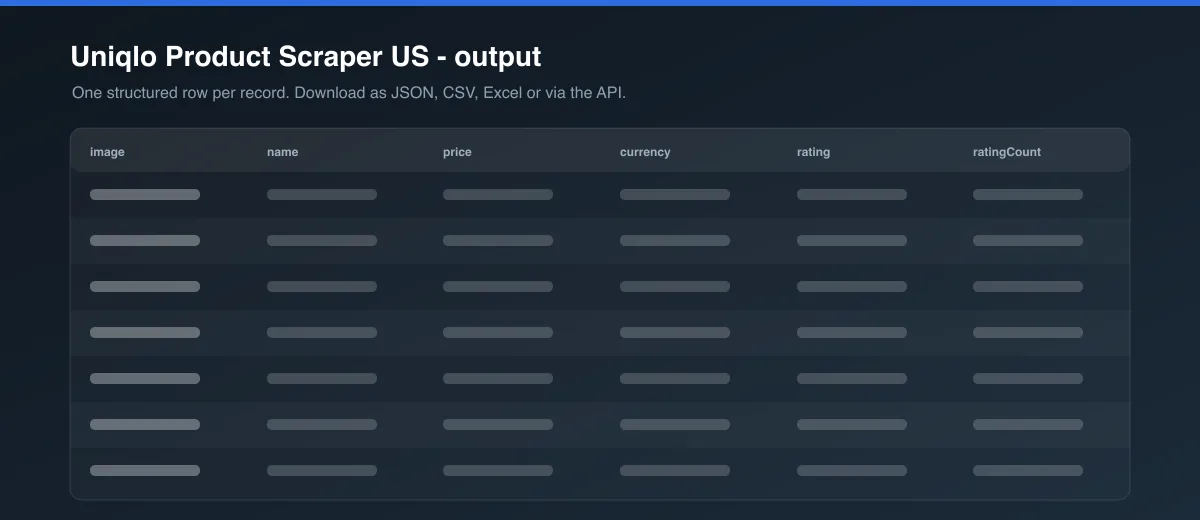
Each product is saved as one item in the dataset, for example:
Data table
| Field | Description |
|---|---|
productId | Uniqlo's internal product code |
url | The product's own page on Uniqlo.com |
name, brand, gender | Product identification |
price, currency, promoPrice, isDualPrice | Current pricing, and any active promotional price |
rating, ratingCount | Average star rating (out of 5) and number of customer reviews, shown directly on the category page |
isBestSeller | Whether Uniqlo flags this item as a best seller |
storeStockOnly | Whether this item is only available in physical stores |
promotionText | Any promotional label shown on the listing |
representativeColor, colors | The default color shown, and every color option with its own photo |
sizes | Every size this product is offered in |
image, galleryImages | Primary photo and the product's photo gallery |
category | The resolved category or subcategory name |
scrapedAt | ISO timestamp when the item was scraped |
Uniqlo doesn't expose customer review text on category listing pages - only the aggregate rating and count. Full review text is on individual product pages, which would require a separate request per product; this Actor is built for fast, whole-category scraping, so it isn't included.
Pricing / Cost estimation
How much does it cost to scrape Uniqlo products? This Actor is built to be fast and lightweight, so cost depends mainly on your Apify plan's compute unit rate and how many products you request.
Tips for better runs
- Copy category or subcategory URLs directly from your browser's address bar for the most reliable results - the Actor resolves the category from the URL's own path segments.
- A category page like
/us/en/women/topsreturns everything in that department; a subcategory page like/us/en/women/tops/t-shirtsnarrows it further. - Use the Apify Schedule feature to re-run this Actor periodically and track price, rating, or assortment changes over time.
FAQ
Is this legal? This Actor only collects publicly visible product data. You are responsible for using the data in accordance with Uniqlo's Terms of Service and any applicable laws in your jurisdiction.
Why did some fields come back empty? Not every product has every field (e.g. not every item has an active promotion or a rating yet). The Actor returns null for anything that isn't available for a given product.
What if my category URL doesn't resolve? Make sure it's a real Uniqlo.com (US) category page copied from the site (e.g. /us/en/{gender}/{class} or deeper). If the exact subcategory can't be matched, the Actor falls back to the closest resolvable parent category.
Found a bug or have a feature request? Please use the Issues tab on this Actor's page - feedback directly shapes future updates.


