
Zotero Group Library Scraper
Pricing
from $2.00 / 1,000 item results
Zotero Group Library Scraper
Reads a public Zotero group library and returns every bibliography item - title, creators, date, DOI, abstract, tags, and link.
Pricing
from $2.00 / 1,000 item results
Rating
0.0
(0)
Developer

MrDoe
Maintained by CommunityActor stats
0
Bookmarked
2
Total users
1
Monthly active users
21 hours ago
Last modified
Categories
Share
Zotero Group Library Scraper (Apify Actor)
What does Zotero Group Library Scraper do?
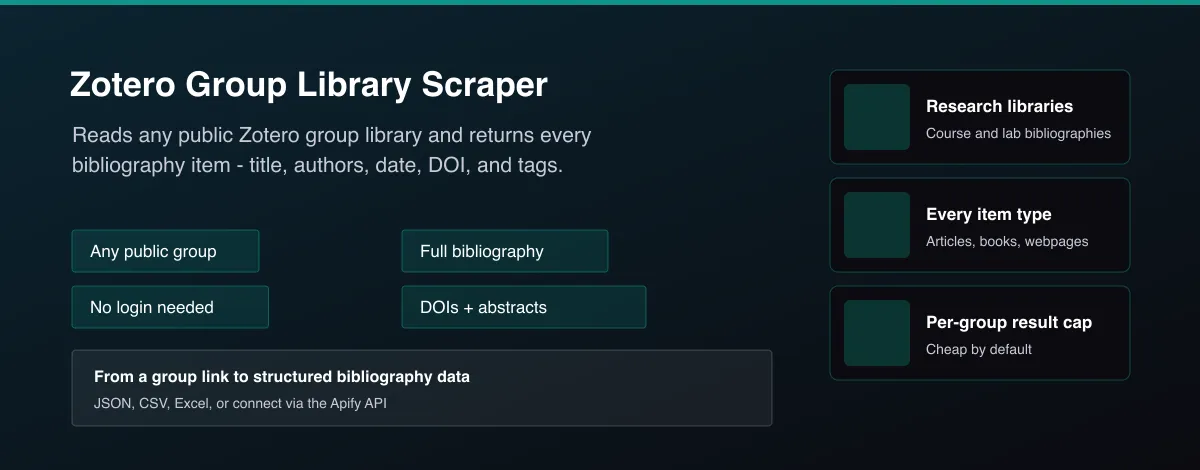
Zotero Group Library Scraper reads any public Zotero group library and returns every item in its bibliography as structured data - title, authors, publication date, DOI, abstract, tags, and a link back to the item. Give it a group URL or group ID and it pages through the entire library automatically. No account or login needed.
Try it with the default example group and see real results in seconds. Run it on a schedule to track a research group's library as it grows, or call it from your own app through the Apify API.
Why use Zotero Group Library Scraper?
- Literature review and research. Pull a shared research group's or course's reading list into a spreadsheet or database in one run.
- Bibliography and citation data. Get structured titles, authors, dates, and DOIs ready to feed into another tool or report.
- Tracking a growing library. Re-run on a schedule to see what's been added to a public group library since last time.
- No manual exporting. Give it a group link and get every item back as structured data, instead of exporting and reformatting by hand.
- Topic filtering. Set a keyword like "accommodation" or "hospitality" and only get back the items in the group that actually match it.
How to use Zotero Group Library Scraper
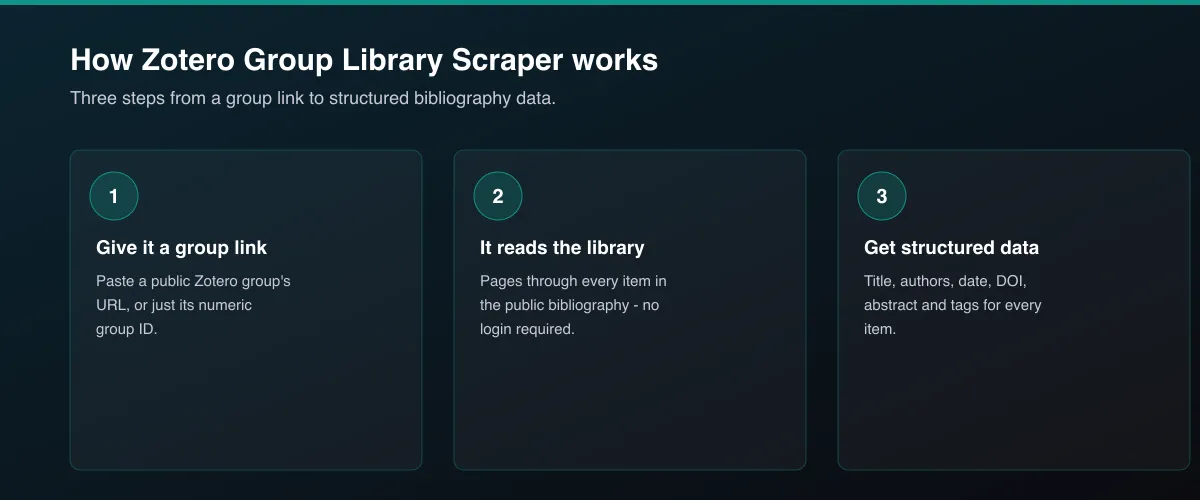
- Click Try for free (or Run if you've already added it).
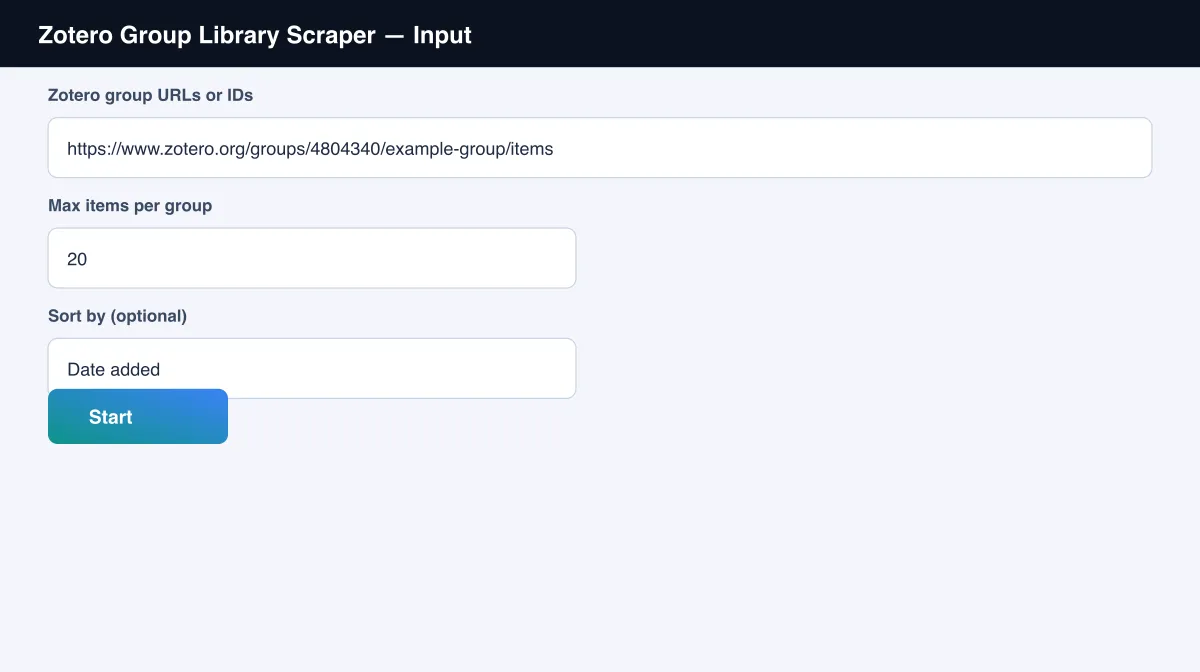
- Paste one or more Zotero group URLs or IDs - find a group's URL at zotero.org/groups/..., or just use its numeric ID.
- Optionally raise Max items per group above the default of 20.
- Click Start and open the Output tab once it finishes.
Input
| Field | Type | Default | Notes |
|---|---|---|---|
groupUrls | array | example group | Group URLs or bare numeric group IDs. |
maxItems | integer | 20 | Max items per group (not shared across groups). |
searchQuery | string | none | Optional keyword or topic (e.g. "accommodation", "hospitality") - only matching items from the group(s) above are returned. |
sortBy | select | library order | Optional: date added, date modified, title, creator, or publication date. |
proxyConfiguration | object | off | Optional - not required for typical volumes. |
Output
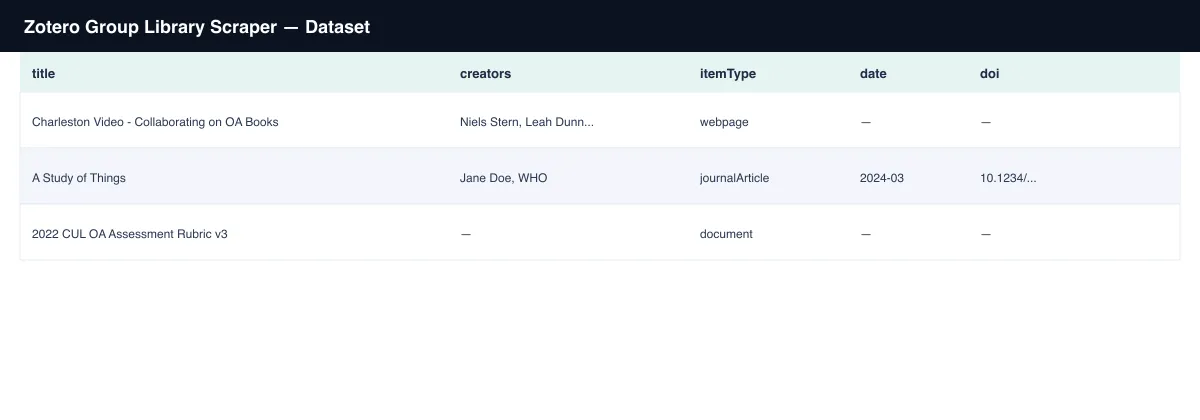
One dataset row per bibliography item:
You can download the result in various formats such as JSON, HTML, CSV, or
Excel. A raw field on every row carries the item's full original record,
since fields vary a lot by item type (a book has different fields from a
webpage or a journal article).
Data fields
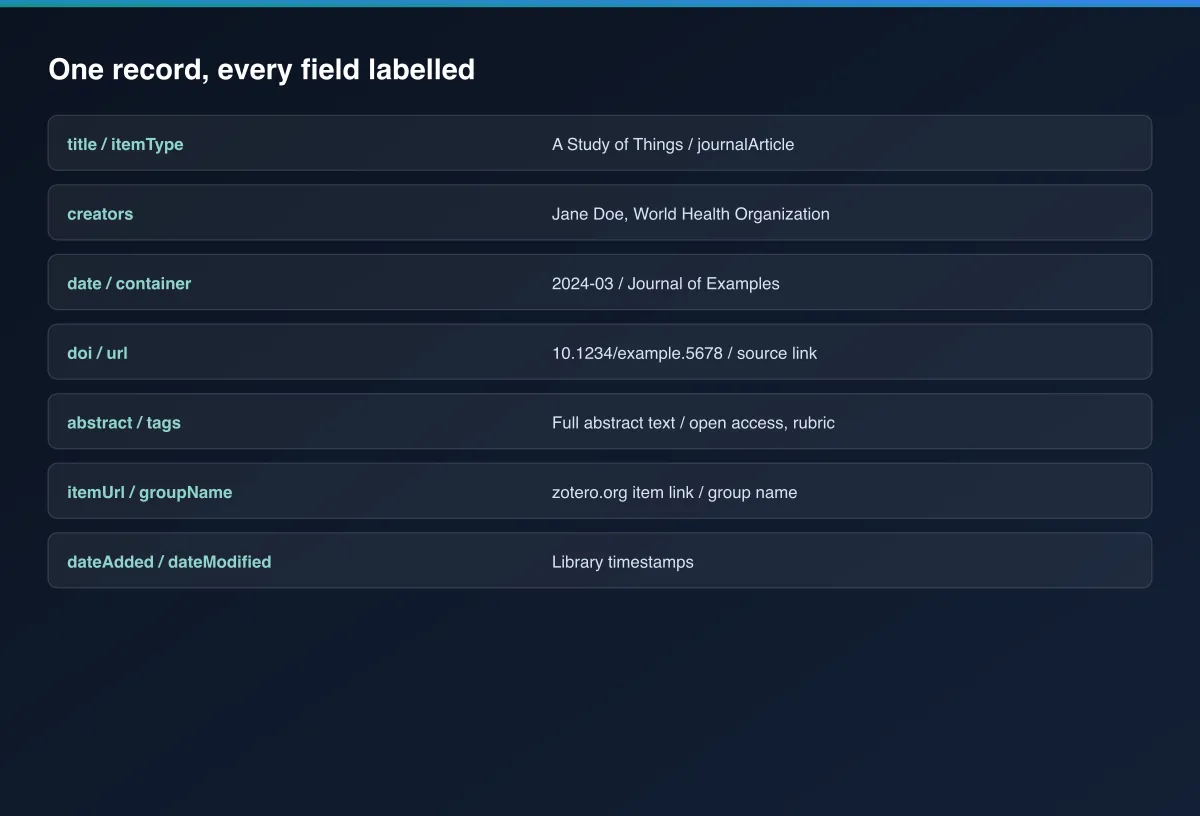
| Field | Description |
|---|---|
title, itemType | The item's title and its Zotero type (journalArticle, book, webpage, report, etc.). |
creators | Author/editor names, as plain strings. |
date, dateAdded, dateModified | Publication date and library timestamps. |
container, publisher | The journal/book/proceedings title and publisher, when set. |
doi, url | DOI and source URL, when available. |
abstract, tags | Abstract text and any tags applied in the library. |
childItemCount | How many notes/attachments are attached to this item. |
itemUrl | Link to the item's page on zotero.org. |
The run also writes a small group summary to the Key-Value Store
(GROUP_SUMMARY) - one entry per group with its status (ok,
not_found_or_private, or error), items and pages fetched, and any error
message. Check this when running several groups at once to see which ones
actually returned data.
Pricing
Each run charges a small start fee plus one charge per item returned - you pay for the result, not for how the library was read.
Tips and disclaimers
This Actor only reads group libraries their owners have set to public -
it can't access private libraries or download file/PDF attachments.
Zotero itself doesn't serve attachment files through its public API, even
for group members in many cases - only the item's metadata (title,
authors, DOI, source URL, etc.) is available without a Zotero account. A group
that doesn't exist, or isn't public, is reported in GROUP_SUMMARY rather
than failing the whole run. For support or a custom version of this
Actor, use the Issues tab.


