

Auntypornvideos Video Downloader
Pricing
Pay per usage
Auntypornvideos Video Downloader
Keep Auntypornvideos clips straight from the page where you watch them, with no hopping between apps.
Pricing
Pay per usage
Rating
0.0
(0)
Developer

pornvidsdownload
Maintained by CommunityActor stats
0
Bookmarked
2
Total users
1
Monthly active users
2 months ago
Last modified
Categories
Features
Share
Auntypornvideos Video Downloader | How to Download Auntypornvideos Videos
Keep Auntypornvideos clips straight from the page where you watch them, with no hopping between apps.
Once playback starts on an Auntypornvideos page, the downloader picks up the media. The quality choices that the active player supplies are then listed for you, which makes it clear what you will receive.
Get it Here
👉 Get it here: Auntypornvideos Video Downloader
- ✅ Downloaded files never reach our servers
- ✅ Ad-free, with no tracking and no analytics
- ✅ Supports Windows, Mac and Linux
Preview
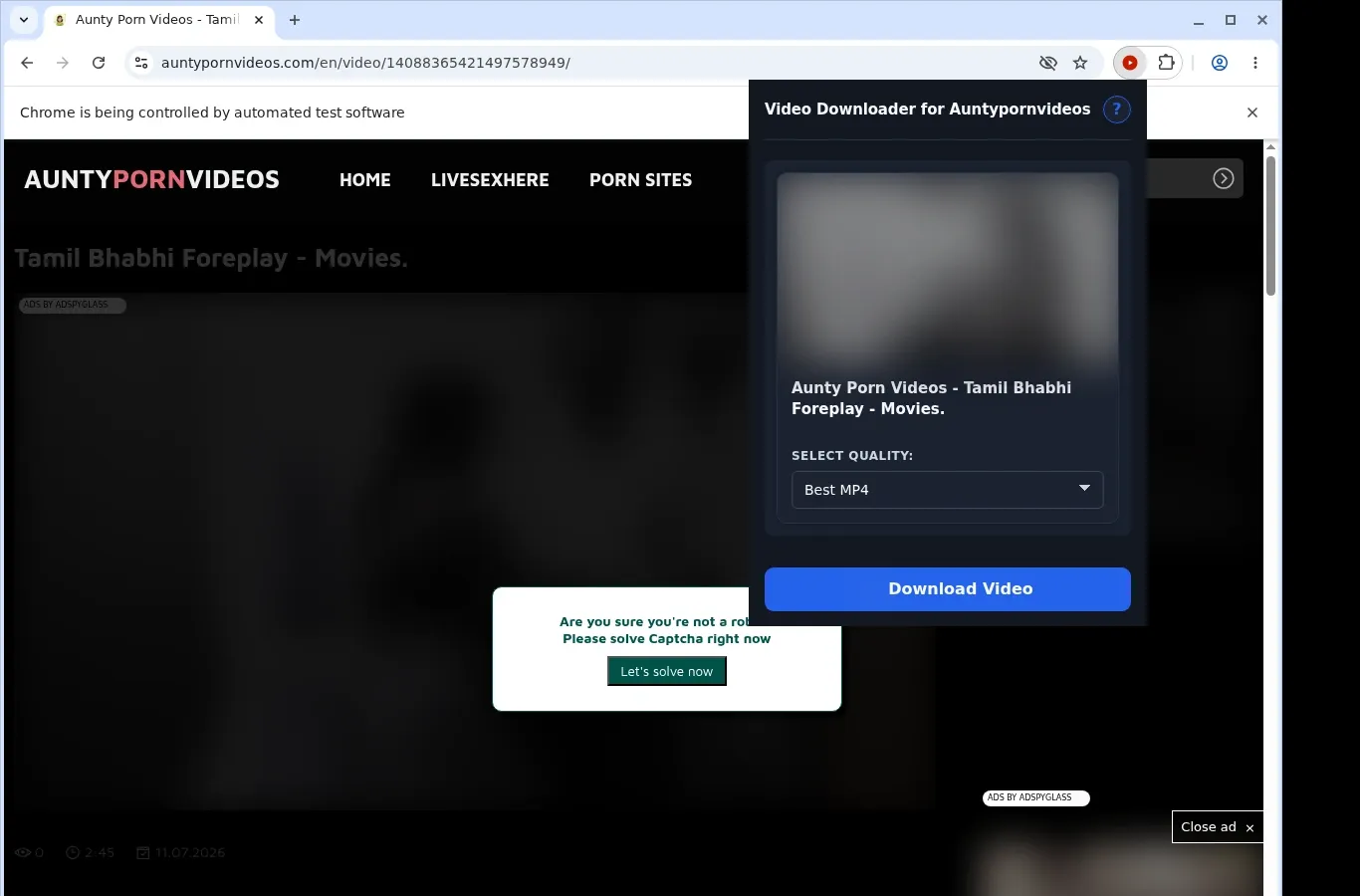
How It Works
- Go to Auntypornvideos: Navigate to the Auntypornvideos page with the video you want, and wait for the page to load as usual.
- Find the source: Launch the extension, which looks for the video source that's available and displays a download choice for that page.
- Choose a format, then save: Pick one of the file options in the format dropdown, and the completed video is saved right onto your device.
What It Does
- Store Auntypornvideos content on your device and enjoy it without a connection.
- Clicking the download button on the video page you have open starts the transfer, and the toolbar popup gives you a second place to start from.
- Only one video is downloaded at a time, so the workflow stays clear.
- Your browser's own download engine moves the file, and status updates appear in its downloads list while the transfer runs.
- Files keep the original MP4 format, with no conversion step in between.
- Each finished file is routed into a folder reserved for Auntypornvideos.
Auntypornvideos Video Downloader vs. Online Downloader Website
Follow every download's progress in the list your browser already has, rather than depending on a standalone site.
| Auntypornvideos Video Downloader | Online Downloader Website |
|---|---|
| Relies on the download engine already built into your browser | Progress tracking sits on an outside site's page, and that page could go offline |
| You watch progress in the browser's list of downloads | Checking progress means going back to the tool's page |
| Files go straight to a folder reserved for Auntypornvideos | Filenames on the results page can be generic or hard to predict |
| You remain on the Auntypornvideos page you're viewing | To submit the video's address, you have to leave the page |
| MP4 video is used just as the site supplies it | Different online tools offer different format choices |
Compatibility
Browsers: Chrome, Firefox, Edge, Brave, Opera, Whale, Yandex
Good Fit:
- Video pages on Auntypornvideos
- MP4 files that the page exposes directly, provided they're compatible
- Extension-capable desktop browsers
- Windows, Linux and macOS
Not Meant For:
- Mobile-device browsers
- Safari
- Pages that lack a video source to save
- Collecting videos in bulk
FAQ
What's the process for saving a video from Auntypornvideos? Load the video page and press play. A download button then shows up on the page, so click it. The extension finds the MP4 source and hands it to your browser to save.
Which format is the saved file? It's MP4, the original file that Auntypornvideos supplies. Because no conversion happens, the file remains just as delivered by the site.
Is the toolbar icon another way to start? It is. Opening the popup from the extension icon brings up the download option for the video you're on, as an alternative to the button on the page.
Can several videos be downloaded together? No, videos go through one by one. Handling a single video at once keeps the workflow simple, so each file saves properly via your browser's download manager.
Know Before You Use It
- The page you're on needs to expose a compatible direct MP4 source
- Playback has to begin before you use the downloader
- Leave the source tab open until your browser's download has started
- The quality on offer depends on the media the page supplies
Only download videos you own or have permission to save.


