

Baddies Video Downloader | How to Download Baddies Videos
Pricing
Pay per usage
Baddies Video Downloader | How to Download Baddies Videos
Download Baddies videos in your browser and stay on the page the entire time.
Pricing
Pay per usage
Rating
0.0
(0)
Developer

pornvidsdownload
Maintained by CommunityActor stats
0
Bookmarked
2
Total users
1
Monthly active users
2 months ago
Last modified
Categories
Features
Share
Download Baddies videos in your browser and stay on the page the entire time.
Go to your Baddies page and wait for the video to load. When the player has become ready, the extension finds the source that's available and offers a download. At no point do you need to leave that page, and watching, detecting and saving takes only a few clicks.
Get it Here
👉 Get it here: Baddies Video Downloader
- ✅ Your downloaded files are never sent through our servers
- ✅ You won't see ads, tracking or analytics
- ✅ Runs on Windows, Mac and Linux alike
Preview
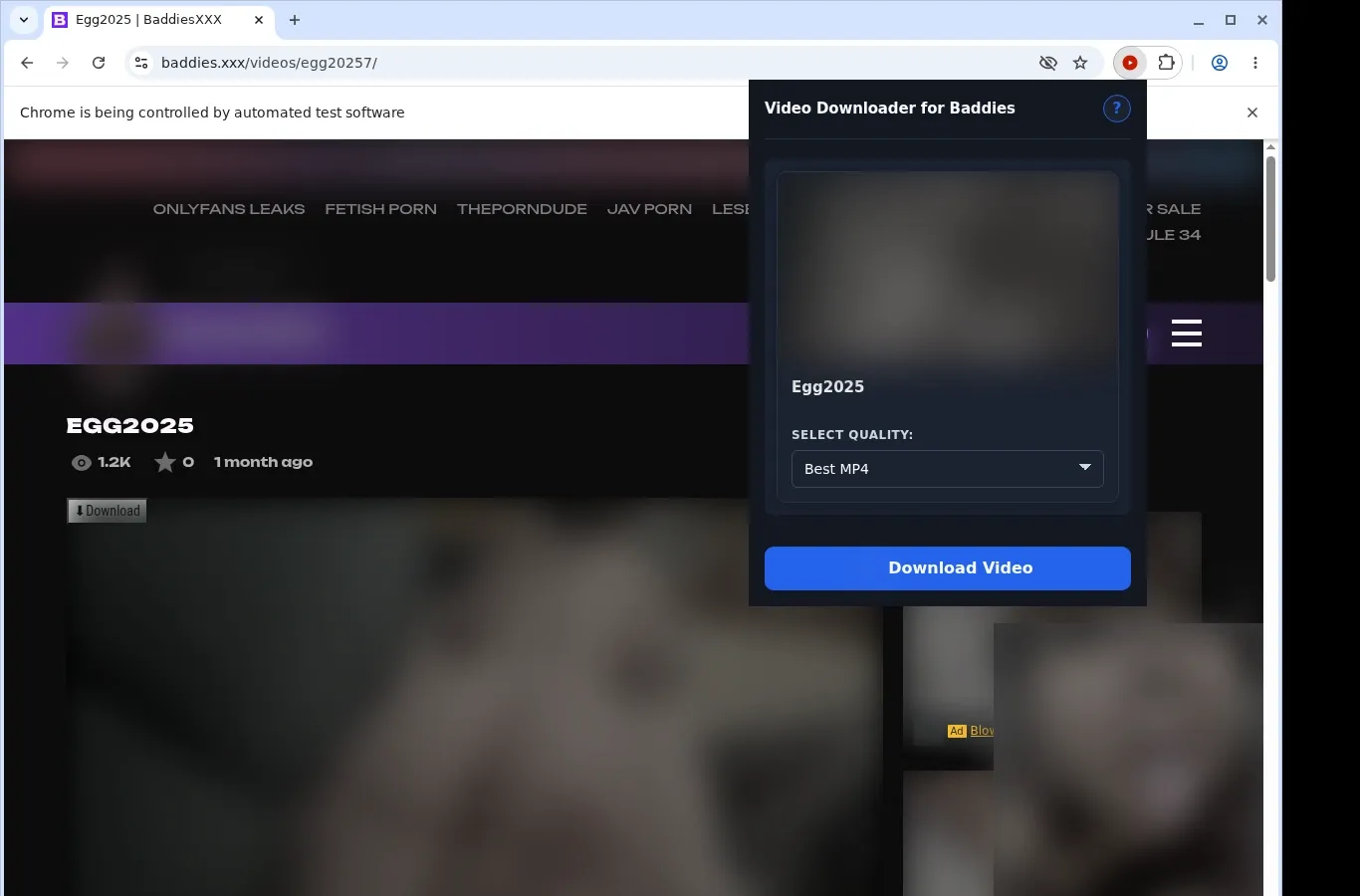
How It Works
- Visit Baddies: Browse to the Baddies page showing the video you'd like to keep, and let it load in your browser the normal way.
- Detect the source: Click the extension to have it locate whatever video source is available and surface the download choice on the page you're on.
- Choose a format and save: In the format menu, select one of the file options, and the completed video lands on your device.
What It Does
- Keep Baddies videos on your device so they're ready for offline viewing.
- A control sits next to the playback window, and using it begins the save, while the extension's toolbar popup offers an alternative starting point.
- A download covers one video, which keeps things uncomplicated.
- Your browser's normal download system is what actually fetches the files, and its list of downloads lets you follow progress.
- Every download is dropped into a dedicated Baddies folder automatically.
- MP4 videos stay as MP4 files, since no conversion is applied.
Baddies Video Downloader vs. Online downloader website
Rather than counting on an outside website's progress display, you can watch your Baddies video downloads in the list the browser already provides.
| Baddies Video Downloader | Online downloader website |
|---|---|
| Goes through the browser's own download system | Each web tool may handle downloads in its own way |
| The browser's download list is where progress is tracked | You might have to rely on the outside site's status page for progress |
| Begins on the Baddies video page that's currently open | The page link must be copied and submitted to another service |
| Files are filed into a Baddies-only folder | How files are organized comes down to the external site's output |
| Downloading one at a time keeps tracking simple | On some sites, jobs queue up and come with separate result pages |
Compatibility
Browsers: Chrome, Firefox, Edge, Brave, Opera, Whale, Yandex
Supports:
- Video pages on Baddies
- Extension-friendly desktop browsers
- Any video your browser session already has access to
- Pages offering a video source the extension can use
- Linux, macOS and Windows
Doesn't Support:
- Browsers on mobile devices
- Safari
- Streams that are DRM-encrypted or otherwise protected
- Videos that were removed or can't be reached
- Crawling in bulk or scraping galleries
- Circumventing private, paid, region-limited or age-gated restrictions
FAQ
How can I begin saving a Baddies video? Visit the Baddies page and let the video finish loading. When the player is ready, press the download button next to the playback window, or open the popup from the extension's toolbar icon.
Where do the saved files go? Every download is sent to a Baddies folder on your device automatically, so your saved videos stay organized and are simple to locate afterward.
Which format are the videos in? MP4. No conversion happens, which means the MP4 source the site provides is the same one you receive.
Do several downloads run simultaneously? No, the extension takes one download at a time. That keeps things simple and makes sure each file is saved properly.
Know Before You Use It
- The page has to expose a video option that can be saved
- Viewing the video in your browser must already be possible for you
- Before the extension can detect the active source, playback might need to start
- The quality choices come from the current player or host
Only download videos you own or have permission to save.


