

Nhl Stats Scraper
Pricing
from $2.99 / 1,000 results
Nhl Stats Scraper
NHL Stats Scraper is a Python tool designed to extract real-time and historical National Hockey League data, including player statistics, game box scores, team standings, and schedules. It exports structured hockey data into clean CSV or JSON formats for sports analytics and fantasy league modeling.
Pricing
from $2.99 / 1,000 results
Rating
0.0
(0)
Developer

real-estate-api
Maintained by CommunityActor stats
0
Bookmarked
2
Total users
1
Monthly active users
3 days ago
Last modified
Categories
Share
NHL Stats Scraper: NHL Standings, Schedules, and Players
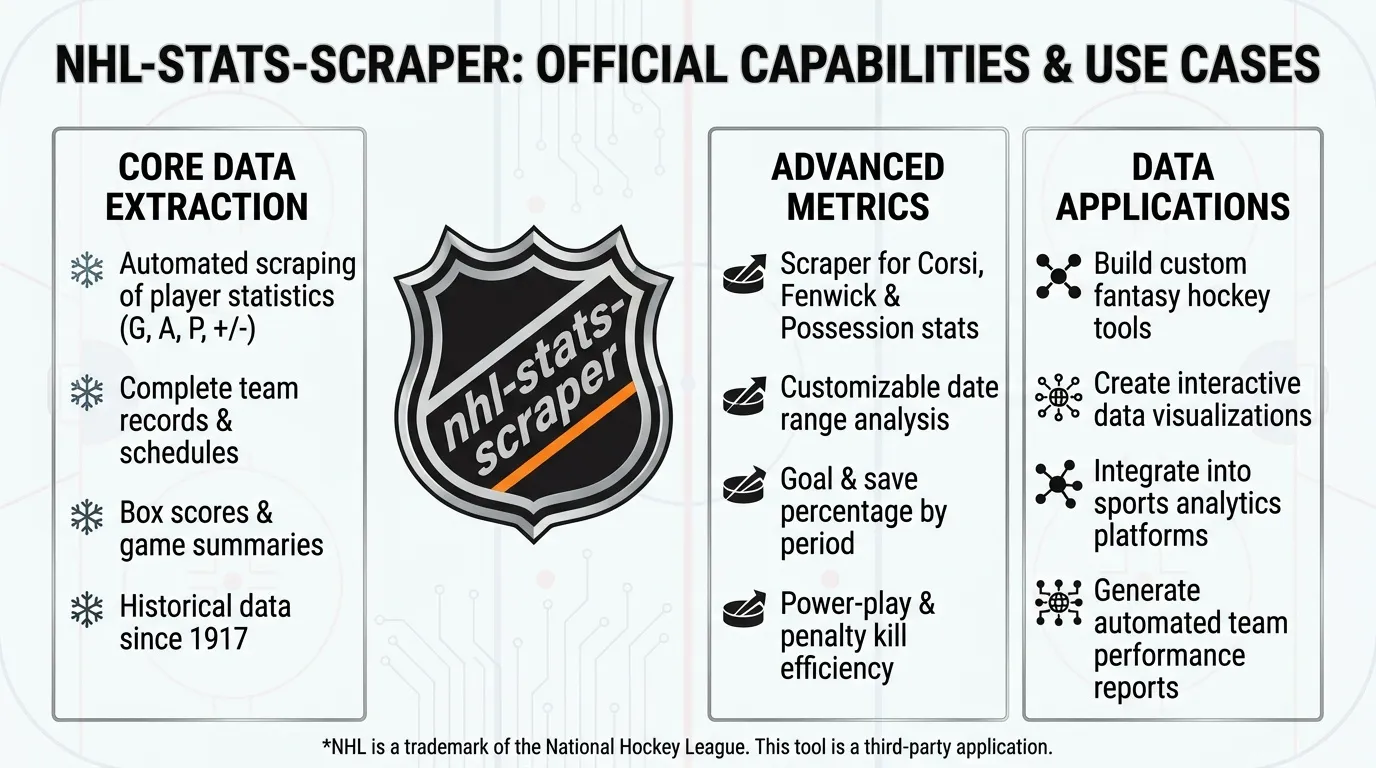
Collect structured NHL standings, weekly schedules, and current team rosters. Export team rankings, points, goal statistics, game times, scores, player positions, and other available fields into a dataset.
No login or access key is required for the supported public data sources. Export results as JSON, CSV, or Excel, and schedule runs to keep your files up to date.
The actor relies on publicly accessible NHL data resources. These resources are not a documented, stable product interface, so fields and response formats may change.
Use Cases
- Standings updates: Collect conference and division rankings, points, wins, and goal statistics for a selected date.
- Schedule tracking: Retrieve games for a week and continue through subsequent weeks until the configured item limit is reached.
- Roster checks: Export current forwards, defensemen, and goalies for a selected team.
- Spreadsheet exports: Move structured NHL data into Excel or other compatible data analysis tools.
- Scheduled monitoring: Refresh standings, schedules, or rosters and retain source references and collection timestamps.
Input
| Parameter | Type | Default | Description |
|---|---|---|---|
mode | string | standings | Operation: standings, schedule, or roster. |
date | string | 2026-01-15 | Date in YYYY-MM-DD format for standings and schedule modes. |
team | string | TOR | Team abbreviation for roster mode. |
maxItems | integer | 100 | Maximum number of saved records, from 1 to 1,000. |
timeoutSecs | integer | 300 | Overall run time limit in seconds. |
requestTimeoutSecs | integer | 30 | Timeout for an individual request, in seconds. |
Example Inputs
Standings
Current Team Roster
Weekly Schedule
What Data Does This Actor Extract?
The output structure depends on the selected mode:
- Standings: One record per team, including conference and division positions, points, wins, losses, and goal statistics.
- Schedule: One record per game, including participating teams, scores, game state, start time, and venue when available.
- Roster: One record per player, including player ID, name, position, jersey number, and headshot URL when available.
If the date or mode is invalid, or the source returns an unusable response, the actor records an error row rather than necessarily failing the entire run.
Example standings record:
Output Fields
The fields below cover the supported standings, schedule, roster, and error records. Fields depend on the selected mode and the data returned by the source.
| Field | Type | Description |
|---|---|---|
conferenceAbbrev | string | Conference abbreviation. |
conferenceHomeSequence | integer | Conference position based on home performance. |
conferenceL10Sequence | integer | Conference position based on the last 10 games. |
conferenceName | string | Conference name. |
conferenceRoadSequence | integer | Conference position based on road performance. |
conferenceSequence | integer | Overall conference position. |
date | string | Standings or game date. |
divisionAbbrev | string | Division abbreviation. |
divisionHomeSequence | integer | Division position based on home performance. |
divisionL10Sequence | integer | Division position based on the last 10 games. |
divisionName | string | Division name. |
divisionRoadSequence | integer | Division position based on road performance. |
divisionSequence | integer | Overall division position. |
gameTypeId | integer | Game type identifier. |
gamesPlayed | integer | Games played. |
goalDifferential | integer | Goals scored minus goals conceded. |
goalDifferentialPctg | number | Goal differential per game, as reported by the source. |
goalAgainst | integer | Goals conceded. |
goalFor | integer | Goals scored. |
goalsForPctg | number | Goals scored per game, as reported by the source. |
homeGamesPlayed | integer | Home games played. |
homeGoalDifferential | integer | Home goal differential. |
homeGoalsAgainst | integer | Home goals conceded. |
homeGoalsFor | integer | Home goals scored. |
homeLosses | integer | Home losses. |
teamAbbrev | string | Team abbreviation. |
teamNameText | string | Team name. |
points | integer | Standings points. |
wins | integer | Wins. |
losses | integer | Losses. |
otLosses | integer | Overtime losses. |
gameId | integer | Game identifier. |
gameDate | string | Scheduled game date. |
startTimeUTC | string | Game start time in UTC. |
gameState | string | Game state code. |
awayTeamAbbrev | string | Away team abbreviation. |
homeTeamAbbrev | string | Home team abbreviation. |
awayScore | integer | Away team score, when available. |
homeScore | integer | Home team score, when available. |
venueName | string | Arena or venue name, when available. |
playerId | integer | Player identifier. |
firstNameText | string | Player's first name. |
lastNameText | string | Player's last name. |
positionCode | string | Player position code. |
sweaterNumber | integer | Jersey number. |
team | string | Roster team abbreviation. |
headshotUrl | string | Player headshot URL, when available. |
scrapedAt | string | UTC timestamp when the row was saved. |
error | string | Explanation of an input or processing error. |
input | object | Input details attached to an error record. |
How It Works
- The actor reads the selected mode, date, and team abbreviation.
- It retrieves the corresponding standings, schedule, or current roster data from the public NHL data source.
- Requests are spaced at least one second apart. HTTP
429responses, server errors, and timeouts are retried up to three times, with delays of 2, 4, and 8 seconds or longer when aRetry-Aftervalue requires it. - In schedule mode, the actor follows the next available start date to retrieve additional weeks when the item limit exceeds the first week's results.
- Duplicate team records, game IDs, and player IDs are skipped.
- The actor stops at
maxItemsor the overall timeout and saves the collected records.
Limits and Data Use
- Request pacing: Requests are spaced at least one second apart.
- Retries: Temporary rate limits, server errors, and request timeouts are retried within the configured behavior.
- Maximum records: Up to 1,000 records per run.
- Standings: A single response normally contains the full standings table. The item limit can reduce the number of saved rows.
- Schedule: Additional weeks are retrieved when needed, subject to the item limit and available schedule data.
- Roster: The actor retrieves the current roster for the selected team.
- Source changes: The source data structure may change without notice because it is not a documented, stable product interface.
NHL game data, team names, logos, and other marks may be subject to copyright or trademark protections. Use exported data responsibly, respect applicable terms and licensing requirements, and do not present NHL-owned material as your own.
FAQ
Why did I receive an error row instead of standings?
The date may not use YYYY-MM-DD format, the selected mode may be invalid, or the source may have returned an unusable response or an HTTP error after retries.
How many teams are included in standings?
A standings response normally contains the full table, typically 32 teams. The maxItems setting limits the number of records saved.
Can schedule mode retrieve more than one week?
Yes. When maxItems exceeds the number of games available in the initial week, the actor follows the next available start date until it reaches the cap or encounters a stopping condition.
Can I schedule regular exports?
Yes. Schedule the actor in Apify to collect updated standings, upcoming games, or current rosters at your preferred interval.
Trademark Notice
NHL and related names, logos, and trademarks belong to their respective owners. Their use in this documentation is solely to identify the source of the data and does not imply affiliation, sponsorship, endorsement, or partnership.
Disclaimer
This Actor is an independent tool and is not affiliated with, endorsed by, sponsored by, or otherwise officially associated with the NHL or its owners.
Is Web Scraping Legal?
Collecting information that is already public is generally legal. Scraping is not the same thing as hacking, and there is no single law that bans it. The limits are the usual ones: do not break into accounts, do not take private or confidential data, and be careful with personal data and copyrighted works. A site's terms can also restrict how you access it. Facts such as a public name, price, or rating are not the same thing as republishing someone's article or photo.
This actor collects information from public pages. It does not log in and it does not bypass access controls.
For a longer explanation, see Apify's article Is web scraping legal?.


