

Plos Articles Scraper
Pricing
from $2.99 / 1,000 results
Plos Articles Scraper
PLOS Articles Scraper is a Python script designed to search and extract open-access scientific papers, abstracts, author details, publication dates, and DOIs from Public Library of Science (PLOS) journals into structured formats for scientific analysis.
Pricing
from $2.99 / 1,000 results
Rating
0.0
(0)
Developer

real-estate-api
Maintained by CommunityActor stats
0
Bookmarked
2
Total users
1
Monthly active users
3 days ago
Last modified
Categories
Share
PLOS Articles Scraper: Journal Article Search
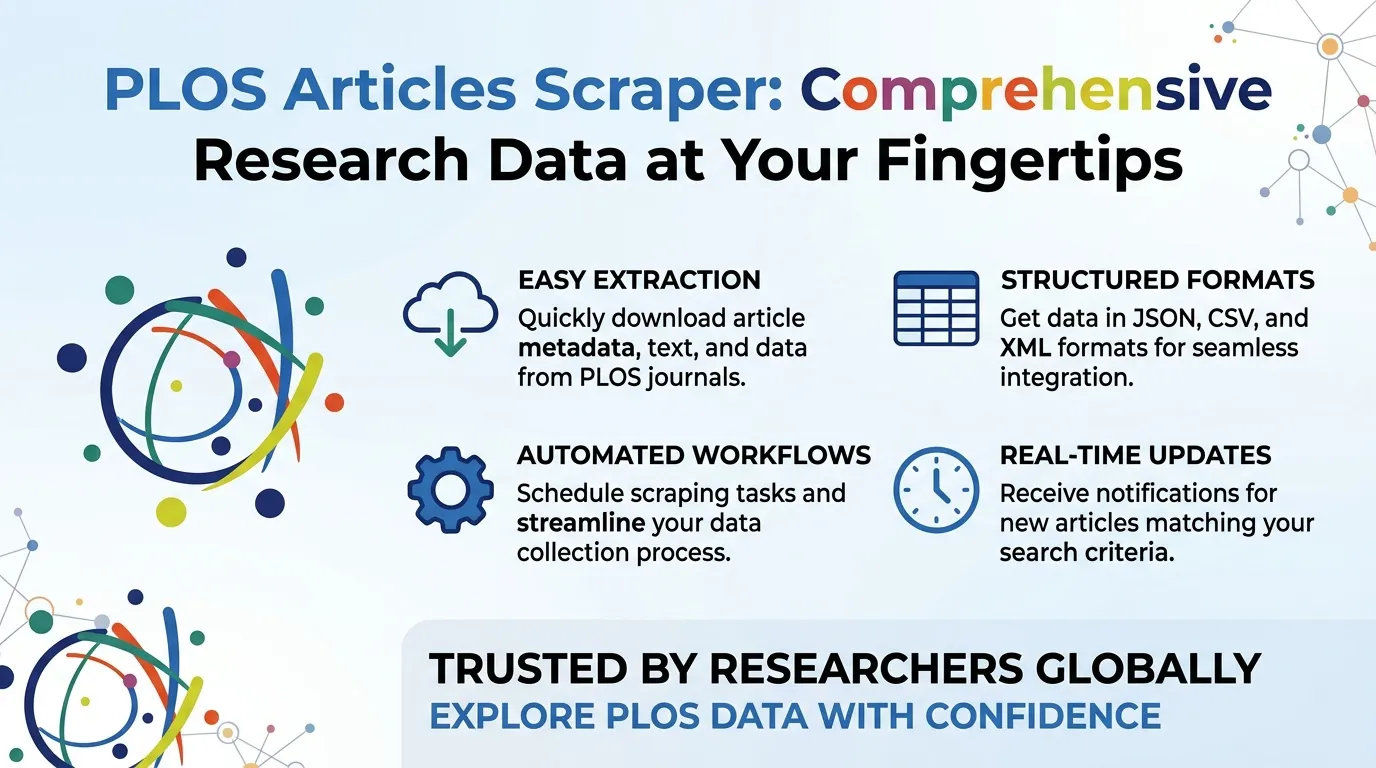
PLOS Articles Scraper collects journal article records matching a search query. Each dataset row includes the article title, journal, publication date, authors, abstract, article type, and identifier.
Export results to JSON, CSV, or Excel for literature reviews, research lists, journal monitoring, and academic workflows. The scraper supports paginated searches and duplicate detection, making it useful for collecting structured article metadata across multiple result pages.
Use Cases
- Literature searches: Find articles using title or abstract keywords.
- Journal filtering: Organize results by journal, article type, and publication date.
- Author research: Export author names without opening every article page.
- Research monitoring: Repeat searches and compare article IDs to identify new records.
- Academic workflows: Export structured results to spreadsheets or research tools.
Input Parameters
| Parameter | Type | Default | Description |
|---|---|---|---|
query | String | title:python | Search expression used to find matching articles. |
maxItems | Integer | 100 | Maximum number of article rows to save per run. Hard limit: 1000. |
timeoutSecs | Integer | 300 | Overall run time limit in seconds. |
requestTimeoutSecs | Integer | 30 | Timeout for an individual request in seconds. |
Example Input
What Data Does This Actor Extract?
Each successful result represents one article record. Titles and abstracts are converted to plain text by removing HTML tags. Author names are preserved as returned, including non-Latin characters.
Example Output
Output Fields
| Field | Type | Description |
|---|---|---|
id | String | Article identifier, usually a DOI. Also used for deduplication. |
journal | String | Journal name. |
publication_date | String | Publication date supplied by the source. |
article_type | String | Article classification, such as Research Article. |
author_display | Array | Author names. |
abstract | Array | Abstract text with HTML tags removed. |
title_display | String | Article title with HTML tags removed. |
scrapedAt | String | UTC timestamp when the row was saved. |
error | String | Error description when a request or input fails. |
input | String | Query or short description associated with an error. |
How It Works
- Reads the search query, item limit, and timeout settings.
- Requests matching article records in batches of up to 100.
- Processes result pages sequentially, advancing through available records.
- Removes HTML tags from titles and abstracts.
- Skips duplicate article IDs.
- Stops when the item limit is reached, available results are exhausted, or the run timeout is reached.
- Saves successful article records and error details to the dataset.
Pagination and Rate Limits
- Pagination: The scraper continues through available result pages until it reaches the requested item limit or the source has no more results.
- Batch size: Each request retrieves only the number of records still needed, up to 100 per batch.
- Request spacing: Requests run one at a time, with a six-second delay between pages.
- Source limits: The source specifies request limits of 10 requests per minute, 300 per hour, and 7,200 per day. Respect these limits when scheduling runs.
- Maximum output: The default is 100 records, with a hard maximum of 1000.
Do not use proxies or other methods to circumvent source rate limits.
Error Handling
- HTTP 429 responses, server errors (5xx), and timeouts are retried up to three times, with delays of 2, 4, and 8 seconds.
- A suitable
Retry-Aftervalue is respected when provided. - Other HTTP errors and responses that cannot be parsed as JSON produce error rows.
- An empty search produces no article records and a note indicating that no results matched.
- Empty or rejected queries produce an error record without necessarily failing the entire run.
Licensing and Attribution
Article records originate from PLOS. Attribute PLOS when reusing the collected data and review the applicable source terms before redistributing records.
PLOS articles are published under Creative Commons Attribution (CC BY) licenses, subject to the license applicable to each article. Check the individual article's license before reusing its full text, figures, or other content.
Pricing: The actor is free to run. Normal Apify platform usage charges may apply.
FAQ
Can I export results to CSV, JSON, or Excel?
Yes. Dataset results can be downloaded in JSON, CSV, or Excel format.
How many articles can one run collect?
The default is 100, and the maximum is 1000 articles per run.
What happens if the search query is invalid?
The actor records an error row with the relevant input and finishes the run where possible. An empty query does not initiate a search.
Why is the title field named title_display?
That is the field name used in the source's article records. The actor removes HTML tags and preserves the title as plain text.
How can I avoid duplicate articles?
Use the id field, which is usually a DOI, to compare records across runs.
Does the actor collect full article text?
The output focuses on article metadata and abstracts. It does not collect complete article bodies.
Trademark Notice
PLOS and related names, logos, and trademarks belong to their respective owners. Their use in this documentation is solely to identify the source of the data and does not imply affiliation, sponsorship, endorsement, or partnership.
Disclaimer
This actor is an independent tool and is not affiliated with, endorsed by, sponsored by, or officially associated with PLOS or its owners. Users are responsible for complying with applicable source terms, rate limits, attribution requirements, and licensing restrictions.
Is Web Scraping Legal?
Collecting information that is already public is generally legal. Scraping is not the same thing as hacking, and there is no single law that bans it. The limits are the usual ones: do not break into accounts, do not take private or confidential data, and be careful with personal data and copyrighted works. A site's terms can also restrict how you access it. Facts such as a public name, price, or rating are not the same thing as republishing someone's article or photo.
This actor collects information from public pages. It does not log in and it does not bypass access controls.
For a longer explanation, see Apify's article Is web scraping legal?.


