
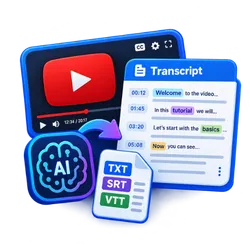
YouTube Transcript Scraper & API for AI (Bulk, RAG-ready)
Pricing
from $2.00 / 1,000 transcripts
YouTube Transcript Scraper & API for AI (Bulk, RAG-ready)
Scrape YouTube transcripts, subtitles and captions in bulk from videos, Shorts, channels, playlists or search. Clean text, Markdown, timestamps and RAG chunks for LLMs. $2 per 1,000, free without captions.
Pricing
from $2.00 / 1,000 transcripts
Rating
0.0
(0)
Developer

mohamed senator
Maintained by CommunityActor stats
0
Bookmarked
2
Total users
1
Monthly active users
11 hours ago
Last modified
Categories
Share
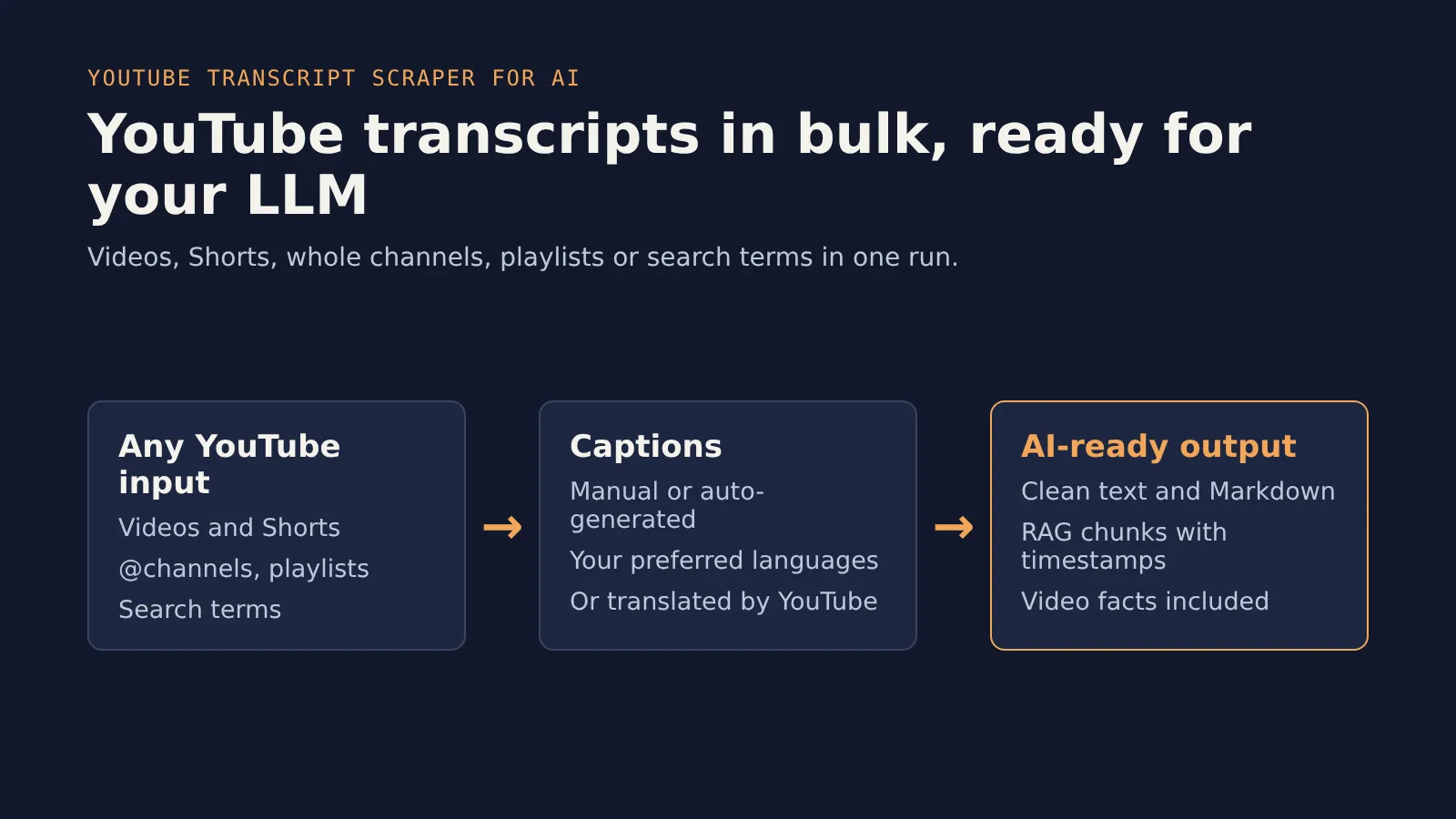
Scrape YouTube transcripts, subtitles and captions in bulk and feed them straight into ChatGPT, Claude, LangChain, LlamaIndex or your vector database. Give it video URLs, Shorts, whole channels, playlists or YouTube search terms. You get clean text, Markdown, timed segments and ready-made RAG chunks, each with a link to the exact moment in the video.
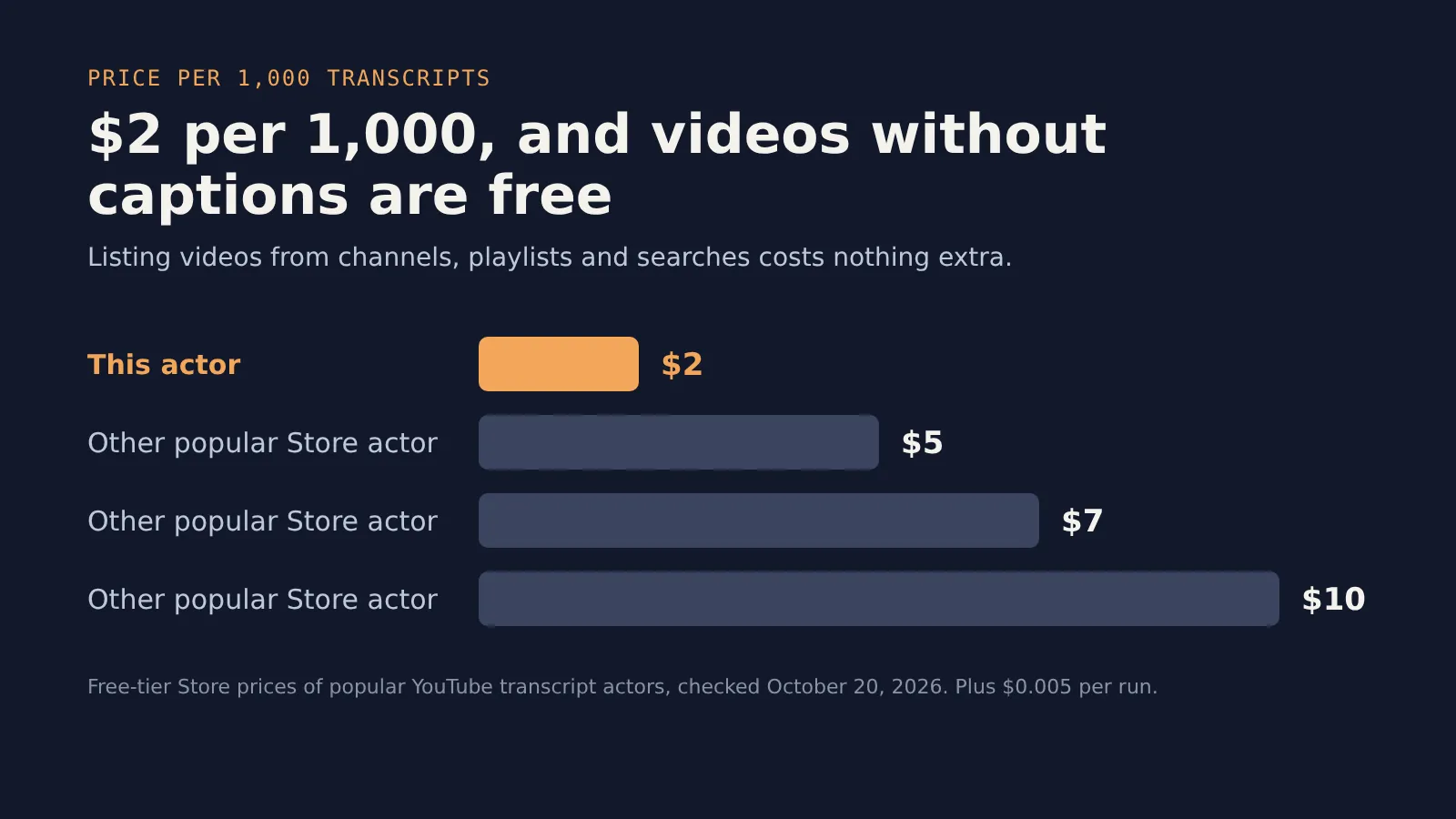
$2 per 1,000 transcripts. Videos without captions are free.
Why use it
- Bulk input. Mix video URLs, Shorts, whole channels (
@handle), playlists and YouTube searches in one run. - Ready for AI. Each video comes back as plain text, Markdown with timestamps, and RAG chunks of about 300 words with start and end times and a
&t=link. - Video facts included. Title, channel, publish date, length, views, category, description and keywords at no extra cost.
- Any language. Pick your preferred caption languages, allow or block auto-generated captions, or have YouTube translate the captions into another language.
- Reliable. Requests go through residential proxies with automatic retries, and you only pay when a transcript is returned.
How to get YouTube transcripts in 3 steps
- Paste video URLs,
@channelhandles, playlist URLs or search terms into the input. - Pick your caption languages (English by default) and the RAG chunk size.
- Click Start, then download the results as JSON, CSV or Excel, or read them through the API.
Input
| Field | What it does | Default |
|---|---|---|
videos | Video or Shorts URLs, or video IDs | |
channels | Channel URLs, @handles or channel IDs (newest videos first) | |
playlists | Playlist URLs or IDs | |
searchQueries | Search terms (top video results) | |
maxVideosPerSource | Videos per channel, playlist or search | 20 |
languages | Preferred caption languages, in order | ["en"] |
allowAutoGenerated | Use YouTube's automatic captions when needed | true |
translateTo | Translate captions into this language, for example ar | |
chunkWords | RAG chunk size in words (0 = off) | 300 |
includeMarkdown, includeSegments, includeDescription | Turn parts of the output on or off | true |
If no preferred language matches, the actor uses the video's own spoken language.
Output
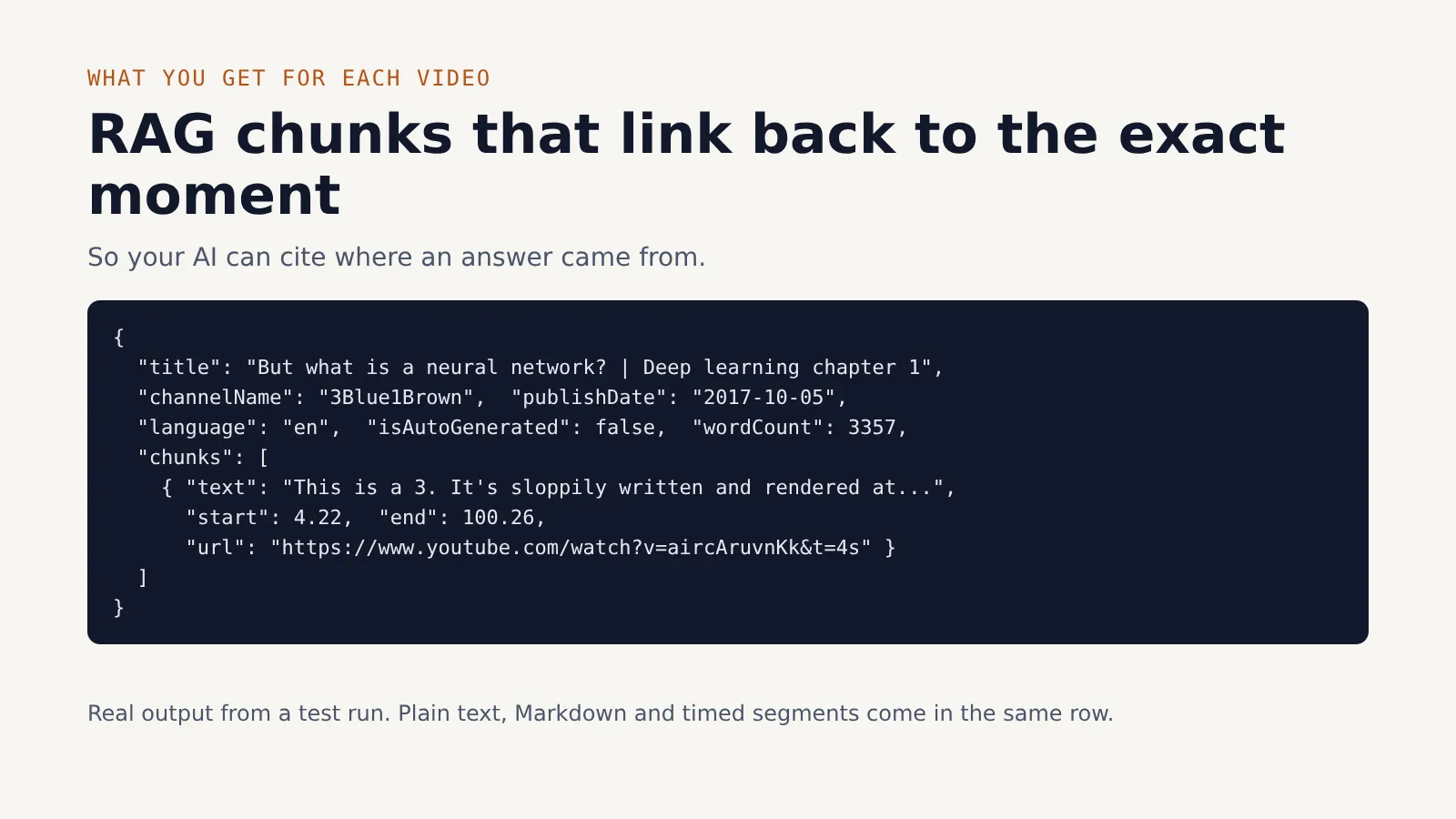
One dataset row per video:
Videos without captions still get a row with the video facts and "errorCode": "no_captions". You are not charged for them.
Use it from code
Python
LangChain documents for RAG
Each chunk keeps a link to its moment in the video, so your AI's answers can cite the exact timestamp.
AI agents (MCP)
Add the actor to Apify's MCP server and Claude, Cursor or any MCP client can call it as a tool.
Pricing
| What | Price |
|---|---|
| Transcript returned | $0.002 ($2 per 1,000) |
| Run start | $0.005 |
| Video with no captions, unavailable or failed | Free |
| Listing videos from channels, playlists or searches | Free |
Set a maximum cost per run in the run options and the actor stops cleanly when it is reached.
FAQ
Does it transcribe videos that have no captions? Not yet. It reads the captions YouTube already has, including auto-generated ones, which covers most videos with speech.
Can I get transcripts in another language? Yes. Set languages to pick from existing captions, or translateTo to have YouTube translate them.
Does it work for YouTube Shorts? Yes. Paste Shorts URLs like any video, or find them through search.
Can I use it as a YouTube transcript API? Yes. Start a run through the Apify API or the Python and JavaScript clients and read the dataset, as shown above.
Is there a limit? No hard limit. Use maxVideosPerSource for channels, playlists and searches.
Is it legal? It only reads public captions. Check that your use follows YouTube's terms and copyright law where you live.
Related Actors
- Website to Markdown for LLMs & RAG: turn whole websites into clean Markdown.
- Google Custom Search API Replacement: Google results in Custom Search JSON format.
- Google Trends Scraper: Bulk Compare 100+ Keywords: compare hundreds of keywords on one Google Trends scale.
Found a bug or need a field? Open an issue on the actor's Issues tab. If it saves you time, a review on the Store helps others find it.


