

Image Watermark Remover - Clean Photos in Bulk
Pricing
from $100.00 / 1,000 results
Go to Apify Store
Image Watermark Remover - Clean Photos in Bulk
Remove text and logo watermarks from images using. Preserves texture and background for natural, artifact-free results.
Pricing
from $100.00 / 1,000 results
Rating
0.0
(0)
Developer
Seemu Scraping
Maintained by CommunityActor stats
0
Bookmarked
38
Total users
1
Monthly active users
21 days ago
Last modified
Categories
Share
AI Image Watermark Remover
Remove text and logo watermarks from any image using AI - preserves texture and background for natural, artifact-free results.
Before & After
| Before | After |
|---|---|
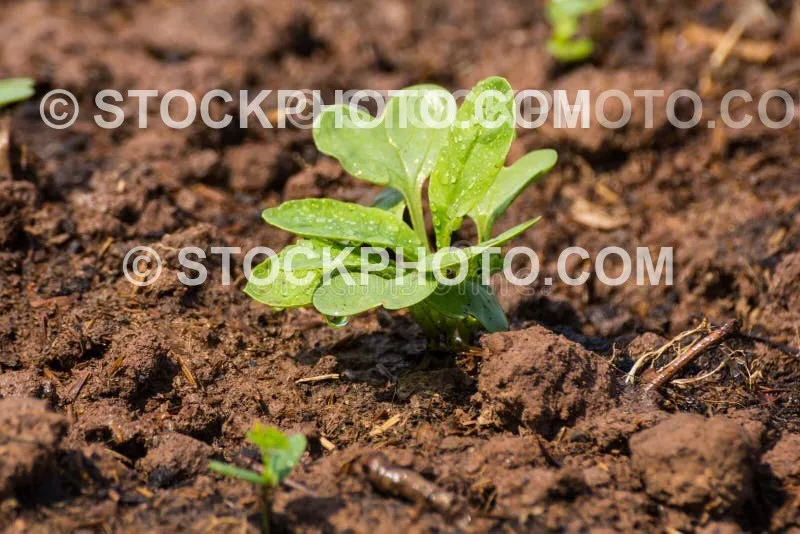 | 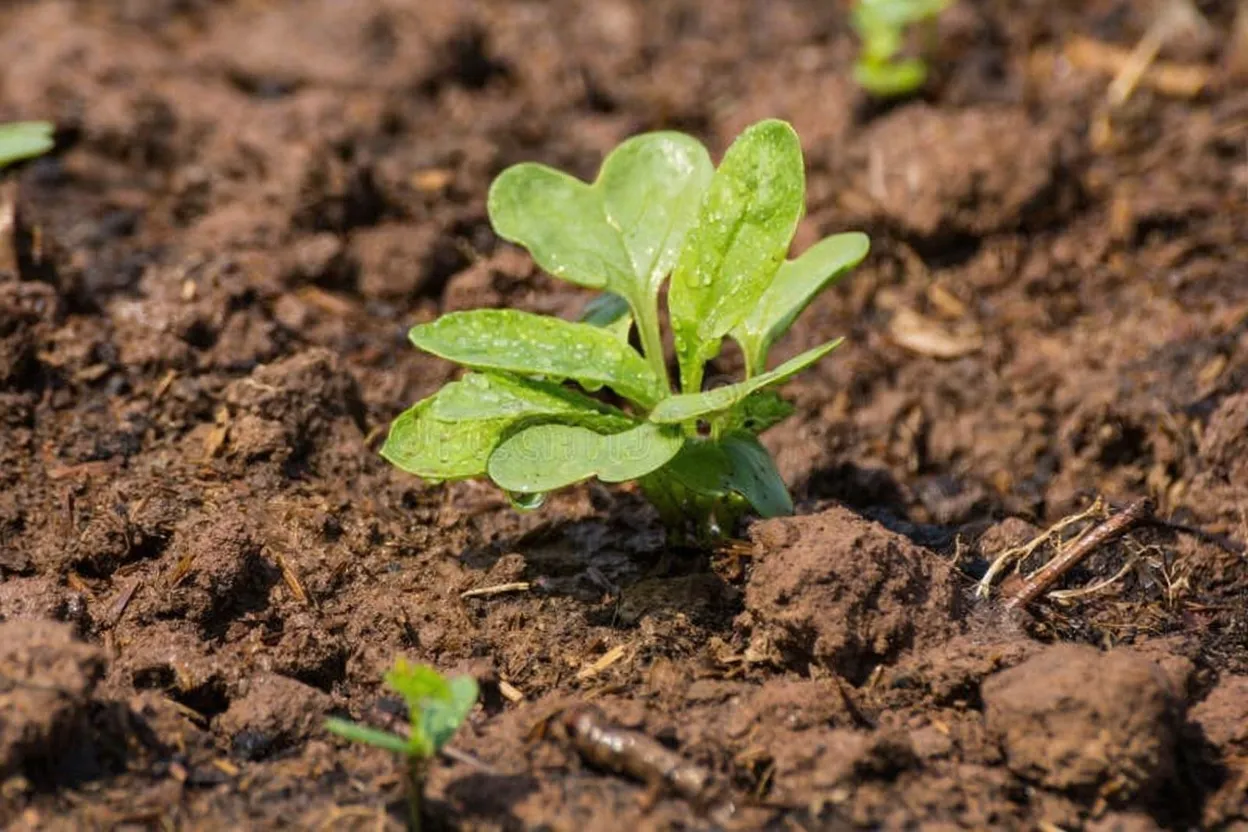 |
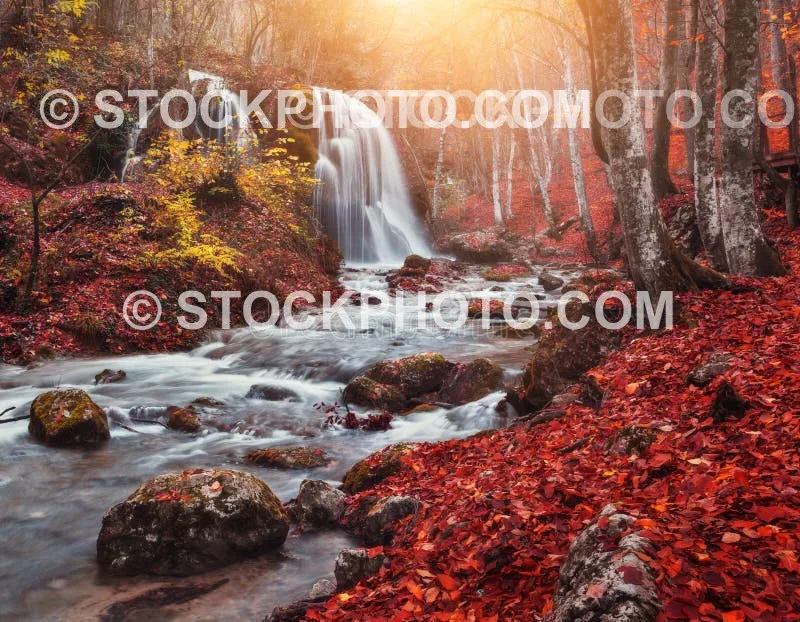 | 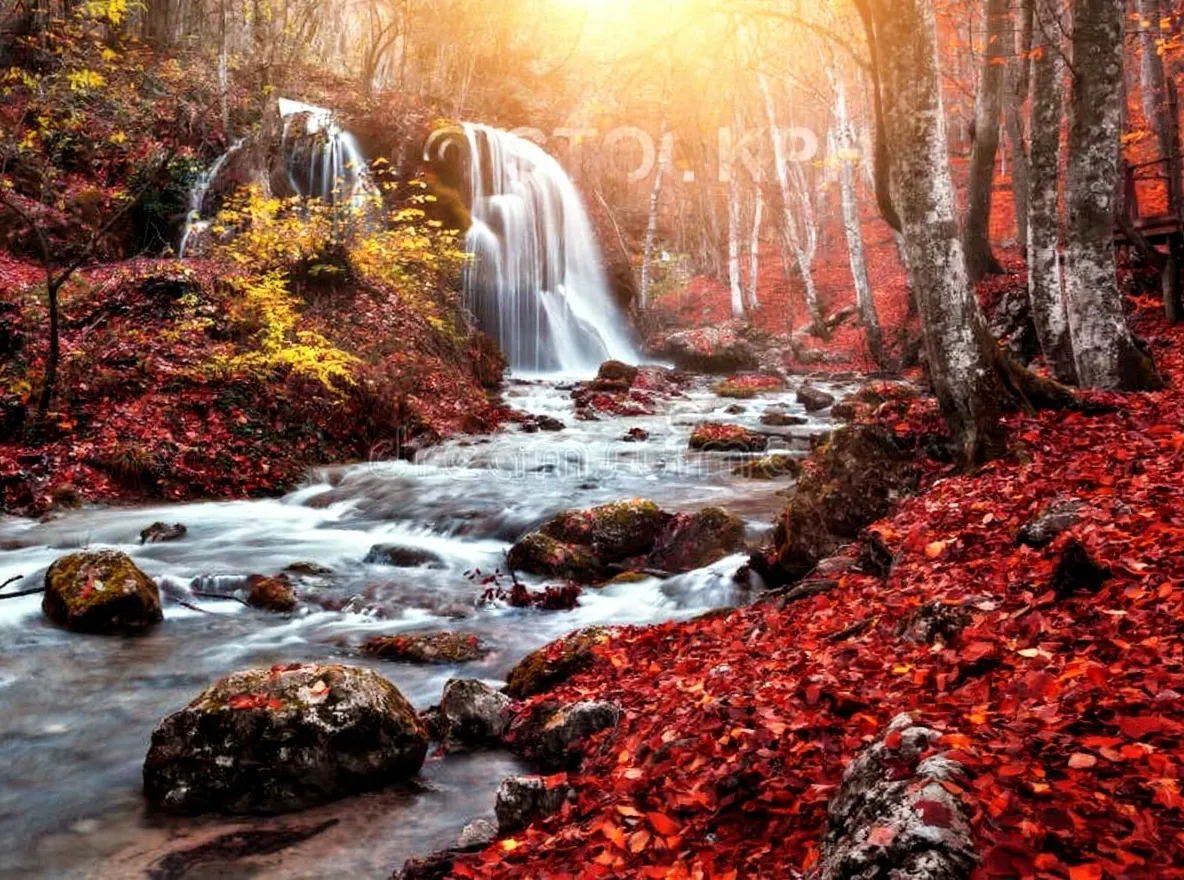 |
What you get
- Watermark-free version of every image you submit
- Supports text watermarks, logo overlays, and semi-transparent stamps
- Outputs stored directly in the dataset - download as JPEG, PNG, or WebP
- Process multiple images in a single run
Use cases
- Clean up stock photo previews before presenting concepts to clients
- Remove watermarks from screenshots, product images, or marketing assets
- Batch process large image collections for content pipelines
- Restore images with branding overlays for archival or reuse
How to use
- Paste one or more image URLs into the Images field (or provide base64 data URIs to upload your own)
- Choose your preferred Output Format (JPEG, PNG, or WebP)
- Run the actor - cleaned images appear in the Key-Value Store tab
- Each dataset record includes a direct download link to the cleaned image
Output format
Each dataset record:
Input options
| Field | Type | Description |
|---|---|---|
images | string[] | Image URLs or base64 data URIs to process |
imageFiles | file[] | Upload image files directly from your computer |
outputFormat | string | Output format: jpeg, png, or webp (default: jpeg) |
Related AI image actors
Part of a complete AI image toolkit - explore the rest of the suite:
- AI Image Background Remover - Remove backgrounds to clean transparent PNGs
- AI Image Upscaler - Batch-upscale images to 4K or 8K
- AI Image Captioner - Generate text descriptions for any image
- Image OCR Scraper - Extract text from images in 109 languages
- Photo Location Finder - Find where a photo was taken - no EXIF needed


