
YouTube email database
Use YouTube Scraper to build a YouTube email database. Enter search keywords to find creators in your niche, then scrape those channels for the full channel description and contact links, where creators who take business inquiries publish their email.
POWERING THE WORLD'S TOP DATA-DRIVEN TEAMS








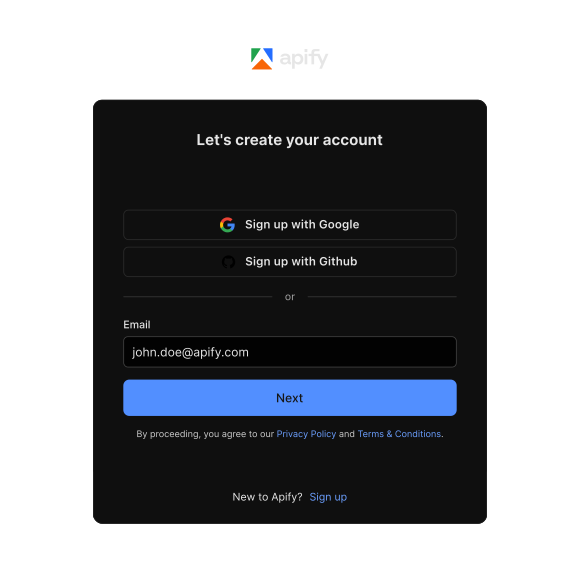
Sign up on Apify
Create a free Apify account (no credit card needed) and find YouTube Scraper in Apify Store.
Add search terms or channels
Enter search keywords and YouTube Scraper returns the matching videos along with the channel names and URLs behind them. Feed those channel URLs back in, or paste a list you already have, and you get the channel description, contact links, location, and subscriber count for each one.
Run YouTube Scraper
Click Start and YouTube Scraper will extract the channel description, the links listed in it, location, join date, subscriber count, and total views for every channel you added. Business emails, when a creator publishes one, sit in that channel description.
Want them in their own column instead? Run your channel list through YouTube Channel Email Scraper, which takes the same URLs, handles, or IDs and returns one email per row.
Export your YouTube email database
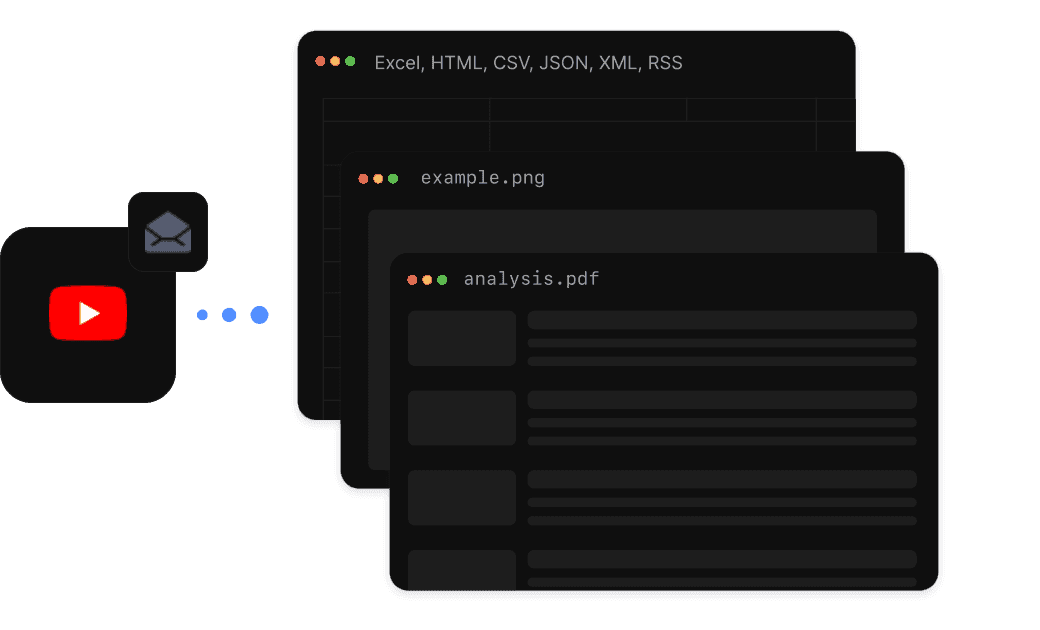
Download your data in JSON, CSV, or Excel. Send results to Google Sheets, n8n, or Make via integrations, or pull them into your own database with the Apify API. Schedule the run to keep your channel list current.
 Free $5 usage every month
Enjoy $5 of free platform usage every month to explore and kickstart your projects.
 No credit card required
Get started on Apify instantly without the hassle of entering your credit card information.
 Supportive community on Discord
Join our Discord community to ask questions, share ideas, and connect with developers.


Ready to build your YouTube email database?
You just need a free Apify account


YouTube Scraper extracts the full channel description from each channel you give it, along with the links creators list there. Creators who accept business inquiries usually publish an email address or a contact link in that text, so the addresses come out of the channel description rather than from a dedicated email field. If you need the emails as a separate field, YouTube Channel Email Scraper does that extraction for you.
For each channel you get the channel description, the links listed in it, location, join date, subscriber count, total views, total video count, and the channel name, handle, and URL. You also get metadata for that channel's videos, including titles, view counts, likes, and comment counts.
No. YouTube Scraper reads public YouTube pages directly, so there's no API key to set up and no daily quota to work around. That's what makes it practical for building a channel list of any real size.
Yes, web scraping is legal for gathering public information from websites. But be careful with personal or confidential data, as well as intellectual property, because laws and regulations might protect them. It's good practice to check the website's rules or terms of service to know what's allowed. If you're not sure, getting legal advice can help ensure you're using web scraping correctly and within the law.
Actors are serverless cloud programs that run on the Apify platform and do computing jobs. They’re called Actors because, like human actors, they perform actions based on a script. They can perform anything from simple actions (such as filling out a web form or sending an email) to complex operations (such as crawling an entire website or removing duplicates from a large dataset). Actor runs can be as short or as long as necessary. They could last seconds, hours, or even run infinitely.
Reviews from our customers


