

Threads Profile Scraper: Posts, Replies & Profiles
Pricing
from $1.05 / 1,000 posts
Threads Profile Scraper: Posts, Replies & Profiles
Scrape Threads profile posts and replies by username or link. Get text, date, likes, replies, reposts, media and links, with followers, bio and verified badge in every row. Date range with relative dates such as 7 days. No login. Export to JSON, CSV or Excel.
Pricing
from $1.05 / 1,000 posts
Rating
0.0
(0)
Developer

Wiseus Labs
Maintained by CommunityActor stats
0
Bookmarked
8
Total users
0
Monthly active users
2 days ago
Last modified
Categories
Features
Share
Posts from public Threads profiles: text, date, likes, replies, reposts, quotes, media and links, exported to JSON, CSV or Excel. Also: the profile's followers, bio and verified badge in every post row, a numeric user ID, a date range with relative dates and the replies the profile wrote, so one run gives both content and account stats.
Wiseus Labs · Threads


Copy to your AI assistant
Key inputs: profiles (usernames or links), maxPostsPerProfile (default 50, 0 = profile only), includeReplies, dateFrom and dateTo (dates or relative, such as 7 days), includeProfile (default on).
👤 What is Threads Profile Scraper?
Threads Profile Scraper saves the public posts of Threads profiles as flat rows, each with the author's followers, bio and links, so one table gives you both the content and the account stats.
- Any profile input:
username,@username, threads.com or threads.net links. - Public post history, from the newest post back in time, with the pinned post flagged.
- Date range with exact dates or relative ones such as
7 days. - Replies the profile wrote, with the account each reply answers.
- Profile details on every post row: followers, bio, bio links, topics, verified badge and a numeric user ID.
- Profile only mode: one row per profile for follower tracking.
- No login. No Threads account and no API key.
| Group | What you get |
|---|---|
| 📝 Post | text · link and post code · date · edited flag · pinned flag · hashtags · topic · mentions · links · polls · reply and quote info |
| 📊 Engagement | likes · replies · reposts · quotes · shares |
| 👤 Profile | username · name · user ID · followers · bio · bio links · topics · verified · private flag · profile pictures · profile link |
| 📇 Contacts | emails, phones and outside links found in the public bio and post text |
| 🖼️ Media | media type · image links · video link · poll options and votes |
| 🔎 Run context | input profile · record type · status · reason |
🚀 Quick start
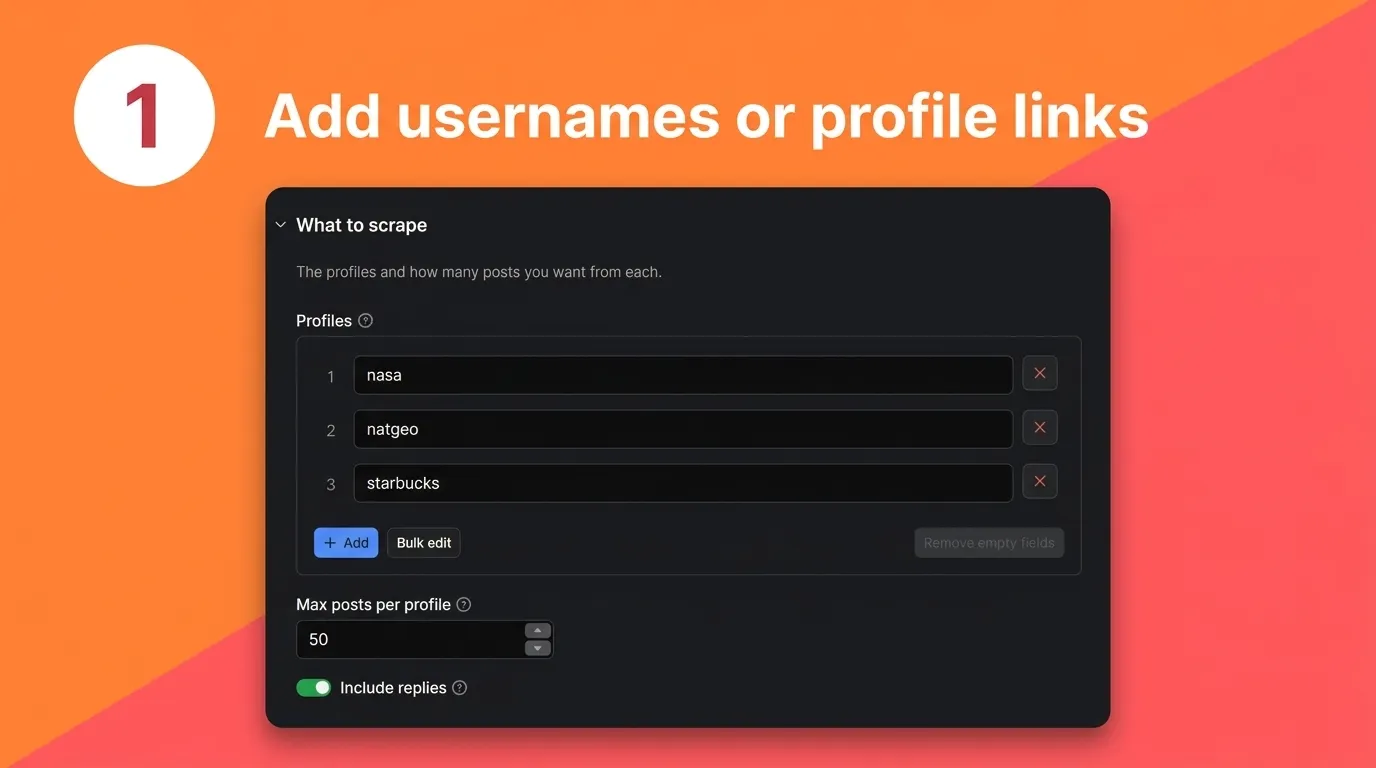
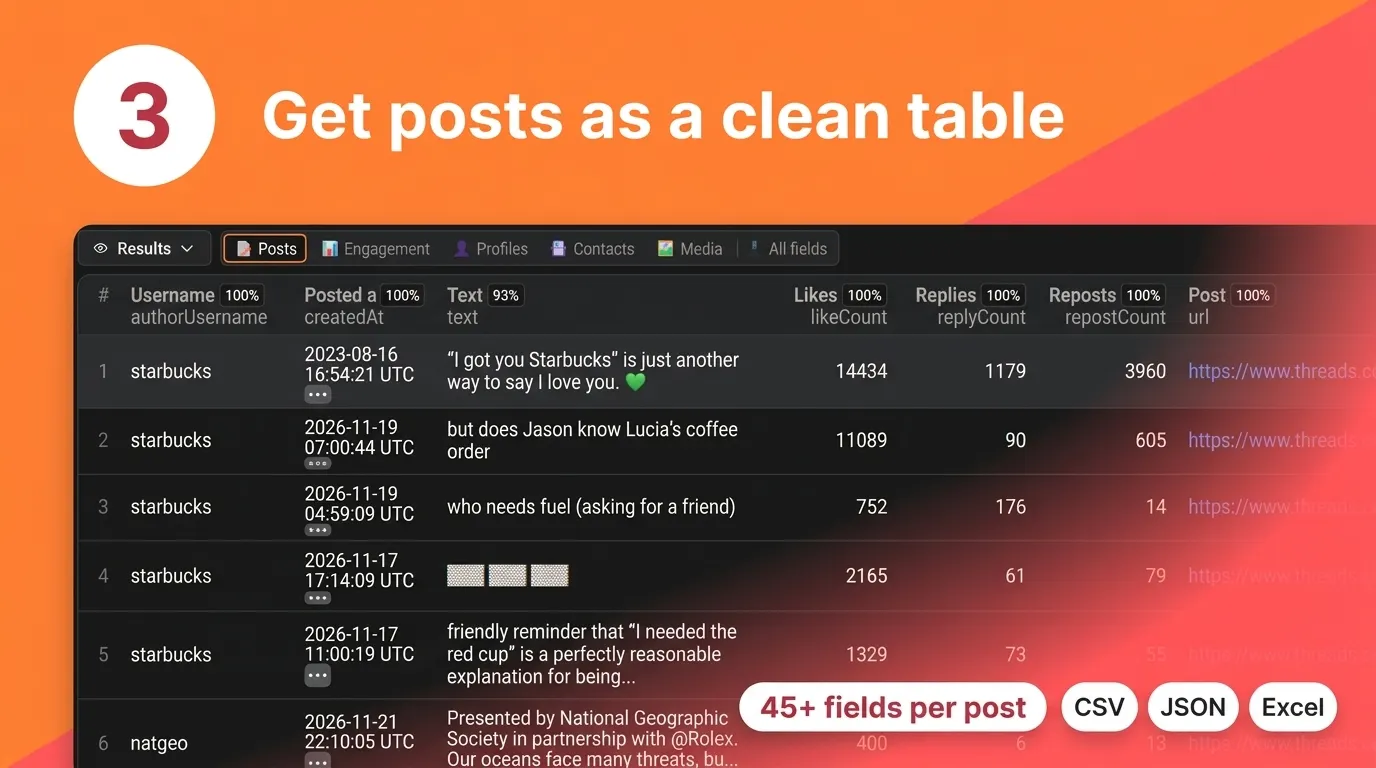
- Add one or more usernames or profile links.
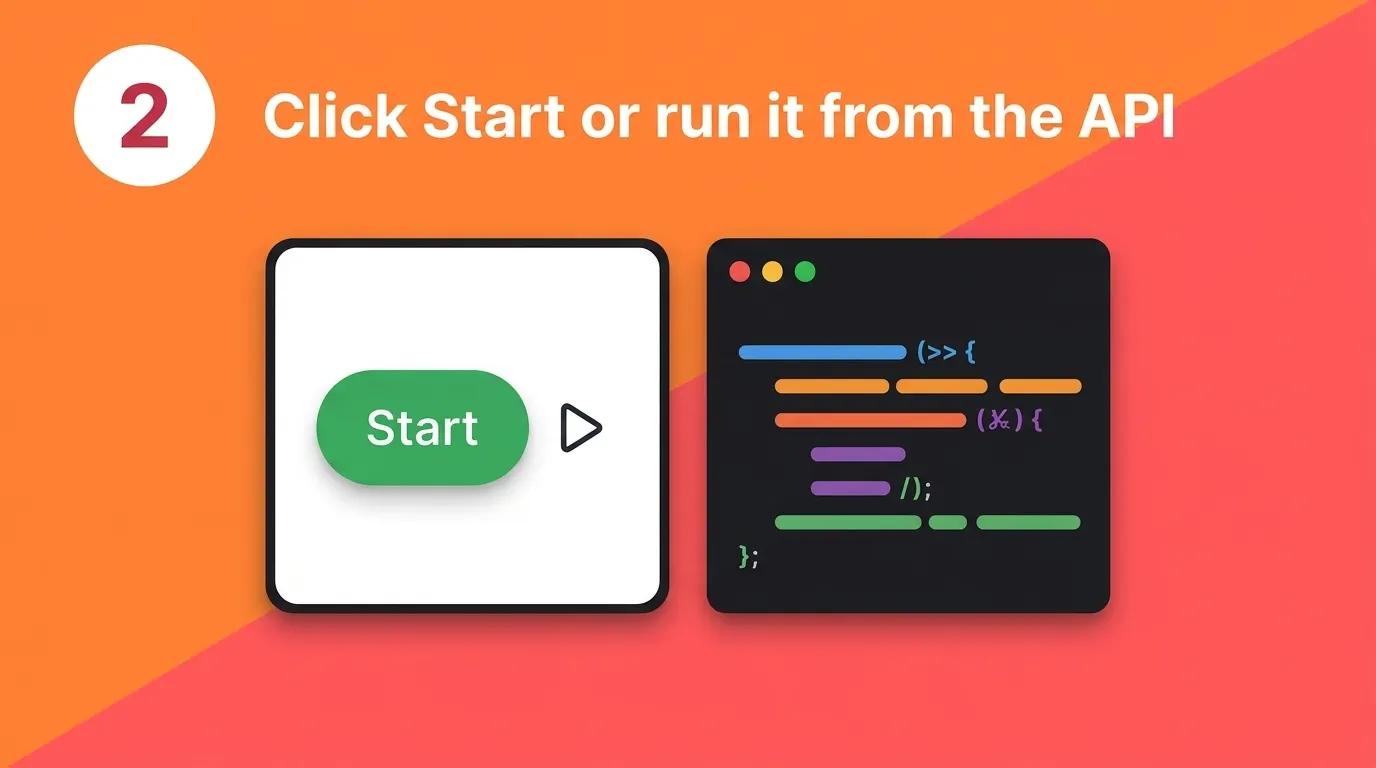
- Click Start, or run it from your code or an AI agent.
- Open the table and download it as JSON, CSV or Excel.
With an empty input the scraper takes up to 50 posts of nasa, so you can see the output right away.
🍳 How to scrape Threads profile posts: input recipes
1. Latest posts of competitor accounts
What brands in your market published recently.
2. Posts from a fixed period
One month of posts for a report.
3. New posts every day
Save it as a task and schedule it daily.
4. Follower tracking
One row per profile with followers, bio and links. Schedule it to see growth over time.
5. Posts and replies of one account
What the account posts and how it answers its audience.
6. The whole public history of a profile
Every post the profile shows publicly: the pinned post, then newest first.
⚙️ Input
The form has four steps: what to scrape, post options, filters, and limits and advanced settings.
| Field | What it does | Default |
|---|---|---|
profiles | Usernames, @username or profile links, one per line. | nasa |
maxPostsPerProfile | Posts per profile. 0 saves only the profile row. | 50 |
includeReplies | Add the replies the profile wrote. | off |
maxRepliesPerProfile | Replies per profile when replies are on. | 50 |
includeProfile | Profile details (followers, bio, links, topics) on every post row. | on |
dateFrom, dateTo | A date (YYYY-MM-DD, UTC) or a relative time such as 7 days or 24 hours. | empty |
maxItems | Stop the run after this many posts, replies or profile rows in total. 0 means no limit. | 0 |
Every field is explained in the Input tab.
📦 Output example
One real row from a run on nasa with 3 posts. Long text and media links are shortened with "...".
📋 Output fields
One row per post with flat fields, easy to open in Excel or load into a database. recordType is post, or profile in profile only mode (empty on status rows). Status rows list the same fields as posts. The table has these tabs:
| Tab | Fields |
|---|---|
| 📝 Posts | authorUsername, createdAt, text, likeCount, replyCount, repostCount, url, isPinned, isReply, mediaType, hashtags, topicTag, status, reason, inputProfile, scrapedAt |
| 👤 Profile | authorUsername, authorFullName, authorProfilePicUrl, authorIsVerified, authorIsPrivate, authorFollowerCount, authorBio, authorBioLinks, authorTopicTags, authorProfileUrl, authorId, authorProfilePicUrlHd, recordType, url |
| 📊 Engagement | authorUsername, url, createdAt, likeCount, replyCount, repostCount, quoteCount, shareCount, isPinned, isReply, isQuote, quotedPostUrl, replyToUsername, isThreadContinuation, isEdited, postId, postCode |
| 📇 Contacts | authorUsername, authorFollowerCount, url, emails, phones, externalUrls, authorBioLinks, links, linkTitle, mentions |
| 🖼️ Media | url, mediaType, imageUrls, videoUrl, pollOptions, pollVoteCounts, text |
| status | Meaning | Charged |
|---|---|---|
ok | A post, reply or profile row | Charged |
not_found | The profile does not exist on Threads | Free |
private | The profile is private; its public profile fields are filled | Free |
no_posts | No public posts, or none in your date range | Free |
error | The input could not be read, or the profile could not be loaded or not to the end; reason says why | Free |
run_summary | The run saved nothing | Free |
The Output tab also has a Run summary with the status of every profile, posts, replies and profile rows saved, followers and totals.
What you don't pay for
- Status rows: profiles not found, private profiles, profiles without posts, invalid inputs and errors.
- Duplicate profiles and duplicate posts.
- The run summary.
🔌 API and integrations
Run the scraper and get the posts in one call:
Python:
- Schedules and webhooks: run on a timetable and get notified when a run finishes. See schedules and webhooks.
- Make, Zapier, n8n: use the Apify app or node and pick this Actor. See integrations.
- API reference: the API tab on this page shows ready code for every language.
Use with AI agents (MCP)
Connect the Apify MCP server to Claude, Cursor or another AI assistant and add this Actor. Then ask in plain words, for example: "Get the last 30 posts of @nasa and @natgeo and tell me which topics get the most likes."
❓ FAQ
Do I need a Threads account or an API key? No. The scraper reads public profiles. You only need an Apify account.
How far back can I scrape a Threads profile?
The scraper walks the public history from the newest post back in time, until your limit, your dateFrom or the oldest post Threads shows publicly.
How do I get only new posts?
Set dateFrom to the time between runs, such as 1 day, and schedule the Actor.
Can I get only the follower count and bio?
Yes. Set maxPostsPerProfile to 0. You get one row per profile with followers, bio, links, topics and the verified badge.
Does it include the replies a profile wrote?
Yes, with includeReplies on. Each reply has isReply and replyToUsername.
What happens with private profiles?
You get one free private row with the public profile fields. Posts of private profiles are not public.
Which field should I use to join runs?
authorId, the numeric ID Threads gives the account. It is separate from the username. For posts use postId.
How do I export Threads posts to CSV or Excel?
After the run, open the Output tab and click Export. Choose CSV, Excel, JSON or another format. Through the API add format=csv to the dataset items link.
Can I get the replies under these posts? Yes, with Threads Replies Scraper. Pass it the post links or the same profiles; the fields both actors share have the same names.
💬 Feedback and support
Found a bug or missing a field? Open an issue on the Issues tab and tell us what you need.
Ready to try it? Open the input form, add a username and click Start.


