

Apple Maps Scraper
Pricing
from $0.48 / 1,000 places
Apple Maps Scraper
Get businesses from Apple Maps with phone, website, address, category, hours, ratings, reviews, photos and whether the listing is claimed. Search any city, split it into a grid for more places, and track where your business ranks for a search. No Apple account needed. $0.60 per 1,000 places.
Pricing
from $0.48 / 1,000 places
Rating
0.0
(0)
Developer

Zaiq
Maintained by CommunityActor stats
0
Bookmarked
2
Total users
1
Monthly active users
7 days ago
Last modified
Categories
Features
Share
Apple Maps Scraper API: business leads with phones, websites, ratings, hours and local rank
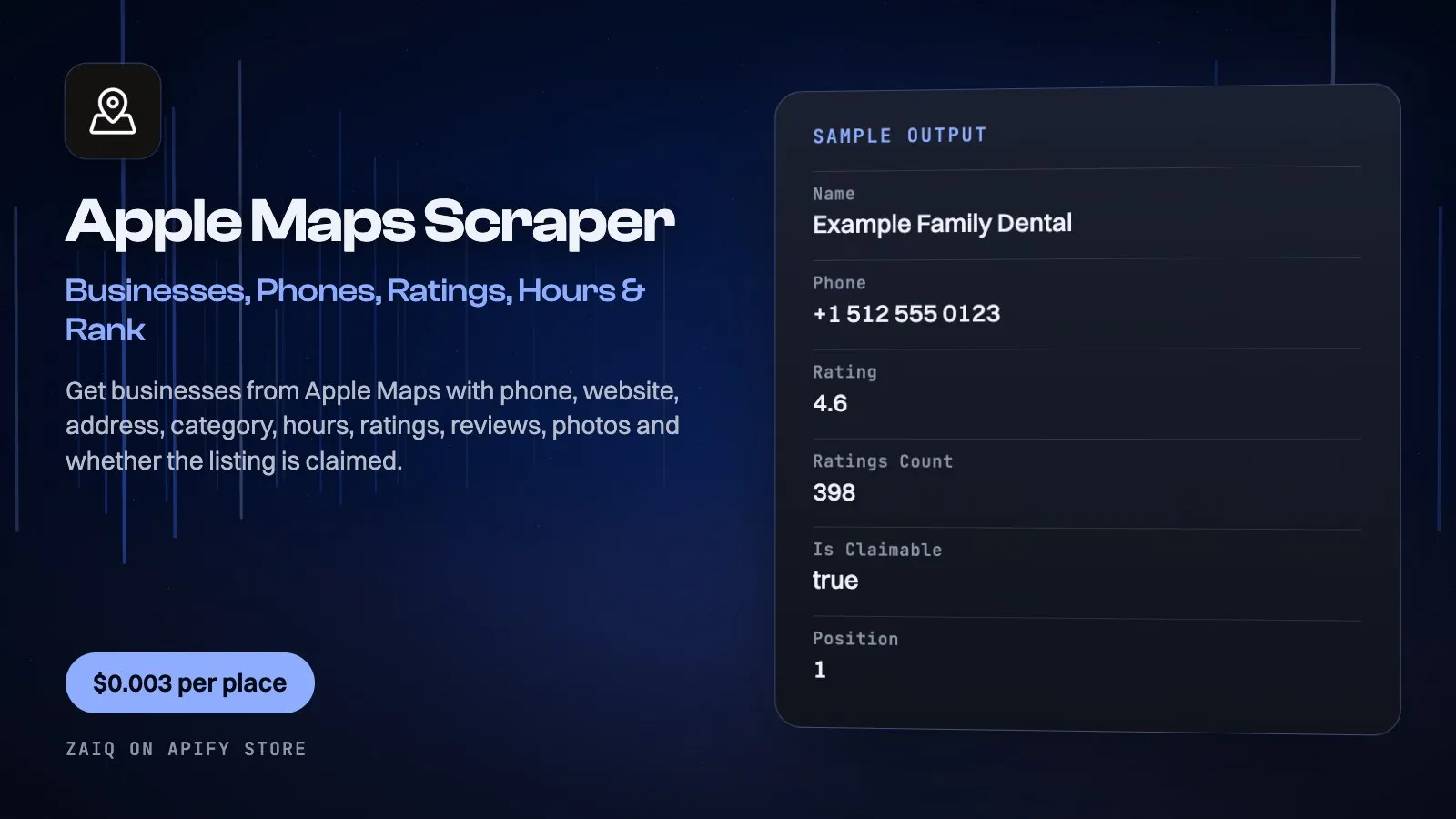
Get businesses from Apple Maps for any search and city: name, phone, website, address, category, hours, rating, recent reviews, photos and amenities, with no Apple account. Split a big city into a grid to go past Apple's limit of 20 places an area.
Two things most Maps scrapers leave out: isClaimable shows which businesses have never claimed their Apple listing, which is a ready-made sales list for local SEO agencies, and rank tracking shows where a business sits for a search, who is ahead of it, and what changed since your last run. Built for lead generation, local SEO, market research and AI agents.
What you get
| Field | What it holds |
|---|---|
| The business | name, phone, website, category, categories, address, street, city, state, postalCode, country, countryCode, latitude, longitude, timezone |
| The details | rating (out of 5), ratingsCount, ratingsSource, hours, amenities, photos, reviews (the few Apple shows), priceRange |
| The sales signal | isClaimable (true means nobody has claimed this listing on Apple Business Connect), claimUrl |
| Where it ranks | position, searchTerm, location; with tracking, a rank row: trackedBusiness, position, ahead, previousPosition, positionChange |
| Its IDs | placeId, appleMapsId, appleMapsUrl |
What people use it for
- Local SEO agencies: list every unclaimed Apple listing in a niche and city, ready to pitch
- Lead generation: phones and websites for a trade in any city
- Rank tracking: watch your Apple Maps position for your main searches every week
- Market research: count competitors and compare ratings across cities
- Data checks: see whether your hours, phone and category are right on Apple Maps
- AI agents: local business data inside any workflow, per place
How to use it
- Enter what to search for, such as dentist, and where, such as Austin, TX.
- For a big city, set the grid to 3 or 4. Each cell returns up to 20 places.
- To track a business, enter its name or website.
- Press Start and download the rows.
Input
| Field | Example | Notes |
|---|---|---|
| What to search for | dentist | What you would type into Apple Maps. |
| Where to search | Austin, TX | Every search runs in every location. |
| Or Apple Maps links | https://maps.apple.com/place?place-id=... | Get the details of specific places. |
| Most places a search | 100 | Stops each search here. |
| Split each location into a grid | 4 | 4 searches 16 smaller areas, so more places come back. |
| Include hours, ratings, reviews and photos | on | Off gives phone, website and address only, at half the price. |
| Track a business's rank | Example Dental | A name or a website. Adds a rank row per search. |
| Language | en-GB | For names and categories. |
Output
Each result is one row in the run's dataset (download it as JSON, CSV, Excel, XML or HTML, or read it through the API). An example row (values shortened):
A record named SUMMARY in the run's key-value store says what each input returned, with any notes (for example an account that does not exist), what was charged and how much traffic the run used.
Pricing
- $0.60 per 1,000 places with all details on Free and Bronze, $0.54 on Silver, $0.48 on Gold and above.
- $1.50 per 1,000 places with phone, website and address only.
- $0.01 per rank check: one search in one location, with the change since last time.
- $0.01 a run to start.
- Searches with no results and links that don't open are free. The Free plan returns 20 places a run.
- Launch price on the main events. It may rise later; Apify emails every user 14 days before any price increase takes effect, and a rise can happen at most once a month.
What typical jobs cost at the list price:
| Job | Cost |
|---|---|
| 100 dentists in one city, with details | $0.07 |
| 1,000 places across a metro area | $0.61 |
| 10 searches tracked weekly for one business | $0.038 a week |
On Apify's Scale and Business plans the per-event prices are lower (Store discounts). Set Maximum cost per run and the Actor stops cleanly when it is reached: you never pay more than that.
Tips
- Filter on
isClaimable: trueto build a list of businesses to pitch Apple Business Connect to. - A grid of 3 or 4 suits a big city; a town needs only 1.
- Rank positions cover Apple's top 20 for the whole location. A business outside it shows
found: false. - Schedule the same input weekly to see rank changes.
- Ratings come from whoever Apple shows, named in
ratingsSource, and are converted to a score out of 5.
Use it through the API
Python
JavaScript
HTTP (one call, results back)
Integrations and schedules
- Schedules: run it every hour, day or week from the Apify Console (Schedules) and keep a history of results.
- Make, Zapier, n8n, Google Sheets, Slack, Airtable: connect it through Apify's integrations, or send each finished run to a webhook.
- Datasets: results stay in the run's dataset; export them or read them by API whenever you need them.
Use it with AI agents (MCP)
Add Apify's MCP server with this Actor already pinned (https://mcp.apify.com?tools=zaiq/apple-maps-scraper) to Claude, ChatGPT, Cursor, VS Code or any MCP client. The agent can find this Actor and run it for you: ask it for Find dentists in Austin on Apple Maps and tell me which have unclaimed listings. AI agents can also pay for runs directly through Apify's agentic payments.
Limits
- Apple Maps answers at most 20 places an area, so a big city needs a grid.
- Apple shows only a few reviews a place, so this is not a full review export.
- Ratings and photos depend on who supplies them to Apple in that country, and many places outside the US have none.
- Apple treats a search as a hint and can return nearby categories: read
category. - Apple's search understands English best; local-language category words can return little, so try both.
FAQ
Do I need an Apple account or API key?
No. It reads what the public Apple Maps website shows.
What does isClaimable mean?
Apple says this listing can still be claimed through Apple Business Connect, so the owner most likely hasn't. It's a strong signal for local SEO outreach.
How do I get more than 20 places?
Set the grid. A grid of 4 searches 16 smaller areas, and duplicates are removed.
How does rank tracking work?
Enter a business name or website. Each search adds a row with its position in Apple's top 20, who is ahead, and the change since your last run.
Which countries work?
Any country Apple Maps covers. Tested in the US, UK and South Africa. Ratings and reviews are richest in the US.
Are the reviews complete?
No, only the few Apple shows on the place.
Is this the same as Google Maps data?
No. Apple Maps is its own database, used by every iPhone by default, and many businesses have never checked their listing there.
Related Actors from Zaiq
- google-maps-rank-grid: the same rank question on Google Maps
- google-business-profile-audit: audit a business's Google listing
- contact-details-extractor: find emails on the websites you get here
- email-verifier: check those addresses before you send
Support
Questions, a site that changed, or a field you need? Open an issue on this Actor's Issues tab: we answer there, usually within a day.
Also found as: Apple Maps scraper, Apple Maps API, Apple Maps business data, Apple Maps leads, Apple Maps rank tracker, Apple Business Connect, unclaimed Apple Maps listings, local SEO data, iPhone maps data.


