

Image Comparator: Image Similarity Score & Duplicate Finder
Pricing
from $0.40 / 1,000 compared images
Image Comparator: Image Similarity Score & Duplicate Finder
Compare images by link or base64 and get a 0-1 visual similarity score from a deep-learning model, plus a perceptual-hash distance and a colour match. One image against many, or find duplicate groups in a whole set. For product matching, copy detection and dedupe. No AI key needed.
Pricing
from $0.40 / 1,000 compared images
Rating
0.0
(0)
Developer

Zaiq
Maintained by CommunityActor stats
0
Bookmarked
2
Total users
1
Monthly active users
15 days ago
Last modified
Categories
Features
Share
Image Comparator API: image similarity score, perceptual hash and duplicate finder
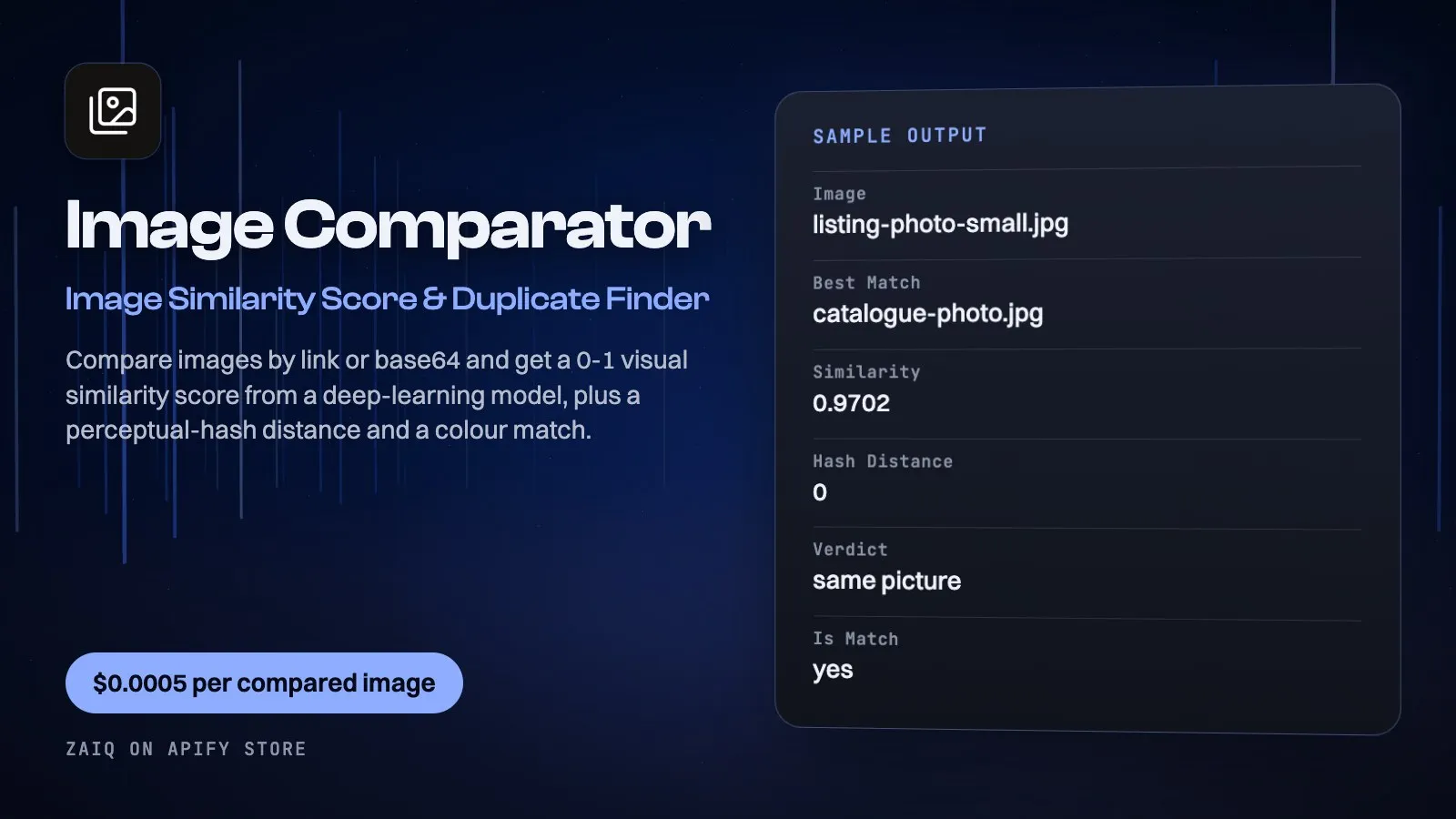
Compare images by link or base64 and get a 0-1 visual similarity score from a deep-learning model (DINOv2), a perceptual-hash distance (exact and resized copies) and a colour match for every pair. Give source images to score each target against them, or leave the sources empty to find duplicate groups across a whole set.
Built for e-commerce product matching (is this listing the same product photo?), copy and reuse detection, catalogue and photo-library dedupe, and AI agents that need a yes/no on two pictures. Everything runs inside the Actor: no AI key, no account, no upload to another service. From $0.40 per 1,000 images.
What you get
| Field | What it holds |
|---|---|
| Scores | similarity (0-1, deep-learning), hashDistance (0-64 bits) and hashSimilarity, colorSimilarity (0-1), identicalFile |
| Verdict | verdict: identical file, same picture, near duplicate, similar or different; isMatch against your threshold |
| Match | bestMatch, bestMatchIndex, and matches (every source with its scores) when you give several sources |
| Duplicates mode | groupId, groupSize, duplicateOf (the first image of its group) |
| Image facts | width, height, format, bytes, sha256, status, error, downloadedVia |
What people use it for
- Product matching: check whether a marketplace listing uses the same photo as your catalogue
- Copy detection: find where your images were reused, resized, cropped or recompressed
- Catalogue dedupe: group duplicate product photos before an import
- Photo libraries: find the same picture saved many times under different names
- Price intelligence: join products across shops by their images when titles differ
- AI agents: a similarity score for two pictures inside any workflow
How to use it
- Put the images to compare against in Source images (or leave it empty to find duplicates).
- Put the images to check in Target images: links or base64.
- Click Start. Each target gets one row with its best match and scores.
Input
| Field | Example | Notes |
|---|---|---|
| Source images | https://example.com/product.jpg | Up to 100; the first 10 are free |
| Target images | https://example.com/listing-photo.jpg | Links or base64, up to 10,000 (5,000 for duplicates) |
| Match threshold | 0.8 | 0.9 for near-identical copies only; 0.6 to also catch most other photos of the same object |
| Ignore colour | off | Greyscale comparison |
| Download headers | {"Referer": "https://example.com/"} | Optional, for image servers that ask for one |
Output
Each result is one row in the run's dataset (download it as JSON, CSV, Excel, XML or HTML, or read it through the API). An example row (values shortened):
A record named SUMMARY in the run's key-value store says what each input returned, with any notes (for example an account that does not exist), what was charged and how much traffic the run used.
Pricing
- $0.0005 per compared image ($0.50 per 1,000), $0.40 per 1,000 on Gold and above
- Up to 10 source images per run are free
- Images that cannot be downloaded or read are free
- Apify's $0.00005 start charge counts towards your Maximum cost per run.
What typical jobs cost at the list price:
| Job | Cost |
|---|---|
| One image against one source | $0.0005 |
| 100 listing photos against your product photo | $0.05 |
| 1,000 images checked for duplicates | $0.50 |
| 10,000 catalogue images against 5 reference photos | $5 ($4 on Gold) |
On Apify's Scale and Business plans the per-event prices are lower (Store discounts). Set Maximum cost per run and the Actor stops cleanly when it is reached: you never pay more than that.
Tips
- Start with a threshold of 0.8, then read a few rows. In our tests, edited copies (resized, recompressed, cropped to 60%, rotated, mirrored or watermarked) scored 0.89 to 0.99; other photos of the same landmark 0.44 to 0.91 (median 0.74); unrelated photos 0 to 0.30.
hashDistanceof 0 to 4 means the same picture whatever the size; the row then sayssame pictureeven if the threshold is high.- Turn on Ignore colour to match the same design in another colourway.
- Give several source images (front, back, side) to match a product however it was photographed:
matcheslists every one.
Use it through the API
Python
JavaScript
HTTP (one call, results back)
Integrations and schedules
- Schedules: run it every hour, day or week from the Apify Console (Schedules) and keep a history of results.
- Make, Zapier, n8n, Google Sheets, Slack, Airtable: connect it through Apify's integrations, or send each finished run to a webhook.
- Datasets: results stay in the run's dataset; export them or read them by API whenever you need them.
Use it with AI agents (MCP)
Add Apify's MCP server with this Actor already pinned (https://mcp.apify.com?tools=zaiq/image-comparator) to Claude, ChatGPT, Cursor, VS Code or any MCP client. The agent can find this Actor and run it for you: ask it for "are these two product photos the same item, and how similar are they". AI agents can also pay for runs directly through Apify's agentic payments.
Limits
- Similarity is visual, not textual: two different products in near-identical packaging can score high, and the same product on a busy background can score lower.
- Animated images are read from their first frame.
- Images over 20 MB or 60 megapixels are refused (free), as are links that return a web page instead of an image.
- Some image servers refuse downloads from cloud addresses; those rows show the server's answer and are free.
- Apify's free plan: the first 20 images.
FAQ
Do I need an AI key or an account?
No. The model runs inside the Actor on Apify's servers; your images are not sent anywhere else.
Which model is it?
DINOv2-small from Meta (Apache-2.0), a vision model trained to tell images apart, plus a 64-bit perceptual hash and a colour histogram for each image.
What does a similarity of 0.8 mean?
Usually the same picture cropped, edited or watermarked. In our tests edited copies scored 0.89 to 0.99, other photos of the same landmark 0.44 to 0.91, and unrelated photos 0 to 0.30. Read the verdict column for a plain answer.
Can it find duplicates without a source image?
Yes. Leave Source images empty and every image is compared with the rest of the set; matching images share a groupId.
Can I send base64?
Yes: data:image/png;base64,... or bare base64 in the same list as links.
What if an image cannot be downloaded?
Its row says why (status: failed, error) and you pay nothing for it.
Related Actors from Zaiq
- video-frame-extractor: frames from any video, to compare as images
- google-shopping-scraper: product offers and prices, with their images
- shopify-products-scraper: every product image of any Shopify store
Support
Questions, a site that changed, or a field you need? Open an issue on this Actor's Issues tab: we answer there, usually within a day.
Also found as: image comparator, image similarity api, compare images, image similarity, duplicate image finder, perceptual hash, image deduplication, product image matching, visual similarity, reverse image matching.


