

US New Business Filings & Business Entity Search
Pricing
from $2.00 / 1,000 business entities
US New Business Filings & Business Entity Search
New business registrations and entity lookups in CO, CT, NY, OR, PA and TX from official public datasets. Filed addresses, agents, officers and source freshness in one row per entity. Date and location filters, NAICS where published, and monitoring that returns only unseen entities.
Pricing
from $2.00 / 1,000 business entities
Rating
0.0
(0)
Developer

Zaiq
Maintained by CommunityActor stats
0
Bookmarked
1
Total users
1
Monthly active users
22 days ago
Last modified
Categories
Features
Share
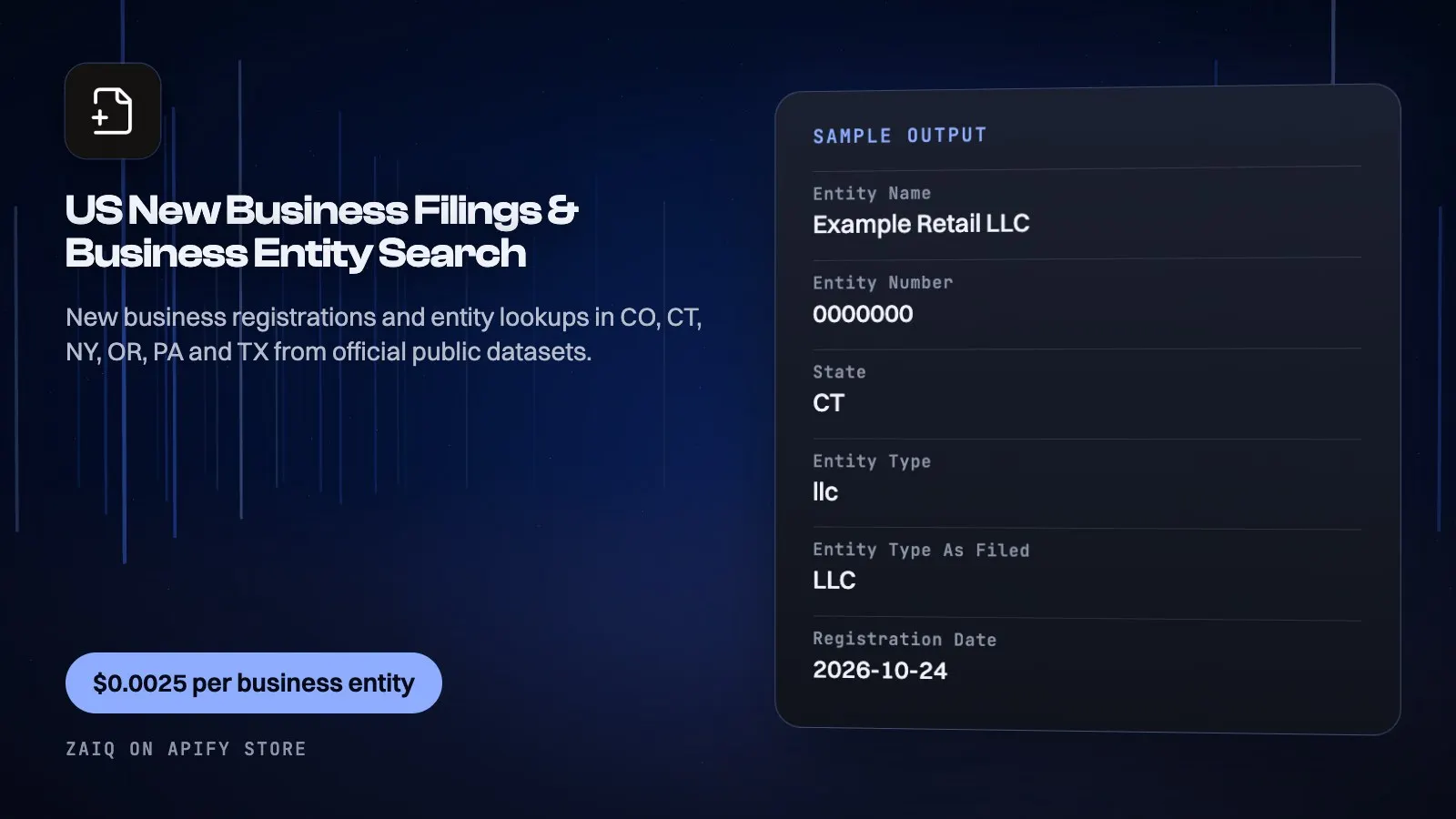
Get new registrations and business entity lookups from official public datasets in Colorado, Connecticut, New York, Oregon, Pennsylvania and Texas. Each entity starts with a plain result line, followed by filed names, numbers, dates, addresses and the source. Agent and officer fields are included where the state publishes them.
$0.0025 per delivered entity ($2.50 per 1,000), the same price on every Apify plan. Start with {"states":["CO"],"maxEntities":10}. This returns up to ten registrations from the last seven calendar days. Apify’s $0.00005 start charge is additional and counts towards Maximum cost per run.
For a recurring feed, set a monitoring store name and schedule the Actor. The first run delivers matching entities; later runs deliver only state/entity IDs that store has not seen. Source updates can lag filings: the SUMMARY records the newest date available, source update time, matching count and whether the window was fully read.
Coverage is six states, with different source scopes. Colorado and Connecticut publish daily registry datasets. New York describes its active-entity snapshot as monthly; Oregon publishes weekly and Pennsylvania monthly. Texas uses the Comptroller’s active-taxpayer records linked to SOS file numbers and their SOS charter dates. It does not use the tax-responsibility date as a formation date.
What you get
| Field | What it holds |
|---|---|
verdict | One-line registry result: state, entity type, registration date, available location and company registered-agent flag where explicitly supported by source fields. |
| Identity and status | entityName, entityNumber, state, normalized entityType, entityTypeAsFiled, status and statusBasis. Texas also includes taxpayer numbers and raw SOS/right-to-transact codes. |
| Dates | registrationDate, formationDate, filingDate, dateMeaning, domesticRegistration. Foreign registration does not establish original formation; unavailable dates are null. |
| Filed business addresses | businessAddress with its purpose, principalAddress only where identified by the source, mailingAddress, and a separate New York serviceOfProcessAddress. Pennsylvania supplies a filed business/registered-office address; Texas supplies a taxpayer address. |
| Agent and people | registeredAgent; officers with names and titles only. Connecticut includes principals and Oregon includes authorized representatives. Missing titles stay null. No personal contact discovery. |
| Industry and location | County in NY/PA; county codes in TX; NAICS in CT/TX; industry descriptions in CT. No guessed industries or geocoding. |
| Provenance | Source dataset and record URLs, source update time, retrieval time and field-level notes. No record modification date is invented. |
SUMMARY | Per-state source count, records checked/delivered, newest registration date, usual and observed lag, monitoring/restart duplicates, failures, route attempts and completeness. |
What people use it for
- New-business sales feeds: Build a repeatable feed for business banking, insurance, accounting, payroll, software and marketing services, using the filed entity facts and chosen state filters.
- KYB research: Match a business name or number to a public state record and keep its source/date. This is a registry-data check, not a certificate or identity-verification decision.
- Territory planning: Filter new registrations by city, ZIP, county where available, entity type or published industry code.
- Scheduled monitoring: Use a named store to avoid buying the same entity again on repeated daily or weekly runs.
How to use it
- Keep New filings, choose supported states and set a rolling lookback or explicit inclusive start/end dates. Defaults are Colorado and the last seven calendar days in US Eastern time.
- For Entity search, provide entity names or numbers. Exact name matching ignores case but preserves punctuation. Choose contains for literal partial-name matches of at least three characters.
- Set Maximum delivered entities and Apify’s Maximum cost per run. The entity limit is global across the state order, not per state.
- Open the Business entities dataset and the SUMMARY. Notes have
kind: "note"and are free; entity rows havekind: "entity". - To schedule, use the same monitoring store name on each run. Leave dates blank and choose a sufficient lookback: 14 days for a weekly source or 45 days for a monthly source are useful starting windows. Run only one job at a time per monitoring store.
Input
| Field | Example | Notes |
|---|---|---|
mode | newFilings | Or entitySearch. |
states | ["CO","CT"] | CO, CT, NY, OR, PA, TX. Empty uses CO. Unsupported states produce free notes. |
lookbackDays | 7 | Rolling 1–366 days, including endDate or today. Explicit startDate overrides it. |
startDate, endDate | 2026-10-01, 2026-10-26 | Inclusive dates for newFilings only. No silent widening when sources lag. |
names, nameMatch | ["Example Services LLC"], exact | Entity search; up to 50 names. contains searches a literal phrase. |
entityNumbers | ["CO:12345678901"] | Optional state prefix prevents cross-state number collisions. Preserve leading zeroes. Texas accepts SOS numbers or linked taxpayer numbers. |
entityTypes | ["llc","corporation"] | Also nonprofit, partnership, other. Empty includes all source types. |
statuses | ["Good Standing"] | Exact source labels; CT uses Active, TX uses raw codes such as A. NY/OR/PA are active-only snapshots. |
counties | ["Example County"] | NY/PA names or TX numeric Comptroller codes. Other states are skipped with a note. |
cities, zipCodes | ["Example City"], ["00000"] | Published business address; purpose is labelled in each row. Five-digit ZIP also matches its ZIP+4 extensions. |
keywords | ["services"] | Any listed literal phrase in the entity name, in either mode. |
naicsCodes | ["54"] | 2–6 digit prefixes, CT and TX only. |
industries | ["software"] | Words in Connecticut’s NAICS descriptions only. |
maxEntities | 100 | 1–100,000 new delivered entities, across all states in order. Prefill uses 10. |
monitorStoreName | new-business-daily | Optional permanent ID history in a named key-value store; use one concurrent run per store. |
Output
Each result is one row in the run's dataset (download it as JSON, CSV, Excel, XML or HTML, or read it through the API). An example row (values shortened):
This shortened example comes from a real successful entity-number lookup on 26 October 2026. The entity/person names, entity number, business addresses and source site address were replaced. Dates, type, status, NAICS and missing title reflect the returned row. SUMMARY is a separate key-value-store record; it is not a charged entity.
Pricing
- $0.0025 per unique delivered entity, the same price on every Apify plan.
- One charge covers available agent, officer and industry fields; no enrichment add-on or AI-model fee.
- Failure notes, zero matches, monitoring duplicates and entities already in the same restarted run are not charged.
- Apify’s $0.00005 start charge counts towards Maximum cost per run, including runs that return no entities.
What typical jobs cost at the list price:
| Job | Cost |
|---|---|
| 1 entity | $0.00255 including start charge |
| 10 entities | $0.02505 including start charge |
| 1,000 entities | $2.50005 including start charge |
| 10,000 entities | $25.00005 including start charge |
| Unchanged monitoring run | $0.00005 start charge; no entity charges |
Set Maximum cost per run to include the start charge. At $0.0025 per entity, a $0.0025 limit cannot cover an entity plus the $0.00005 start charge; $0.00255 covers one. Limits are checked before source work and delivery. Summary notes still appear after the limit.
Tips
- Choose states with a source cadence that fits your workflow. A daily schedule does not make a monthly registry snapshot daily.
- Leave dates blank for a rolling schedule. A wider lookback plus monitoring catches delayed source publication without re-delivering known entities.
- Use separate monitoring stores for independent feeds or teams that each need their own first delivery. A shared store suppresses an entity across later filter and date changes.
- Increase Maximum delivered entities and Maximum cost per run together. States run in your selected order; a full first state can consume the global limit.
- Retain SUMMARY alongside exports. A nonzero source total with an incomplete feed is different from a true zero-match result.
Use it through the API
Python
JavaScript
HTTP (one call, results back)
Integrations and schedules
- Schedules: run it every hour, day or week from the Apify Console (Schedules) and keep a history of results.
- Make, Zapier, n8n, Google Sheets, Slack, Airtable: connect it through Apify's integrations, or send each finished run to a webhook.
- Datasets: results stay in the run's dataset; export them or read them by API whenever you need them.
Use it with AI agents (MCP)
Add Apify's MCP server (https://mcp.apify.com) to Claude, ChatGPT, Cursor, VS Code or any MCP client. The agent can find this Actor and run it for you: ask it for "find new LLC registrations in Colorado and Connecticut in the last seven days, and show source freshness". AI agents can also pay for runs directly through Apify's agentic payments.
Limits
- Six supported states only. Florida daily bulk files currently require a sign-in; Florida, California, Iowa, Washington, Vermont and Alaska are not implemented in this Actor.
- NY, OR and PA are active-only snapshots. Pennsylvania warns that its active register can include businesses no longer operating. A missing record is not proof a business does not exist.
- Texas coverage is limited to active franchise-taxpayer records with an SOS file number. It is not the full SOS registry. SOS charter dates and tax responsibility dates are separate fields.
- Colorado and Connecticut are described as daily; New York monthly, Oregon weekly and Pennsylvania monthly. The Texas dataset does not specify an update schedule. Latest available dates and measured lag are checked per run; delays can exceed usual cadence.
- County and industry filters are applied only where published. A state without a requested filter is skipped with a free note. Missing output fields are null or empty arrays, never filled from unrelated records.
- No ownership inference, personal email or phone discovery, document downloads, certified extracts, liens or sanctions screening. Agent names are not assumed to be owners.
- Monitoring keeps up to 250,000 IDs per state per store and stops safely when full. History does not expire silently. Use one concurrent run per named store; simultaneous runs cannot guarantee suppression across jobs.
- Public HTTP data only. Rate limits, checks and unavailable sources are reported; no login or CAPTCHA solving. Source count changes or short pages mark coverage incomplete.
- Large runs stop at 100,000 delivered entities, source request/time limits, the spending limit or the run timeout. Sources can change during pagination; SUMMARY reports detected snapshot changes. A 10,000-entity direct test completed with 10,000 distinct IDs; cloud speed depends on source and route.
FAQ
Is this all 50 states?
No. Supported coverage is CO, CT, NY, OR, PA and TX, with the source scopes above.
Does a new registration mean a brand-new operating business?
Not always. A foreign entity may be an older company registering in another state. Rows preserve domestic/foreign context and the source date meaning.
Why did a recent date window return zero?
The source may not have published that window yet. Check newestDate and sourceUpdatedAt in SUMMARY. The Actor keeps your dates and does not silently return older leads.
What is the difference between source update time and filing date?
Source update time is the dataset’s Last-Modified timestamp, not when an individual entity changed. Registration/formation fields come from the state record. Individual record modification time is null when not available.
How does monitoring behave on its first run?
It delivers matching unseen entities and records successful deliveries. A second unchanged run returns none. If a delivery is cut short, later runs can still deliver the remaining entities.
Can I use the results for KYB?
They provide sourced registry facts for a KYB workflow. They do not certify good standing, legal authority, identity or beneficial ownership.
Are company agents classified by AI?
No. A company flag uses explicit organization-name or agent-type fields. Otherwise the type is unknown; no name-based guess is made.
Can I get CSV or connect a CRM?
Export the dataset as CSV/Excel/JSON or use Apify integrations and webhooks. Filter kind=entity to leave free notes out of a CRM import.
Do I need a state account or API key?
No. The supported sources are public and the Actor needs no state login, source API key or AI key.
Related Actors from Zaiq
- government-tenders-scraper: public tender and award feeds
- sec-edgar-scraper: public company filings and financial data
Support
Questions, a site that changed, or a field you need? Open an issue on this Actor's Issues tab: we answer there, usually within a day.
Also found as: new business filings, new LLC leads, US business entity search, secretary of state business lookup, business registration API, KYB registry data, daily new business feed.


