
Shopee Product Scraper - Live Stock & Prices
Pricing
from $3.99 / 1,000 products
Shopee Product Scraper - Live Stock & Prices
Scrape Shopee products by keyword or URL across all 8 markets. Get live stock, price, discount, units sold, rating, and shop data, plus optional full description, specifications, brand, category breadcrumb, and per-variant breakdown. No account or login needed. Export to JSON, CSV, or Excel.
Pricing
from $3.99 / 1,000 products
Rating
0.0
(0)
Developer

Zen Studio
Maintained by CommunityActor stats
1
Bookmarked
1.3K
Total users
193
Monthly active users
6.1 days
Issues response
4 hours ago
Last modified
Categories
Features
Share
Shopee Product Scraper | Browse Products by Category Across 10 Markets (2026)
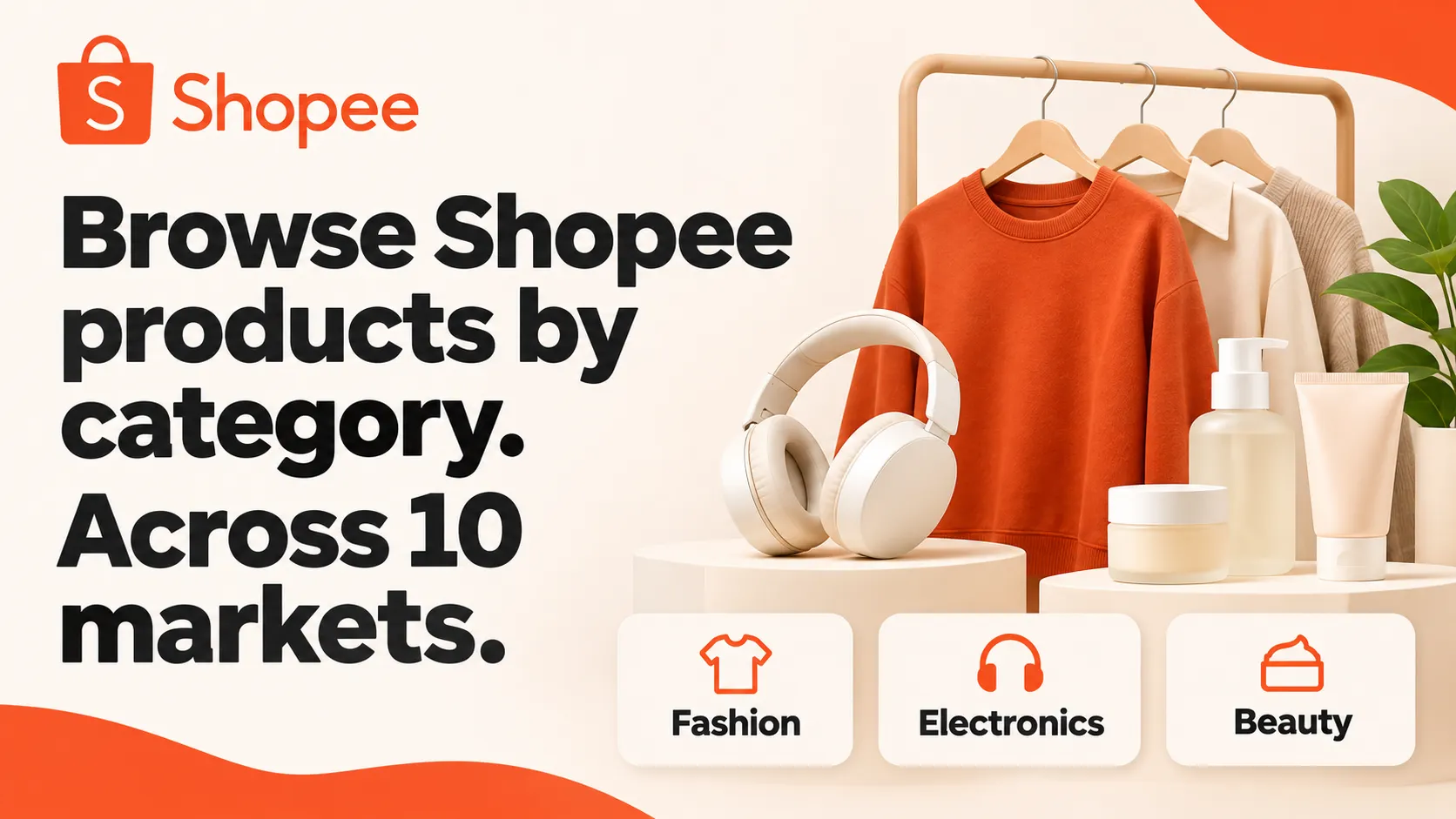
Collect Shopee product listings by category. Pick a market and the categories you want (or walk the whole market) and get one clean row per product: price, discount, rating, review counts, seller, variants, vouchers, images and the product URL. No account, cookie export or login.
From Zen Studio, creators of the 1688 Wholesale Scraper and Alibaba Scraper, with 230,000+ combined lifetime runs across those two actors. The same studio brings its focus on marketplace data to Shopee.
Why choose this Shopee products scraper?
Browse 10 Shopee markets by category.
Choose a market and pick its main categories from a list, or add category IDs for narrower sub-categories. Leave the categories empty to walk the whole market. Get the product listing cards in those categories, de-duplicated, up to one maxItems total. Need every category ID? List a market's categories to get every category's ID, name and parent, then run again with the ones you want. Filter by price, rating and seller type, and sort by price or rating. Markets: Brazil, Indonesia, Malaysia, the Philippines, Thailand, Taiwan, Vietnam, Singapore, Mexico and Argentina, with prices in local currency.

How to scrape Shopee products
- Pick a market (
region). - Choose categories: pick main categories from the Main categories list (
mainCategories), add numeric IDs of sub-categories tocategoryIds, or leave both empty to walk the whole market. To get every category ID of a market, run once withlistCategorieson to get the market's full category tree. - Set
maxItems: how many unique products you want (up to 5,000 per run). - Optionally filter (price band, minimum rating, official shops, free shipping, …) and sort (relevance, price, rating).
- Start and export to JSON, CSV or Excel.
For a small first run, try 20 products from Brazil’s Women Clothes category:
Open actor input to choose your market and categories.
A whole market holds tens of thousands of products, so set maxItems to what you actually need, or narrow to specific categories. Each product row carries up to 140+ structured fields; values depend on the product, market and available promotions.
 Zen Studio · Shopee & Lazada
Copy to your AI assistant
Key Features
- Category browsing across 10 markets: walk a whole market or target specific categories by ID.
- Main categories in a list: pick a market's main categories by name; each is collected together with its sub-categories.
- Category discovery: list a market's full category tree (every ID, name and parent) with no product charge.
- High coverage: up to 5,000 unique products per run, de-duplicated across categories.
- Clean, structured rows: 140+ fields, camelCase, prices in the market’s major currency, ISO 8601 times, and image URLs.
- Honest fields: a row says in
stockStatusandsalesStatuswhen a figure is Shopee's own rounded one or not published on a listing card, instead of printing a misleading zero. - No login: no account, cookie export or login required.
How to Scrape Shopee Product Data
Basic: whole market, default 100 products
Pick main categories from the list
The list contains 259 main categories across the ten markets. In JSON, mainCategories entries are text IDs in quotes; categoryIds entries are numbers.
11059998 is the list entry "Brazil: Women Clothes (Roupas Femininas)". A main category is collected together with its sub-categories. Choose entries of the market you selected: an entry of another market stops the run before it collects anything, with a notice and no product charge.
Find every category ID of a market
Returns one row per category, sub-categories included: categoryId, categoryName, parentCategoryId and region. Pick the IDs you want and pass them back in categoryIds. This run collects no products and is not charged per result.
Specific categories, higher coverage
Categories with filters and a rating sort
On-sale hunting in a price band
Input Parameters
| Field | Type | Default | Description |
|---|---|---|---|
region | string | "BR" | Market: BR, ID, MY, PH, TH, TW, VN, SG, MX, AR. Prices in local currency. |
mainCategories | string[] | Main categories picked from the list in the input form, each labelled with its market. A main category is collected together with its sub-categories. An entry of a different market than region stops the run before collecting, with a notice and no product charge. | |
categoryIds | integer[] | Categories to collect, by numeric ID: sub-categories, or any ID not in the list. Combined with mainCategories. Both empty = the whole market. Get every ID with listCategories. | |
listCategories | boolean | false | Return the market's complete category tree (ID, name, parent; sub-categories included) instead of products. Not charged per result. |
maxItems | integer | 100 | Maximum unique products, de-duplicated across the selected categories. Up to 5,000. |
sort | string | "relevance" | relevance (Shopee's category order), price_low_to_high, price_high_to_low, or rating. |
priceMin / priceMax | integer | Keep products in this price band (local currency). | |
minRating | integer | Keep products rated at or above this many stars (1-5). | |
discountedOnly | boolean | false | Only products currently discounted. |
freeShippingOnly | boolean | false | Only products eligible for free shipping. |
officialShopOnly | boolean | false | Only Shopee Mall official brand stores. |
preferredSellerOnly | boolean | false | Only Preferred / Star sellers. |
codAvailableOnly | boolean | false | Only products supporting Cash on Delivery. |
wholesaleOnly | boolean | false | Only products offering wholesale pricing. |
withVideoOnly | boolean | false | Only products with a product video. |
shippedFrom | string | Restrict to a shipped-from location shown on the product. | |
brand | string | Restrict to a brand name shown on the product. | |
language | string | Optional locale code for result text (e.g. en, zh-TW). |
What data you get from Shopee
One row per unique product. Every row carries identity and URL (itemId, shopId, url), names and media (name, nameTranslated, image, images), pricing (price, priceBeforeDiscount, priceMin, priceMax, discountPercent, currency, cardDisplayPrice, promoPrice, strikethroughPrice, pixDiscount and pixPrice, including the Brazil Pix price where it applies), rating and engagement (rating, ratingCount, ratingBreakdown, commentCount, likedCount), the seller (shopName, shopLocation, shopRating, isOfficialShop, isVerifiedSeller, isPreferredPlusSeller), the category (categoryId), variants (tierVariations), vouchers and promotions, and delivery flags.
Stock is not on a listing card. Shopee does not publish an item-level stock count on a listing row in any market, so stock is empty and every row says which it is in stockStatus (reported / not_reported): empty means not reported, not out of stock. For an exact per-variant stock count, the full description, specifications and per-variant breakdown, pass a row's url to the Shopee Product Detail Scraper.
Units sold is a rounded figure. A listing card carries only Shopee's own rounded "sold" figure: soldMonthly holds the displayed rounded monthly count where available, while sold, historicalSold and globalSold are empty (there is no exact figure on the card). Every row carries the verdict in salesStatus (reported / not_reported / unavailable).
Other fields describe the listing and its promotions: itemStatus, createdAt, canUseWholesale, isOnFlashSale, flashSale, platformVoucher, shopVoucher, voucherInfo, isFreeShipping, canUseCod, isCrossBorder, isMart, isShopeeChoice and scrapedAt. Availability varies by product and market. For the shop profile, including follower and listing counts and response rates, see the Shopee Product Detail Scraper.
Category rows were not collected under a keyword, so searchTerm is empty and searchTermStatus reads not_searched.
Pricing: Pay Per Event (PPE)
You are charged $7.99 per 1,000 products delivered (the result event), plus Apify's small per-run start fee. Listing a market's categories (listCategories) collects no products and is not charged per result. New Apify accounts can use their $5 platform credit here.
FAQ
What is Shopee? Shopee is a leading Southeast Asian and Latin American e-commerce marketplace. This actor collects product listings by category across ten of its markets.
How many products can I get?
Up to 5,000 unique products per run. A whole market holds tens of thousands, so narrow to specific categories or raise maxItems across several runs.
How do I find category IDs?
The main categories of every market are in the Main categories list of the input form. For everything else, run with listCategories: true for your market; you get one row per category, sub-categories included, with its ID, name and parent. Then pass the IDs you want in categoryIds. Every product row also carries its own categoryId.
Can I search by keyword or shop?
Keyword and shop search are not available on this actor right now; it returns products by category. A run that sends searchTerms, shopId or startUrls returns a single notice row explaining how to use category mode, with no product charge. For a specific product you already have the URL for, use the Shopee Product Detail Scraper; for reviews, the Shopee Product Reviews Scraper.
Do I need an account or login? No. Pick a market and categories and hit Start.
What sorts are available? Relevance (Shopee's own category order), Price: low to high, Price: high to low, and Rating: high to low. The price sorts order by the final output price.
Why did I get fewer products than I asked for?
The categories you chose simply hold fewer products than maxItems. Add more categories, raise maxItems, or leave mainCategories and categoryIds empty to walk the whole market. The run says so in the log and in one record carrying requested and delivered.
More Zen Studio scrapers
- Shopee Product Detail Scraper: full product detail, exact stock and the shop profile, from a product URL.
- Shopee Product Reviews Scraper: full review history for a product.
- Shopee Live Scraper: Shopee Live sessions and their products.
Support
Questions or a field you need that isn't here? Add a note to the hidden feedback input on any run, or contact us through the actor's Apify page.
Legal Compliance
Collect only public product data and use it in line with Shopee's terms and applicable law. This actor does not log in or access private data.


