

Internet Archive Scraper
Pricing
from $2.99 / 1,000 results
Internet Archive Scraper
Internet Archive Scraper is a Python tool designed to extract archived webpages, public domain media, book metadata, and historical snapshots from Archive.org and the Wayback Machine. It exports clean, structured datasets into CSV or JSON formats for digital preservation and web research.
Pricing
from $2.99 / 1,000 results
Rating
0.0
(0)
Developer

ZeroBreak
Maintained by CommunityActor stats
0
Bookmarked
2
Total users
1
Monthly active users
13 hours ago
Last modified
Categories
Share
Internet Archive Scraper: Search archive.org and Export Metadata + Download Links (Free)
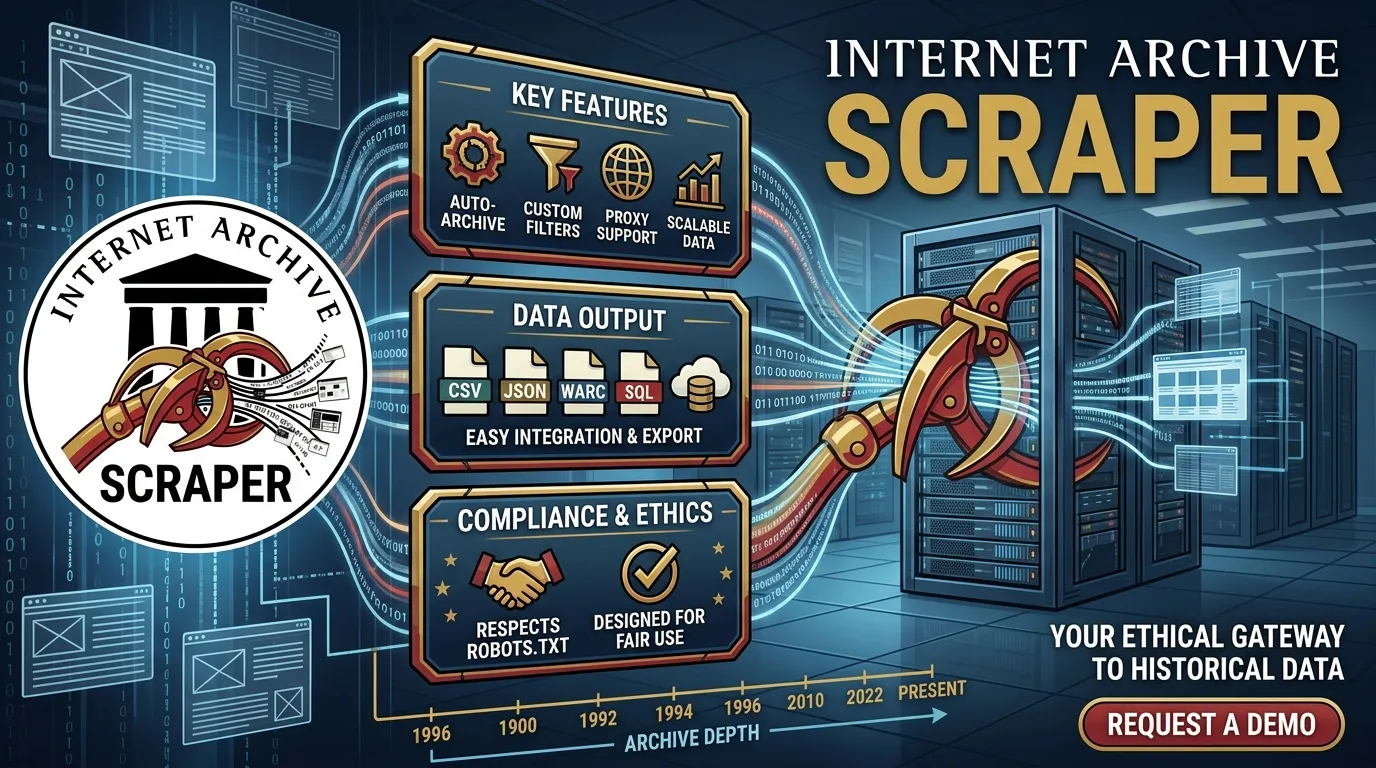
Search and organize metadata for books, movies, audio, software, and other digital media hosted by Internet Archive. Use Lucene queries, filter by media type or collection, and export identifiers, titles, creators, publication dates, download counts, collection details, and licensing information.
The actor supports search, item metadata lookup, and result counting. When file details are requested, it can include filenames, formats, file sizes, checksums, and download links. It does not download the underlying files, and no login or API key is required.
Use Cases
- Public-domain books: Find texts within a year range and collect PDF links for a reading dataset.
- AI and LLM research: Discover books, audio, and videos, then review their licensing and copyright information before reuse.
- Research and digital humanities: Export collections with creator, date, subject, and language metadata.
- Collection monitoring: Track or count items associated with NASA, libraries, and other collections.
- Software preservation research: Search software collections and record filenames, formats, and file sizes.
- OSINT research: Turn an item identifier or details-page reference into structured metadata and file links.
Search Query Syntax
Internet Archive search supports Lucene query syntax. Here are some examples:
| Query | What It Matches |
|---|---|
collection:nasa AND mediatype:movies | Movies in the NASA collection. |
title:(climate) AND mediatype:texts AND year:[1900 TO 1950] | Texts with climate in the title, dated from 1900 through 1950. |
mediatype:audio AND subject:jazz | Audio items tagged with jazz. |
mediatype:software | Software items. |
The mediaTypes and collections input parameters add corresponding filters to the query. This lets you combine your own Lucene expression with additional media-type or collection restrictions.
What Data Does This Actor Extract?
Search Results
Standard search rows can include:
identifierurltitleanditemTitlecreatordateandyearmediatypecollectiondownloadsdescriptionandsummarysubjectlanguagelicenseUrlquery
Search With Files and Item Details
The search_with_files and items modes can add:
publicDateaddedDateuploaderpublishercontributorcopyrightStatusitemSizefilesCountserverthumbnailUrlfiles
Each file record can include its name, format, file size, checksum, source, and downloadUrl.
Count Mode
Count mode returns a single row containing the query and the total number of matching results.
Error Records
Failed searches and missing items are recorded with the original input, an error code, and a message. Possible errors include DEEP_PAGING, QUERY_SYNTAX, NOT_FOUND, HTTP_<code>, and HTTP_TIMEOUT.
Example Output
This example illustrates the output structure. Actual values depend on the selected item and the available metadata.
Table views use itemTitle, summary, and fileFormat for convenient display, while the raw dataset retains the source field names.
Input Parameters
| Parameter | Type | Default | Description |
|---|---|---|---|
mode | string | search | Operation mode: search, search_with_files, items, or count. |
query | string | collection:nasa AND mediatype:movies | Lucene search query. |
mediaTypes | array | Empty | Optional media-type filters. |
collections | array | Empty | Optional collection filters, with one collection per entry. |
fields | array | Standard metadata fields | Fields requested from search results. |
sortBy | string | Empty | Sort order for supported sorted searches. Blank uses the alternative search method. Sorting is ignored beyond 10,000 results. |
identifiers | array | Empty | Item identifiers or supported item-detail URLs for item mode. |
fileFormats | array | Empty | Optional file-format filters. Matching is case-insensitive. |
maxItems | integer | 500 | Maximum output items per run. Hard cap: 50,000. Requests above 10,000 use the alternative search method. |
requestDelayMs | integer | 500 | Delay between requests. Minimum: 200 milliseconds. |
timeoutSecs | integer | 300 | Maximum run duration. Rows already saved are retained when the run stops. |
requestTimeoutSecs | integer | 30 | Maximum duration for each request. |
Example Inputs
1. Search NASA Movies
2. Retrieve Item Metadata and PDF Links
3. Count Matching Items
Output Fields
| Field | Type | Description |
|---|---|---|
identifier | string | Unique item identifier. |
url | string | Item details-page reference. |
title | string | Original item title. |
itemTitle | string | Title duplicated for convenient table display. |
creator | array | Creator names. A single creator string is normalized into a one-item list. |
date | string | Original date value. |
year | integer | Year parsed from the date when possible. |
mediatype | string | Media category, such as texts, movies, audio, or software. |
collection | array | Associated collection identifiers. |
downloads | integer | Download count, when available. |
description | string | Description text. |
summary | string | Description duplicated for convenient display. |
subject | array or string | Subject metadata, when available. |
language | array or string | Language metadata, when available. |
licenseUrl | string | License reference, when provided. |
copyrightStatus | string | Copyright-status metadata from the item record. |
publicDate | string | Public date, when available. |
addedDate | string | Date the item was added, when available. |
uploader | string | Uploader information, when available. |
publisher | string | Publisher information, when available. |
contributor | string or array | Contributor information, when available. |
itemSize | integer | Total item size, when available. |
filesCount | integer | Number of files associated with the item. |
server | string | Server metadata, when available. |
thumbnailUrl | string | Constructed thumbnail reference. |
files | array | File metadata, including names, formats, sizes, checksums, and download links. |
total | integer | Result count in count mode. |
error | string | Error code for failed rows. |
message | string | Additional error details, when available. |
Fields depend on the selected mode and the metadata available for each item.
How It Works
- Builds the query: Combines the provided Lucene expression with optional media-type and collection filters.
- Selects the search method: Uses sorted, paginated search for supported requests with sorting and limits of up to 10,000 items. Other searches use cursor-based retrieval.
- Retrieves results: Processes result pages or cursors until the requested item limit, end of results, or timeout.
- Enriches item records: The
search_with_filesanditemsmodes retrieve additional metadata and file information. - Builds file links: Constructs download links using item identifiers and URL-encoded filenames. It does not download the files.
- Deduplicates identifiers: Avoids writing duplicate item records.
- Handles failures: Records errors and continues where possible.
- Saves output: Writes item metadata, file details, counts, and errors to the dataset.
Limits and Important Notes
- Sorted search limit: Sorted, paginated searches stop at 10,000 results. Deeper pagination can return a
DEEP_PAGINGerror. - Alternative search method: Larger or unsorted searches use cursor-based retrieval.
- Minimum request size: The alternative search method requires a minimum requested count of 100. For smaller
maxItemsvalues, the actor may retrieve at least 100 records and retain only the requested number. - Run limit: The maximum configured output is 50,000 items.
- Request pacing: The default delay is 500 milliseconds, with retries and backoff for HTTP 429 and 5xx errors. Individual waits can reach 60 seconds.
- Moving collections: Items added or removed while a cursor is being processed may be skipped.
- Thumbnail references: Thumbnail URLs are constructed from item identifiers rather than fetched as separate requests.
- File downloads: Only download links are provided. The underlying files are not downloaded.
- Licensing: Licenses and copyright status vary by item. Review the metadata and applicable terms before reusing files.
FAQ
Do I need an Internet Archive API key?
No. The actor does not require an API key or login.
Does this actor download files?
No. It records file metadata and download URLs. You can use those links in a separate workflow if you are authorized to download and reuse the files.
Why did a sorted search stop at 10,000 results?
Sorted, paginated searches have a 10,000-result limit. For larger searches, increase maxItems beyond 10,000 or leave sortBy empty to use the alternative retrieval method.
Why does a small search still request 100 rows?
The alternative search method has a minimum request count of 100. The actor can trim the returned results to match your configured maxItems.
Can I use the results for AI training?
That depends on the individual item's license, copyright status, and applicable restrictions. A status such as NOT_IN_COPYRIGHT is useful metadata, but it should not be treated as a blanket guarantee that every file or associated element is free to reuse. Check the relevant rights before including content in a training dataset.
Why are some metadata fields missing?
Not every item has complete metadata. Fields such as creator, publication date, language, license, or file details may be missing when they were not provided in the underlying record.
Trademark Notice
Internet Archive and related names, logos, and trademarks belong to their respective owners. Their use in this documentation is solely to identify the data source and does not imply affiliation, sponsorship, endorsement, or partnership.
Disclaimer
This actor is an independent tool and is not affiliated with, endorsed by, sponsored by, or otherwise officially associated with Internet Archive.
Is Web Scraping Legal?
Collecting information that is already public is generally legal. Scraping is not the same thing as hacking, and there is no single law that bans it. The limits are the usual ones: do not break into accounts, do not take private or confidential data, and be careful with personal data and copyrighted works. A site's terms can also restrict how you access it. Facts such as a public name, price, or rating are not the same thing as republishing someone's article or photo.
This actor collects information from public pages. It does not log in and it does not bypass access controls.
![Internet Archive Scraper — Wayback + Search + Metadata [$1.5💰] avatar](https://images.apifyusercontent.com/Tkb7JVd6vvGNN4CCZI23E7wLy3CwGe-DUvxaTNiyBaA/rs:fill:76:76/cb:1/aHR0cHM6Ly9hcGlmeS1pbWFnZS11cGxvYWRzLXByb2QuczMudXMtZWFzdC0xLmFtYXpvbmF3cy5jb20vbmduOHZSRVNUa3NleVdFNnAtYWN0b3ItOUo5UmNFdGhDcEtYM3hEeDMtNUVQN1dMeVZUai1pbnRlcm5ldF9hcmNodmllLnBuZw.webp)


