

ASC Certified Farms Scraper
Pricing
from $2.10 / 1,000 results
ASC Certified Farms Scraper
Fast ASC farm scraper. No login needed. Collect farm sites by URL or company name with species, countries, certification status, expiry dates, coordinates, certificates and audit records. Filter farms for seafood sourcing and certification research.
Pricing
from $2.10 / 1,000 results
Rating
0.0
(0)
Developer

Aboo Script
Maintained by CommunityActor stats
0
Bookmarked
2
Total users
1
Monthly active users
a day ago
Last modified
Categories
Share
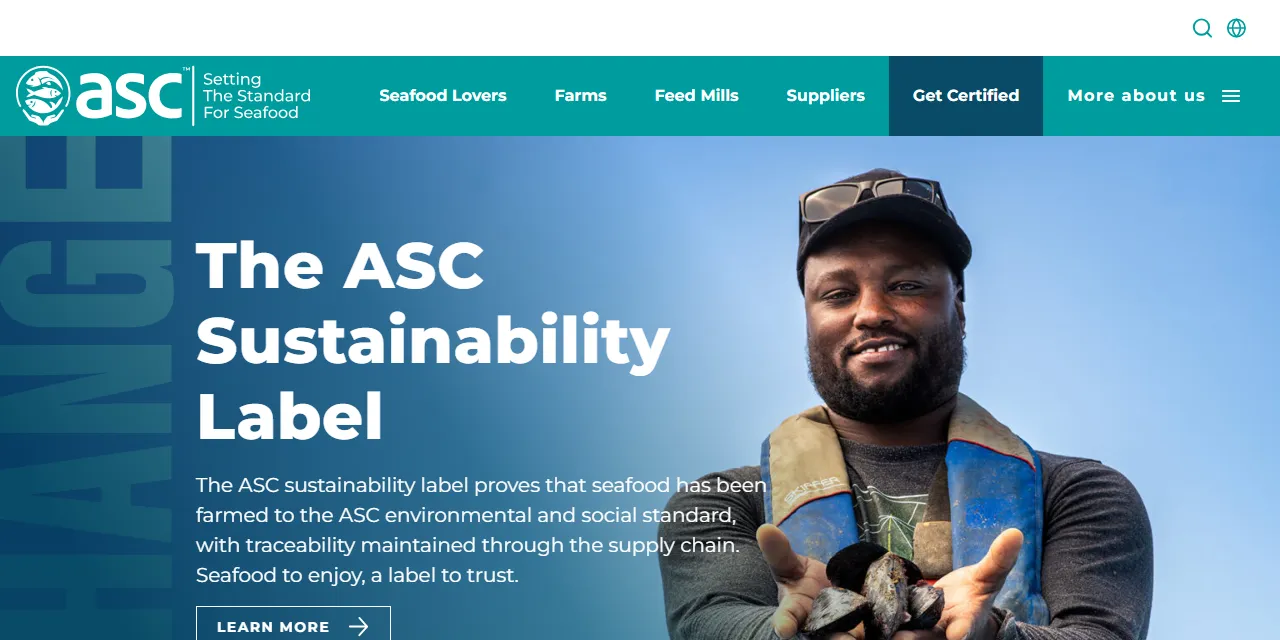
ASC Certified Farms Scraper collects farm sites and certification records from ASC. Start with a directory or certificate URL, or search by company or farm name, and export species, locations, certification dates and audit records as JSON, CSV, Excel or HTML. No login needed.
Introduction
The Aquaculture Stewardship Council maintains standards and certification information for responsible seafood farming. Its public farm directory helps seafood buyers and researchers identify farms, their species and their current certification status.
This actor turns that public information into structured farm site records for sourcing research, certification checks and scheduled data collection.
What data can you extract from ASC?
- Farm site name and ID, company, certificate number and public certificate page.
- Site and certificate status, standard, certification type and validity dates.
- Country, country code, latitude and longitude.
- Species with scientific name, English name and FAO code.
- Unit of certification ID and name, certification body and published contact email.
- Production system, RAS module and public consultation date where available.
- Certificate documents, certification history, audits, audit teams and document links.
Use Cases
- Seafood sourcing: find farm sites by country, species and certification status.
- Certification research: review validity periods, certification history and audit documents.
- Market analysis: compare the geographical distribution of aquaculture species and standards.
- Automation: collect fresh snapshots for spreadsheets and procurement workflows.
How to scrape ASC step by step
- Enter a Find a Farm directory or certificate URL in Start URLs, or company/farm names in Search queries.
- Set Maximum number of results per URL or query.
- Add optional filters when using search queries. Use
*as a query to search all farm sites. - Click Start, then download the dataset from the Output tab.
Input
- Start URLs: supports
https://asc-aqua.org/find-a-farm/and certificate pages such ashttps://asc-aqua.org/find-a-farm/ASC01371/. - Search queries: case-insensitive name fragments matching the company, unit of certification or farm site.
*matches all names. Each query has its own limit. - Maximum number of results: defaults to 5 per URL or query. Use 0 for all matching farm sites.
- Country: full country name or two-letter code, such as Norway or NO.
- Species: part of a scientific or English name, or a FAO code.
- Site status: exact site status, such as Certified or In Initial Audit.
- ASC standard: exact standard name, such as Salmon or Shrimp.
- Certification type: exact type, such as Single Site or Multi Site with IMS.
- Production system: exact system name, such as Cages or Ponds, where published.
- RAS module: Yes or No.
- Certificate number, Unit of certification ID, Farm site ID: exact identifiers.
Optional filter fields apply to search queries only. Start URLs use their own filters. The ASC page does not save its form choices in the browser address. To filter a start URL, add name, country, species, status, standard, certificationType, productionSystem, rasModule, certificateNumber, uocId or siteId as query parameters; for example https://asc-aqua.org/find-a-farm/?country=NO&status=Certified. Text filters are case-insensitive; all except species and name use exact matches.
Input Examples
Default directory input:
Search by company name instead of supplying start URLs:
Output
Each item represents one farm site under one certificate, with all its species in an array. Example from an actual run:
Download results in JSON, CSV, Excel, XML or HTML, or access them through the Apify API. JSON preserves nested audit and certificate records.
Notes
- The directory includes expired, withdrawn and audit-stage entries as well as certified farms. Use Site status to restrict results. Site status and certificate status are separate fields and can differ.
- Several sites can share a certificate. A result limit counts sites, with duplicate site/certificate combinations removed separately within each URL or query. Overlapping inputs can return the same site again.
- Missing values are null; missing lists are empty. Dates use ISO 8601. Date-only information is represented at midnight UTC.
- Production system is mainly available for farms assessed against the ASC Farm Standard. Older entries can have no system, coordinates or status-change date.
- Certificate and audit records relate to the certificate and may cover multiple sites. Document availability depends on ASC. Documents are linked rather than downloaded.
- Unsupported URLs are skipped. Searches with no matching farms return no rows.
Why use the ASC Certified Farms Scraper?
- Complete site records: keep species, coordinates and certification records together.
- No login required: collect publicly available certification information.
- Flexible selection: use farm names, countries, species, status or identifiers.
- Predictable limits: control result counts for each input independently.
FAQ
Do I need an ASC account?
No. You do not need an account to collect the public directory records.
Can I scrape data on a schedule?
Yes. Use Apify Schedules to collect regular snapshots and connect the results to your tools.
Can I request additional filters or a private version?
Yes. Additional filters, customized output, private versions and scrapers for other websites can be requested using the contact details below.
Need to scrape other certification and membership platforms?
- amfori Members Scraper: collect member companies, countries and company websites.
Need help or want a custom solution?
- 📧 Email: aboo.script@gmail.com
- 🧩 More scrapers: Apify profile
Image Credit
Image credit: ASC


