

Business & Human Rights Centre Scraper
Pricing
from $2.10 / 1,000 results
Business & Human Rights Centre Scraper
Business & Human Rights Centre scraper that works on Cloudflare-protected pages. No login, no API key. Get news, company responses, lawsuits and briefings by keyword or URL with date, country, company and language filters: companies, sectors, countries, issues, source and full text.
Pricing
from $2.10 / 1,000 results
Rating
0.0
(0)
Developer

Aboo Script
Maintained by CommunityActor stats
0
Bookmarked
1
Total users
1
Monthly active users
3 days ago
Last modified
Categories
Features
Share
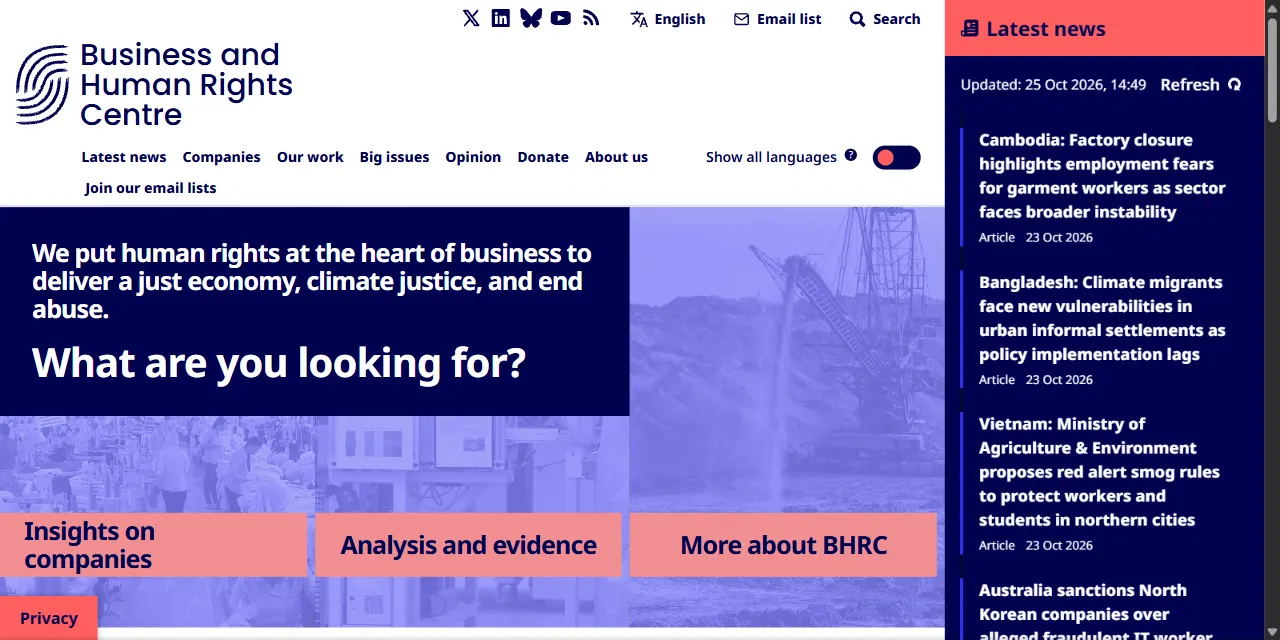
Business & Human Rights Centre Scraper extracts news, company responses, briefings, lawsuits and reports from the Business & Human Rights Centre into clean, structured data you can download as JSON, CSV, Excel, or HTML. Paste a Latest news URL with your filters or type a few keywords, and get the title, date, authors, original source, companies, sectors, countries, human rights issues and full text of every item. No account or login required.
Introduction
The Business & Human Rights Centre (formerly the Business & Human Rights Resource Centre) is an international NGO that tracks the human rights and environmental impacts of thousands of companies worldwide. Its Latest news section collects articles, company responses to allegations, attacks on human rights defenders, lawsuits, briefings and opinion pieces from around the world, tagged by company, sector, country and issue.
This actor collects the same public information you see in your browser and turns it into a ready-to-use dataset for ESG research, supply chain due diligence, and media monitoring. You can run it once, schedule it to run daily, or connect it to your own tools.
What data can you extract from the Business & Human Rights Centre?
- 📰 Title, content type (article, company response, briefing, lawsuit, HRD attack, opinion, report, story) and item ID
- 📅 Publication date and content language
- ✍️ Authors and original source (publisher name and link)
- 📝 Summary and full plain text
- 🏢 Companies mentioned, with their profile links on the site
- 🏭 Sectors, countries (names and ISO codes), regions and human rights issues
- 📎 Attachments, images, series and related stories
- ⚖️ Company response status and whether the item contains allegations
- 🔗 Direct URL to each item
Use Cases
- 🌱 ESG and risk research: track human rights allegations against companies, sectors or countries over time.
- 🔗 Supply chain due diligence: monitor news about your suppliers and brands, including company responses to allegations.
- 📊 Academic and NGO research: build datasets of labour rights, land rights, climate and human rights defender cases.
- 📣 Media monitoring: follow new items for a company or a topic every day.
- 🤖 AI and automation: feed clean, structured data into spreadsheets, dashboards, or AI workflows.
How to scrape the Business & Human Rights Centre step by step
- Paste one or more Business & Human Rights Centre URLs into Start URLs, or type keywords into Search queries.
- Optionally set the search filters (date range, language, country, company, content types) for your search queries.
- Set Maximum number of results to how many items you want per URL or per query.
- Click Start and wait for the run to finish, then download your data in JSON, CSV, Excel, or HTML from the Output tab.
Input
- Start URLs: Business & Human Rights Centre URLs to scrape. Supported pages: the Latest news page in any site language (with any filters applied on the site, such as keyword, date range, language, country, region, sector, issue, company or content type), company pages (for example
https://www.business-humanrights.org/en/companies/nike/), and single item pages (news, briefings, updates, blog posts). Filters in your URL are kept in the results. - Search queries: keywords to search on the Business & Human Rights Centre, one per line. Each query is scraped separately.
- Maximum number of results: how many items to collect for each start URL or search query. Use
0for no limit. - Published since and Published until: only return items published within this date range.
- Language: only return items available in this language.
- Country: only return items about this country.
- Company: only return items that mention this company, for example
NikeorShell plc. - Content types: only return these content types, for example articles, company responses, lawsuits or HRD attacks.
The search filters apply to search queries only. Start URLs keep the filters already in the URL. You can use start URLs, search queries, or both in the same run.
Input Examples
Scrape the Latest news page in English:
Search by keywords:
Output
Each result is saved as one item in the dataset. Here is an example of a single item:
You can download the dataset in JSON, CSV, Excel, XML, or HTML, or access it through the Apify API.
Notes
- Supported pages are the Latest news page, company pages and single item pages. Other pages (for example About us or the Big issues hub) are skipped.
- The site limits how fast pages can be loaded, so large runs take about 2 seconds per item (around 30 items per minute).
- Story pages and some company non-responses have no body text on the site, so
textandsummaryarenullfor them. series,stories,respondedToArticle,companyRespondedandcontainsAllegationsare filled for items found through a list URL or a search query; for single item URLs they arenull.- Titles and text follow the language of the URL you paste (for example a French Latest news URL returns French page titles when a translation exists).
- The Company filter uses the closest matching company name on the site. Paste a company page URL to be exact.
- Works on Cloudflare-protected pages.
Why use the Business & Human Rights Centre Scraper?
- ✅ No login needed: works with public data only, so there is no account to manage.
- 🎯 Keeps your filters: paste any Latest news URL from your browser and get exactly what you see there.
- 🏷️ Rich tagging: every item comes with its companies, sectors, countries, regions and issues.
- 🧹 Clean data: dates use one standard format, and text is free of HTML.
- 💸 Pay for what you need: set a result limit per URL or query and keep every run small and cheap.
- 🔄 Ready for automation: schedule runs, export to Google Sheets, or connect to Make, Zapier, and n8n.
FAQ
How many results can I scrape?
You can set any number in Maximum number of results, or 0 for no limit. The actor keeps going until it reaches your limit or runs out of results.
Do I need a Business & Human Rights Centre account?
No. The actor only collects publicly available data. You do not need to log in or provide any account details.
Can I scrape data on a schedule?
Yes. Use Apify Schedules to run the actor every hour, day, or week, and get fresh data automatically. Combine it with Published since to collect only recent items.
Can I request a new feature or filter?
Yes. Right now the actor supports start URLs, search queries and the filters listed above. If you need other inputs, such as sector or issue filters for search queries, get in touch and they can be added.
Can I get a custom or private version?
Yes. The actor can be customized for your workflow, delivered as a private version, or a new scraper can be built for a different website. Use the contact details below.
Need to scrape other ESG and business responsibility platforms?
- amfori Members Scraper: amfori member companies with countries, sectors and membership details.
- 1pacteclimat.fr Scraper - Signatory Companies: companies that signed the French business climate pledge.
- 50/50 Women on Boards Scraper - US Public Companies: board gender diversity data of US public companies.
- ASC Certified Farms Scraper: ASC certified aquaculture farms and their certificates.
Need help or want a custom solution?
- 📧 Email: aboo.script@gmail.com
- 🧩 More scrapers: Apify profile
Image Credit
Image credit: Business & Human Rights Centre


