
Gigatron Scraper
Pricing
from $2.10 / 1,000 results
Gigatron Scraper
Scrape Gigatron.rs products by category, brand, search URL or keyword: prices, discounts, loyalty prices, stock, ratings, specifications and images.
Pricing
from $2.10 / 1,000 results
Rating
0.0
(0)
Developer

Aboo Script
Maintained by CommunityActor stats
0
Bookmarked
2
Total users
1
Monthly active users
13 days ago
Last modified
Categories
Features
Share
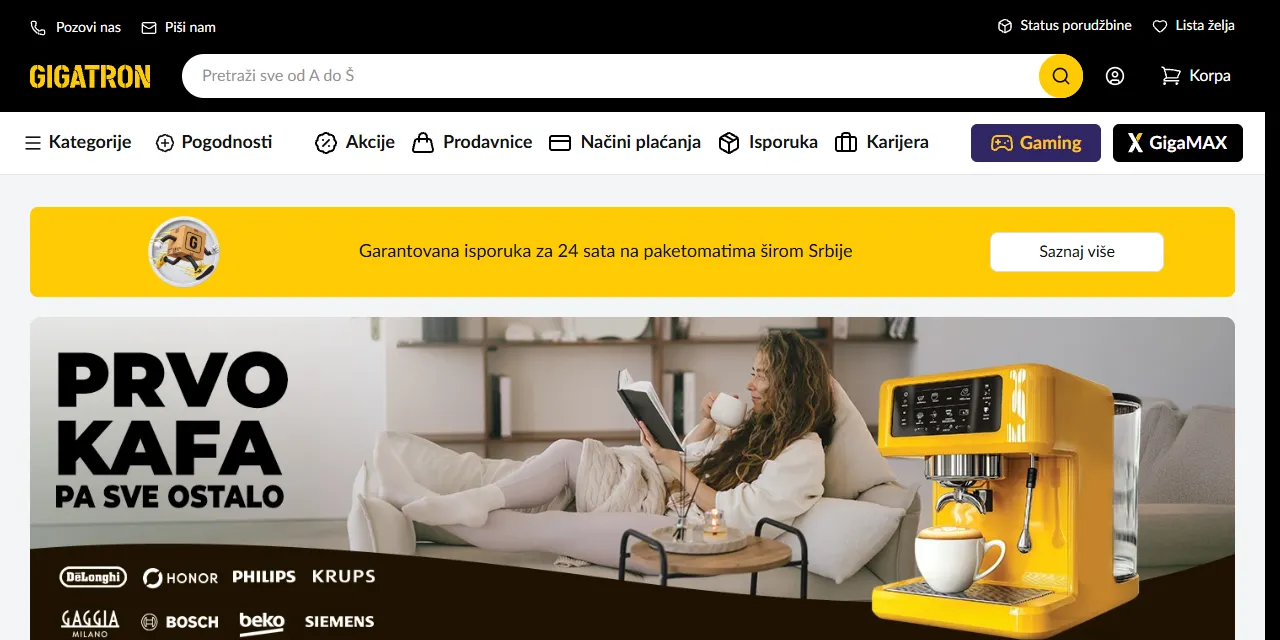
Gigatron Scraper extracts product data from Gigatron.rs into clean, structured data you can download as JSON, CSV, Excel, or HTML. Paste a Gigatron category, brand, or search URL, or type a few keywords, and get the price, old and retail price, GIGAMAX loyalty price, stock, rating, specifications, and images for every product. No account or login required.
Introduction
Gigatron is one of the largest consumer electronics retailers in Serbia, selling laptops, phones, TVs, home appliances, gaming gear, and much more online and in its stores. Its prices and promotions are a key reference for the Serbian electronics market.
This actor collects the same public information you see in your browser and turns it into a ready-to-use dataset. You can run it once, schedule it to run daily for price tracking, or connect it to your own tools.
What data can you extract from Gigatron?
- 🏷️ Product name, brand, model, EAN, product ID, and SKU
- 🗂️ Category and full category path
- 💲 Price in RSD, previous (crossed-out) price, retail price ("MP Cena"), and savings
- 🎁 GIGAMAX loyalty price with its start and end dates, gift offers
- 📦 Stock status, online purchase availability, preorder and outlet flags
- 🔥 Promotion badges: Top product, Shock price, GIGA recommendation
- ⭐ Rating, number of reviews, performance/quality/design scores, and star breakdown
- 📋 Full technical specifications, energy class, and warranty
- 🖼️ Images, videos, and plain-text description
- 🔗 Direct URL to each product page
Use Cases
- 📈 Market research: track prices and promotions across categories in the Serbian electronics market.
- 🕵️ Competitor monitoring: follow Gigatron prices, discounts, and loyalty offers for the products you also sell.
- 💰 Price tracking: schedule daily runs and get notified when a product gets cheaper.
- 🗂️ Database building: build your own product catalog with specifications, EAN codes, and images.
- 🤖 AI and automation: feed clean, structured data into spreadsheets, dashboards, or AI workflows.
How to scrape Gigatron step by step
- Paste one or more Gigatron URLs into Start URLs, or type keywords into Search queries.
- Optionally choose Sort by, Minimum price (RSD), and Maximum price (RSD) for your search queries.
- Set Maximum number of results to how many products you want per URL or per query.
- Click Start and wait for the run to finish.
- Download your data in JSON, CSV, Excel, or HTML from the Output tab.
Input
- Start URLs: Gigatron URLs to scrape. Supported pages: category pages (for example
https://gigatron.rs/gaming/igre), brand pages (https://gigatron.rs/brend/apple), search pages (https://gigatron.rs/pretraga?q=...), and single product pages (https://gigatron.rs/proizvod/...). Filters you apply on the website, such as brand, price range, specifications, quick filters, sort order, and page number, are kept in the results. - Search queries: keywords to search on Gigatron, one per line. Each query is scraped separately.
- Maximum number of results: how many products to collect for each start URL or search query.
- Sort by: sort order for search queries (popularity, price, name, best selling, newest, or biggest discount).
- Minimum price (RSD) and Maximum price (RSD): price range for search queries.
You can use start URLs, search queries, or both in the same run. Sort and price filters apply to search queries only; start URLs keep the filters in their URL.
Input Examples
Scrape a category page from Gigatron:
Search by keywords:
Output
Each product is saved as one item in the dataset. Here is an example of a single item:
You can download the dataset in JSON, CSV, Excel, XML, or HTML, or access it through the Apify API.
Notes
- Gigatron shows at most 50 pages (1,200 products) per listing. For bigger categories, split them into subcategories or add filters such as brand or price range.
- Like the website, listings only include products that are currently available.
- Promotion pages (
/akcije/...), the outlet page, brand landing pages such ashttps://gigatron.rs/apple, and info pages are not supported and are skipped. Use the brand page (https://gigatron.rs/brend/apple) instead. - A top-level category URL such as
https://gigatron.rs/bela-tehnikareturns all products of that department. - Prices follow the website:
previousPriceis the crossed-out price after a recent price drop, andretailPriceis the recommended retail price ("MP Cena"). Usually only one of them is set, andsavingsis the difference to the current price. loyaltyPriceis filled only while a GIGAMAX loyalty promotion is running for the product.- Product names, categories, specifications, and descriptions are in Serbian, as on the website.
Why use the Gigatron Scraper?
- ✅ No login needed: works with public data only, so there is no account to manage.
- 🎯 Keeps your filters: paste any category or search URL from your browser and get exactly what you see there.
- 🧹 Clean data: prices are real numbers, dates use one standard format, and text is free of HTML.
- ⚡ Fast and light: no browser needed, so runs are quick and cheap.
- 🔄 Ready for automation: schedule runs, export to Google Sheets, or connect to Make, Zapier, and n8n.
FAQ
How many results can I scrape?
You can set any number in Maximum number of results. The actor keeps going until it reaches your limit or runs out of products. See Notes for the listing limit set by Gigatron.
Do I need a Gigatron account?
No. The actor only collects publicly available data. You do not need to log in or provide any account details.
Can I scrape data on a schedule?
Yes. Use Apify Schedules to run the actor every hour, day, or week, and get fresh prices automatically.
Why are some fields empty?
Some products simply do not show every piece of information, for example a rating, a video, or an energy class. When a field is not available on the website, it is returned as null or an empty list.
Can I request a new feature or filter?
Yes. Right now the actor supports start URLs, search queries, sort, and a price range. If you need other filters or inputs, such as store availability or product reviews, get in touch and they can be added.
Can I get a custom or private version?
Yes. The actor can be customized for your workflow, delivered as a private version, or a new scraper can be built for a different website. Use the contact details below.
Need help or want a custom solution?
- 📧 Email: aboo.script@gmail.com
- 🧩 More scrapers: Apify profile
Image Credit
Image credit: Gigatron


