
Tiffany Scraper - Luxury Jewelry
Pricing
from $2.10 / 1,000 results
Tiffany Scraper - Luxury Jewelry
Scrape Tiffany & Co. jewelry, watches and gifts from the official store in any country: prices, materials, gemstones, variants, sizes with availability, SKUs, descriptions and images.
Pricing
from $2.10 / 1,000 results
Rating
0.0
(0)
Developer

Aboo Script
Maintained by CommunityActor stats
0
Bookmarked
2
Total users
1
Monthly active users
6 days ago
Last modified
Categories
Features
Share
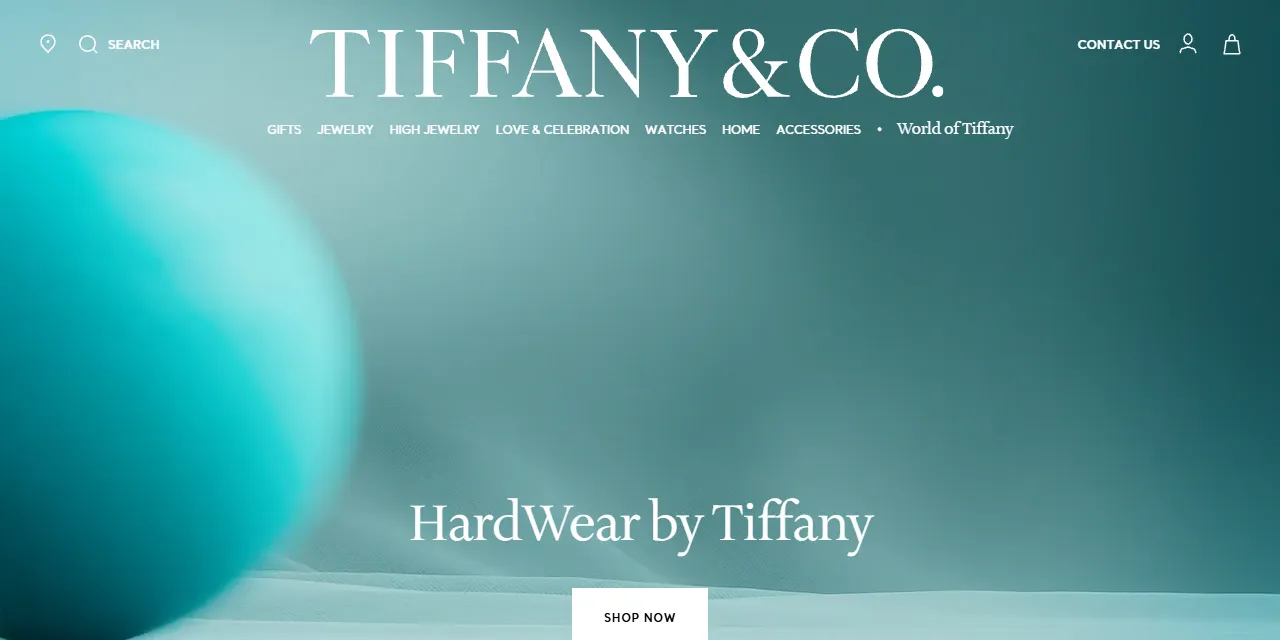
Tiffany Scraper extracts Tiffany & Co. jewelry, watches, home accessories and gifts from the official Tiffany & Co. online store into clean, structured data you can download as JSON, CSV, Excel, or HTML. Paste a category, collection or product URL from any Tiffany country store, and get the name, collection, local price and currency, stock status, material, gemstone, variants, sizes with availability, SKUs, description and images for every product. No account or login required.
Introduction
Tiffany & Co. is one of the world's best-known luxury jewelers, founded in New York in 1837 and famous for its engagement rings, the Tiffany T and HardWear collections, and the Tiffany Blue Box. Its official online store runs in many countries, each with its own prices, currency and product range.
This actor collects the same public information you see in your browser and turns it into a ready-to-use Tiffany data feed. You can run it once, schedule it to run daily to follow prices and stock, or connect it to your own tools. It works as a simple Tiffany API alternative and handles the store's Akamai protection for you.
What data can you extract from Tiffany & Co.?
- 🏷️ Product name, full name, collection, brand, product ID, style group and style number
- 🗂️ Category, subcategory and breadcrumbs
- 💲 Price as a number, price as shown on the site, currency, and whether the price is hidden on request
- 📦 Availability (In Stock, Out Of Stock, Back Order, Limited Availability, In Store Only), in-stock flag and back-order flag
- 💎 Material, gemstone and designer
- 🎨 Every variant option (material, color, gemstone, scale, carat weight, diamond color and clarity, and more) with selected and available flags
- 📏 Sizes with availability, plus a simple list of sizes you can order
- 📝 Product details, description, engraving and return options
- 🔢 SKUs with country of origin
- 🖼️ Main image and all product images
- 🌍 Country and store language of each result, and a direct URL to every product
Use Cases
- 📈 Market research: compare Tiffany prices across categories, collections and countries, and see how the range is priced in each currency.
- 🕵️ Competitor monitoring: follow new launches, price changes and sold-out pieces from one of the leading luxury jewelers.
- 💱 Price comparison across countries: scrape the same category in the US, UK, France or Korea and compare local prices.
- 🗂️ Database building: build your own searchable catalog of Tiffany & Co. jewelry with materials, gemstones and images.
- 🤖 AI and automation: feed clean, structured data into spreadsheets, dashboards, or AI workflows.
How to scrape Tiffany & Co. step by step
- Paste one or more Tiffany & Co. category, collection or product URLs into Start URLs.
- Set Maximum number of results to how many products you want per URL.
- Click Start and wait for the run to finish.
- Download your data in JSON, CSV, Excel, or HTML from the Output tab.
Input
- Start URLs: Tiffany & Co. URLs to scrape. Supported pages: category pages (for example
https://www.tiffany.com/jewelry/rings/), collection pages (for examplehttps://www.tiffany.com/designers-collections/tiffany-t/), filter pages that have their own address (for examplehttps://www.tiffany.com/jewelry/rose-gold/), and single product pages. The country, currency and language follow the store in the URL, such as tiffany.com, tiffany.co.uk, tiffany.fr, tiffany.de or tiffany.kr. A URL with?page=3starts from that page. - Maximum number of results: how many products to collect for each start URL. Set 0 for no limit.
Input Examples
Scrape the Tiffany jewelry category in the US store:
Output
Each product is saved as one item in the dataset. Here is an example of a single item:
You can download the dataset in JSON, CSV, Excel, XML, or HTML, or access it through the Apify API.
Notes
- Keyword search is not supported yet: Tiffany search result pages (
/search/?q=...) are skipped. Use a category, collection or filter page instead. - Filters and sort orders that you pick on a category page without the address changing are not kept. Filter pages with their own address (such as Rose Gold Jewelry) work as start URLs.
- Homepages and editorial pages (such as High Jewelry stories) are not product lists and are skipped.
- Some high-end pieces show "Price upon request" on the website. For those,
priceandpriceTextarenullandpriceHiddenistrue. - Texts such as names, details and descriptions are in the language of the store you scrape, for example French on tiffany.fr.
- Products without sizes return an empty
sizeslist, andgemstoneordesignerarenullwhen the piece has none.
Why use the Tiffany Scraper?
- ✅ No login needed: works with public data only, so there is no account to manage.
- 🌍 Every country store: paste a URL from any Tiffany store and get local prices and currency.
- 🎯 Full variant data: all materials, colors, gemstones and sizes with availability, not just the selected one.
- 🧹 Clean data: prices are real numbers, availability is readable, and text is free of HTML.
- 💸 Pay for what you need: set a result limit per URL and keep every run small and cheap.
- 🔄 Ready for automation: schedule runs, export to Google Sheets, or connect to Make, Zapier, and n8n.
FAQ
How many results can I scrape?
You can set any number in Maximum number of results, or 0 for no limit. The actor keeps going through the pages until it reaches your limit or the end of the category.
Do I need a Tiffany account?
No. The actor only collects publicly available data. You do not need to log in or provide any account details.
Which countries are supported?
Any Tiffany & Co. country store with the same online catalog, such as the United States, United Kingdom, France, Germany, Italy, Spain and South Korea. Just paste a category or product URL from that store.
Can I scrape data on a schedule?
Yes. Use Apify Schedules to run the actor every hour, day, or week, and get fresh prices and stock automatically.
Why are some fields empty?
Some products simply do not show every piece of information. When a field is not available on the website, it is returned as null or an empty list.
Can I request a new feature or filter?
Yes. Right now the actor supports start URLs. If you need other inputs, such as keyword search or price filters, get in touch and they can be added.
Can I get a custom or private version?
Yes. The actor can be customized for your workflow, delivered as a private version, or a new scraper can be built for a different website. Use the contact details below.
Need help or want a custom solution?
- 📧 Email: aboo.script@gmail.com
- 🧩 More scrapers: Apify profile
Image Credit
Image credit: Tiffany & Co.


