

Naver Brand Store Scraper | Prices, Stock & Delivery
Pricing
from $0.80 / 1,000 useful naver products
Naver Brand Store Scraper | Prices, Stock & Delivery
Collect known public Naver product URLs with sale/discount prices, source stock, delivery fees and review aggregates. Batch limits, filters, selected fields and continuation. Korean proxy required in cloud; SKU variants unavailable.
Pricing
from $0.80 / 1,000 useful naver products
Rating
0.0
(0)
Developer

Apivault Labs
Maintained by CommunityActor stats
0
Bookmarked
2
Total users
1
Monthly active users
12 hours ago
Last modified
Categories
Share
Naver Brand Store Product Scraper — Prices, Stock & Delivery
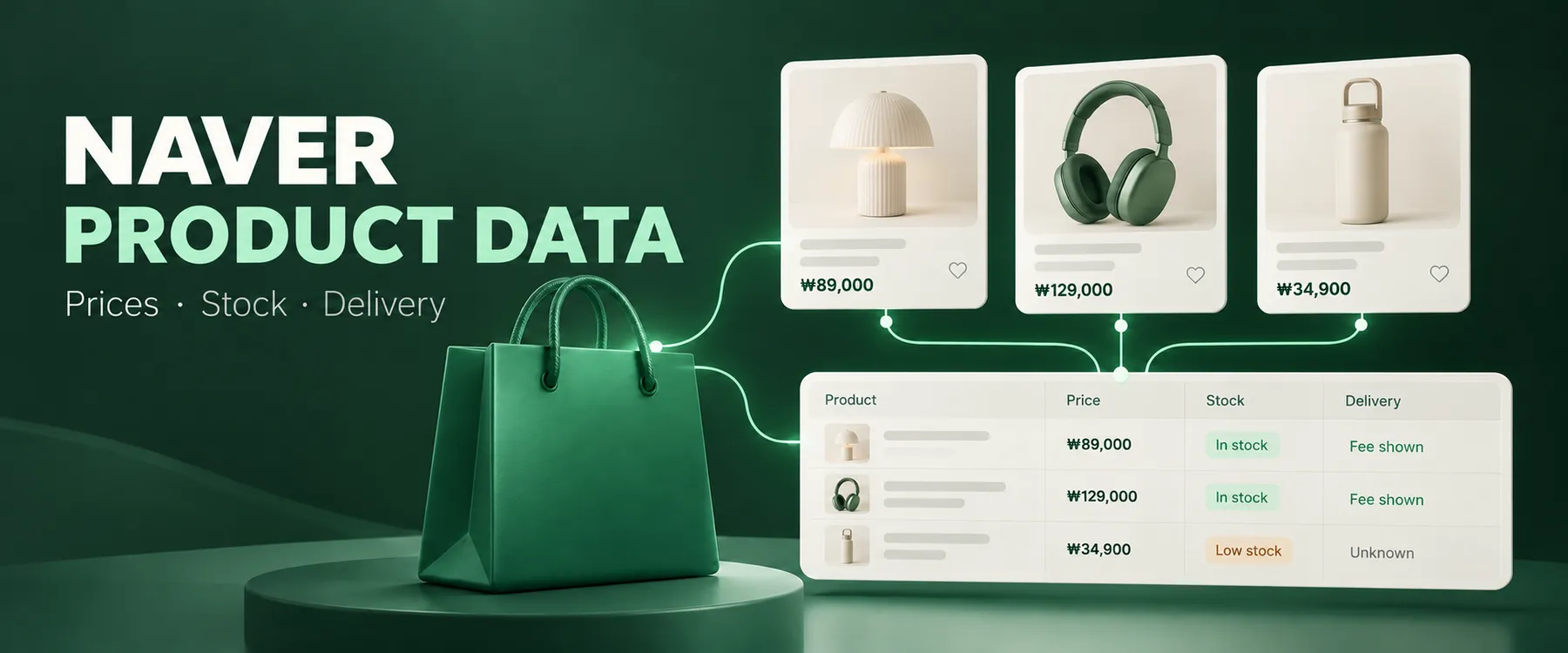
Illustration only: example products and prices in the artwork are not live results. Delivery ETA is not extracted.
Collect structured product cards from known public Naver Brand Store URLs: public sale and discount prices in KRW, exposed product stock, delivery fees, brand/store metadata and review aggregates. Use the results for price checks, inventory observations and compact catalog exports.
This is an owner-only private candidate awaiting review, not a published Store product. It supports supplied product links; it does not discover an entire store, search Naver Shopping, or promise access to every SmartStore merchant. Login-restricted pages remain errors. Individual SKU variants are currently unavailable.
Start with a small real batch
Open the private Actor. The verified cloud route uses Apify residential proxy in Korea, requiring access in your Apify account. direct is an optional mode that worked locally but returned429 from tested datacenter IPs. No Naver login, merchant API key, or CAPTCHA solving is used. A SmartStore link can redirect to login while an actual public Brand Store link is accessible; a matching Brand Store hostname is not guaranteed to exist for every merchant.
Useful scenarios
| Goal | Settings beyond productUrls |
|---|---|
| Price, stock and shipping snapshot | Default full output |
| Only known available inventory | "availabilityFilter": "in_stock" |
| Compact price CSV | "outputFields": ["availability", "stockQuantity"] |
| Products at or below50,000KRW | "maxPrice": 50000 |
| Process a list in small chunks | "maxItems": 2, then use continuation input |
These five distinct scenarios are prepared as owner-only saved tasks on the Actor Tasks tab. Private tasks are not published templates. Inputs can be changed to your own publicly accessible product links. Price and stock observations are snapshots, not a stock reservation or checkout quote.
Fields and their meaning
| Field | What you receive |
|---|---|
| productId / productUrl / sourceUrl | Matched channel product ID, canonical input link and page fetched |
| name / storeName / brand / imageUrl | Public source metadata, when exposed |
| price | Public discounted sale price when supplied; otherwise sale price |
| salePrice / discountedPrice | Separate list and discounted values; a genuine zero is preserved |
| currency / currencySource | KRW based on Naver domestic-store convention, with this basis explicit |
| availability / stockQuantity | Source sale state and exposed product-level inventory; unknown remains null |
| hasOptions / variants | Options flag when exposed; individual SKU combinations remain null |
| delivery | Exposed fee type, base fee, extra area fee, carrier and methods; no ETA |
| reviewCount / rating | Aggregate counts and average rating, not review text |
| scrapedAt / provenance | Timestamp and source state used |
Example: a previously observed Nestlé card had price: 69900, salePrice: 89900, currency: "KRW", positive product stock and delivery.baseFee: 0. Values may change. Unknown stock is not zero, and unknown availability is not sold out. A product's aggregate stock does not represent stock for each size/color/SKU. Member coupons, personalized offers, destination surcharges and checkout eligibility can differ.
Download Dataset results as JSON, CSV or Excel using Apify's export controls. Nested delivery/source objects are best consumed as JSON; outputFields supports compact exports. productId, productUrl, name, price and currency are always included, even when choosing fields.
Batch size, filters and continuation
| Input | Default | Bounds / behavior |
|---|---|---|
| productUrls | Required | 1–10,000 supplied links; numeric product IDs deduplicate across mobile, tracking and host aliases |
| maxItems | 100 | 1–1,000 useful delivered products per run |
| maxRequests | 100 | 1–1,000 product fetch attempts; redirects can add HTTP calls |
| startOffset | 0 | Offset in the deduplicated ordered URL list |
| maxRunSeconds | 120 | 30–1,800seconds; time is reserved for an in-flight request |
| requestDelayMs | 500 | 250–10,000ms between attempts; collection is sequential |
| minPrice / maxPrice | Unset | Inclusive public price bounds in KRW |
| availabilityFilter | all | all, in_stock, out_of_stock; unknown passes only all |
| outputFields | All | Supported field names from the table above |
| excludeProductIds | Empty | Skip up to10,000 known IDs before source requests |
The limits support large supplied lists. They do not imply that1,000distinct products have been collected in a live benchmark. Local bulk contract tests use synthetic responses; cloud source coverage and economics are recorded separately.
After a bounded run, open the key-value record CONTINUATION and copy resumeInput into the next run. It contains the canonical list, matching settings and startOffset. A completed list has resumeInput: null. Keep the same ordered list; inputFingerprint helps identify accidental changes. CHECKPOINT contains the offset and current run's delivered IDs.
After429, the failed product remains at nextOffset so it is not silently lost. remaining includes that retryable item; skipped counts only products not attempted. Wait for the source to recover before manually continuing; the Actor never retries429 or rotates through retries automatically. For a crashed run, reconcile its Dataset before using a saved checkpoint because data written since the last checkpoint can otherwise repeat. Add already delivered IDs to excludeProductIds if needed.
Errors and partial results
Only an identity-matched product with name and valid public price becomes a result. Error/challenge pages, login redirects, unrelated recommendations, source errors and filtered items are not exported as product rows. Redirects remain on allowed Naver product hosts, preserve the ID and stop after three responses. Unknown input fields and invalid URLs are rejected before product requests.
SUMMARY reports attempted, delivered, filtered, excluded, failed and skipped counts, stop reason, next offset and input fingerprint. OBSERVATIONS records sanitized source diagnostics without raw HTML, cookies or proxy credentials. ERRORS identifies failed offsets. An all-failed source run fails visibly. Partial success retains valid products and exposes errors and continuation. A successful empty filtered/excluded batch is a valid zero-result outcome.
Cost and tariff status
Owner-approved private tariff: $1 per1,000 useful delivered products on the Free tier and $0.80 per1,000 on paid plans. There is no separate Actor startup fee. Apify compute/storage/transfer and residential proxy are paid separately by the user. The Actor remains private until the exact candidate is approved for publication.
Earlier small private probes measured roughly $0.54–0.61 in platform resources per1,000 useful rows by extrapolation, including residential traffic. This is a small-sample estimate, not a bulk guarantee, invoice or fixed per-product resource price. Failed requests can consume compute/proxy resources even when no product result is delivered. A PPE maximum charge caps Actor event fees, not all separate platform/proxy spending. Use request/time limits as well.
The result path is prepared for Apify SDK useful-result accounting: duplicates, exclusions and filters are handled before pushing data; zero accepted charges do not count as delivery or advance the offset. Paid live billing/cap QA is required before the candidate review.
API, Python and n8n
Use Apify's official Python client or JavaScript client. The Actor ID is fx3vXGhGwjudk0OlY; during private QA specify the candidate build tag naver-mvp-20261022.
In n8n, use an HTTP Request or the generic Apify integration to start this Actor with the same JSON input, wait for completion, then read defaultDatasetId. Apify integration guide. A dedicated API Vault Naver community node/Python package is not verified or advertised. Private repository source is not an integration download. This candidate is not exposed as a custom MCP server; an MCP-capable client can use an authorized Apify API integration without bypassing private Actor access.
FAQ and current limits
Does it scrape every SmartStore? No. Brand Store public cards are the proven route. Login-restricted SmartStore links remain errors; the supported URL pattern alone does not prove source access.
Are SKU prices, sizes and per-option stock included? No. Public detail API and fresh browser probes did not establish access to option combinations. variants remains null; the Actor is a core-card collector, not a complete replacement for competing full-detail scrapers.
Does it search or crawl an entire store? No. Supply product links. Continuation processes that input list; it is not discovery or source catalog pagination.
Are stock and delivery guaranteed? No. They describe exposed source state at collection time. Unknown fields stay null. Delivery ETA is not extracted.
When will it be public? After exact candidate owner review, paid billing QA and publishing prerequisites. Private preparation does not bypass those gates.


