

Minecraft Server Status Checker
Pricing
from $2.99 / 1,000 results
Minecraft Server Status Checker
Check Minecraft Java and Bedrock servers by host and get live online status, player counts, version, hostname, and IP. Add a list of addresses, pick an edition or mode, and export results as JSON, CSV, or Excel. Handles retries, duplicates, and error rows so your server list stays accurate.
Pricing
from $2.99 / 1,000 results
Rating
0.0
(0)
Developer

B2B Lead Generation
Maintained by CommunityActor stats
0
Bookmarked
2
Total users
1
Monthly active users
4 days ago
Last modified
Categories
Share
Minecraft Server Status Checker: server status and players by host
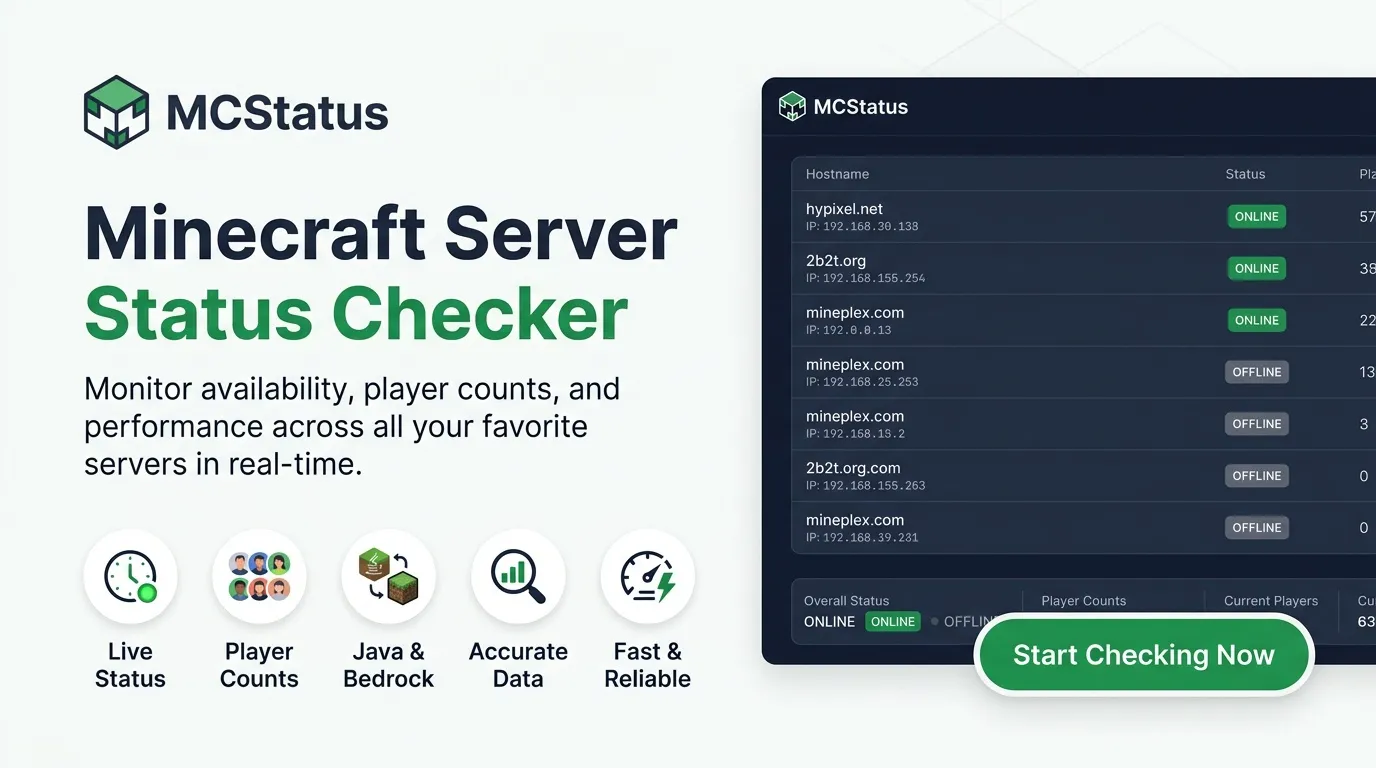
Minecraft Server Status Checker looks up public Java and Bedrock servers by host and saves online state, player counts, version, and hostname. Run it with no setup and no account, and export the dataset as JSON, CSV, or Excel from Apify.
Duplicate host-and-mode pairs are skipped, and a host that fails becomes an error row so the run still finishes.
Use cases
- Server lists: refresh online state and player counts for a set of Minecraft hosts
- Community directories: keep a Java or Bedrock server page from showing dead addresses
- Uptime notes: schedule a small host list and compare
onlineacross runs - Launcher QA: confirm a hostname and port still resolve before a release
- Research exports: download status rows as CSV without writing your own client
Input
| Parameter | Type | Default | Description |
|---|---|---|---|
servers | array | hypixel.net | Host or host:port values, one per line. |
edition | string | java | Java or Bedrock when mode is left blank. |
mode | string | Use edition | java, bedrock, or simple. simple is a quick online check. When set, mode overrides edition. |
maxItems | integer | 100 | Maximum rows saved in one run, from 1 to 1000. |
requestDelaySecs | number | 1.0 | Pause between checks, in seconds. Values under 1 are raised to 1. |
timeoutSecs | integer | 300 | Stop the run after this many seconds and keep rows already saved. |
requestTimeoutSecs | integer | 30 | How long to wait for one check before timing out, in seconds. |
proxyConfiguration | object | No proxy | Optional proxy. Default is { "useApifyProxy": false }. |
Example input
Bedrock example: set mode to bedrock and include a Bedrock host such as play.cubecraft.net. For a quick online check, set mode to simple.
What data does this actor extract?
Each successful row is one server. Offline is a valid result, shown as online: false.
When a server is online, players can include online and max, and version plus protocol are filled when available.
| Field | Type | Description |
|---|---|---|
ip | string | Resolved IP address of the server. |
port | integer | Game port of the server. |
debug | object | Extra technical details about the server when available. |
hostname | string | Server hostname. |
online | boolean | Whether the server is online. |
players | object | Player counts when the server publishes them. |
motd | object | Message of the day when present. |
version | string | Version string when present. |
protocol | integer | Protocol number when present. |
mode | string | java, bedrock, or simple. |
scraped_at | string | UTC time the row was saved. |
error | string | Present on failed checks. |
input | string | Original host for an error row. |
status | integer | Status code for an error row, or 0 if there was no response. |
Error rows look like { "error": "HTTP 404", "input": "missing.server", "status": 404 } plus mode and scraped_at.
Limits and terms
Status values come from publicly available data and can be cached for about a minute, so back-to-back runs may repeat the same result. Please keep usage within fair use. One run saves up to 1000 rows, and you can adjust the pace or set a time limit from the input.
FAQ
Do I need any account or setup to run this? No. There is no account or setup, so you can run the actor right away.
How fresh is the server status? Results can be cached for about a minute, so back-to-back runs can repeat the same online state.
What happens if a host is unknown? The run stores an error row with the HTTP status and continues with the next host.
How many servers can one run check?
maxItems allows 1 to 1000 rows. The default is 100.
Trademark Notice
Minecraft Server Status and related names, logos, and trademarks belong to their respective owners. Their use in this documentation is solely to identify the source of the data and does not imply affiliation, sponsorship, endorsement, or partnership.
Disclaimer
Disclaimer: This Actor is an independent tool and is not affiliated with, endorsed by, sponsored by, or otherwise officially associated with Minecraft Server Status or its owners. All data is collected from publicly available sources. Users are responsible for complying with the source's terms of use, rate limits, and attribution or licensing requirements.
Is web scraping legal?
This Actor only collects publicly available data from Minecraft Server Status, without logging in or bypassing any access controls. Scraping public data is generally legal, but how you use it matters:
- Personal data: If the results include personal data (for example names, emails, or profile details), laws such as the GDPR in the EU and the CCPA in California may apply. Only collect and store personal data when you have a legitimate reason.
- Copyright: Some content (articles, images, descriptions) may be protected by copyright. Do not republish full copyrighted content without permission.
- Terms of use: Respect the source's terms, stated rate limits, and any attribution or non-commercial-use requirements listed in the Limits and terms section.
- Legal advice: This is general information, not legal advice. If you're unsure, consult a lawyer.
To learn more, read Apify's guide: Is web scraping legal?


