

Nasa Image Library Scraper
Pricing
Pay per usage
Nasa Image Library Scraper
Search NASA's library for images, videos, and audio clips. Extract metadata, preview links, and original media files, then export your results directly as JSON, CSV, or Excel.
Pricing
Pay per usage
Rating
0.0
(0)
Developer

BigiByte
Maintained by CommunityActor stats
0
Bookmarked
2
Total users
1
Monthly active users
a day ago
Last modified
Categories
Share
NASA Image Library Scraper: Images, Videos, Audio
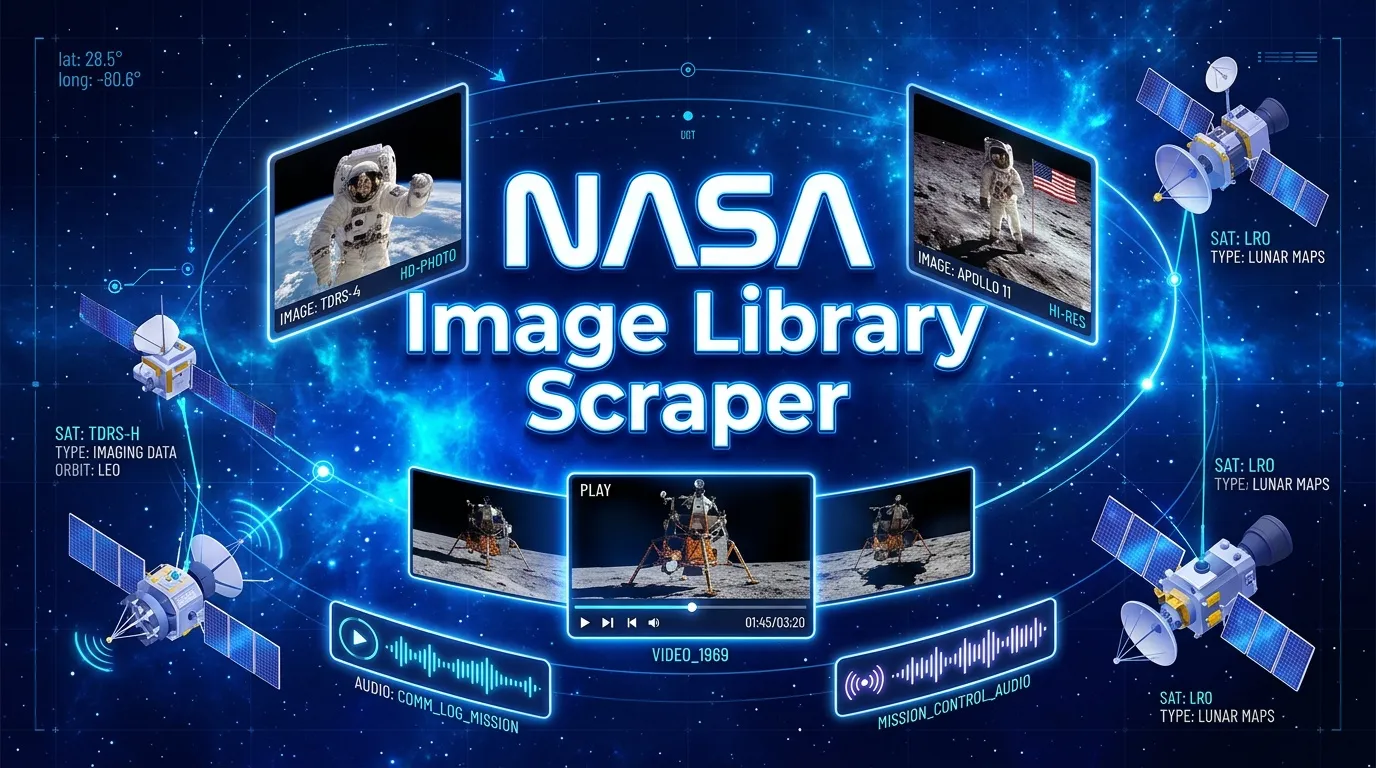
Search, extract, and structure media files quickly and easily. BigiByte's NASA Image Library Scraper pulls rich metadata, preview links, and original media assets across images, videos, and audio into structured tabular datasets without any tedious manual searching or manual downloading.
What Does This Tool Do?
Decades of space exploration stills, audio recordings, and video footage are available across vast collections. This scraper helps researchers, newsrooms, content creators, and educators quickly pull media sets into clean spreadsheets or JSON feeds.
Common Uses
- Image & Media Research: Gather high-resolution stills of missions, planets, or historical space exploration alongside item IDs and direct preview links.
- Video & Audio Catalogs: Filter media by video or audio types to pull speeches, launch audio clips, and mission footage in bulk.
- Editorial & Publishing Desks: Keep subject media lists updated on a regular schedule for quick export to CSV or Excel.
- Classroom & Educational Collections: Export curated, capped sets of media metadata for student projects and classroom presentations.
- Asset Enrichment: Automatically collect full original media file links along with basic metadata whenever high-resolution assets are needed.
How to Set Up Your Run
| Parameter | Type | Default | Description |
|---|---|---|---|
mode | String | search | Operation mode for fetching data. |
query | String | moon | Keyword or search topic (e.g., "Mars", "Apollo", "Saturn"). |
mediaType | String | image | Target media types: image, video, audio, or a comma-separated list. |
includeAssets | Boolean | false | When enabled, fetches original high-resolution asset links. |
maxItems | Integer | 100 | Maximum number of media rows to collect (capped at 1,000). |
timeoutSecs | Integer | 300 | Maximum total run time in seconds. |
requestTimeoutSecs | Integer | 30 | Time limit per individual request in seconds. |
Example Input Configuration
Sample Extracted Output
Each dataset record provides clean metadata and ready-to-use media links:
Output Field Reference
| Field | Type | Description |
|---|---|---|
nasa_id | String | Unique identifier of the item for quick sorting and lookup. |
title | String | Main title of the media item. |
media_type | String | Type of media (image, video, or audio). |
date_created | String | Official creation timestamp. |
center | String | NASA center credited for the item. |
href | String | Direct metadata link associated with the item hit. |
data | Array | Extended metadata including description, keywords, and credits. |
links | Array | Preview links, plus direct high-res file URLs when includeAssets is true. |
scrapedAt | String | UTC timestamp recorded when the row was saved. |
error | String | Explains any temporary item-level issue while keeping the rest of the run intact. |
How it Works Under the Hood
- Automatic Pagination: Moves smoothly through search results up to 100 items per step until reaching your configured
maxItems. - Deduplication: Automatic checks remove repeated records based on unique item IDs.
- Smart Retries: Brief network hiccups or drops are handled automatically without stopping your task.
- Flexible Downloads: Grab your extracted datasets in JSON, CSV, or Excel formats anytime.
Pricing & Usage Limits
- Pay per compute usage: Consumption is calculated based on standard platform compute units used during runtime.
- Item Limit: Runs default to collecting 100 items and are capped at a maximum of 1,000 items per run to keep runs fast and cost-effective.
- Optimized Runs: Keeping
includeAssetsset tofalsespeeds up execution time and reduces compute usage when you only need basic metadata and previews.
Related Tools & Custom Development
If you plan to map or join these rows, a geocoding pass or a quick CSV cleanup are the usual next steps. BigiByte also builds scrapers for other open-data portals when you need them as a separate job.
Need another portal's open data, a scheduled monitor, or a custom pipeline? BigiByte builds custom scrapers and APIs: https://bigibyte.com
Frequently Asked Questions
Can I export data directly to CSV or Excel?
Yes! All extracted datasets can be downloaded directly in CSV, JSON, or Excel formats.
How many media items can I extract in a single run?
maxItems starts at 100 and can be adjusted up to 1,000 items per run.
What happens if a network glitch occurs during a run?
Built-in retries automatically re-attempt failed network steps. If an item cannot be reached after retries, an error entry is created for that specific record while the rest of the task finishes smoothly.
Trademark Notice & Disclaimer
Trademark Notice: All referenced names, trademarks, and logos belong to their respective owners. Their use here is purely for identification purposes and does not imply any affiliation, sponsorship, or endorsement.
Disclaimer: This scraper is an independent solution developed by BigiByte. All data is gathered from publicly accessible sources. Users are expected to respect media usage guidelines, copyright notices, and platform policies.
Is Web Scraping Legal?
This tool extracts publicly available media records and metadata. Extracting public web data is standard practice, but keep these helpful practices in mind:
- Media Rights & Fair Use: Educational and personal uses of public space images are widely accepted. Commercial reuse may require extra review if images include identifiable people, logos, or commercial branding.
- Data Handling: Always respect standard privacy best practices if handling metadata containing personal details.
- Usage Guidelines: Follow attribution standards and usage rules provided by content creators and hosts.
- General Notice: This section provides general educational context and does not constitute legal counsel.
Learn more by reading Apify's blog guide: Is web scraping legal?


