

DHL Sendungsverfolgung API - Tracking, Events & Change Feed
Pricing
from $14.99 / 1,000 parcel updates
DHL Sendungsverfolgung API - Tracking, Events & Change Feed
Track DHL Paket and DHL Express by tracking number, customer reference or DHL tracking link, including Express WhatsApp links. Get status, scan history, delivery progress and available delivery estimates. Automatically detects shipment type and reports changes since your last run.
Pricing
from $14.99 / 1,000 parcel updates
Rating
0.0
(0)
Developer

ClearPath
Maintained by CommunityActor stats
0
Bookmarked
5
Total users
3
Monthly active users
a day ago
Last modified
Categories
Share
DHL Sendungsverfolgung API | Parcel Tracking, Event History & Change Feed (2026)
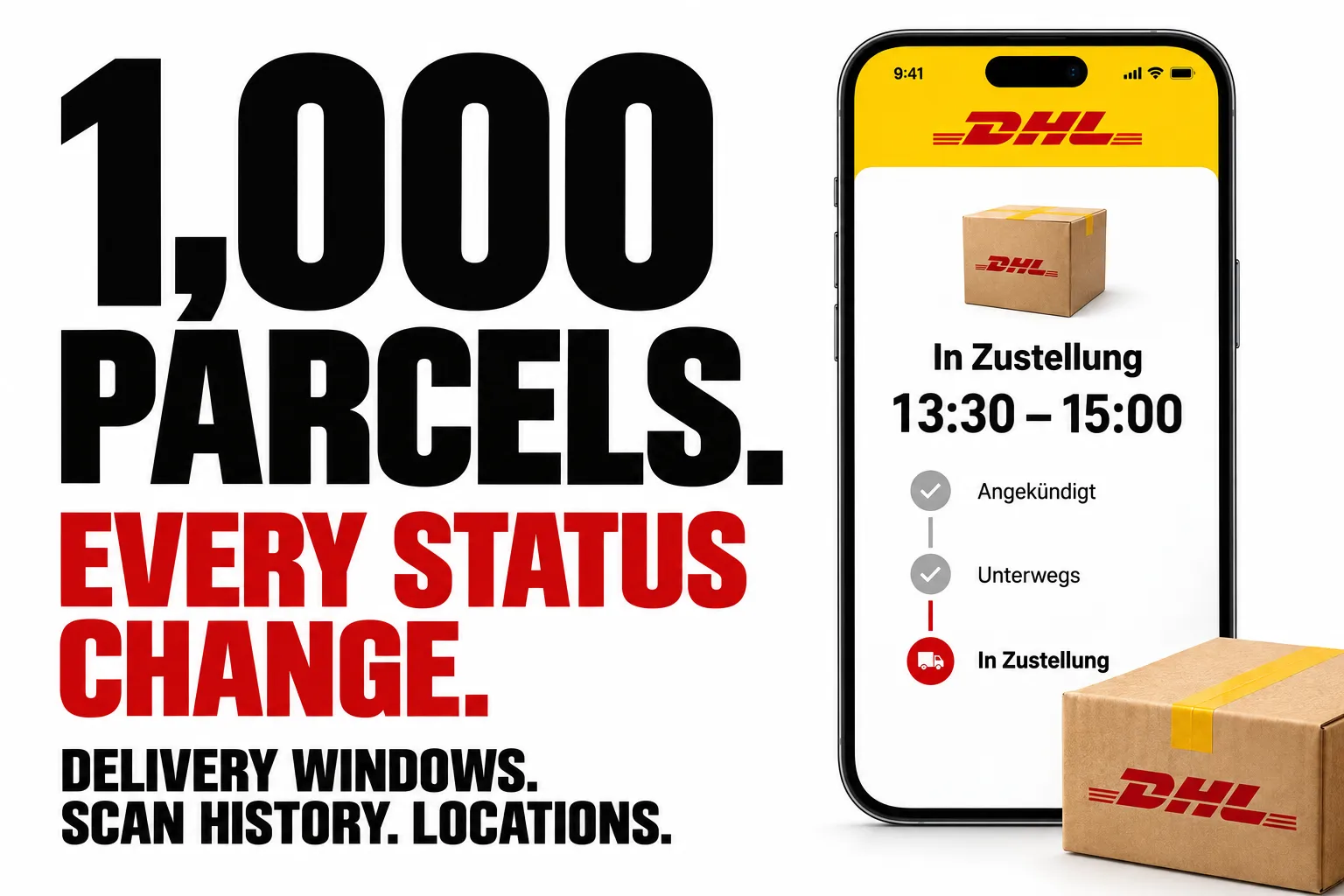
From Clearpath, creators of Amazon Buybox, Shopify Product Search and Joybuy Search. Commerce data and parcel tracking from the same team.
Why choose this actor?
Check up to 1,000 parcels together. Paste DHL Paket or DHL Express tracking numbers, customer references, or DHL tracking links and export structured shipment records. Express WhatsApp links (del.dhl.com) work too; shipment type is detected automatically. Get current status, delivery progress and the available scan history, with timestamps and locations. Choose German or English output.
See what changed since your last check. Repeat the run to identify new scans, status changes, revised delivery windows and newly delivered parcels. New and changed parcels return full records; unchanged parcels return a compact status row by default, billed at a lower rate. Schedule repeat checks to keep your shipment tracker current.
Know when delivery is expected. Collect the delivery window DHL publishes alongside the parcel’s progress. Availability depends on the shipment. Locations refer to tracking events, not the courier’s GPS position.

Start with one parcel
Open actor input, replace YOUR_DHL_TRACKING_NUMBER with your own active tracking number and start the run. Add more numbers, customer references or DHL tracking links when ready, up to 1,000 entries per run. Paket and Express can be mixed. Entries resolving to the same tracking number produce one result per run. Run the same input again to compare with the previous check. Export JSON, CSV or Excel; JSON keeps the nested scan history and changes together.
Charges follow the result: new or changed parcels use the parcel-update rate. Unchanged and not-found parcels use the lower check rate. Actor-start and dataset-result charges also apply. See current pricing.
| Clearpath · Commerce & Tracking | |||
 DHL Tracking DHL TrackingYou are here |  Amazon Buybox Amazon BuyboxSellers & offers |  Shopify ShopifyProduct search |  Joybuy JoybuySpecs & coupons |
Copy to your AI assistant
DHL Sendungsverfolgung API: what you get per parcel
Full records use the fields below, with status texts in German or English. Unchanged results are compact by default; unresolved inputs return a not-found record. No DHL business contract or developer key is required.
| Field | What it is |
|---|---|
trackingNumber | The real DHL tracking number, even when you searched by customer reference |
searchedFor | Exactly what you passed in, so rows always line up with your input |
status / statusAt | Current status and the moment it was set |
progress / progressMax | Step 1 to 5 of the delivery journey; unknown progress is null |
delivered / deliveredToRecipient | Whether it arrived, and whether the recipient took it personally |
eta | Available delivery estimate or window. Null when unavailable; Express may show an estimate on its delivery-management page that is absent from the tracking record |
liveTrackingAvailable | Whether live tracking is available for a Paket shipment. Express courier scans appear in status, progress and events; they do not imply live tracking |
events[] | Every scan, with timestamp, description and location |
flags | Express, Päckchen, small parcel, return, retoure, international, rail, two-man handling, branch notification, pickup code |
sustainability | GoGreen sender, GoGreen Plus, CO₂-free delivery, rail parcel |
deliveryOptionsAvailable | Whether DHL is offering delivery options for this parcel |
changed / changeType / changes | The delta since your last run |
found / notFoundReason | Whether the number resolved, and why not if it did not |
How to use DHL Sendungsverfolgung as an API in 4 steps
- Open the Input tab of the DHL Sendungsverfolgung API and paste your tracking numbers, one per line. Customer references and DHL tracking links work too, including Express WhatsApp links.
- Pick a language (
deoren) and leave Only return what changed on. - Click Start. Each parcel becomes one row in the dataset.
- Download as JSON, CSV, Excel or HTML, or pull the rows straight from the Apify API. Then schedule it and every later run reports only what moved.
DHL Express and tracking links
Use the same trackingNumbers field for DHL Paket and Express. Supported links include DHL.de tracking links, DHL.com tracking links, MyDHL Express tracking links and https://del.dhl.com/DE/... links received by WhatsApp or SMS. Paste each link as a separate entry. Links from other websites are rejected.
Express results contain productType: "EXPRESS" and flags.isExpress: true. Scan history is returned oldest first, so repeated checks report new scans through the existing changes.newEvents field. Once a link resolves, change detection follows the tracking number even if the next run uses the number directly.
Only tracking details are read. This actor does not change delivery preferences. Expired delivery links may need to be replaced with the waybill number. If DHL returns several shipments for a reused waybill, the actor skips that input rather than selecting one arbitrarily. Temporary lookup failures are skipped and identified by input position in the run log; they are not reported as not-found records.
What data can you extract from DHL Sendungsverfolgung
One complete record, exactly as the Actor returns it. The events array is truncated below to keep
the block readable; no keys are omitted.
DHL live tracking and the delivery window
eta.source tells you how firm the window is:
planned: DHL's forecast. Appears once the parcel reaches the delivery base, first as a date, then as a time window on the morning of delivery.live: the window while a courier is actively on tour.
liveTrackingAvailable flips to true the moment a parcel is loaded onto a delivery vehicle. It is
the cheapest possible "is it out for delivery right now" signal: poll for it, then poll harder once
it turns true.
DHL Sendungsverfolgung with a change feed: only what moved
Every parcel you check is remembered, so the next run can tell you exactly what moved.
changeType: "new": first time you have checked this parcel. Full record.changeType: "updated": something moved. Full record plus achangesblock.changeType: "unchanged": nothing moved. A short row, billed at the lower rate.
A parcel DHL has no data for yet (found: false) also comes back as unchanged and bills at
the lower rate, on the first run as on every later one. Read found, not changeType, to tell
"nothing moved" apart from "nothing to report yet".
Here is the delta from the poll where a parcel actually landed:
Leave Only return what changed on and a quiet run costs almost nothing. Turn it off to get the complete record every time regardless. Forget previous results clears the memory for the parcels in that run and returns full records for them. Your tracking history is stored on your own Apify account and is never shared.
Input
Everything is set on the Input tab. Four fields, nothing to configure beyond them.
| Field | Type | Default | Notes |
|---|---|---|---|
trackingNumbers | array | required | Paket/Express tracking numbers, customer references or DHL tracking links, up to 1000 entries per run |
language | string | de | de or en, controls the status and event wording |
onlyChanges | boolean | true | Short row for parcels that have not moved, billed at the lower rate |
resetState | boolean | false | Forget what was seen before and return full records for this run's parcels |
Paste a whole line of numbers if that is what you have: "358063591162, 00340435072645002601" is
split into two parcels automatically.
What people use DHL Sendungsverfolgung data for
- Ecommerce order tracking: feed your order table's tracking numbers in, write
statusandetaback to the customer's order page. - Proactive delivery notifications: watch
changes.statusChangedandchanges.justDelivered, then email or Slack the customer the moment it matters. - Support deflection: answer "where is my parcel" without a human opening DHL's site.
- Delivery-day routing:
liveTrackingAvailableplus the 90-minuteetawindow is enough to tell someone to be home. - Logistics reporting: dump
events[]for a month of parcels and measure real transit times per lane. - Returns monitoring:
flags.isReturnandflags.isRetoureseparate outbound from inbound.
Integrations and scheduling
The output is a normal Apify dataset, so it drops straight into
Google Sheets, Make, Zapier, Airtable, Slack, or your own
endpoint via webhooks. A webhook on
ACTOR.RUN.SUCCEEDED gives you a push feed of parcel changes without polling anything yourself.
New to scheduling on Apify? This official walkthrough covers it in three minutes:
Recommended frequency:
| Parcel state | How often |
|---|---|
In transit (progress 1 to 3) | Twice a day |
At the delivery base (progress 3 to 4) | Every 2 hours |
liveTrackingAvailable: true | Every 15 to 30 minutes |
delivered: true | Stop. Nothing changes after this |
With Only return what changed on, checking often stays cheap: only the runs that actually find something bill at the update rate.
How much does DHL Sendungsverfolgung cost via this API?
Pay per event, so you pay for answers rather than for runtime.
| Event | When | Price |
|---|---|---|
| Parcel update | The parcel is new to you, or something changed | $0.0199 |
| Parcel checked, no change | The parcel had not moved, or no data is available for that number | $0.0049 |
| Run start | Once per run, whether it checks 1 parcel or 1,000 | $0.009 |
Tracking one parcel from label to doorstep at three checks a day works out at roughly $0.20. Two things keep that low as you scale: an unchanged check costs a quarter of an update, and the run start is charged once per run, so checking 100 parcels in one run costs the same start as checking one.
Free tier: check one parcel per run, up to 50 checks in total. Upgrade your Apify plan to lift the limit.
Is it legal to track DHL parcels this way?
Yes, with the usual caveats. This Actor reads the same publicly available tracking information that anyone can look up on DHL's own tracking page with a tracking number, and nothing more. It returns no personal data: no sender name, no recipient name, no address. DHL reveals those only to someone who can supply the recipient's postal code, and this Actor never asks you for one, so there is no personal data in the output to fall under GDPR.
Tracking numbers you feed in may themselves be linked to a customer in your own systems. Treat that input, and any dataset you build from it, under your own GDPR obligations: have a lawful basis, keep it only as long as you need it, and do not publish it. If you are unsure how the rules apply to your case, take legal advice.
FAQ
Is there a DHL tracking API I can use without an account? This one. You do not need a DHL business contract, a developer key, or API credentials. Pass a tracking number and get structured JSON back.
Does DHL have an official API, and why use this instead? DHL does publish developer APIs, but they are gated behind a business account and an approval process, are scoped per product line, and rate-limit by contract. This Actor needs no contract, no approval and no key, covers ordinary consumer parcels, and adds the change feed that the official endpoints do not provide.
How do I track multiple parcels at once?
Put up to 1000 tracking numbers or supported DHL links in trackingNumbers. Each distinct resolved shipment gets one row.
Does it work with customer references?
Yes. Pass the reference and the real tracking number comes back in trackingNumber, with your
input echoed in searchedFor.
Which parcels are covered? DHL Paket shipments handled in Germany, inbound and outbound, including Päckchen, returns and rail parcels, plus DHL Express shipments available in DHL tracking.
Why does a number come back with found: false?
Either the number is not a DHL parcel number at all (notFoundReason: "notADhlParcel") or DHL has
no data for it yet (noDataYet). A freshly created label often takes a few hours to appear.
Either way the row is billed at the lower shipment-checked rate, so polling a label that has not
been scanned yet stays cheap.
Does it include the sender's or recipient's name? No. DHL only reveals those to someone who can supply the recipient's postal code, and this Actor does not ask you for one.
Wie funktioniert die Sendungsverfolgung hier? Genau wie auf dhl.de, nur als JSON: Sendungsnummer rein, Status, Verlauf, Fortschritt und Zustellzeitfenster raus, plus die Angabe, was sich seit dem letzten Lauf geändert hat.
How long is tracking history kept? Your per-parcel history is kept for 30 days on your own account, then pruned automatically.
How do I get the data out? Download the dataset as JSON, CSV, Excel or HTML from the Storage tab, pull it from the Apify API, or push it anywhere with an integration.
Something looks wrong. Where do I report it? Open the Issues tab on this Actor's page. Bug reports with the tracking number and the run ID get fixed fastest.
Can I get a custom version? Yes. Use the Issues tab to describe what you need, whether that is another carrier, a different output shape, or a push integration into your own stack.
More clearpath Actors
🛒 Ecommerce & product data


📬 Reaching the customer about a delivery
 Email Finder & Verifier
 Email List Validator & Cleaner
 WhatsApp Number Validator
 Phone Number Active Checker
🇩🇪 More German market data


DHL Sendungsverfolgung as an API: track German DHL parcels by tracking number or customer reference and get status, full event history, delivery progress, delivery window and a change feed as structured JSON, CSV or Excel.


