
Shopify Store Leads Scraper - Emails, Phones & Ratings
Pricing
from $4.99 / 1,000 leads
Shopify Store Leads Scraper - Emails, Phones & Ratings
Scrape Shopify store leads by keyword or category. Extract emails, phone numbers, addresses, ratings, and social links. Find storeleads for B2B outreach, supplier discovery, and market research.
Pricing
from $4.99 / 1,000 leads
Rating
4.4
(4)
Developer

ClearPath
Maintained by CommunityActor stats
29
Bookmarked
1.8K
Total users
197
Monthly active users
1.1 days
Issues response
20 hours ago
Last modified
Categories
Share
Find Shopify Store Leads by Keyword or Category
From Clearpath, creators of Email Finder and Email Validator. Our Email Finder has powered 130,000+ runs, part of a lead-generation suite covering discovery, contact lookup and verification.
Why choose this Shopify store leads scraper?
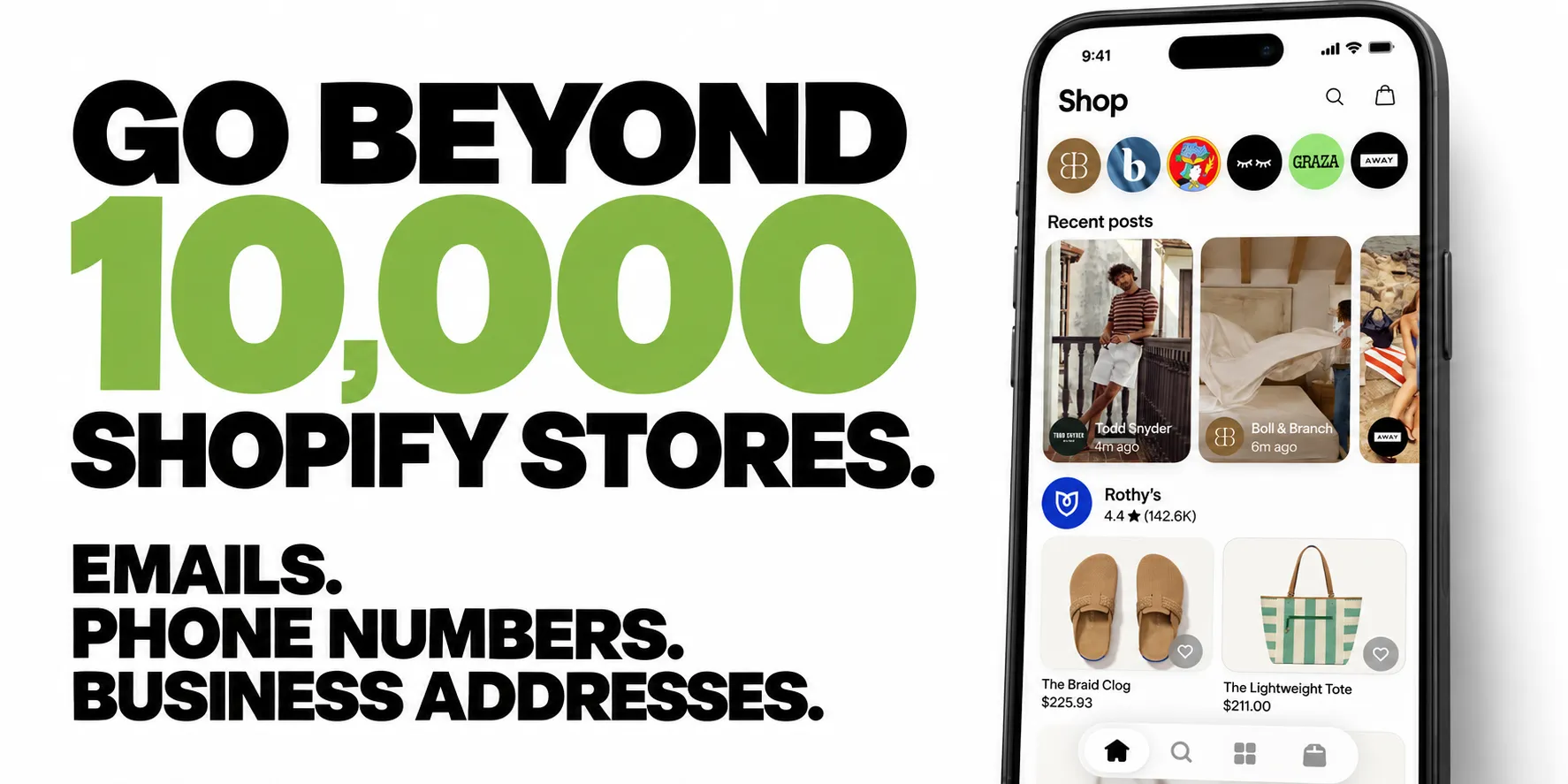
Build a list beyond 10,000 stores. Collect up to 10,000 stores per run, then continue the same search with Skip stores from previous runs enabled. Available matches vary by category, keyword and location; repeat runs skip stores already delivered for the same search. To share that history across different searches, also enter a Shared lead list name.
Get the contact details with the store. Export published emails, phone numbers, business addresses and social profiles alongside the website, store rating and sample products. See what a business sells and how to contact it in the same record.
Find prospects by niche and location. Search by product keyword or category, then target a country, region or all 18 supported countries. Enable skip history from your first run to avoid receiving stores already delivered for that same search.
How to scrape Shopify store leads
Try 25 electronics stores with skip history enabled. Run the same input again to look for stores you have not received yet.
Open actor input to pick your niche, country and result limit. Export JSON, CSV or Excel; JSON preserves nested contact channels and sample products.
Contact details depend on what each store publishes. Skip history only counts runs made with it enabled. Leave the list name blank for separate history per search, or reuse a list name to skip the same stores across different searches. The number of available stores depends on your targeting.
| Clearpath · Lead Generation Suite |
 Store Leads Store LeadsYou are here  Shopify Products Shopify ProductsPrices & variants  Email Finder Email FinderB2B email lookup  Email Validator Email ValidatorEmail list checks  Business Entity Search Business Entity SearchAll 50 states + DC  Companies House Companies HouseUK companies & directors |
Copy to your AI assistant
Quick start
Minimal input — just a search term:
With filters:
Browse stores that sell products in a category (clear the Search query box):
Target a country or region:
Input parameters
| Parameter | Type | Default | Description |
|---|---|---|---|
query | string | — | Product keyword (or leave empty to scrape a category) |
category | string | — | Product category filter (14 categories available; matches can be broad) |
storeLocation | string | — | Target a supported country or region; not a verified headquarters filter |
maxItems | integer | 50 | Maximum stores to return (1–10,000) |
leadListName | string | — | Optional shared history across searches; requires skipPreviouslyScraped: true. Same account and list name, one run at a time. |
skipPreviouslyScraped | boolean | false | Skip stores already returned by earlier runs of the same search (turn on from your first run) |
enrichWebsite | boolean | false | Find emails and contacts on store websites; useful when Shopify does not provide an email. Takes extra time. |
websiteEnrichmentMode | string | all | With enrichWebsite: true, choose all or missing_email; both return stores that already have emails |
priceMin | integer | — | Only stores selling products above this price |
priceMax | integer | — | Only stores selling products below this price |
onSale | boolean | false | Only stores with products on sale |
inStock | boolean | false | Only stores with products in stock |
shipsFrom | boolean | false | Only local sellers (applied automatically with storeLocation) |
shipsTo | string | — | Only stores shipping to a specific country (57 countries), wherever they are based |
Category values (for API users):
| Category | Value |
|---|---|
| Women | gid://shopify/ProductCategory/1 |
| Men | gid://shopify/ProductCategory/2 |
| Accessories | gid://shopify/ProductCategory/3 |
| Beauty | gid://shopify/ProductCategory/5 |
| Home | gid://shopify/ProductCategory/6 |
| Electronics | gid://shopify/ProductCategory/7 |
| Luggage & bags | gid://shopify/ProductCategory/9 |
| Toys & games | gid://shopify/ProductCategory/10 |
| Pet supplies | gid://shopify/ProductCategory/15 |
| Fitness & nutrition | gid://shopify/ProductCategory/69 |
| Baby & toddler | gid://shopify/ProductCategory/209 |
| Food & drinks | gid://shopify/ProductCategory/251 |
| Sporting goods | gid://shopify/ProductCategory/267 |
| Arts & crafts | gid://shopify/ProductCategory/285 |
Store location values (for API users):
| Region | Value |
|---|---|
| English-speaking | ENGLISH_SPEAKING |
| Europe | EUROPE |
| North America | NORTH_AMERICA |
| UK & Ireland | UK_IRELAND |
| Nordics | NORDICS |
| Oceania | OCEANIA |
| Worldwide | GLOBAL |
For a single country, use its two-letter code: US, GB, CA, AU, NZ, IE, DE, FR, IT, ES, NL, PL, AT, CH, PT, SE, DK, FI.
API input names and common mistakes
Use maxItems to set the maximum number of stores. maxResults is ignored, even when it appears alongside maxItems; it never changes the limit. If maxItems is omitted, the default is 50. Your run budget, account allowance and available matches can reduce the number returned.
hasEmails is not a supported filter. Results can include stores without an email. To look for missing emails, turn on Find emails and contacts on store websites and choose Only stores without an email (recommended). Some websites publish no email; filter the exported results if you need an email on every row.
This actor discovers stores. Supplying domain, url or startUrls does not look up those stores or restrict a keyword/category/location search to them. An input containing only store URLs or domains is refused with an explanation.
A category is set in category, one per run, using a value from the Category values table above. categories, categoryId and niche are ignored; an input whose only search setting is one of them is refused with an explanation. Markets work the same way: use storeLocation, since country and countries are ignored.
For these known input mistakes, the run log explains which fields are ignored. An otherwise valid search continues. Existing query and location aliases remain supported: searchQuery, search, searchTerm, searchTerms, keyword and keywords can fill an empty query; location, productCategory and shipsToCountry can fill an empty storeLocation, category and shipsTo, respectively. A nonempty canonical field takes priority. Use the canonical field names in new integrations.
What data you get from Shopify store
Each store in the dataset looks like this:
Find emails and contacts on store websites
Shopify sometimes returns a store without an email address. Turn on Find emails and contacts on store websites to visit the store's own website and look for published email addresses and contact forms. The store keeps its original details even if the website provides nothing extra.
In Which stores to check, choose:
- Only stores without an email (recommended) to focus on filling in missing emails.
- All stores (including stores with an email) to look for more contact details, even when a store already has an email.
Both options still return stores that already have emails. This choice only controls which websites are checked.
For API calls, set enrichWebsite to true. To check only stores without an email, use:
Set websiteEnrichmentMode to missing_email to check only stores without an existing email address. Stores that already have an email are still returned and charged at the usual per-store price. Their original fields are preserved; websiteEnrichment reports status: skipped, skipReason: existing_email and checkedAt: null, with no new website evidence. Empty, malformed and obvious placeholder email values do not prevent enrichment.
Choose all when you also want additional contact roles, forms or company-address evidence for stores that already have emails. Omitting the mode checks all stores. The mode only applies when enrichWebsite is true.
Accepted emails and contact-form links are added to contacts. The optional websiteEnrichment field records the outcome, source pages, observation time, email purpose and review status.
Email addresses whose association with the store is uncertain remain in websiteEnrichment.emails as needs_review and are not added to contacts. Publication does not verify mailbox delivery or identify a decision-maker. Some websites are unavailable or publish no contact details; their original store records are still returned.
Published organization addresses appear separately in websiteEnrichment.organizationAddresses. companyCountryMatch compares that evidence with your selected location; it does not apply an additional country filter. A storefront's market and its company's registered country can differ.
The option is off by default. It takes additional time and does not guarantee complete contact coverage. Ordinary lead pricing applies, with no separate enrichment charge.
A captured enriched result excerpt (the ordinary store fields remain alongside it):
Integrations and scheduling
Run the Shopify store leads scraper on a schedule in Apify Console, monthly for lead-list refreshes. Each run can call a webhook when it finishes, so n8n, Make and Zapier flows pick up new rows without polling. The Apify API and the Apify MCP server take the same input, for scripts and AI agents.
Pricing
Lead charges are $5.99 per 1,000 stores on the Free plan. Bronze pays $5.79, Silver $5.29, and Gold and above $4.99 per 1,000 stores. Apify's displayed platform charges also apply. Website enrichment has no separate surcharge; stores skipped by missing-email-only enrichment still count as delivered leads.
Free Apify accounts receive up to 25 stores per run and 250 stores in total for this Actor. Allowance notices appear in the dataset. Paid Apify accounts bypass these sample limits; the search, result limit and run budget still determine how many stores are returned.
With Skip stores from previous runs turned on, a repeat run of the same search brings new stores instead of ones you already paid for.
How to find Shopify stores
- Enter a product keyword — type what the stores sell (e.g. "organic coffee", "yoga mats")
- Run the scraper — optionally add price filters, category, or shipping filters
- Download your data — export as JSON, CSV, Excel, or connect via API
| Shopify Scrapers | |
|
🛍️ Shopify Product Scraper Prices, variants, reviews |
🏪 Shopify Store Lead Scraper ➤ You are here |
| More from Clearpath |
|
🏭 SHEIN Seller & Manufacturer Leads Factory & seller contacts by keyword (EU) |
Use cases
B2B lead generation — Build targeted prospect lists of Shopify store owners by niche and location, a single country, a region like Europe, or worldwide. Get direct contact details (email, phone) for outreach campaigns.
Supplier discovery — Find stores selling specific products across the Shopify ecosystem. Compare pricing, ratings, and product ranges.
Competitor research — Map the competitive landscape for any product category. Analyze store ratings, review volumes, and geographic distribution.
Market intelligence — Identify trending niches by searching different product keywords. Track how many stores operate in each category and where they're located.
FAQ
How many stores can I find?
Up to 10,000 per run. Set maxItems to control how many stores you want and the scraper handles the rest.
To go beyond 10,000, turn on Skip stores from previous runs from your first run, then run the same search again. Each run then returns only stores you have not received yet. Only runs made with it on are counted, so stores you received before switching it on can come back once.
How far that goes depends on the search. The limit is 10,000 stores per run, and repeat runs can extend your list when more matching stores are available. A category covers a range of products; a specific keyword or country usually has a smaller pool. The requested count is a maximum, not a guarantee. If a run cannot finish searching, it says so; keep skip history enabled and run it again to continue.
Can I discover all stores in a category?
Choose one of the 14 categories and clear the Search query box. The actor looks for stores across that category's product groups and checks the matching products before returning leads. A store may sell other types of products too. Coverage is not exhaustive, and product labels can be imperfect, so review each lead's sample products. Add a keyword when you want a particular product.
How do I get new stores instead of the same ones?
Turn on Skip stores from previous runs from your first run. Stores skipped by history are not returned as new leads.
- Repeat one search: leave Shared lead list name blank. Each keyword/category/location/shipping-destination combination keeps its own history. Changing
maxItems, price, availability or shipping-origin filters keeps that history. - Build one prospect list across different searches: enter a list name and reuse it for every search. For example, use
Beauty prospectsfor both skincare and makeup to skip stores already returned by either search. - Refresh data for stores you may have seen before: turn skipping off and leave the list name blank.
For a shared list, run this first:
After it finishes, use the same list name for another search:
The second run skips stores already returned to that list. This works across keywords, categories and locations, not just beauty. Each run still has its own results to download; the list name shares the memory of delivered stores, not a combined results file.
A new list starts empty. It does not import stores from earlier runs or existing per-search histories. Lists belong to your Apify account. Names ignore capitalization and extra spaces; use at most 80 characters. Run one search at a time per list. Different lists can run at the same time.
What happens if a run using a shared list stops?
Start a new run with the same list name. Do not restart or resurrect the old run. The actor checks the interrupted run's results before continuing. If it cannot confirm what was delivered, it stops without collecting more leads and tells you to retry or contact support. Keep the interrupted run's results available until recovery finishes.
With the list name blank, the existing per-search behavior remains: if history cannot be loaded, the run warns you and searches again. Turning skipping on later does not remember earlier runs made with it off. Skipping remains off by default.
What contact data is included?
Records include available published contact channels: website, email, phone, address and social profiles. Fields may be missing. Enable website enrichment to look for additional contacts and forms; neither mode guarantees complete coverage or verified mailboxes.
Do I need a store URL?
No. This scraper discovers stores by product keyword. Just describe what you're looking for.
Can I filter by location?
Set storeLocation to target stores serving a supported market:
- A single country, e.g.
GB(United Kingdom),US,DE - A region:
ENGLISH_SPEAKING,EUROPE,NORTH_AMERICA,UK_IRELAND,NORDICS,OCEANIA GLOBALfor stores across all supported markets
For non-English markets (Germany, France, etc.), search using local-language terms (e.g. kerzen instead of candles) for best results. Stores that don't publish a business address are included as likely matches; each store's address.country is in the output, so you can filter further after scraping. A company can be registered in a different country from its storefront market; location targeting does not verify headquarters.
shipsTo finds stores that ship to a country, wherever they are based. Use storeLocation to find stores based in one market, and pick it from the store locations this Actor offers. A run that sets shipsTo without a store location says this in its log and in its status message. A store location this Actor does not offer is not applied, and the status message says so first: <value> is not one of the store locations this Actor offers; results can come from any market.
Middle East markets (United Arab Emirates, Saudi Arabia, Israel and Turkey) are not offered as store locations: in local-language searches on 19 October 2026, 0-4% of the stores with a known origin were based there, against the 70% every offered market clears.
Can I get the store's products too?
Stores can include up to three sample products (title, price, URL, image). For full product data, use the Product Search Scraper.
Is the data fresh?
Every run performs a live search and retrieves the information available at that time. Website enrichment checks public pages during the run and records observation times. Source information can still be incomplete or outdated.
Why did I get fewer stores than requested?
maxItems is an upper limit. Narrow searches, unavailable store details, skip history, your free allowance or the run budget can reduce the count. The run explains budget and allowance stops. It also tells you if the search could not finish; enable skip history and repeat the same search to continue. If collection fails entirely, the run is marked failed. Results already delivered remain in the dataset. Try a simpler product keyword for a search without matching stores.
Can I export the data?
Yes. Download as JSON, CSV, Excel, XML, or HTML from Apify Console. Access results via the Apify API or integrate with Google Sheets, Zapier, Make, or Airbyte.
Support
- Bug reports and feature requests: Open an issue on the actor's Issues tab
- Questions: Message the developer through Apify Console
Legal
This actor accesses publicly available data from the Shop by Shopify marketplace. Use responsibly and in accordance with applicable laws and Shopify's terms of service. The developer is not responsible for how scraped data is used.


