

Resy Booker - MCP Server for AI Restaurant Reservations
Pricing
from $3.99 / reservation booking
Resy Booker - MCP Server for AI Restaurant Reservations
MCP server for AI assistants to search, book, and manage Resy restaurant reservations. 6 tools: search restaurants, check availability, book slots, view and cancel reservations. Stateful auth, pay-per-action billing, Standby mode.
Pricing
from $3.99 / reservation booking
Rating
0.0
(0)
Developer

ClearPath
Maintained by CommunityActor stats
0
Bookmarked
54
Total users
10
Monthly active users
13 days ago
Last modified
Categories
Share
From Clearpath, creators of OpenTable Booker, Resy Restaurant Scraper and Resy Availability Checker. Restaurant discovery, availability and booking from the same team.
Why choose this actor?
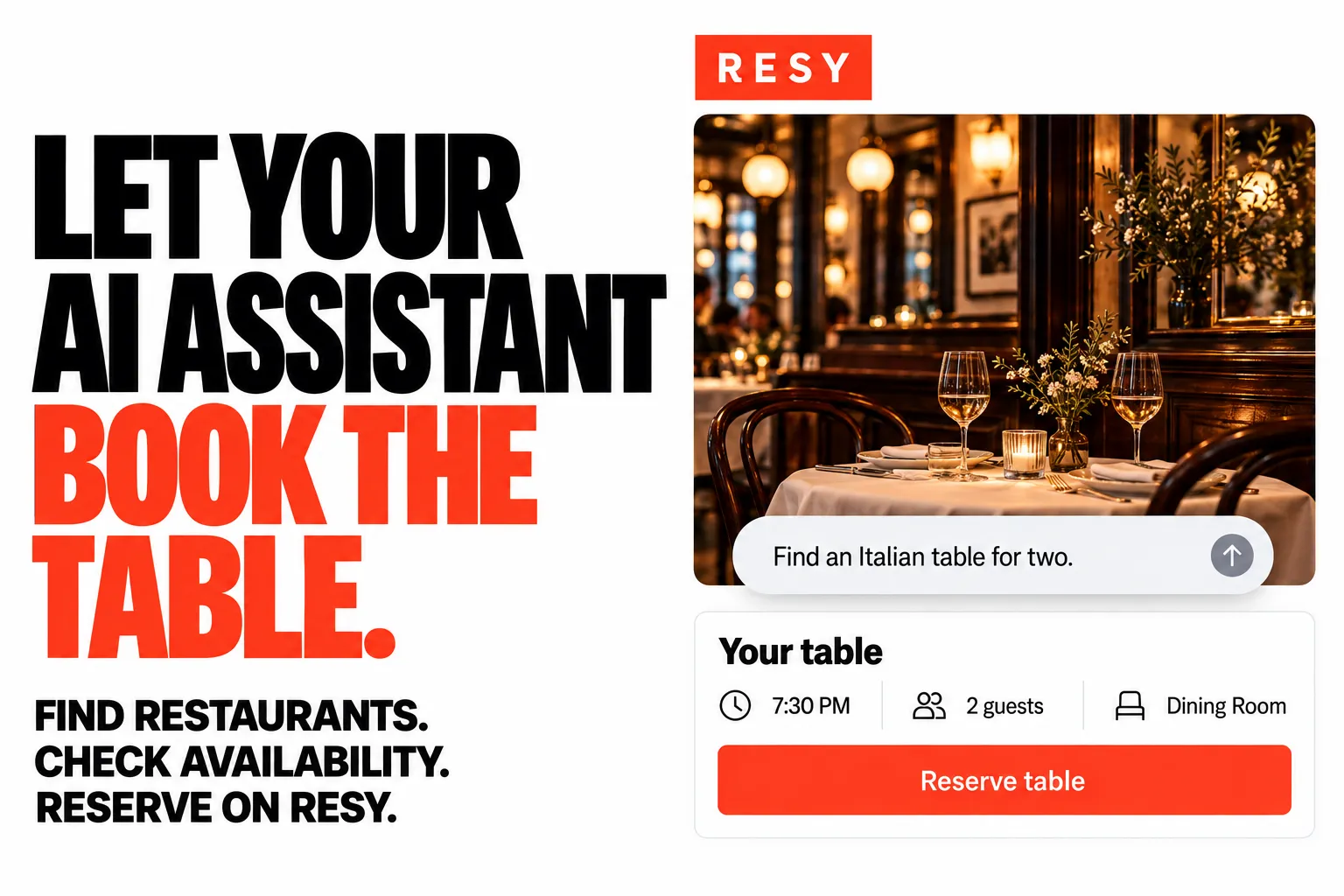
Go from a dinner request to a reservation. Let your connected AI assistant find restaurants, check available times and book your chosen slot on your Resy account.
Find a table that fits your plans. Search by city, cuisine or restaurant name, then choose the date and party size. Compare returned times and seating types before booking.
Manage the booking in the same conversation. View your current reservations or cancel an existing booking through the assistant. Search, availability and booking are charged separately; see Pricing below.

Connect your AI assistant
Open actor input and configure your Resy email and password. Connect an MCP-compatible AI assistant to this endpoint, using your Apify token in the Authorization: Bearer YOUR_APIFY_TOKEN header:
Then ask:
Find Italian restaurants in New York for two tonight. Show me the available times, then let me choose a table to book.
A Resy account is required. Booking creates a real reservation on that account. The connection examples below cover supported clients; the first request can be a restaurant search before you choose to book.
| Clearpath · Restaurant & Reservation Tools | ||||
 Resy Booker Resy BookerYou are here |  OpenTable Booker OpenTable BookerAI reservations |  Resy Slots Resy SlotsAvailable tables |  OpenTable Slots OpenTable SlotsReservation times |  Resy Places Resy PlacesRestaurant leads |
Copy to your AI assistant
Copy this block into ChatGPT, Claude, Cursor, or any LLM to start using this actor.
Tools
6 tools available to connected AI agents:
-
search_restaurants- Find restaurants with available time slots in any city
- Inputs:
city(string): City name (e.g. "New York", "London", "Athens")cuisine(string, optional): Filter by cuisine typequery(string, optional): Restaurant name or keyworddate(string, optional): YYYY-MM-DD format (defaults to today)party_size(number, optional): Number of guests (default 2)limit(number, optional): Max restaurants (default 10, max 25)sort(string, optional): "relevance", "rating", "slots", or "name"
- Returns restaurants with slots. Each slot includes a
config_tokenfor booking. - ~$0.03 per call
-
check_availability- Check available time slots for a specific restaurant
- Inputs:
restaurant_url(string): Full Resy URL (e.g. https://resy.com/cities/new-york-ny/carbone)date(string, optional): YYYY-MM-DD format (defaults to today)party_size(number, optional): Number of guests (default 2)
- ~$0.05 per call
-
book_reservation- Book a time slot using a
config_tokenfrom search or availability results - Creates a real reservation on your Resy account
- Inputs:
config_token(string): Token from a slot in search/availability results
- $3.99 per booking
- Book a time slot using a
-
my_reservations- List your current Resy reservations
- No inputs required
- Free
-
cancel_reservation- Cancel a reservation by its
resy_token - Inputs:
resy_token(string): Token frommy_reservationsorbook_reservationresults
- Free
- Cancel a reservation by its
-
login- Authenticate with Resy credentials (auto-called with pre-configured credentials)
- Inputs:
email(string): Resy account emailpassword(string): Resy account password
- Free
Quick Start
Search for restaurants
Check a specific restaurant
Book a slot
How It Works
- Agent connects to the MCP server endpoint
- Auto-login with pre-configured Resy credentials (or call
loginmanually) - Search for restaurants:
search_restaurants(city="New York", cuisine="Italian") - Pick a slot from the results (each slot includes a
config_token) - Book with
book_reservation(config_token="rgs://resy/...") - Verify with
my_reservations()
The agent handles the entire flow conversationally. Ask it "find me an Italian restaurant in NYC for 4 people next Friday" and it chains the right tool calls.
Pricing — Pay Per Event (PPE)
You only pay for searches and bookings. Login, viewing, and cancelling are free.
| Action | Cost |
|---|---|
| Search restaurants | $0.03 |
| Check availability | $0.05 |
| Book a reservation | $3.99 |
| Login, view, cancel | Free |
Configuration
Input Parameters
Credentials are configured in the Apify actor input. Your password is stored encrypted using Apify's secret input handling and never logged or exposed in run output. The server auto-logs in on the first tool call.
| Parameter | Type | Description |
|---|---|---|
email | string | Your Resy account email |
password | string (secret) | Your Resy account password |
The login tool is also available for switching accounts or re-authenticating mid-session.
Replace YOUR_APIFY_TOKEN in all examples below with your Apify API token.
Usage with ChatGPT
ChatGPT supports MCP servers natively (Plus, Pro, Team, Enterprise plans).
- Open Settings > Connectors > Add connector
- Set Name to
Reddit - Set MCP Server URL to:
- Set Authentication to API Key and set the header:
- Header name:
Authorization - Value:
Bearer YOUR_APIFY_TOKEN
- Header name:
- Click Save
- Start a new chat, click + near the composer, select More, choose Reddit
Usage with Claude Desktop
Add to your claude_desktop_config.json:
- macOS:
~/Library/Application Support/Claude/claude_desktop_config.json - Windows:
%APPDATA%\Claude\claude_desktop_config.json
Restart Claude Desktop after saving.
Usage with Claude Code
Or add to your project's .mcp.json:
Usage with OpenClaw
Add to ~/.openclaw/openclaw.json:
Then message your OpenClaw bot on Telegram, WhatsApp, or Discord:
"Find me a table for 2 in Athens this Saturday"
"What's available at Carbone in New York next Friday?"
"Book the 7:30 PM slot at that restaurant"
The assistant calls the Resy Booker, searches availability, and books the reservation for you.
Other MCP Clients
Any client supporting the Streamable HTTP transport works. Use the MCP endpoint URL with your Apify API token as a Bearer auth header.
Try It Out
Once connected, ask your AI assistant:
"Find me a table for 2 in Athens this Saturday"
"What's available at Carbone in New York next Friday?"
"Book the 7:30 PM slot at that restaurant"
FAQ
Do I need a Resy account? Yes. You need valid Resy credentials (email + password) configured in the actor input.
Can I use this without an AI assistant? Yes. Any MCP client works. You can also call tools programmatically via any MCP SDK.
What cities are supported? All 1,900+ cities on Resy, including New York, Los Angeles, London, Paris, Athens, Tokyo, and more.
Will it actually book a real reservation?
Yes. book_reservation creates a real reservation on your Resy account. Cancel with cancel_reservation.
What happens if a slot is no longer available? The tool returns an error. Search again or try a different time.
How is this different from the Resy Scraper? The scraper extracts restaurant data in bulk. This MCP server is for interactive booking through an AI agent.
Support
- Email: max@mapa.slmail.me
- Bugs: Issues tab
Legal
This actor interacts with Resy on behalf of authenticated users. It performs the same actions a user would in the Resy app or website. Users are responsible for complying with Resy's terms of service.
Search, book, and manage Resy reservations through AI agents.


