

WhatsApp Number Validator - Bulk Check 10K per Run
Pricing
Pay per event
WhatsApp Number Validator - Bulk Check 10K per Run
Check if phone numbers have WhatsApp. Validate up to 10,000 numbers per run from CSV, Excel, or direct input. Yes/no result per number. Clean contact lists before WhatsApp campaigns.
Pricing
Pay per event
Rating
0.0
(0)
Developer

ClearPath
Maintained by CommunityActor stats
4
Bookmarked
688
Total users
85
Monthly active users
a day ago
Last modified
Categories
Share
WhatsApp Phone Number Validator | Bulk Verification API (2026)
| Clearpath Phone Intelligence • Bulk validation and profile enrichment for messaging platforms | ||||
 Telegram Number Validator Telegram Number ValidatorBulk Telegram account checks |
 WhatsApp Profile Avatar API WhatsApp Profile Avatar APIAvatar, age & gender enrichment |
Phone Active Status Checker Carrier-level active checks |
MAX Messenger Number Checker Bulk MAX account checks |
Social & Crypto Number Checker 25-platform account checks |
Copy to your AI assistant
Copy this block into ChatGPT, Claude, Cursor, or any LLM to start using this actor.
Changelog
|
March 2026 NEW Smart Column Detection — upload any CSV/Excel file, phone column detected automatically even without headers NEW International Column Detection — files in many languages (Arabic, Japanese, German, etc.) are handled automatically NEW Scientific Notation Fix — Excel files with numbers like 9.17E+11 are automatically converted backGoogle Contacts, HubSpot, Salesforce Exports — works out of the box with multi-column files |
WhatsApp number validation API - Verify up to 10,000 phone numbers per run and instantly know which ones have active WhatsApp accounts.
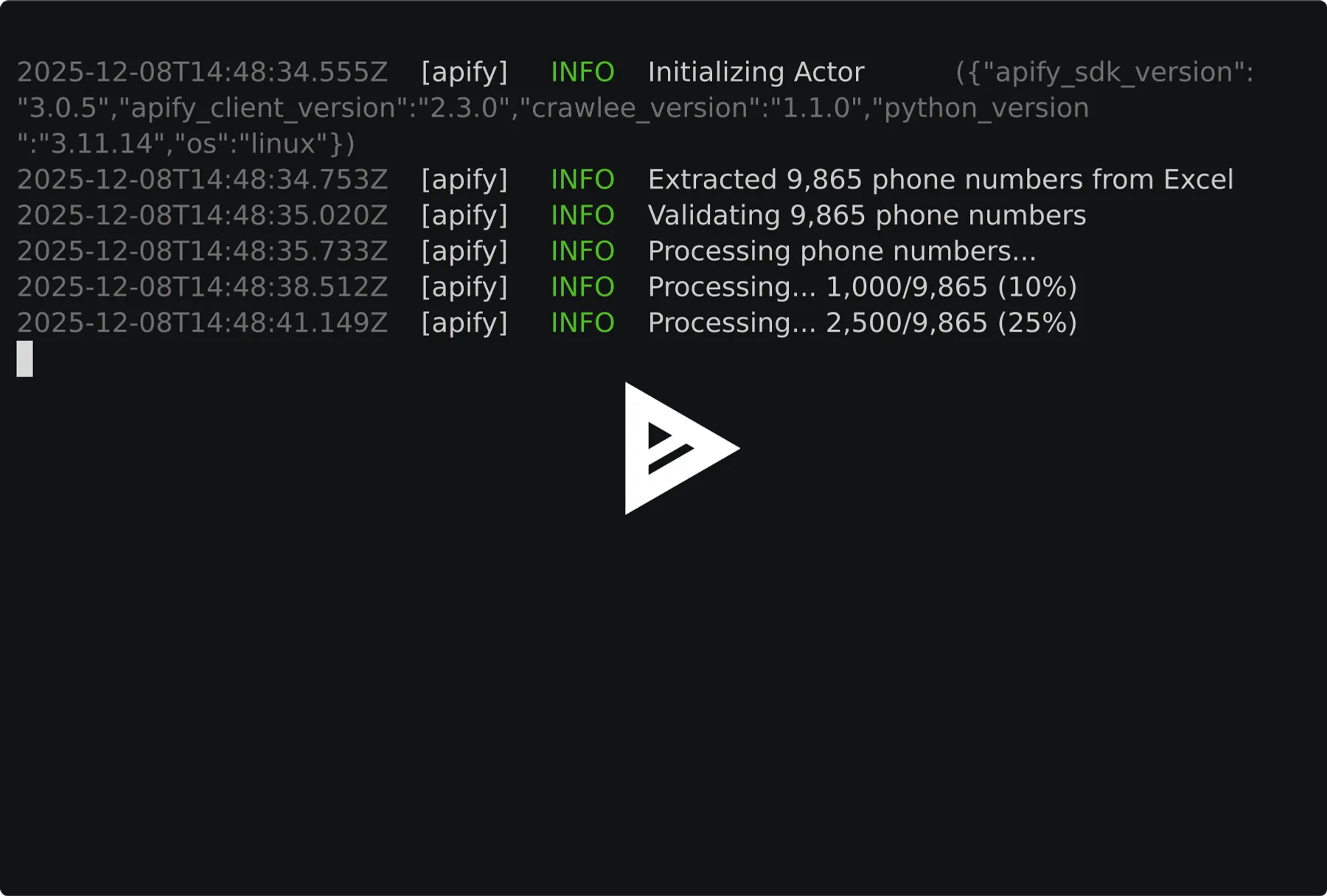
|
⚠️ Minimum batch size: currently 500 phone numbers per run This is a bulk validation service, so smaller batches are not supported. The minimum changes from time to time (it has ranged between 300 and 500), so treat 500 as today's figure rather than a fixed contract. A run below the current minimum stops immediately, is never charged, and its status message states the exact number required at that moment. Test Mode is enabled by default so you can preview the output format without using credits. Disable Test Mode in the input panel to validate real numbers. |
Stop wasting money on invalid WhatsApp contacts. This actor checks any phone number against WhatsApp's registration database and returns a simple yes/no for each number. Perfect for cleaning contact lists, validating leads, or building WhatsApp marketing campaigns.
- ✅ Bulk processing - Validate up to 10,000 numbers per run
- ✅ Multiple input formats - Direct input, CSV, or Excel files
- ✅ Smart parsing - Auto-detects phone columns and normalizes formats
- ✅ Global coverage - Works with phone numbers from any country
- ✅ No WhatsApp account needed - Fully automated validation
Use Cases
Marketing Teams
Clean lists before WhatsApp campaigns. Stop paying for messages to invalid numbers.
Sales Teams
Prioritize leads with active WhatsApp. Add WhatsApp status to CRM records.
Lead Gen Agencies
Validate purchased or scraped lists before selling. Ensure deliverability.
E-commerce
Identify customers who can receive WhatsApp order updates and support.
Developers
Bulk enrichment via API. Connect with Zapier, Make, n8n for automation.
Pricing
| Apify Plan | Per Number | Per 1,000 |
|---|---|---|
| Free | First 10 numbers free per account (paid plan needed to reach the minimum batch size) | - |
| No subscription | $0.003 | $3.00 |
| Bronze | $0.0025 | $2.50 |
| Silver | $0.002 | $2.00 |
| Gold | $0.001 | $1.00 |
Examples
| Numbers | No subscription | Bronze | Silver | Gold |
|---|---|---|---|---|
| 500 | $1.50 | $1.25 | $1.00 | $0.50 |
| 1,000 | $3.00 | $2.50 | $2.00 | $1.00 |
| 10,000 | $30.00 | $25.00 | $20.00 | $10.00 |
Duplicates are auto-removed — you only pay for unique numbers.
Quick Start
Minimum batch size is currently 500 numbers per run and can change. Examples below show 3 phones for brevity, pad with the rest of your list.
Basic - Direct Input
From CSV File
From Excel File
Combined Input
Input Parameters
| Parameter | Type | Required | Description |
|---|---|---|---|
phoneNumbers | array | No* | List of phone numbers with country code (e.g., +1234567890). Maximum 10,000 numbers per run (combined with csvFile). A minimum batch size also applies, currently 500, and it can change (see Minimum batch size). |
csvFile | string | No* | URL or Apify Key-Value store key to CSV or Excel (.xlsx) file with phone numbers |
defaultCountryCode | string | No | Country code to prepend to numbers without a + prefix (e.g., 91 for India, 1 for US) |
onlyWhatsappUsers | boolean | No | Only output numbers that have WhatsApp (default: false) |
*At least one of phoneNumbers or csvFile is required.
Phone Number Formats
The actor accepts phone numbers in various formats and normalizes them automatically:
Numbers Without Country Code
If your CSV contains local numbers without country code prefix (e.g., 9876543210 instead of +919876543210), use the defaultCountryCode field:
| Your CSV | Default Country Code | Result |
|---|---|---|
9876543210 | 91 | +919876543210 (India) ✅ |
5551234567 | 1 | +15551234567 (US) ✅ |
+447911123456 | 91 | +447911123456 (unchanged) ✅ |
Numbers that already have a + prefix are not modified.
CSV/Excel File Requirements
- Supported formats:
.csv,.xlsx - Delimiters: Comma, semicolon, tab, pipe (auto-detected)
- Column detection: Automatically finds phone columns including:
- Standard:
phone,mobile,cell,tel,telephone,whatsapp - Variations:
phone number,mobile number,cell phone,contact number - CRM exports:
mobile phone,direct phone,work phone,personal phone,primary phone - International:
telefon,telefono,téléphone,celular,handy
- Standard:
- No headers? Scans content to find phone-like columns automatically
- International headers: Non-English phone columns are detected automatically when possible
Output
Each validated number returns:
| Field | Type | Description |
|---|---|---|
phoneNumber | string|null | Phone number in E.164 format (null when the input could not be read as a valid number) |
originalInput | string | Original input as provided |
countryCode | string|null | Detected country code (e.g., US, DE, GB); null for unreadable numbers |
isValidFormat | boolean | Whether the input was recognized as a valid phone number |
hasWhatsapp | boolean|null | true if number has WhatsApp, false if not, null if the number was not checked |
checkedAt | string | ISO 8601 timestamp of validation |
Numbers that cannot be read as valid phone numbers are still included in the output with isValidFormat: false and hasWhatsapp: null. They are not submitted for checking and are never charged, so nothing in your input silently disappears.
Output Example
API Integration
Python
JavaScript
cURL
Advanced Usage
Validate from Google Sheets
Export your Google Sheet as CSV and use the public URL:
Large Batch Processing
For lists over 10,000 numbers, split into multiple runs:
Filter WhatsApp Users Only
Use the onlyWhatsappUsers option to only output numbers with WhatsApp:
Or filter programmatically:
FAQ
Q: How accurate is the validation? A: Checks directly against WhatsApp's registration database. Results reflect status at time of validation.
Q: What countries are supported? A: All countries where WhatsApp operates. Numbers must include country code.
Q: Do I need a WhatsApp account? A: No. Fully automated, no WhatsApp credentials required.
Q: How fast is it? A: ~1-2 minutes per 1,000 numbers.
Q: What about duplicates? A: Auto-removed after normalization. You're only charged for unique numbers.
Q: How many numbers do I need per run, and why did the minimum change? A: The minimum batch size is currently 500 numbers per run. It is not fixed: it has ranged between 300 and 500, and it can change on any given day. You never have to guess it. If your list is below the minimum in force at that moment, the run stops right away, nothing is charged, and the status message states the exact number required, for example "At least 500 valid phone numbers are required per run. You provided 320." Add numbers to reach that figure and run again. Duplicates and unreadable entries do not count toward it, only unique valid numbers do.
Q: Some of my numbers came back with an empty result. What does that mean?
A: A number with an empty hasWhatsapp was not checked, which is different from being checked and found to have no WhatsApp account. You are never charged for it. Very large batches occasionally cannot be completed in one go; when that happens the run automatically continues in smaller batches, and only numbers that no batch could complete are returned this way. Nothing is wrong with those numbers. Submitting them again in a smaller run normally gets them checked.
Q: My run failed and said none of my numbers were checked. What should I do? A: Nothing is wrong with your numbers, and nothing was charged, because none of them were checked. The run already retried your list in smaller batches automatically, so re-running it unchanged is unlikely to help. This is a problem on our side. Please contact support if it keeps happening.
Related Actors
More from Clearpath (Email tools):
- Email Account Checker - Check emails for real account registration on Gmail, Outlook, Yahoo, iCloud, Mail.ru.
- Email Address Validator - Bulk email deliverability validation (syntax, MX, SMTP, catch-all, disposable).
- Email Finder & Verifier - Find and verify B2B email addresses by name and domain.
📧 Support
- Email: max@mapa.slmail.me
- Feature Requests: Email or submit via issues
- Response Time: Typically within 24 hours
Legal
This actor validates publicly available WhatsApp registration status. Users are responsible for complying with WhatsApp's Terms of Service and applicable data protection regulations (GDPR, CCPA).


