

Google Ads Transparency Scraper
Pricing
from $1.50 / 1,000 ads
Google Ads Transparency Scraper
Scrape Google Ads Transparency Center ads by advertiser, domain or ad URL: format, first and last shown, image or preview, with optional regions, ad text and advertiser details. Region, format and date filters. No login, no proxy, no start fee.
Pricing
from $1.50 / 1,000 ads
Rating
0.0
(0)
Developer

Delowar Munna
Maintained by CommunityActor stats
0
Bookmarked
2
Total users
1
Monthly active users
5 days ago
Last modified
Categories
Features
Share
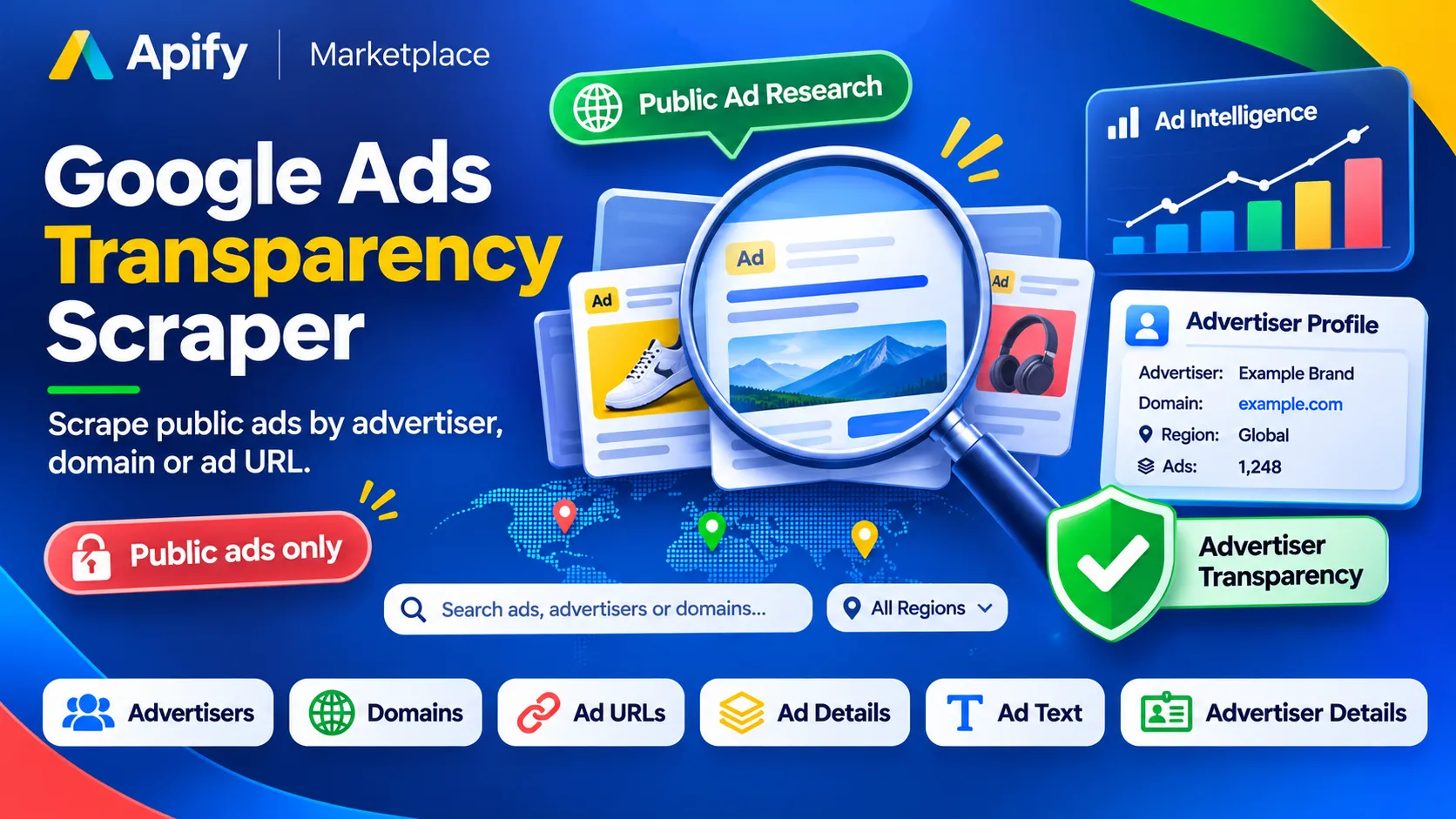
Scrape public ads from Google's Ads Transparency Center by advertiser, domain or ad URL, all into one dataset with one schema. Every ad row has the advertiser, the ad format (text, image or video), the website it points to, when it was first and last shown, how many days it ran, and the ad itself as an image or a preview link.
Filter by region, format and date range. Optional extras, each off by default and charged only when you turn it on:
- Ad details: the countries each ad ran in, with first and last shown dates per country.
- Ad text: for text ads, the headline, description and display URL, plus sitelinks or store locations, where Google provides the ad's text. Google shows most text ads only as an image, so this covers some text ads, not all; you pay only for ads whose text was found.
- Advertiser details: legal name, country and verification.
No Google account, login, cookies, browser or proxy needed, and no start fee: you pay only for data delivered.
What you can scrape
| Input | Example | What you get |
|---|---|---|
| Advertisers | Nike, Inc., AR16735076323512287233, or https://adstransparency.google.com/advertiser/AR… | That advertiser's ads |
| Domains | nike.com or https://www.nike.com/ | Every ad that points to that website, from any advertiser |
| Ad URLs | https://adstransparency.google.com/advertiser/AR…/creative/CR… | One row per ad, always with its ad details |
Mix them freely in one run. An ad found by several sources is delivered (and charged) once. One run takes up to 100 advertisers, 100 domains and 1,000 ad URLs; split bigger lists across runs.
Advertiser names: Google lists many advertisers with similar names (searching "nike" returns a one-ad "Nike"
account in Kenya before Nike, Inc.). A name is matched to the advertiser with the most ads whose name contains
it, and the log and run summary say which one was used. For an exact match, give the advertiser ID (the AR… in
its Transparency Center URL) or the domain.
How many results
Max ads (whole run) is the total for the run, split evenly across your sources unless you set Max ads per source.
Run it with no input and it does a short demo: 10 ads for nike.com.
Input examples
Image ads for nike.com shown in the UK
An advertiser's ads with their text
Where specific ads ran, with the advertiser's details
An advertiser and a domain, every extra on (the input behind the sample output below)
Ads shown this year, every extra on
Output
One row per ad. The run's output has four tabs:
- Ads: one row per ad, with its image.
- Ad text: headline, description and display URL (with Include ad text on).
- Ad regions: one row per ad and country it ran in (with Include ad details on, and for ad URLs).
- Advertisers: the advertiser columns (with Include advertiser details on).
All fields
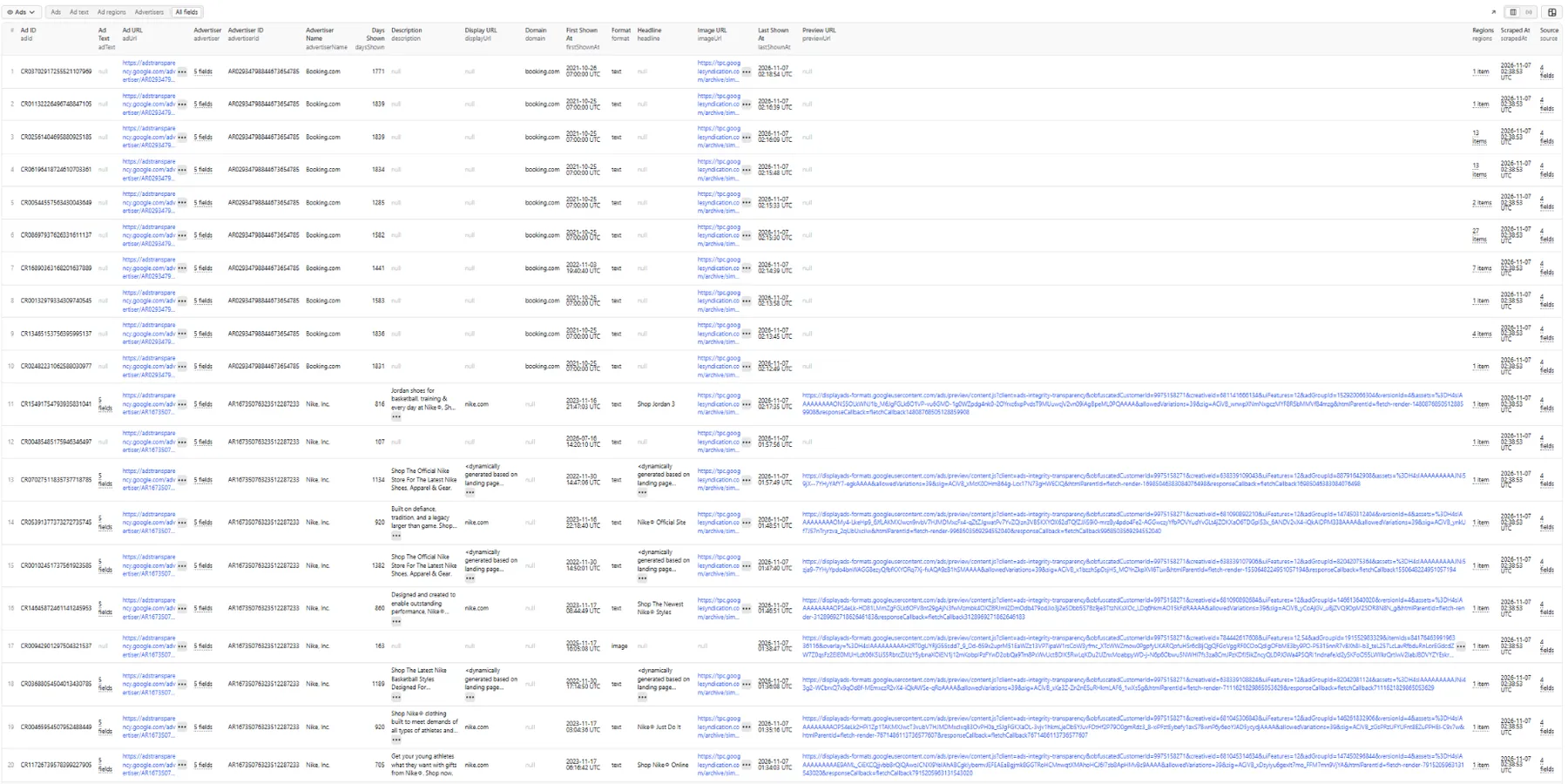
Sample ad row
One row from the run above: a Nike, Inc. text ad with every extra on. The preview URL is shortened here; the real output has it in full.
In the Ad regions tab, each entry of regions becomes its own row next to the ad's advertiser and link. A
booking.com ad in the same run ran in 13 countries.
Ad fields
| Field | Description |
|---|---|
adId, advertiserId, advertiserName | The ad (CR…) and its advertiser (AR…) |
adUrl | The ad's page on the Transparency Center |
format | text, image or video |
domain | The website the ad points to. Google gives it on domain searches only, so it is empty on rows from advertisers and ad URLs |
firstShownAt, lastShownAt | When the ad was first and last shown |
daysShown | How many days it was shown (not on ads given by URL) |
imageUrl | An image of the ad, when Google shows one (text ads often come as a rendered image too) |
previewUrl | Google's preview of the ad, when Google shows one instead of an image |
headline, description, displayUrl | Text ads, with Include ad text |
adText | With Include ad text: all headlines and descriptions, displayUrl, sitelinks, store locations |
regions | With ad details: [{ country, firstShownDate, lastShownDate }] (two-letter country codes; Google often gives only the last-shown date per country) |
advertiser | With advertiser details: { id, name, legalName, country, verified } |
source | Which input found the ad: { type, value, position, region } |
Fields an option didn't fill are null, never guessed.
Inputs that couldn't be scraped
They are never dataset rows: each is logged, and listed with its reason in the RUN_SUMMARY record in the run's
key-value store (errors), along with counts, the advertiser chosen for each name, and request statistics. They are
never charged.
Pricing
Pay per event: you pay for each ad delivered, plus each extra you turn on: ad details per ad (always for ads given by URL), ad text per text ad whose text was decoded, and advertiser details once per advertiser per run. Inputs that couldn't be scraped and duplicates are free, and there is no start fee. See the Pricing tab for current rates. This README deliberately doesn't quote figures.
If you set a spending limit on a run, the Actor stops when it is reached and keeps everything already paid for.
🚦 Proxy policy
No proxy is needed for Google Ads Transparency searches at this Actor's conservative request rate. If Google starts limiting a run, the Actor switches to the Apify Datacenter proxy by itself. You can also choose Apify Datacenter yourself.
Apify Residential proxy is not supported. The Actor will fail at startup if apifyProxyGroups includes
RESIDENTIAL. Reason: in pay-per-event Actors, residential bandwidth is billed per GB to the developer, not the run
user, so a single bandwidth-heavy run could exceed the per-result event revenue.
If you genuinely need residential routing, supply your own residential provider via the proxy editor's Custom proxy URLs field. That traffic goes through your provider, not Apify, and is unaffected:
FAQ
Why is the total a range?
Google reports how many ads a source has as a range (for example 50,000–60,000), not an exact number. It's in the
run summary's sourceReports.
What is {KeyWord:…} in ad text?
Keyword insertion: the ad shows the searcher's keyword in that place. The text after the colon is what everyone else
sees.
Why do most text ads have no text?
The text is decoded from Google's ad preview. Google shows most text ads only as an image of the ad: in testing,
89–100% of an advertiser's text ads, depending on the advertiser. For those, the text stays null and you aren't
charged for it; the image (imageUrl) still shows the ad. The Actor doesn't read text out of images.
Why does a headline say " That's a Dynamic Search Ad: Google writes the headline from the advertiser's landing page for each search, and the Transparency Center shows this placeholder instead. The Actor returns Google's text as it is.
Can I download the videos? No. Video ads come with their preview link. The Actor doesn't download creatives.
Do the image links last? They are Google-hosted and have stayed available in testing, but Google can change them. Save what you need.
Related Actors
Researching a competitor's ads across platforms? Many advertisers run on all three.
- Facebook Ads Library Scraper: ads from Meta's Ad Library (Facebook and Instagram) by keyword, advertiser Page or Ad Library URL, with country, status and date filters.
- TikTok Ads Library Creative Center Scraper: TikTok's Ads Library (Europe, with DSA targeting and reach) and Creative Center top ads, with landing pages.
Data and privacy
This Actor collects only what Google's Ads Transparency Center shows publicly, which Google publishes so the public can see who advertises. Most advertisers are businesses, but some are individuals, so advertiser names can be personal data. You are responsible for having a lawful basis to process them and for following the laws that apply to you, including the GDPR where relevant, and Google's terms. Ad creatives belong to their advertisers.
This Actor is not affiliated with, endorsed by or sponsored by Google.


