

LinkedIn Company Hiring Tracker
Pricing
from $3.60 / 1,000 company-results
LinkedIn Company Hiring Tracker
Track open LinkedIn jobs for a list of companies and get one clean hiring-signal row per company - open roles, top functions, locations, seniority mix, remote/hybrid count, and change since last run. No LinkedIn login or cookies.
Pricing
from $3.60 / 1,000 company-results
Rating
0.0
(0)
Developer

Delowar Munna
Maintained by CommunityActor stats
0
Bookmarked
1
Total users
1
Monthly active users
5 months ago
Last modified
Categories
Share
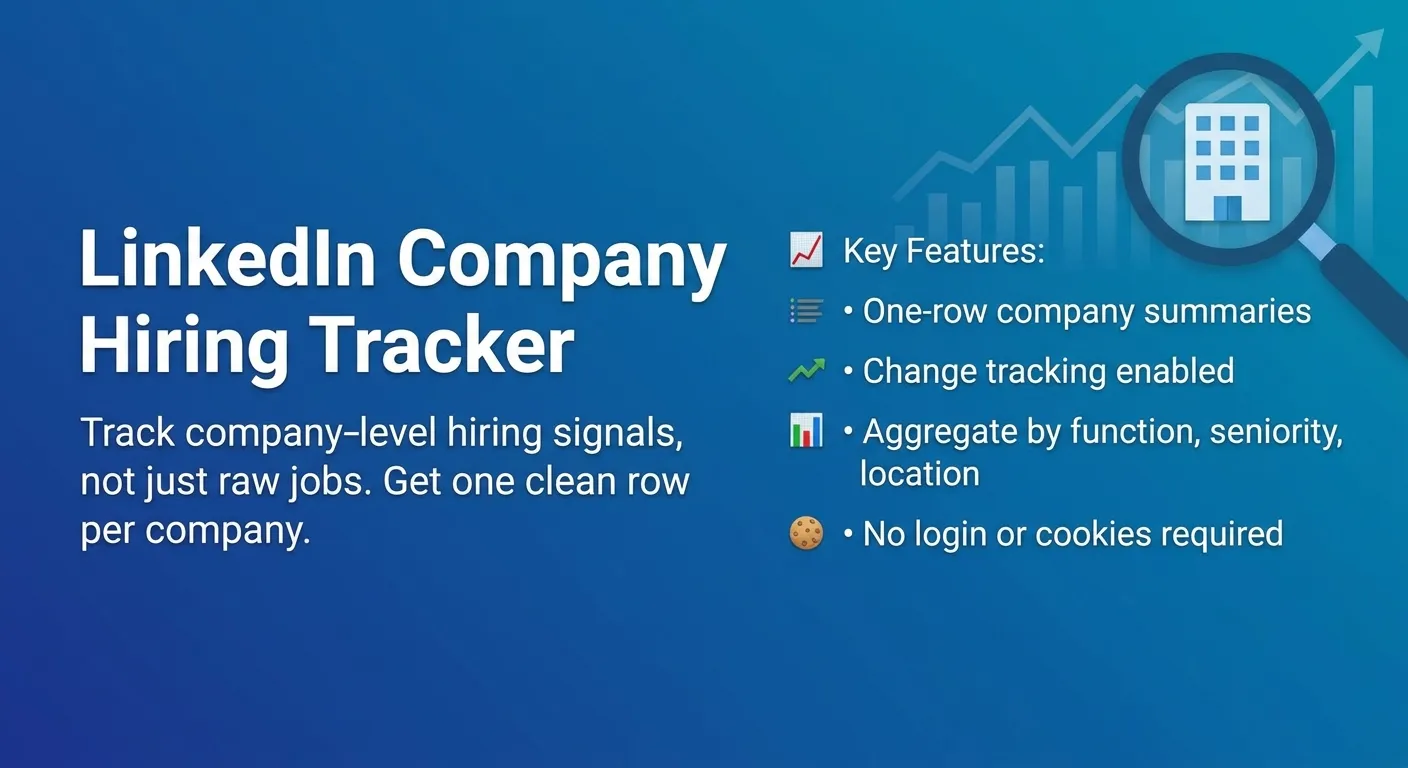
Track open LinkedIn jobs for a list of companies and get back one clean hiring-signal row per company — total open roles, newest/oldest posting date, top hiring functions, top locations, seniority mix, remote/hybrid/on-site mix, a transparent 0–100 hiring-signal score, and change since the last tracked run. Built for B2B sales teams, recruiters, staffing agencies, market researchers, and competitor monitoring.
This is a company-level hiring signal tracker — not a generic job feed. You get a watchlist-ready summary (who is hiring, where, in which functions, and whether hiring is increasing), not thousands of individual job rows.
No LinkedIn login, no cookies, no session IDs. The actor reads LinkedIn's public company and guest jobs surfaces over HTTP. You pay one flat event per saved company row.
✨ Why this tracker
- One row per company — open roles, function/seniority/location/remote mix, and a hiring signal, all flat and CSV-ready. No nested objects.
- Company-first input — paste LinkedIn company URLs (recommended) or plain company names (best-effort resolution).
- Change tracking — compares each company to its previous run via a named key-value store, so scheduled runs show hiring momentum (
increased/decreased/unchanged/first_seen). - Transparent hiring-signal score — rule-based (no AI), explained below.
- Pay-Per-Event — one flat
company-resultevent per saved company. Duplicates, failed inputs, and filtered companies are never charged. - No login / cookies / sessions — just company URLs or names.
🚀 Quick start — sample inputs
Example 1 — track a watchlist by company URL
Example 2 — by company name + custom residential proxy via your own provider
Provide at least one of
companyUrlsorcompanyNames. If you provide both, URLs are processed first and companies are deduplicated so each is processed and charged once.
The actor blocks Apify Residential proxy; if you need residential routing, supply your own provider via
proxyConfiguration.proxyUrls. See 🚦 Proxy policy below.
📦 Output
The dataset has one view: Company hiring signals — one flat row per company.

Sample record — Company hiring signals
Output fields
- Input echo:
input_company_url,input_company_name,source_type - Company identity:
company_name,company_linkedin_url,company_slug,company_id,company_industry,company_size,company_headquarters - Open-roles:
open_jobs_total,jobs_scanned,jobs_scan_limited,newest_job_posted_at,oldest_job_posted_at - Function mix:
top_function_1..3+_count - Location mix:
top_location_1..2+_count - Workplace mix:
remote_jobs_count,hybrid_jobs_count,onsite_jobs_count - Seniority mix:
seniority_entry_count,seniority_mid_count,seniority_senior_count,seniority_manager_count - Samples (if enabled):
sample_job_title_1..3,sample_job_url_1..3 - Change tracking:
previous_open_jobs_total,open_jobs_change,open_jobs_change_label - Signal:
hiring_signal_score,hiring_signal_label,reason_tags - Status:
scrape_status,error_message,scraped_at
🎯 Hiring-signal score
Transparent rule-based score (0–100) computed from the company aggregates — no AI, no external enrichment.
| Signal | Points |
|---|---|
| 50+ open roles | +40 |
| 20–49 open roles | +30 |
| 5–19 open roles | +20 |
| 1–4 open roles | +10 |
| Open roles increased by 10+ since last run | +20 |
| Open roles increased by 1–9 since last run | +10 |
| Newest job posted within the last 7 days | +10 |
| At least 3 functions hiring | +10 |
| Senior + manager roles present, count ≥ 5 | +10 |
| Remote or hybrid roles present | +5 |
Score is capped at 100. The change component is only applied when a previous snapshot exists (otherwise the row is tagged first_seen).
Labels: Very strong (80–100) · Strong (60–79) · Moderate (35–59) · Weak (1–34) · No visible hiring (0).
reason_tags is a pipe-separated list explaining the score — e.g. many_open_roles, moderate_open_roles, few_open_roles, hiring_increased, hiring_decreased, first_seen, fresh_jobs, multi_function_hiring, senior_hiring, remote_or_hybrid_roles, engineering_heavy, sales_heavy, scan_limited.
🔁 Change tracking
When includeChangeTracking is on, the actor stores each company's open-jobs count in a named key-value store (stateStoreName). On the next run for the same company it fills:
previous_open_jobs_total— the count from the last run.open_jobs_change— current minus previous.open_jobs_change_label—increased/decreased/unchanged/first_seen.
The snapshot is only updated after a company row is successfully saved and charged. Use the same stateStoreName across scheduled runs to build a simple hiring trend per company.
💰 Pricing
Pay-Per-Event. One flat event per saved company row (final per-event price is configured on the Apify console):
| Event | Charged when |
|---|---|
company-result | Once per valid, unique company row that passed the minOpenJobs filter and was saved to the data. |
So your bill is simply results_saved × price_per_event. The actor honors the user-configured per-run spending cap (Apify eventChargeLimitReached): it caps how many companies it resolves up-front to what the limit can pay for, and stops cleanly the moment the cap is reached.
Not charged: duplicate companies, failed inputs (e.g. an unresolvable name), companies filtered out by minOpenJobs, and failed/blocked requests.
🚦 Proxy policy
Use Apify Datacenter proxy or no proxy for normal runs — both work for LinkedIn's public company/jobs surface at this actor's conservative concurrency.
Apify Residential proxy is not supported. The actor will fail at startup if proxyConfiguration.apifyProxyGroups includes RESIDENTIAL. Reason: in pay-per-event actors, residential bandwidth (~/GB) is billed to the developer, not the run user, so a single bandwidth-heavy run could exceed the per-result event revenue.
If you genuinely need residential routing, supply your own residential provider via the proxy editor's Custom proxy URLs field — that traffic goes through your provider, not Apify, and is unaffected:
📊 Run summary
After each run, a RUN_SUMMARY entry is written to the key-value store (with FAILED_INPUTS when any input could not be resolved):
charged_events equals the number of successfully saved company rows.
⚙️ Filters & limits
| Setting | Effect |
|---|---|
maxCompanies | Stops processing new companies once reached (1–1000). |
maxJobsPerCompany | Stops scanning a company's jobs once reached; sets jobs_scan_limited + scan_limited tag. |
postedDate | any / past24h / past7d / past30d. Applied at the LinkedIn source where available. |
minOpenJobs | Save only companies with at least this many open jobs. Filtered companies are not saved or charged. |
deduplicateCompanies | Process each company once (by ID → URL → slug → name). |
🚧 Limitations (V1)
- Public guest data only: no login, cookies, or member-only content. Some company metadata (
company_id,company_industry,company_size,company_headquarters) is only filled when LinkedIn exposes it publicly; otherwise it falls back tonulland the company's jobs are still tracked. - Worldwide scope: jobs are counted across LinkedIn's global "Worldwide" listing so a company's full open-role footprint is captured regardless of where the run executes.
- Workplace mix is best-effort: LinkedIn's public job cards do not expose a remote/hybrid flag, so
remote_jobs_count/hybrid_jobs_countare only set when a job's title or location text says so. Otherwise a located role is counted asonsite_jobs_count(per the on-site fallback). Precise remote/hybrid splits would require visiting each job's detail page, which V1 avoids for cost/speed. - Company-level output: one row per company. There is no per-job dataset in V1 (sample jobs are flat fields only).
open_jobs_totalreflects the unique public jobs visible during the run, up tomaxJobsPerCompany.- Ambiguous company names resolve to whichever company owns that exact LinkedIn slug (e.g.
csg→ the company at/company/csg/), which may not be the one you intended. For precise targeting, usecompanyUrls. - Company-name resolution is best-effort. Names that cannot be resolved to a public company are reported in
FAILED_INPUTSand are not charged. - No recruiter/contact extraction, email enrichment, website crawling, salary parsing, or AI scoring.
- LinkedIn guest pagination tops out around ~1,000 jobs per company.
❓ FAQ
Do I need a LinkedIn account or cookies? No. The actor only uses LinkedIn's public company and guest jobs surfaces.
Can I track companies by name instead of URL?
Yes — put them in companyNames. The actor resolves them best-effort to a public company; unresolved names land in FAILED_INPUTS. URLs are more reliable.
How does change tracking work across scheduled runs?
Keep includeChangeTracking: true and reuse the same stateStoreName. Each run compares to the previous snapshot and fills open_jobs_change / open_jobs_change_label.
How is open_jobs_total counted?
It's the number of unique public jobs found for the company during the run, capped by maxJobsPerCompany (when capped, jobs_scan_limited is true).
Can I export to CSV?
Yes — every field is flat (no nested objects). Use Apify's CSV / Excel export, or call the dataset API with format=csv.
Will I get blocked? The actor uses conservative concurrency, realistic headers, session rotation, and retry/backoff. Default Apify Proxy is sufficient for typical runs. If one company is blocked it's marked partial/failed and the run continues.
🛠️ Technical notes
- Stack: Node.js 22 · Apify SDK 3 · Crawlee
CheerioCrawler· Cheerio + native fetch. No browser. - Surfaces: LinkedIn public company page (metadata + numeric org id) and the guest
seeMoreJobPostingsjobs search scoped per company. - Concurrency:
min=1,max=5(conservative; tune after real runs). - Memory: 1 GB min · 2 GB default · 4 GB max.
- Proxy: Apify Proxy enabled by default; custom configs accepted; Apify Residential rejected at startup.


![LinkedIn Jobs API & Scraper [NO COOKIES] ✅ avatar](https://images.apifyusercontent.com/NKfvWcCujNjiTmEWKy2pbPm5S3PwlphrBPipDzNxcVk/rs:fill:76:76/cb:1/aHR0cHM6Ly9hcGlmeS1pbWFnZS11cGxvYWRzLXByb2QuczMudXMtZWFzdC0xLmFtYXpvbmF3cy5jb20vc0NDU2R3bm1LTUoxUTJzVG4tYWN0b3ItekI2UXhSRDZHalNpVGZ2MlYtdFBwamJhSFBxTi1TcGFyc2VfaW5zdHJ1bWVudGF0aW9uX19kaXJlY3RfbHlyaWNzX191cmJhbl9yZWFsaXNtX195b3V0aGZ1bF9y.webp)


