

Lazada Product Scraper
Under maintenancePricing
$50.00 / 1,000 results
Lazada Product Scraper
Under maintenanceLazada product scraper supporting Malaysia, Vietnam, and Thailand domains. Extracts product details efficiently with a unified actor for multiple Lazada marketplaces.
Pricing
$50.00 / 1,000 results
Rating
0.0
(0)
Developer

GetDataForMe
Maintained by CommunityActor stats
3
Bookmarked
157
Total users
4
Monthly active users
6.7 hours
Issues response
2 months ago
Last modified
Categories
Share
Lazada Product Scraper
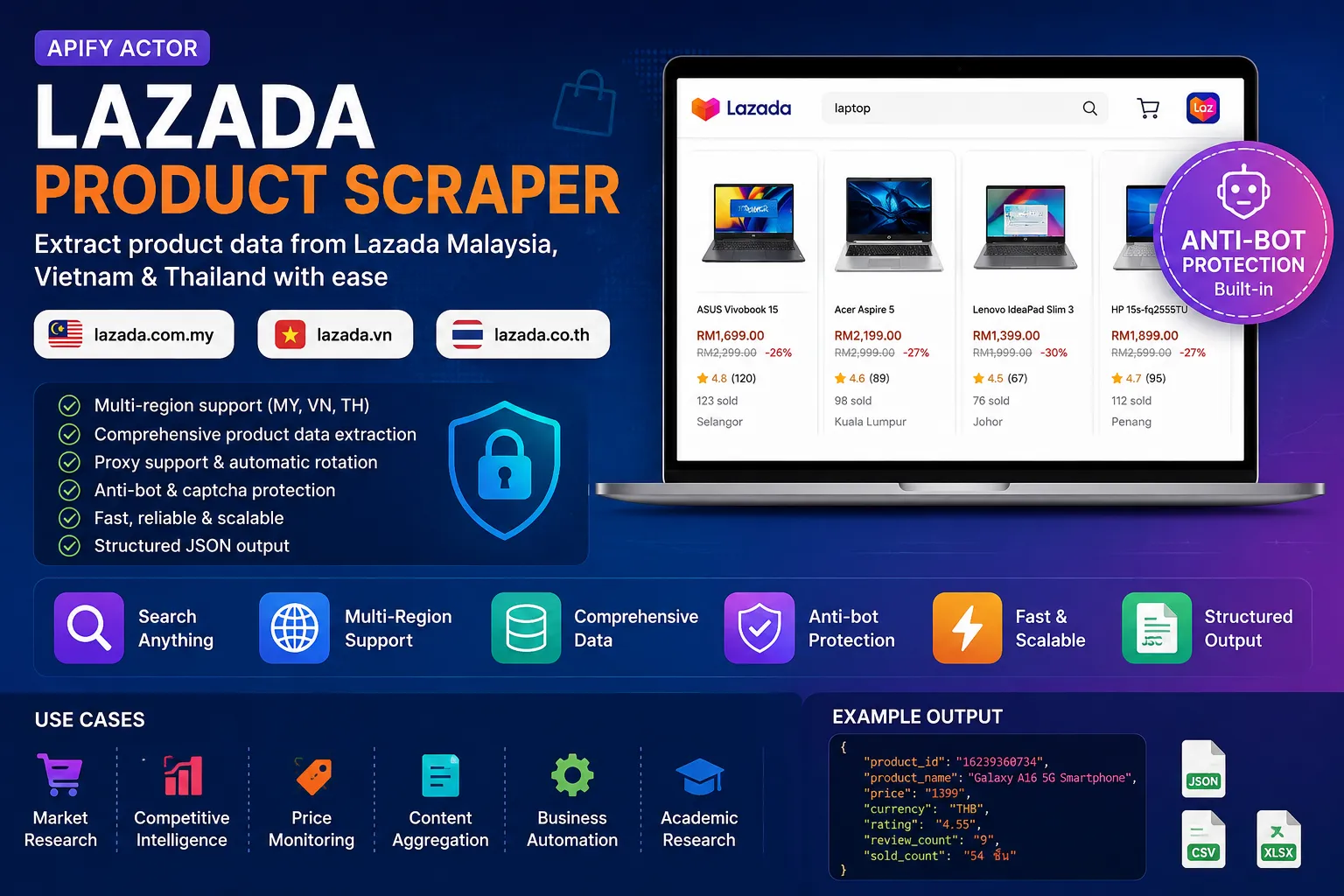
The Lazada Product Scraper is a powerful Apify Actor designed to extract detailed product information from Lazada, one of Southeast Asia's leading e-commerce platforms. It enables users to scrape product data efficiently, providing insights into listings, prices, ratings, and more. This tool is ideal for businesses and researchers needing accurate, up-to-date data for market analysis and automation.
Features
- Multi-Region Support: Dynamically targets different Lazada regional sites — Malaysia (
lazada.com.my), Vietnam (lazada.vn) or Thailand (lazada.co.th) — by passing the desired domain. - Comprehensive Data Extraction: Scrapes key product details including names, prices, ratings, reviews, seller information, and images.
- Customizable Search Queries: Supports targeted searches with user-defined queries to focus on specific products or categories.
- Flexible Item Limits: Allows setting maximum items to scrape, optimizing for performance and data needs.
- Proxy Support: Integrates with Apify Proxy for anonymous and reliable scraping, avoiding IP blocks.
- High Reliability: Built with Scrapy framework for robust handling of dynamic web content.
- Structured Output: Delivers clean JSON data, easily integrable with other tools or databases.
- Fast and Scalable: Processes large volumes of data quickly, suitable for batch operations.
Input Parameters
| Parameter | Type | Required | Description | Example |
|---|---|---|---|---|
| query | string | Yes | The search query to use for finding products on Lazada. | "laptop" |
| domain | string | No | The Lazada regional site to scrape. Supports Malaysia (lazada.com.my), Vietnam (lazada.vn) and Thailand (lazada.co.th). Accepts the full URL or just the domain. | "https://www.lazada.vn" |
| item_limit | integer | No | The maximum number of items to scrape. | 30 |
| session_cookies | object | No | Cookies (as a JSON object, e.g. {"x5sec": "...", "_m_h5_tk": "..."}) captured from your own browser session on the target Lazada region. Paste these when proxy IPs still trigger the captcha/WAF; a fresh x5sec cookie in particular bypasses the anti-bot challenge. Overrides the built-in cookies. | {"x5sec": "..."} |
| proxyConfiguration | object | No | Specifies proxy servers for hiding the scraper's origin. | {"useApifyProxy": true} |
Anti-bot / captcha notes
Lazada's 5Second WAF fingerprint-scans the TLS ClientHello and signs cookies to each session/IP, so the scraper:
- Uses a custom
curl_cffi-based download handler (RequestsDownloadHandler) that impersonates Chrome (real TLS + HTTP/2 fingerprint), which the WAF cannot distinguish from a browser. - Pins one proxy IP per session and warms it up on the search page first (which issues the signed
hng/hng.sigcookies) before hitting the catalog AJAX endpoint — the exact flow a real browser performs. The same IP is reused for all pagination. - Rotates to a fresh proxy with a fresh warm-up automatically on captcha (
FAIL_SYS_USER_VALIDATE/RGV587_ERROR), the x5sec "punish" JS-challenge page (_____tmd_____/punish), and HTTP error codes, retrying until success. - If a proxy pool is still fully blocked, set the
session_cookiesinput with cookies copied from a real browser session on that Lazada region (a freshx5seccookie solves the JS challenge and overrides warm-up).
Example Usage
To run the Actor, provide input parameters in JSON format. Here's an example:
To scrape the Vietnam site, set "domain": "https://www.lazada.vn" (or just "lazada.vn"). For Thailand, use "domain": "https://www.lazada.co.th" (or just "lazada.co.th").
Example output:
Use Cases
- Market Research and Analysis: Gather data on product trends, pricing strategies, and consumer preferences across Lazada's marketplace.
- Competitive Intelligence: Monitor competitors' product listings, prices, and ratings to inform business strategies.
- Price Monitoring: Track price changes and discounts for specific items to optimize purchasing or sales decisions.
- Content Aggregation: Collect product information for building comparison sites, blogs, or affiliate marketing platforms.
- Academic Research: Analyze e-commerce data for studies on consumer behavior, supply chains, or economic trends.
- Business Automation: Integrate scraped data into workflows for inventory management, reporting, or automated alerts.
Installation and Usage
- Search for "Lazada Product Scraper" in the Apify Store.
- Click "Try for free" or "Run".
- Configure input parameters.
- Click "Start" to begin extraction.
- Monitor progress in the log.
- Export results in your preferred format (JSON, CSV, Excel).
Output Format
The Actor outputs data in JSON format, with each item representing a product. Key fields include:
product_id: Unique identifier for the product.product_name: Name of the product.product_url: Direct link to the product page.priceandoriginal_price: Current and original prices.rating_scoreandreview_count: User ratings and number of reviews.location: Seller's location.seller_nameandseller_id: Seller details.brandandbrand_id: Brand information.categories: Array of category IDs.image_url: Product image link.skuandsku_id: Stock-keeping units.in_stock: Availability status.
This structured format ensures easy parsing and integration.
Support
For custom/simplified outputs or bug reports, please contact:
- Email: support@getdataforme.com
- Subject line: "custom support"
- Contact form: https://getdataforme.com/contact/
We're here to help you get the most out of this Actor!


