

JobStreet Singapore Jobs Scraper — Fast API
Pricing
from $0.0015 / job scraped
JobStreet Singapore Jobs Scraper — Fast API
Scrape JobStreet Singapore jobs: title, company, salary label, classification, work type & arrangement, location, posting date and apply link. Filter by keyword/classification.

JobStreet Scraper — Jobs, Salaries, Companies & Locations
Scrape JobStreet Singapore job listings into clean JSON, CSV, Excel or XML. The JobStreet scraper extracts job title, company, salary label, job classification and sub-classification, work type, work arrangement, location, posting date, teaser, bullet points and the apply link. Filter by keyword, classification or work type and bulk-export thousands of jobs. Fast and reliable.
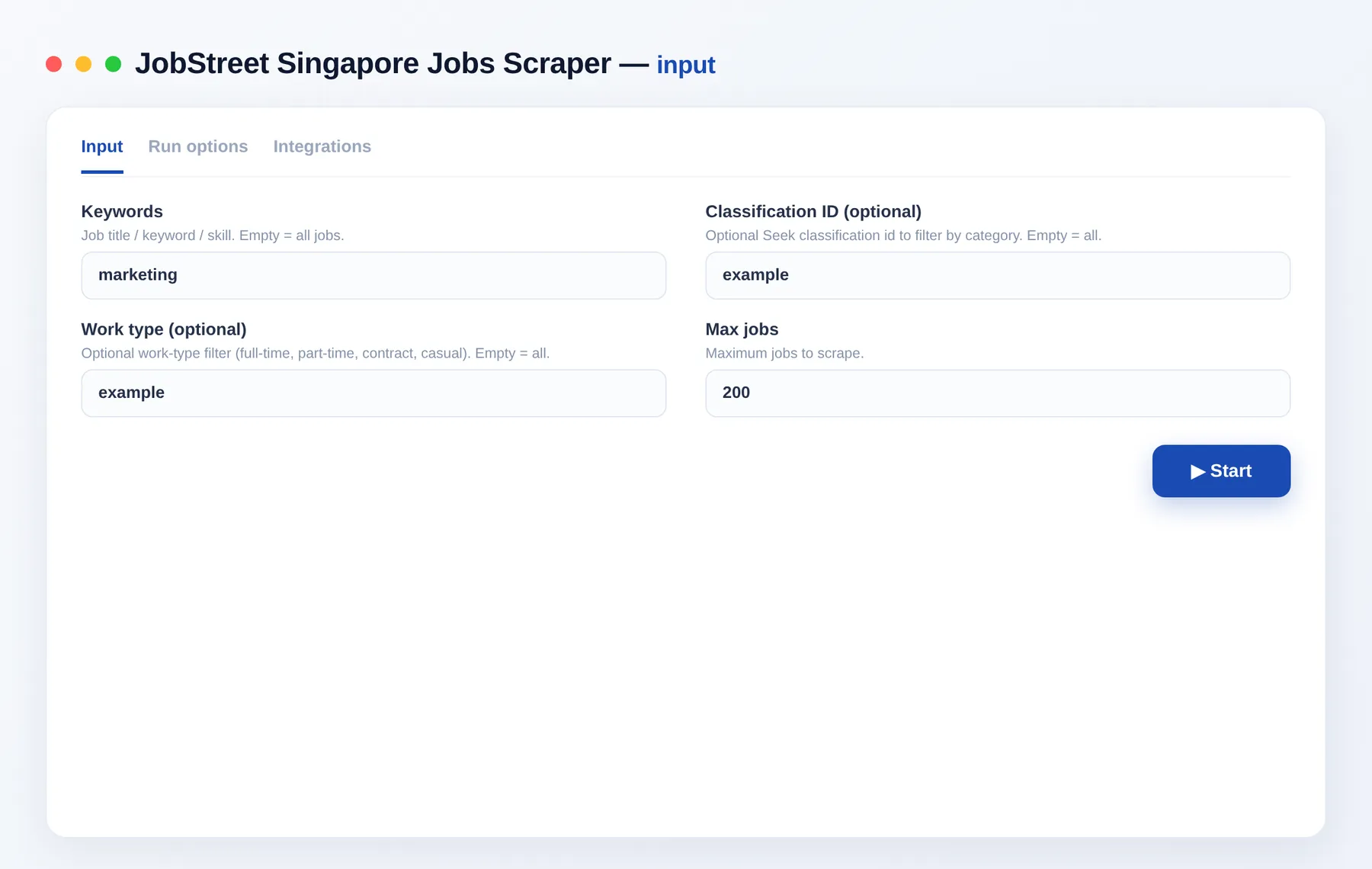
What does JobStreet Scraper do?
The JobStreet scraper crawls JobStreet Singapore search results and exports every job posting as a structured row. Search by keyword, narrow by classification or work type, set a limit, and get a clean dataset of titles, companies, salaries, locations and posting dates — ready to analyze or export to JSON, CSV, Excel or XML.
What data can you scrape from JobStreet?
| Data point | Description |
|---|---|
| 💼 Job basics | Job ID, title, teaser and bullet points |
| 🏢 Company | Hiring company name |
| 💲 Salary | Salary label shown on the posting |
| 🗂️ Classification | Category and sub-category taxonomy |
| 🕒 Work details | Work type (full/part-time) and arrangement (remote/hybrid/on-site) |
| 📍 Location | One or more job locations |
| 📅 Freshness | Posting date and display date |
| 🔗 Links | Direct apply/job URL |
What you get
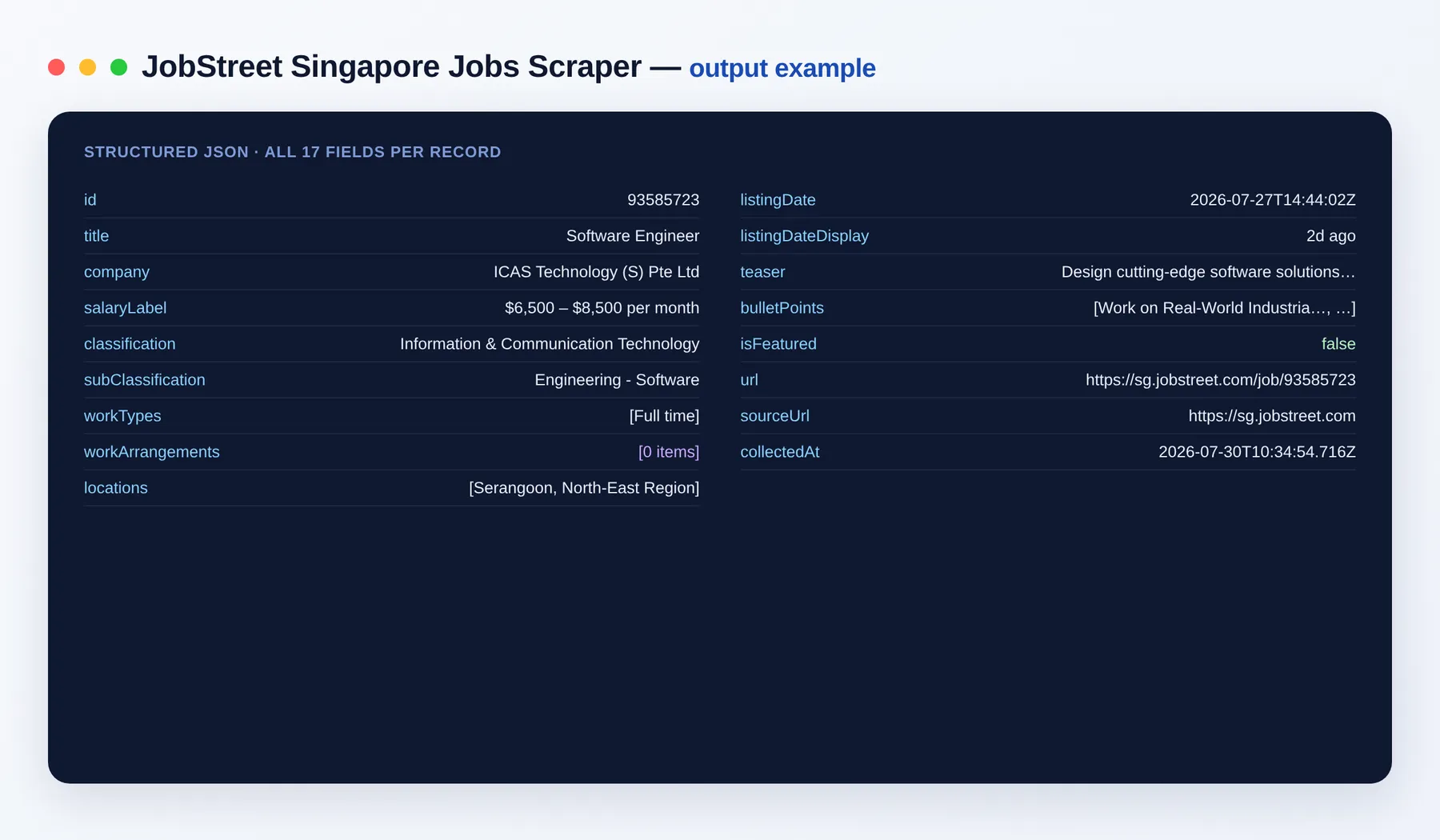
Each job is returned as a structured record like this:
Output schema
| Field | Type | Description |
|---|---|---|
id | string | Unique JobStreet job identifier |
title | string | Job title |
company | string | Hiring company name |
salaryLabel | string | Salary as shown on the posting (may be empty) |
classification | string | Top-level job category |
subClassification | string | Job sub-category |
workTypes | array | Work types (e.g. Full time, Part time, Contract) |
workArrangements | array | Work arrangements (e.g. On-site, Hybrid, Remote) |
locations | array | Job location(s) |
listingDate | string (ISO date) | Date the job was posted |
listingDateDisplay | string | Human-readable posting date (e.g. "2d ago") |
teaser | string | Short job description snippet |
bulletPoints | array | Key highlights from the listing |
isFeatured | boolean | Whether the listing is promoted/featured |
url | string (URL) | Direct link to the job |
sourceUrl | string (URL) | Search URL the job was found on |
collectedAt | string (ISO date) | Timestamp when the record was collected |
Use cases
- Job boards & aggregators — feed fresh Singapore job listings into your own board.
- Recruitment intelligence — track who is hiring, for which roles, and where.
- Salary benchmarking — collect salary labels by classification and title.
- Hiring-market analysis — measure demand by category, work type and location.
- Lead generation — build lists of companies actively hiring.
- Talent research — monitor postings for specific skills or job families.
How to scrape JobStreet data
- Add the JobStreet Scraper to your Apify account.
- Enter keywords (job title or skill), or leave empty to collect all jobs.
- Optionally set a classification or work type to narrow results.
- Set Max jobs to control how much data you collect.
- Click Run, then export the results as JSON, CSV, Excel or XML — or pull them via the Apify API.
Input
| Field | Type | Description |
|---|---|---|
keywords | string | Job title / keyword / skill. Empty = all jobs. |
classification | string | Optional classification id to filter by category. |
workType | string | Optional work-type filter (full-time, part-time, contract, casual). |
maxItems | integer | Maximum number of jobs to collect. |
Need more jobs data?
- MyCareersFuture Jobs Scraper
- Indeed Scraper
- Greenhouse Job Board Scraper
- Reed Jobs Scraper
- Naukri Jobs Scraper
FAQ
How many jobs can I scrape? As many as you like — set Max jobs, or leave keywords empty to collect the full listing set.
Do I need any setup or a login? No setup and no login. Just add the actor, enter keywords or filters, and run.
Which export formats are supported? JSON, CSV, Excel and XML, plus the Apify API and dataset views.
How fresh is the data?
Every run collects live listings, each stamped with its listingDate and a collectedAt timestamp.
Can I filter by category or work type? Yes — set a classification and/or work type to narrow the results before running.
How does billing work? You pay per job you collect — no subscriptions and no minimums.
Can I connect it to other tools? The JobStreet Scraper can be connected with almost any cloud service or web app thanks to integrations on the Apify platform. It works with Make, Zapier, Slack, Airbyte, GitHub, Google Drive and many more, plus the Apify API, JavaScript/Python clients and MCP. Or use webhooks to trigger an action whenever a run finishes.
Is it legal? The scraper collects only publicly available job listing data. You are responsible for how you use the data and for complying with JobStreet's terms.
Related Actors
Notes
Original clean-room implementation. Returns only public data; you are responsible for compliance with JobStreet's terms. Not affiliated with or endorsed by JobStreet or SEEK.


