

vCard (.vcf) Generator — Bulk Contacts
Pricing
from $0.001 / vcard generated
vCard (.vcf) Generator — Bulk Contacts
Turn a contact list into standards-compliant vCard (.vcf) files — one per contact plus a combined file — ready to import into any phone, Google Contacts, Outlook or CRM.
Pricing
from $0.001 / vcard generated
Rating
0.0
(0)
Developer

Hipersoft
Maintained by CommunityActor stats
0
Bookmarked
1
Total users
0
Monthly active users
3 days ago
Last modified
Categories
Features
Share
vCard (.vcf) Generator — Bulk Create VCF Contact Files from a List
Turn a contact list into standards-compliant vCard (.vcf) files — one per contact, plus a combined contacts.vcf for a single import — ready to load into any phone, Google Contacts, Outlook, Apple Contacts or CRM. The vCard Generator takes structured contact data (name, organization, title, phones, email, website, address and notes) and builds properly escaped vCard 3.0 files that import cleanly everywhere. Perfect for onboarding a team, distributing an event guest list, or exporting a CRM segment into shareable contact cards.
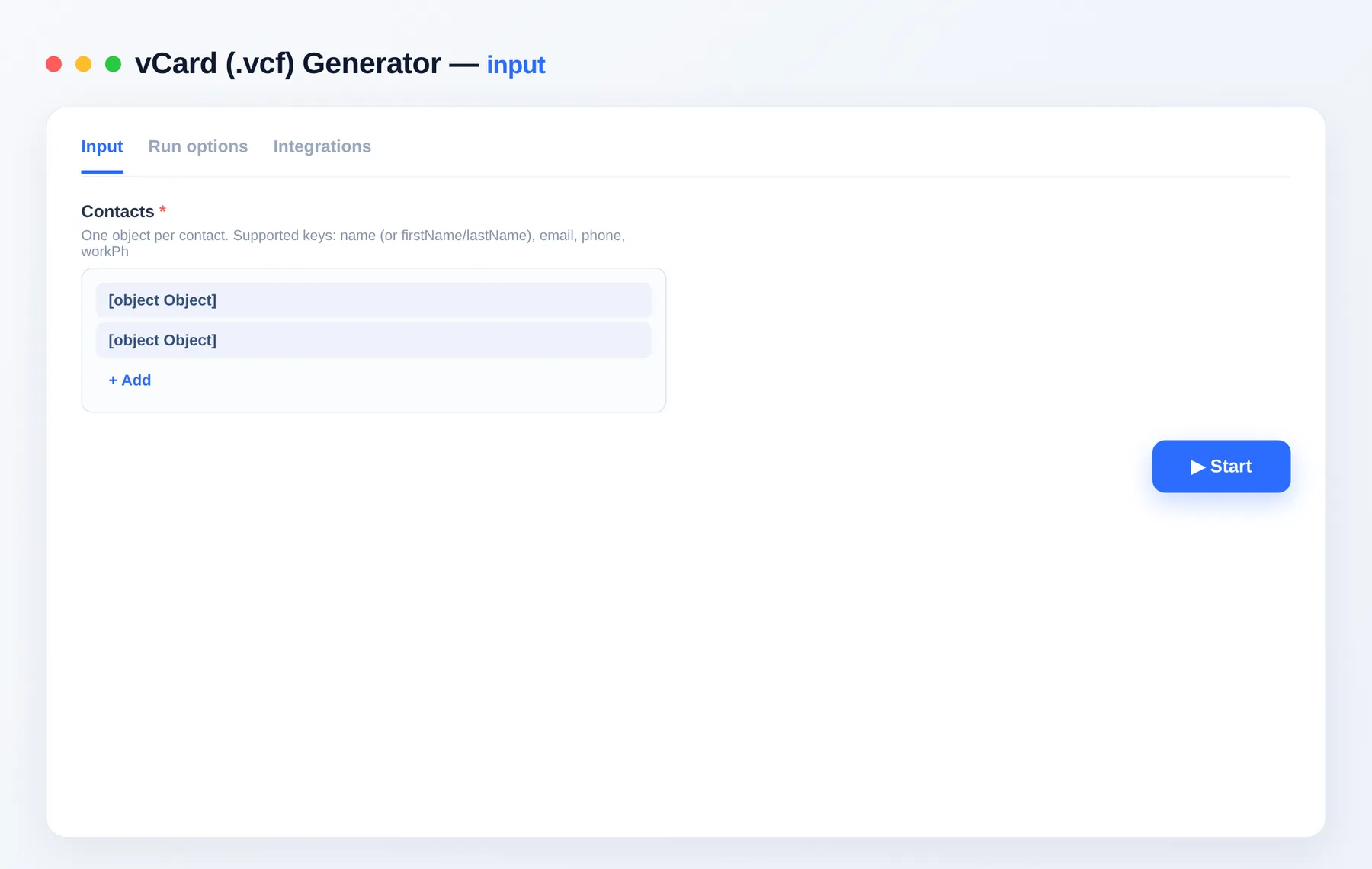
What is the vCard (.vcf) Generator?
The vCard (.vcf) Generator is a bulk VCF file creator — a tool that converts a list of contacts into vCard 3.0 files at scale. Instead of typing contacts into a phone one by one or fighting with import templates, you pass an array of contact objects and get back a .vcf file per contact plus one combined file you can import in a single tap. Each card is built to the vCard 3.0 standard with correct escaping and line folding, so it loads without errors into iOS and Android contacts, Google Contacts, Outlook, Apple Contacts and most CRMs. It's built for sales and events teams sharing contact lists, IT teams onboarding staff, and anyone migrating contacts out of a spreadsheet.
Features
- 📇 vCard 3.0 output — standards-compliant
.vcffiles that import into virtually any contacts app or CRM. - 👥 One file per contact + combined — get an individual
.vcffor each contact and a singlecontacts.vcffor bulk import. - 🏢 Rich fields — name, organization, job title, cell and work phone, email, website, full postal address and notes.
- 🔤 Flexible names — supply a full
nameor separatefirstName/lastName. - 🛡️ Correct escaping & folding — commas, semicolons, newlines and long lines are handled so files never break on import.
- 📦 Bulk generation — turn hundreds of contacts into vCards in one run.
- 🔌 Automatable — generate contact cards from your own app or workflow via the Apify API.
Supported contact fields
| Field | Description |
|---|---|
name / firstName / lastName | Contact's full name, or first and last separately. |
org | Organization or company. |
title | Job title. |
phone | Mobile/cell phone number. |
workPhone | Work phone number. |
email | Email address. |
url | Website or profile URL. |
address, city, state, zip, country | Postal address components. |
note | Free-text note on the card. |
What you get
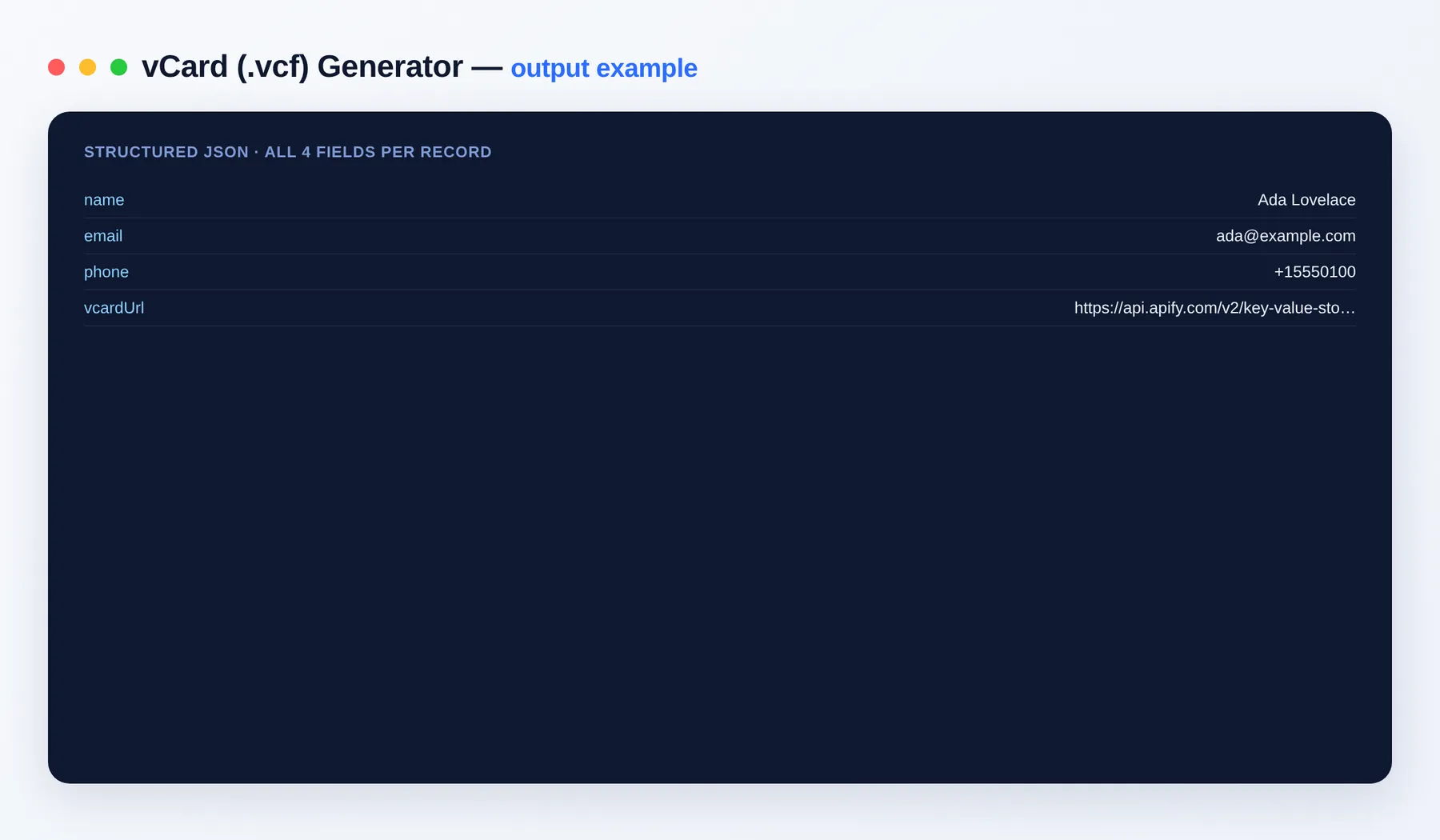
Each contact becomes one JSON record with a link to its .vcf file, and a combined contacts.vcf is saved for one-shot import:
Output schema
| Field | Type | Description |
|---|---|---|
name | string | Contact name. |
email | string | Contact email. |
phone | string | Contact phone. |
vcardUrl | string (URL) | Direct link to the contact's .vcf file. |
A combined contacts.vcf containing every card is also saved to the run's key-value store for a single bulk import.
How to generate vCard files in bulk
- Open the vCard (.vcf) Generator and click Try for free.
- Add your contacts to the
contactsfield as JSON — one object per contact, using the supported fields above. - Click Run.
- Download an individual
.vcffrom each row'svcardUrl, or grab the combinedcontacts.vcfto import everyone at once.
Input
| Field | Type | Description |
|---|---|---|
contacts | array | One object per contact. Supported keys: name (or firstName/lastName), email, phone, workPhone, org, title, url, address, city, state, zip, country, note. |
Use cases
- Share event & conference contacts: generate a
.vcfper speaker or exhibitor and a combined file attendees can import in one tap. - Onboard a team: hand new hires a ready-made company contact list as a single
contacts.vcf. - Migrate from a spreadsheet: convert a CRM export or contact spreadsheet into standard vCard files.
- Sales handoffs: turn a lead list into contact cards reps can load straight into their phones.
- Digital business cards: create a personal
.vcfto share via email signature, QR code or NFC. - CRM & directory sync: produce vCards from your own data to import into another system that reads VCF.
- Automated pipelines: generate contact cards as a step in a workflow whenever new contacts arrive.
Pricing
Pay-per-event: you're billed a small amount per vCard generated — you only pay for the results you receive. See the Pricing tab for current rates.
FAQ
How do I create a .vcf file from a list of contacts?
Add your contacts as JSON objects to the contacts field and run the actor. You get one .vcf file per contact plus a combined contacts.vcf for importing everyone at once.
How do I import them all at once?
Use the combined contacts.vcf saved in the run — opening it imports every contact in a single action on most phones and contact apps.
Which apps support these files? Any app that reads vCard 3.0: iOS and Android contacts, Google Contacts, Outlook, Apple Contacts and most CRMs.
Can I include company, job title and address? Yes. Each contact supports organization, job title, work and cell phone, email, website, a full postal address and a free-text note.
Can I use separate first and last names?
Yes — supply a single name, or firstName and lastName separately, whichever matches your data.
How many contacts can I convert at once? As many as you like — the generator is built for bulk use and returns one card per contact plus the combined file in a single run.
Will special characters break the import? No. Commas, semicolons, newlines and long lines are escaped and folded to the vCard 3.0 spec, so files import cleanly.
Can I connect this to other apps? The vCard Generator can be connected with almost any cloud service or web app thanks to integrations on the Apify platform. It works with Make, Zapier, Slack, Airbyte, GitHub, Google Drive and many more, plus the Apify API, JavaScript/Python clients and MCP. Or use webhooks to trigger an action whenever a run finishes.
Related Actors
Building a contact-data toolkit? Combine the vCard Generator with our other utilities:
- Phone Number Validator & Formatter — validate and format phone numbers before you generate cards.
- Email Verifier — check deliverability and drop invalid emails first.
- CSV to JSON Converter — turn a contact spreadsheet into JSON for input.
- Excel Converter — convert between Excel and other tabular formats.
- Case Converter — normalize names and labels between letter cases.
Notes
Original clean-room implementation. Builds vCard files from the contact data you provide.


